Screenshots




About this app
What ChatGPT can do
Ask questions in natural language
ChatGPT lets you type questions as you would ask another person. You can ask for explanations, travel plans, recipes, gift ideas, or help solving a daily problem. You can also send follow up questions when you need a clearer answer or want to change part of the request.
Talk using Voice Mode
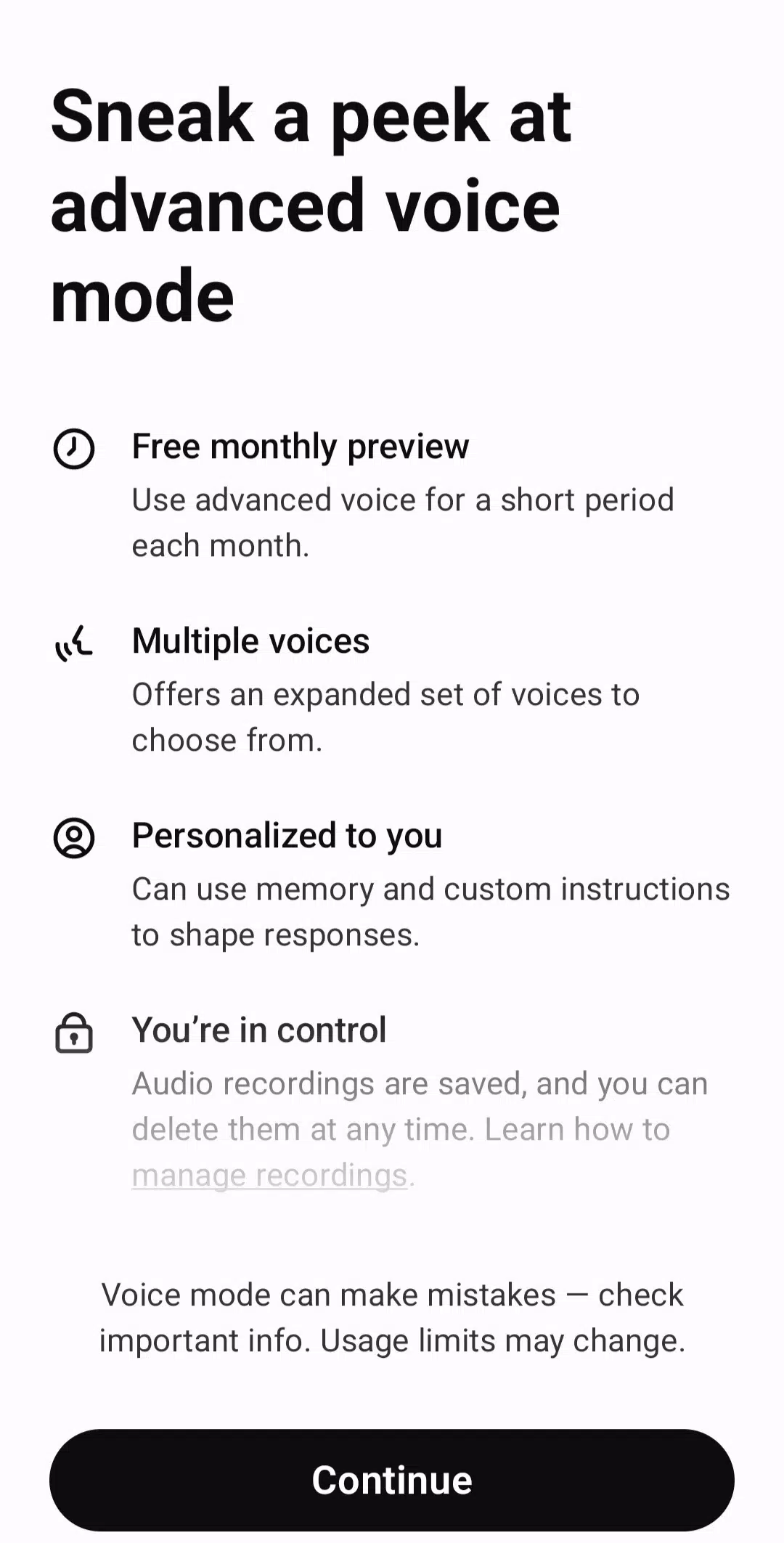
You can speak to ChatGPT and hear responses in real time when Voice Mode is available for your account. This can be useful while cooking, walking, practicing a language, or thinking through an idea without typing. Keep in mind that voice access and related options may differ by region or account type.
Create and change images
ChatGPT can create images from written prompts, such as a greeting card concept, social post visual, or simple mockup. You can also upload an image and ask for changes based on your instructions. Describe the subject, style, colors, or details you want to adjust so the request is clear.
Use photos for visual questions
You can take or upload a photo when text alone does not explain the situation. ChatGPT can help read handwriting, describe visible details, identify landmarks, or explain what appears on a screen where this option is available. This can be helpful for a quick question about notes, signs, objects, or images.
Review files and draft text
ChatGPT supports files such as PDFs, spreadsheets, and images for tasks involving written information. You can ask for a summary, key bullet points, an outline, or a draft based on the file. For example, students can turn long reading material into notes, while users at work can prepare emails or report sections from source documents.
ChatGPT plans and chat history
Standard chats are available for free, although limits can apply. Plus, Team, and Enterprise plans may offer higher limits and more consistent access, depending on the plan. Before choosing a paid plan, consider how often you use voice, image, and file tools, since availability can vary by account type and region.
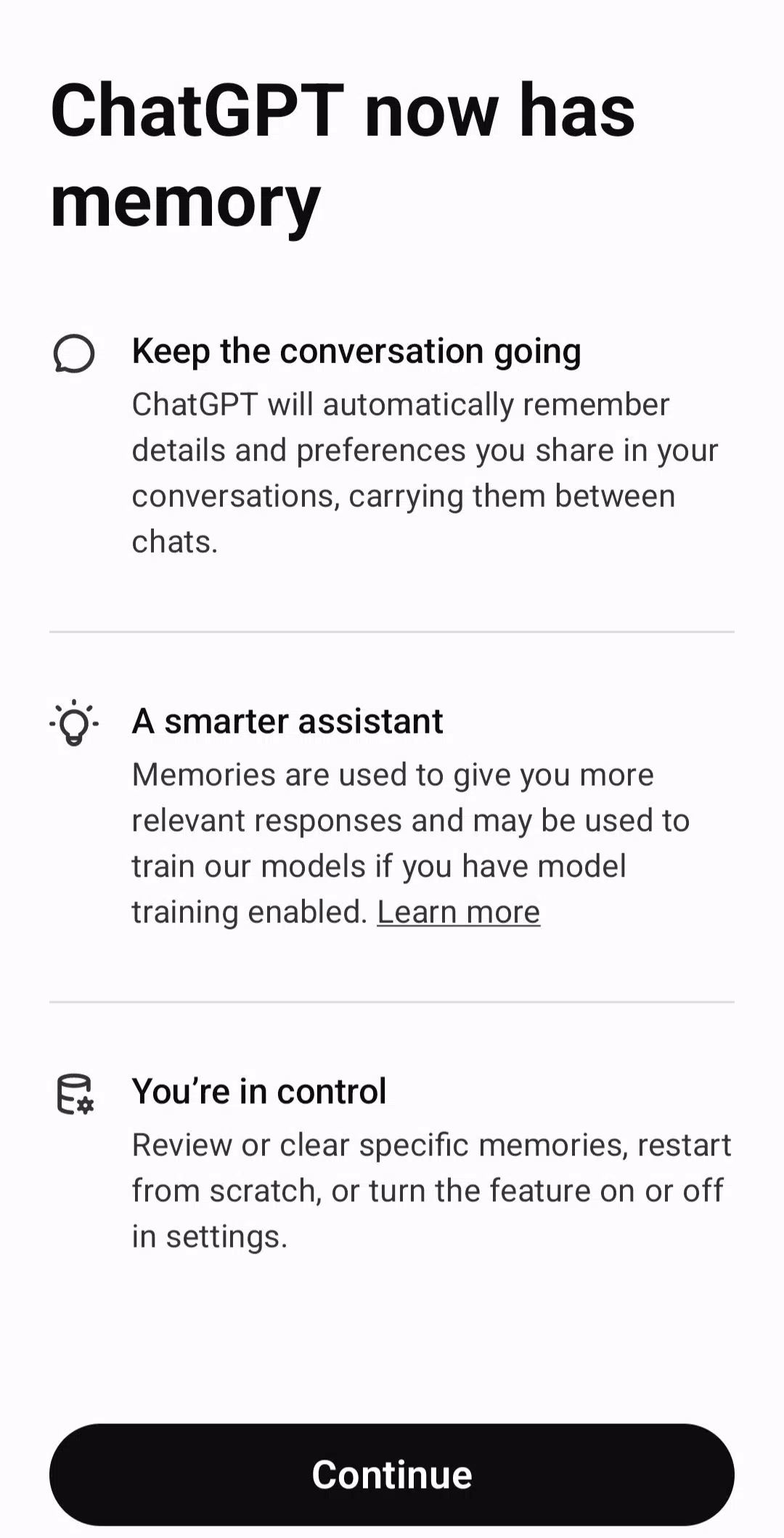
Regular conversations can sync across devices, allowing you to continue a discussion without starting again. When you do not want a conversation saved in your chat history, use Temporary Chat instead. This option is useful for one time questions that you do not need to revisit later.
Using ChatGPT on Android
ChatGPT works best when you state your goal and include the details needed for a useful response. After installing the ChatGPT latest version, you can start with a simple question and then refine it through follow up messages. Check important answers yourself, especially when they involve school, work, money, health, or other decisions.
Open ChatGPT on your Android phone and sign in or create an account to access your conversations.
Type a question in the message box, such as asking for a study outline, a meal idea, or help writing an email.
Add details about the topic, audience, length, or format you need, then send the message and read the response.
Continue the same chat with a follow up request if you want a shorter version, more examples, or a different approach.
Use the voice, camera, image, or file options when your request involves spoken questions, a photo, or a document.
Get started with ChatGPT
ChatGPT brings conversations, writing help, visual questions, and file based tasks into one Android app. Download ChatGPT if you want the official OpenAI app for quick questions and ongoing chats on your phone.
For official product information, visit the developer website.
Previous versions
Permissions
No permissions were detected automatically. Upload the APK again to analyze it.
User reviews
Sign in to write a review.
No written reviews yet.