
Screenshots
About this app
Realistic Soft-Body Crash Physics
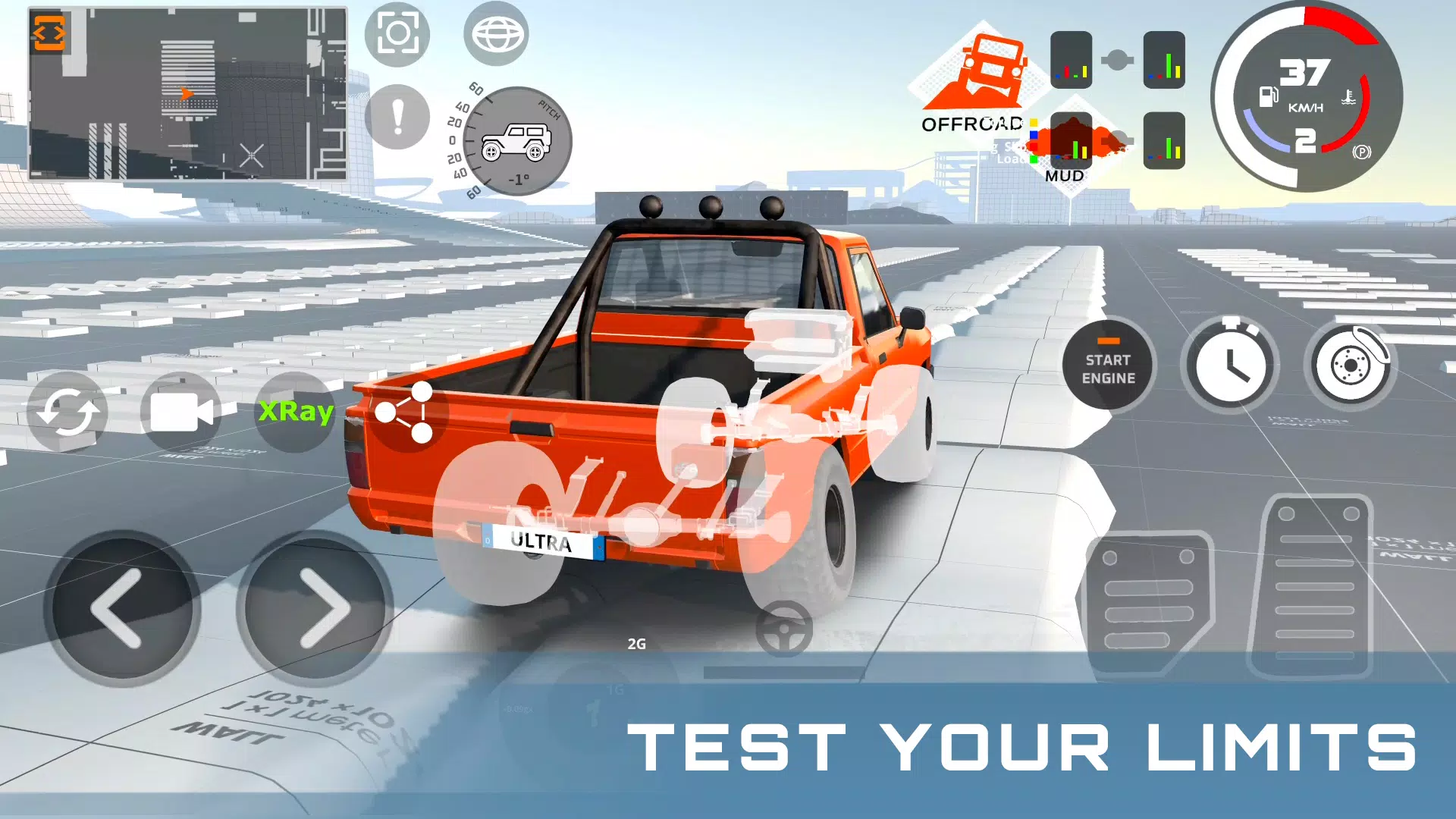
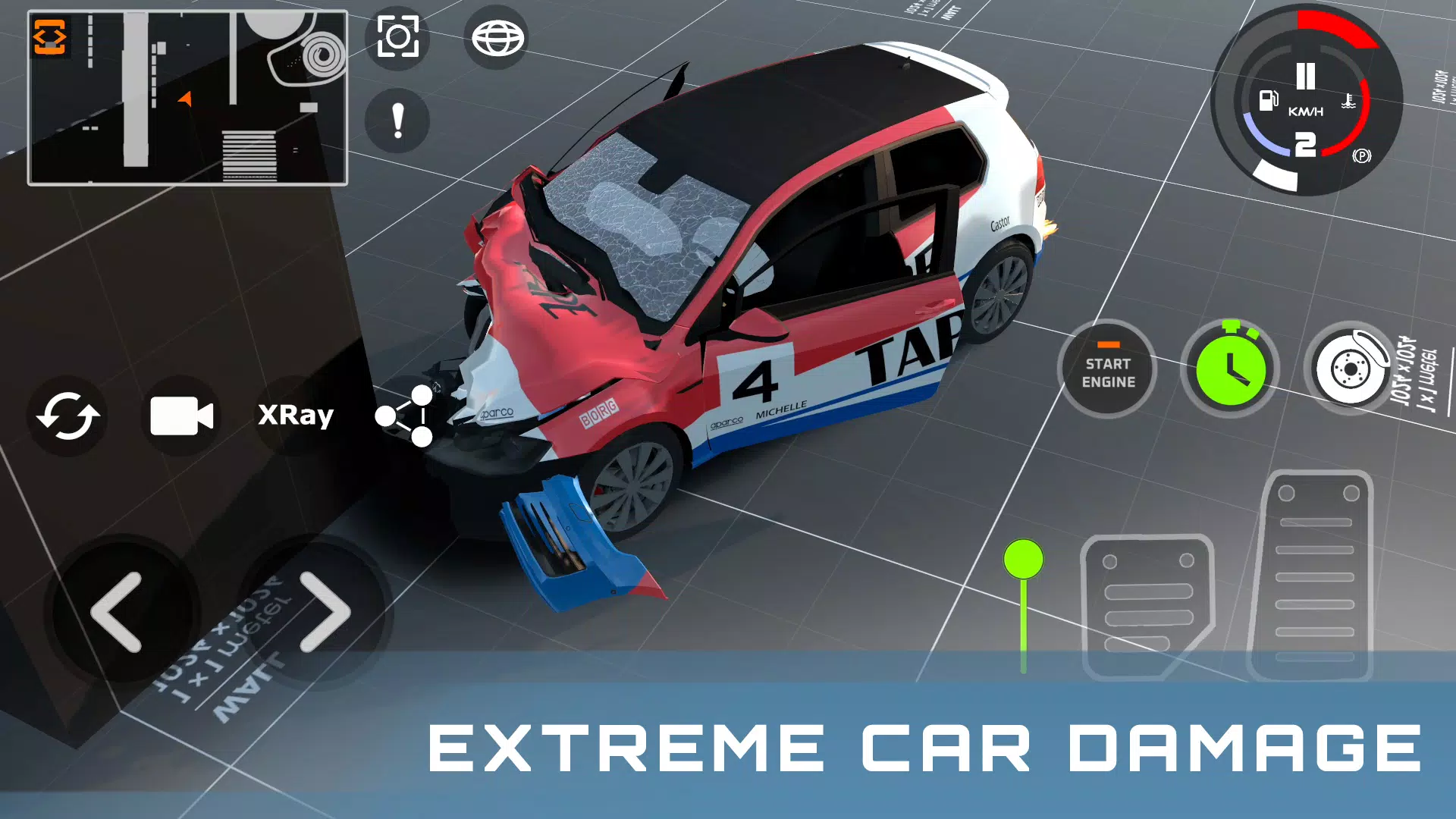
DriveCSX Car Crash Simulator uses soft-body physics to recreate vehicle damage during collisions. Depending on the speed, impact angle, and point of contact, vehicle panels and structural components can bend, crumple, or break away. This system lets you experiment with different crash scenarios and observe how vehicles respond to various types of impact.
A Collection of 60 Vehicles
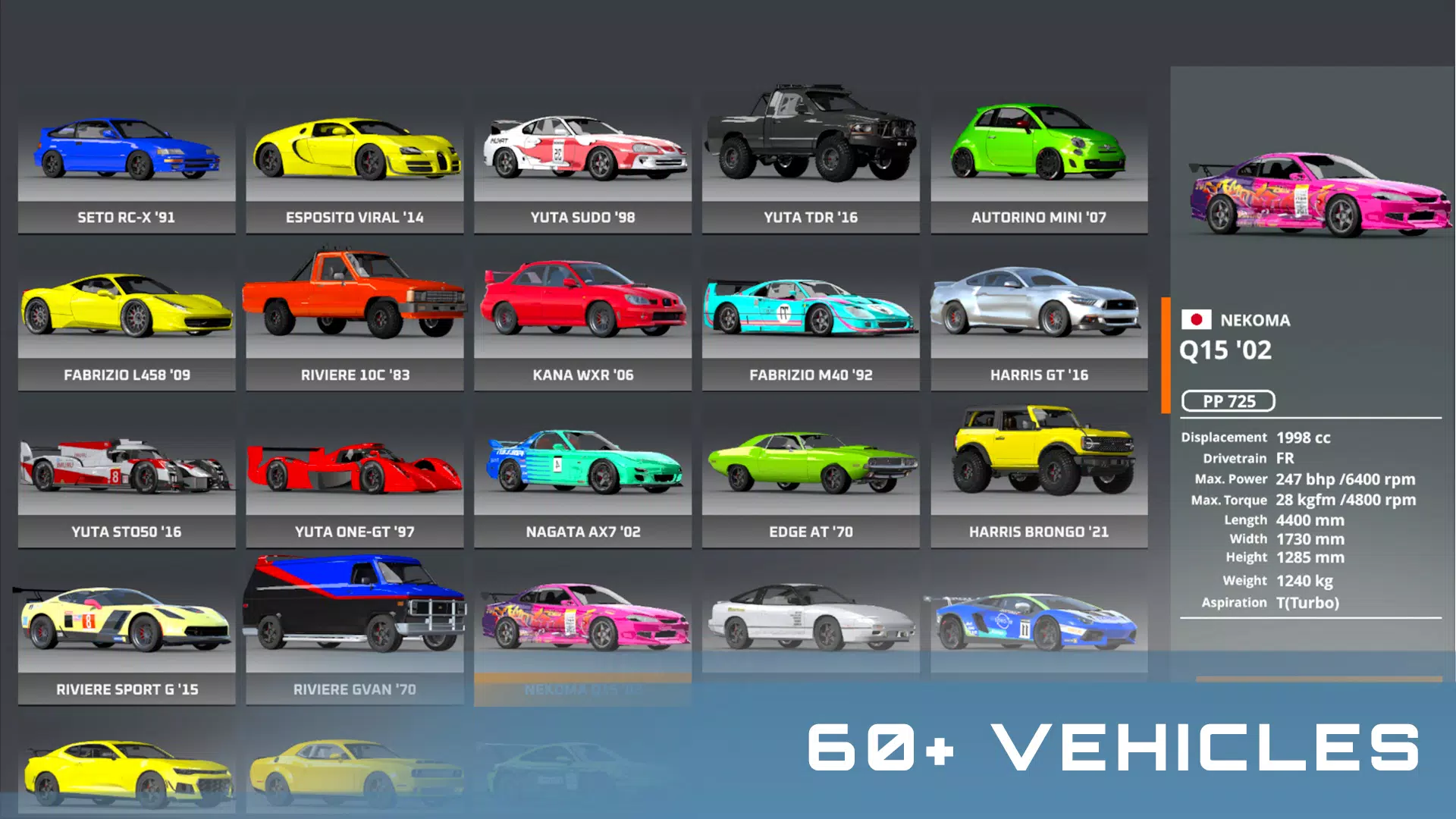
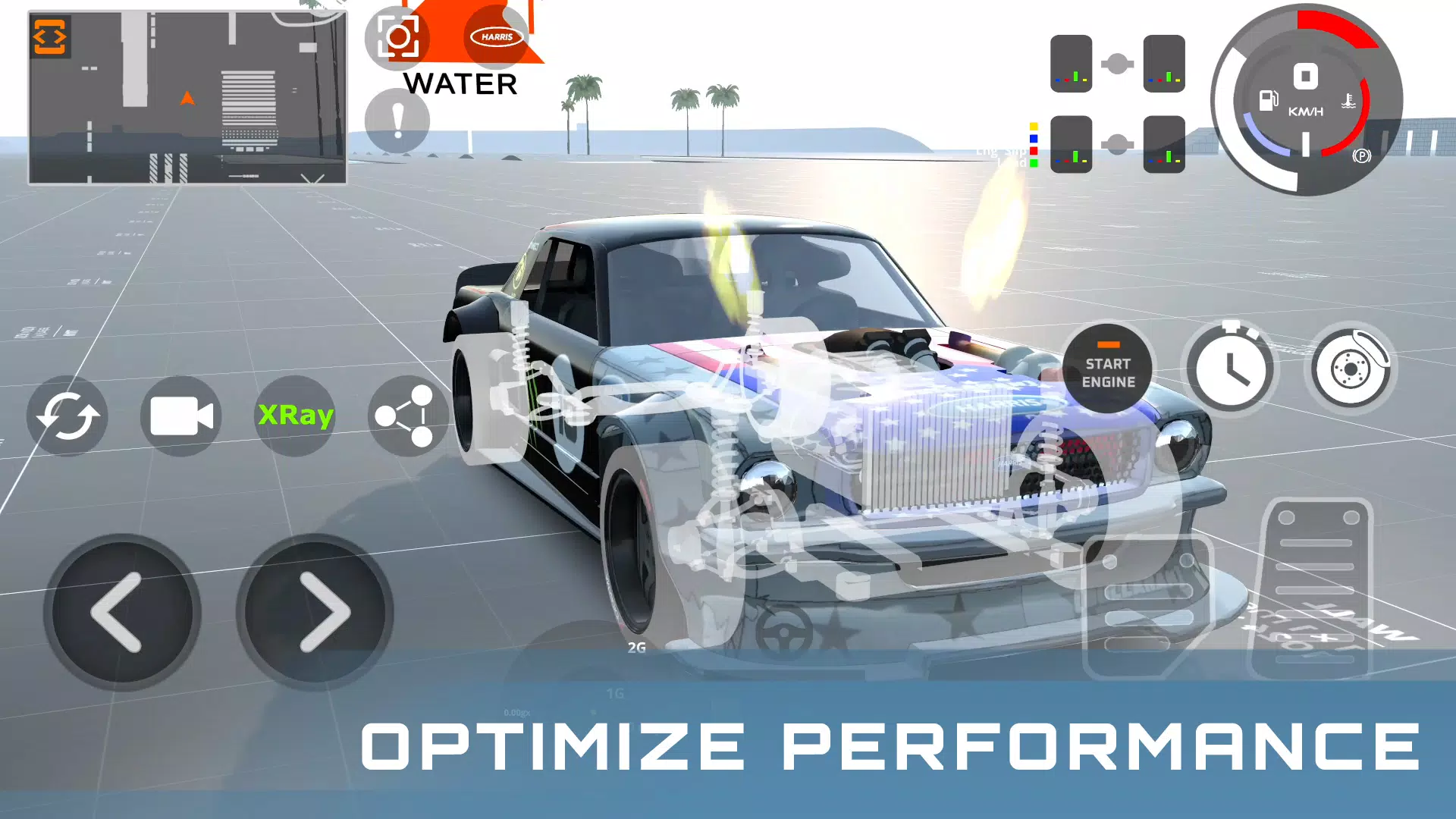
The game offers 60 vehicles with distinct handling characteristics and performance. Differences in weight, balance, acceleration, and power delivery affect how each car behaves on the road and responds to collisions. Switching between vehicles allows you to compare driving performance, suspension behavior, and damage patterns across different models.
Open-World Driving and Rally Challenges
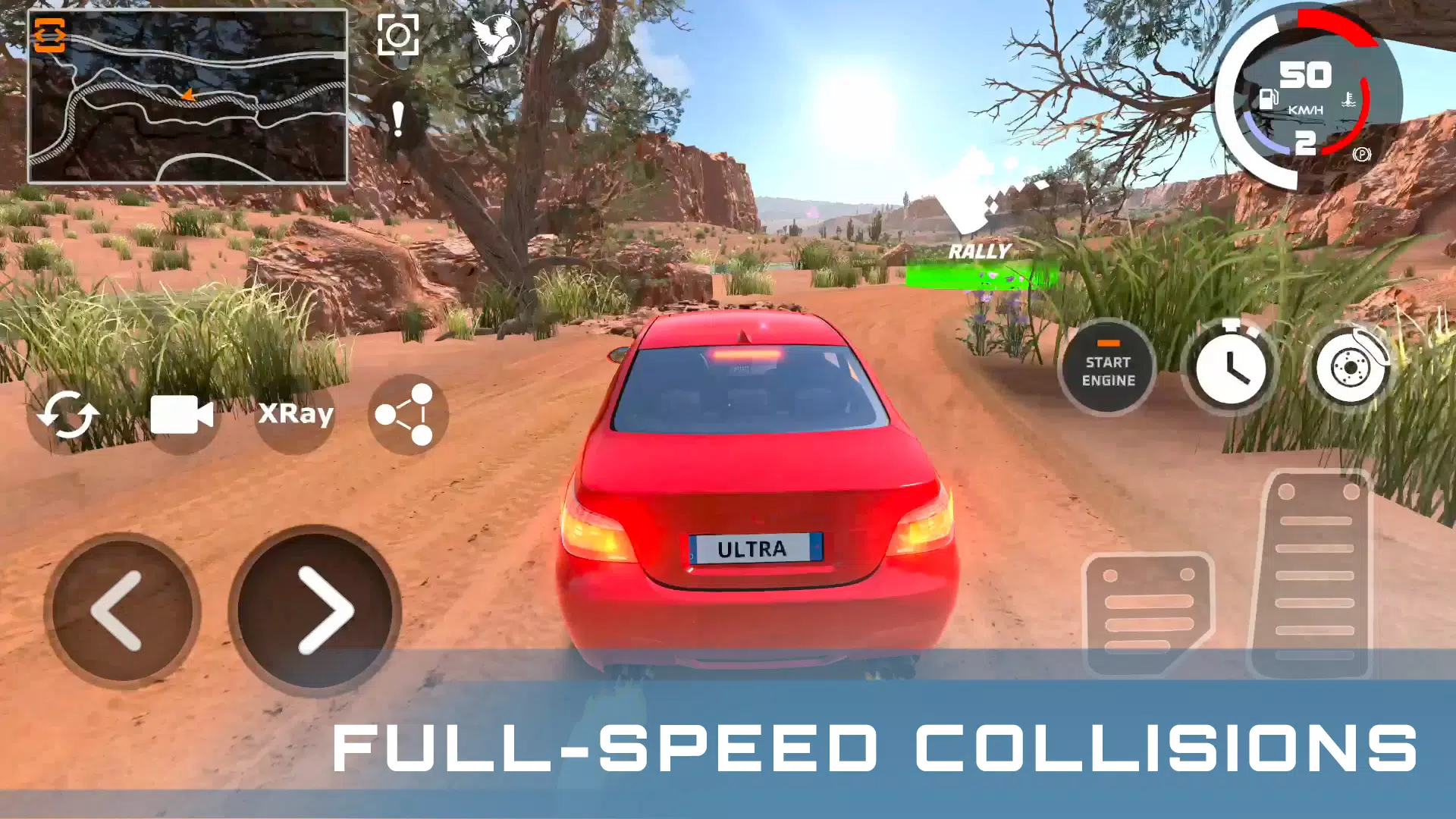
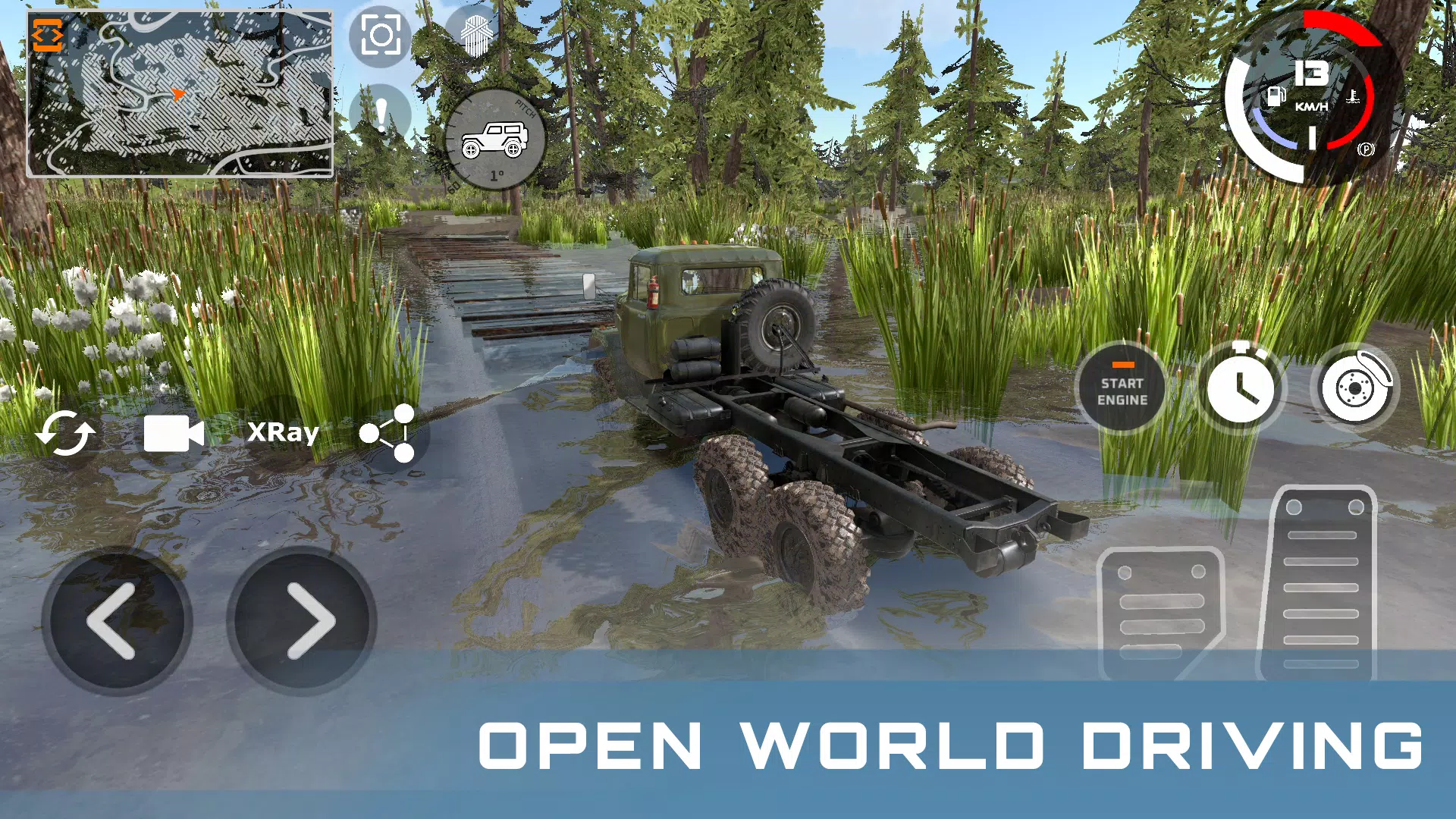
DriveCSX Car Crash Simulator combines a large open-world environment with dedicated rally stages. In free-drive areas, you can explore the surroundings, perform stunts, test obstacles, and experiment with vehicle physics at your own pace. Rally stages provide more structured routes with checkpoints and timed runs, giving you an alternative to unrestricted exploration.
Responsive Handling, Suspension, and Terrain Effects
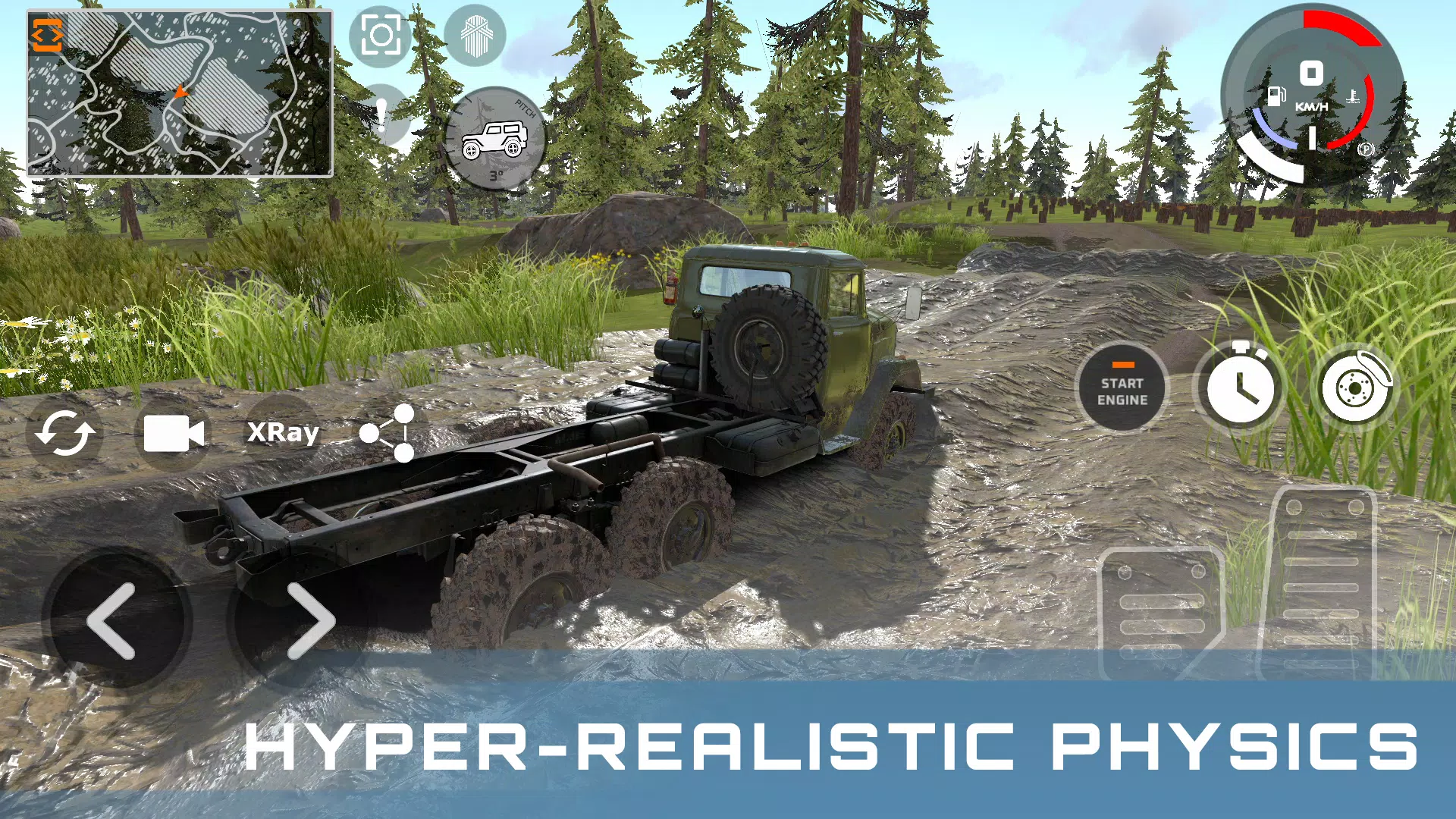
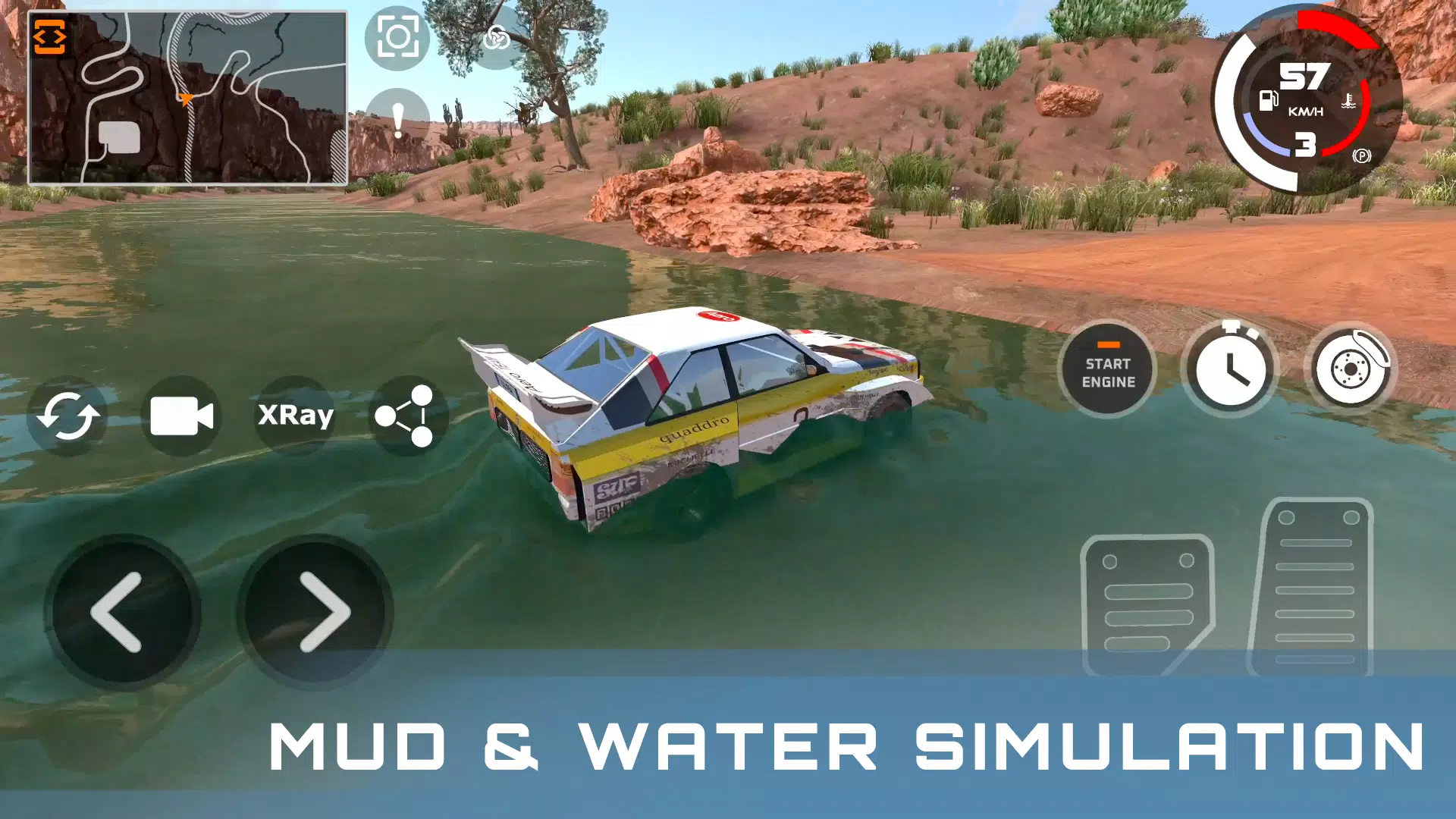
The game's suspension system responds to uneven surfaces, jumps, landings, and changes in vehicle weight distribution. Engine sounds, tire noises, and collision effects provide additional feedback while driving. Terrain also influences vehicle control, with water and mud affecting traction and steering. These details encourage you to adjust your speed, braking, and steering according to the conditions.
Offline Gameplay and Wireless Controller Support
DriveCSX Car Crash Simulator supports single-player gameplay without requiring a continuous internet connection. Bluetooth controller compatibility also provides an alternative to touchscreen controls, allowing you to steer with analog sticks and manage acceleration more precisely. Controller support may vary depending on your device and gamepad, so checking compatibility before use is recommended.
Things to Know Before Downloading DriveCSX Car Crash SimulatorBefore installing DriveCSX Car Crash Simulator, it is worth considering a few practical details. The game includes advertisements and in-app purchases, which may affect your overall experience. Offline play is available for driving sessions without an internet connection.
If you prefer using a wireless controller, make sure your device and game version support your chosen gamepad. You can also review the available graphics and control settings to find a suitable balance between visual quality and performance.
For the latest improvements, bug fixes, and available content, check the current version information before downloading or updating the game.
How to Play DriveCSX Car Crash SimulatorGetting started with DriveCSX Car Crash Simulator is straightforward. Begin by familiarizing yourself with the controls, choose a vehicle, and explore different environments to understand how the driving physics work.
- Launch the game: Install and open DriveCSX Car Crash Simulator, then visit the settings menu to adjust graphics and touchscreen controls. Connect a compatible Bluetooth controller if you prefer gamepad input.
- Choose your vehicle: Visit the garage and select a car. Experiment with different models to compare acceleration, handling, weight, and collision damage.
- Select a driving environment: Enter the open world for free driving, stunts, and crash experiments, or choose a rally stage for a more structured driving challenge.
- Adjust your controls: Set the camera and steering sensitivity to your preference. Start at a lower speed to learn how the vehicle responds to steering, braking, and changes in terrain.
- Experiment with vehicle physics: Gradually increase your speed, practice cornering and braking, and test collisions from different angles. Explore muddy or wet surfaces to observe changes in traction.
- Repeat your tests: Use the available restart options to recreate similar scenarios and compare how different speeds, vehicles, and impact angles affect the results.
Taking a gradual approach helps you understand each vehicle's handling before moving on to more demanding driving challenges and crash experiments.
Get Started With DriveCSX Car Crash SimulatorDriveCSX Car Crash Simulator combines vehicle physics, realistic collision deformation, open-world exploration, and rally driving in a sandbox experience. Whether you want to compare different cars, experiment with crash scenarios, or practice controlling vehicles across varied terrain, the game offers several ways to explore driving mechanics at your own pace.
Download the latest available version from a trusted source, choose your preferred controls, and start experimenting with different vehicles and environments.
Previous versions
Permissions
No permissions were detected automatically. Upload the APK again to analyze it.
User reviews
Sign in to write a review.
No written reviews yet.