
Screenshots

About this app
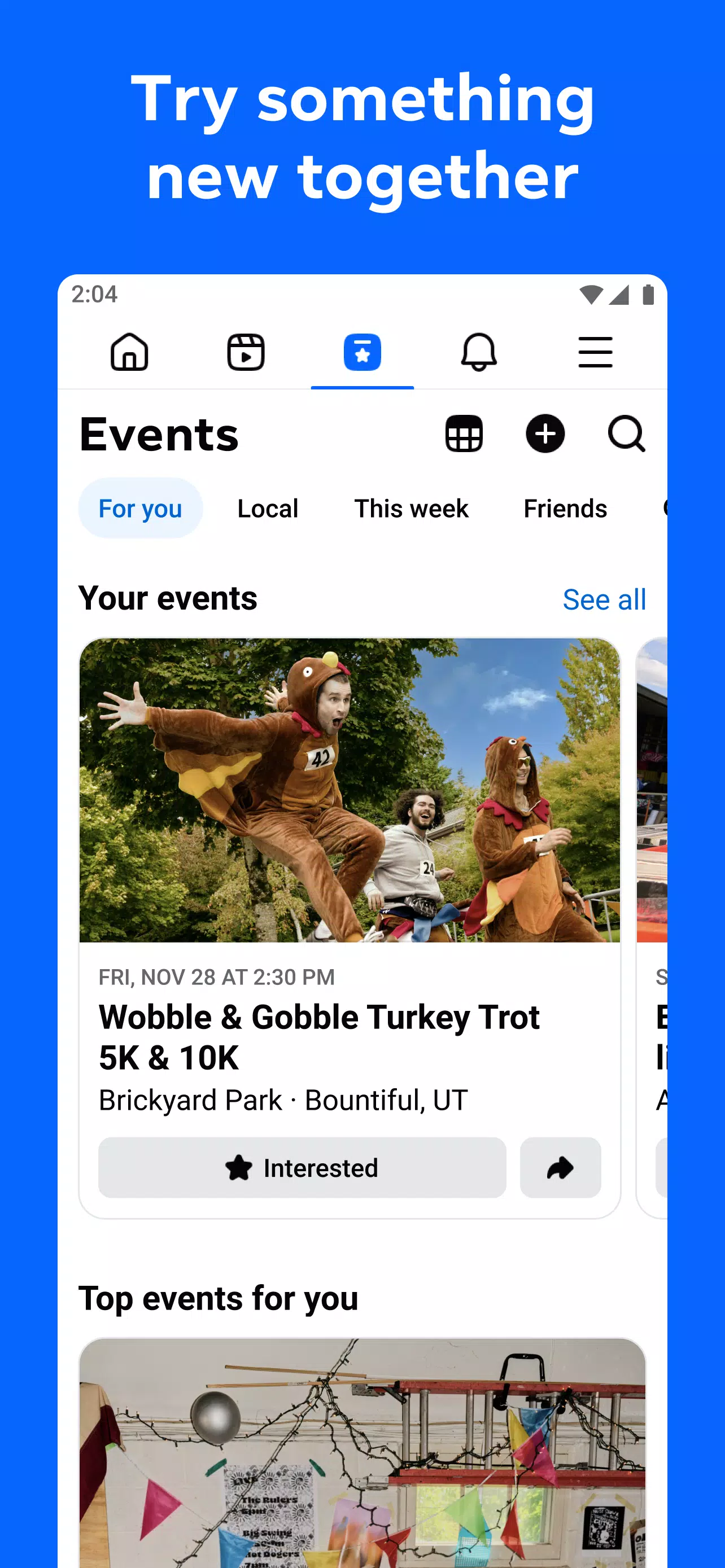
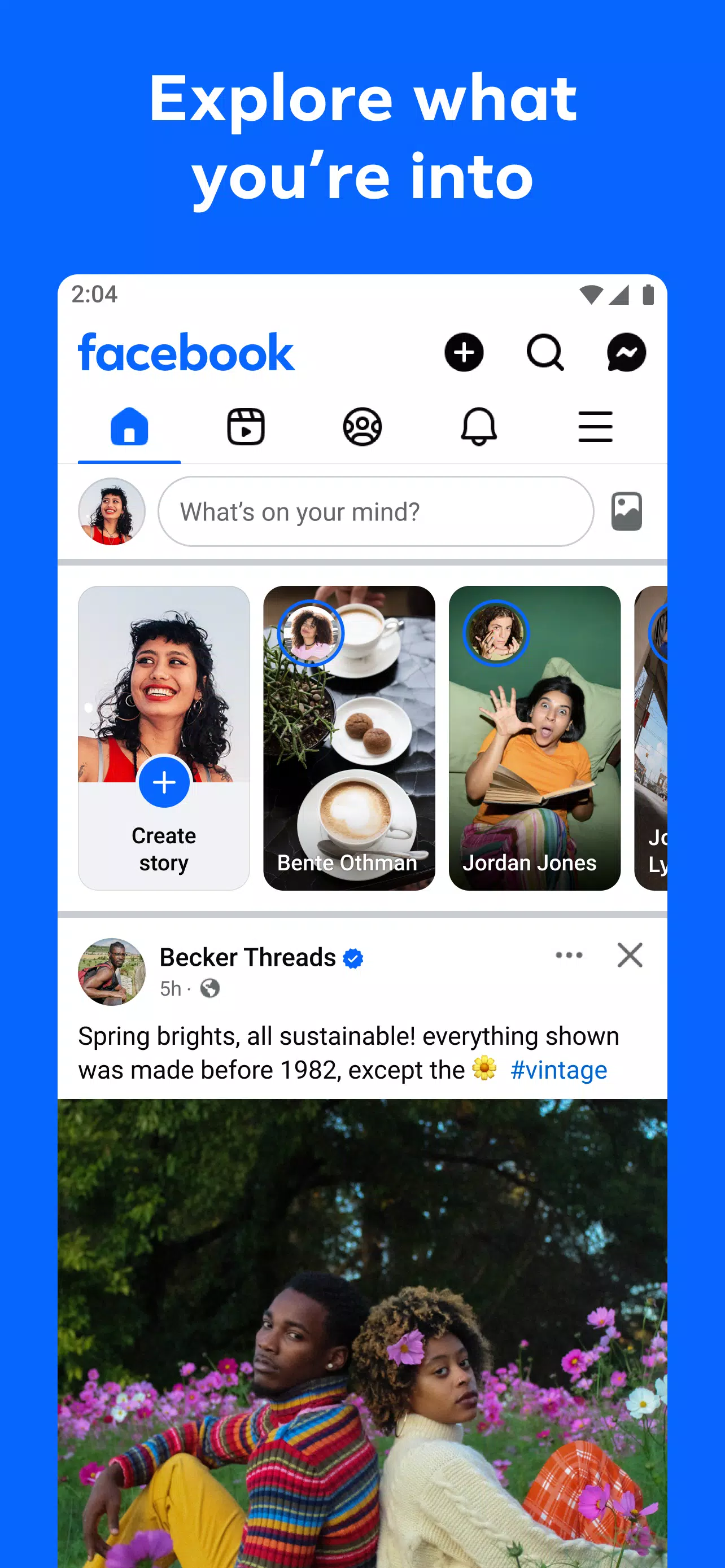
Facebook lets you adjust your Feed by interacting with posts and topics you want to see more often. You can also search for people, pages, communities, and subjects that interest you. Recommendations and search results can help you find related posts and conversations as you browse.
Reels, videos, and Stories
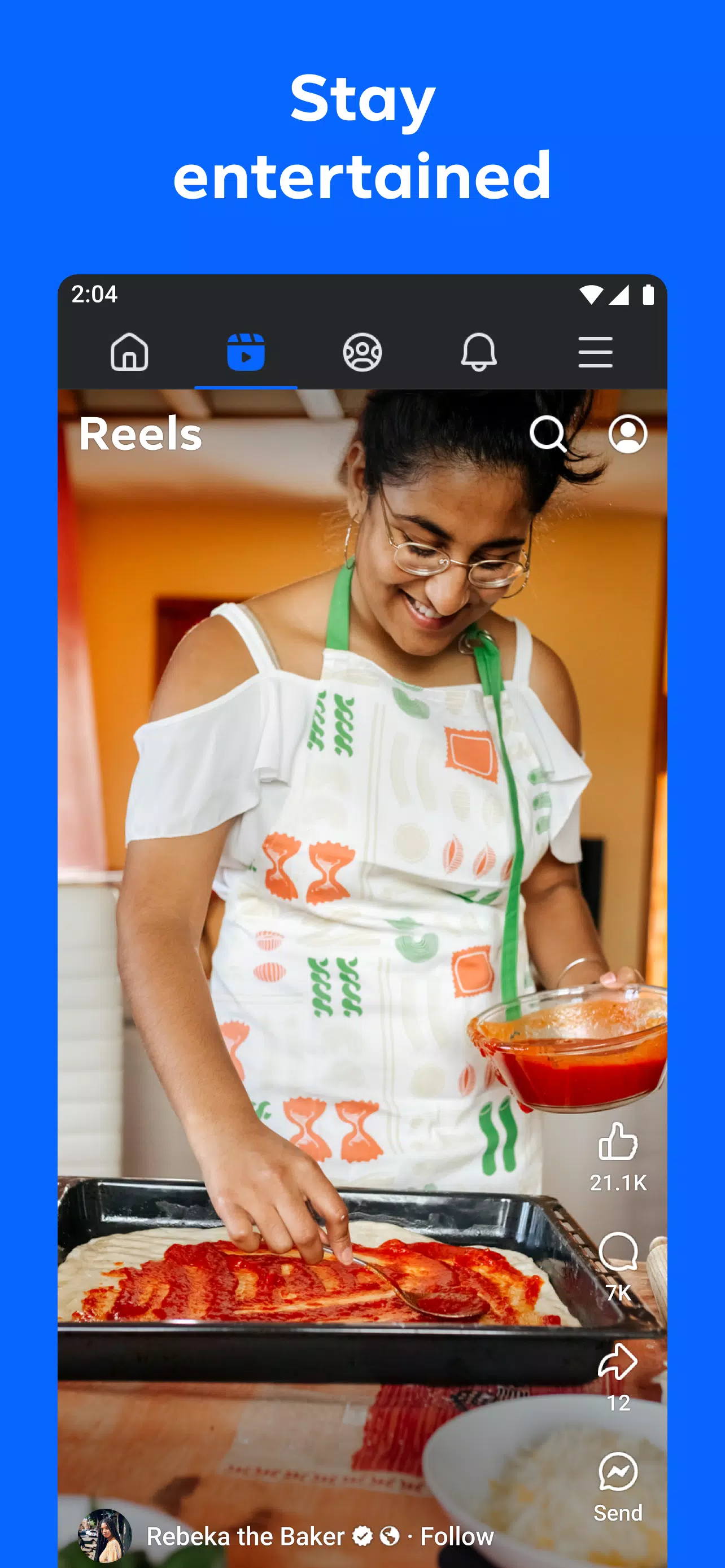
Facebook includes short Reels, longer videos, and Stories from people, creators, and pages. You can save videos to watch later when you have more time. If you want to make a Reel, the app provides templates, audio, text, clip trimming, and editing options before you publish it.
Friends, creators, and Groups
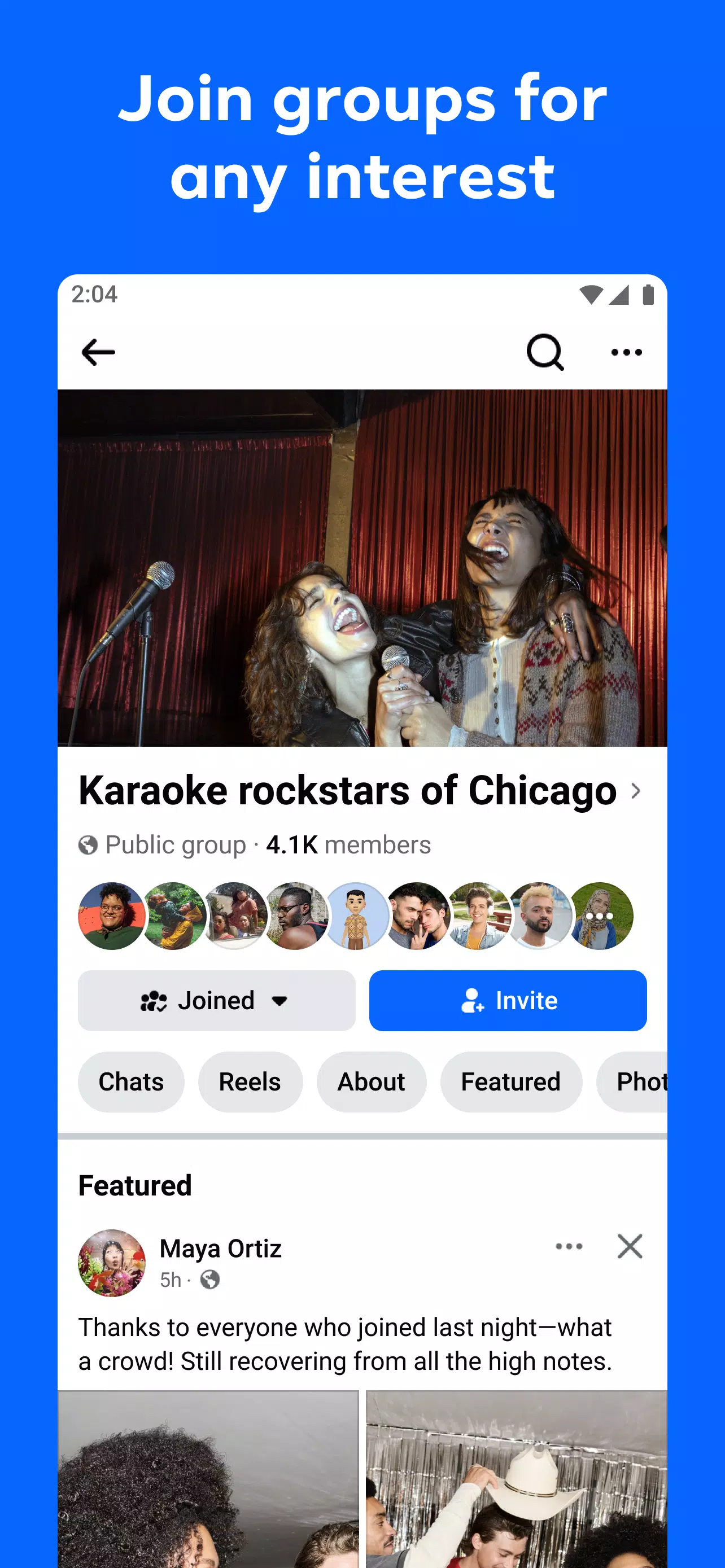
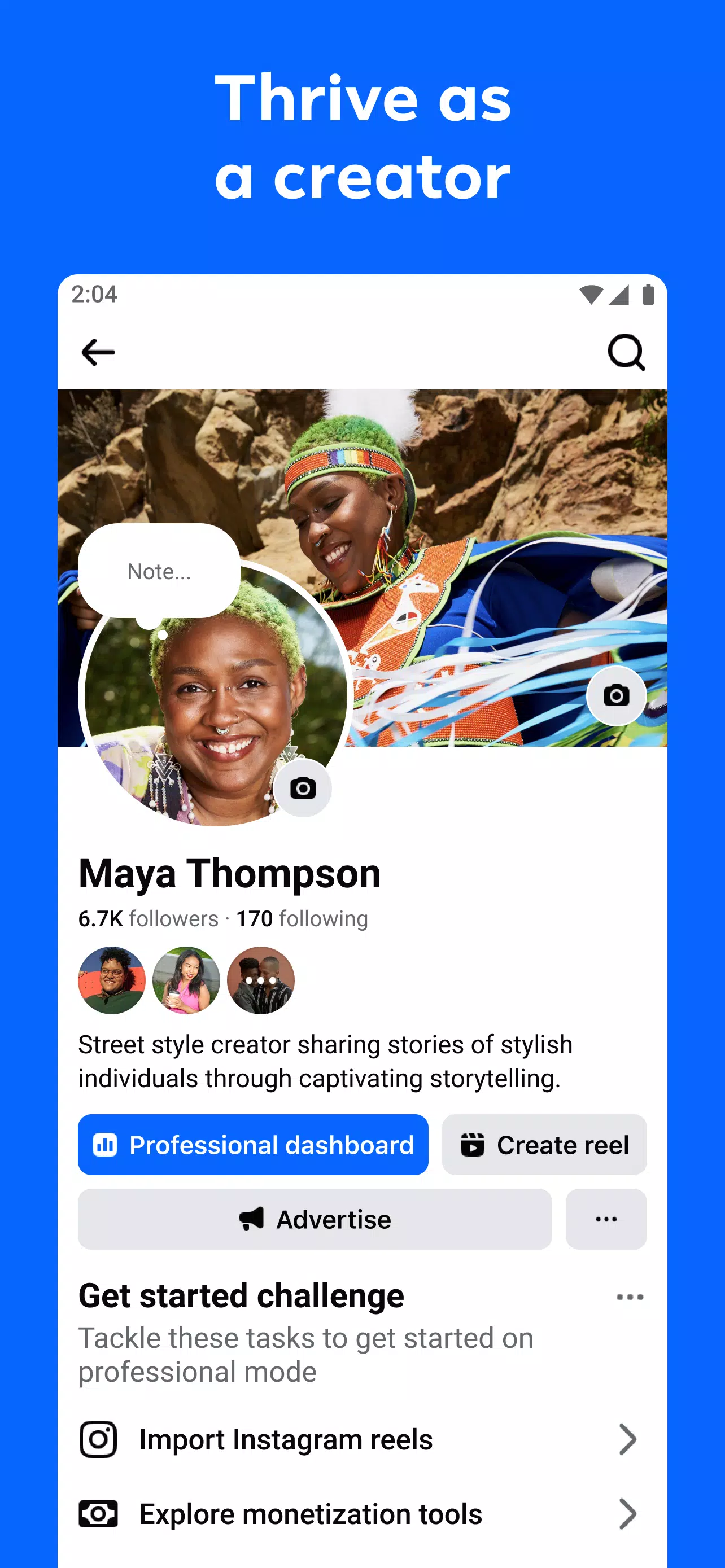
You can add friends, follow creators, and join Groups built around shared interests. Groups give members a place to ask questions, exchange advice, and follow ongoing discussions. This can be helpful when you want updates from a hobby, local community, or topic rather than general posts.
Marketplace for nearby items
Facebook Marketplace lets you browse items offered by people in your area. You can use filters to narrow results and message sellers directly when you find something relevant. Sellers can also create listings for items they want to offer locally.
Private chats, calls, and Meta AI
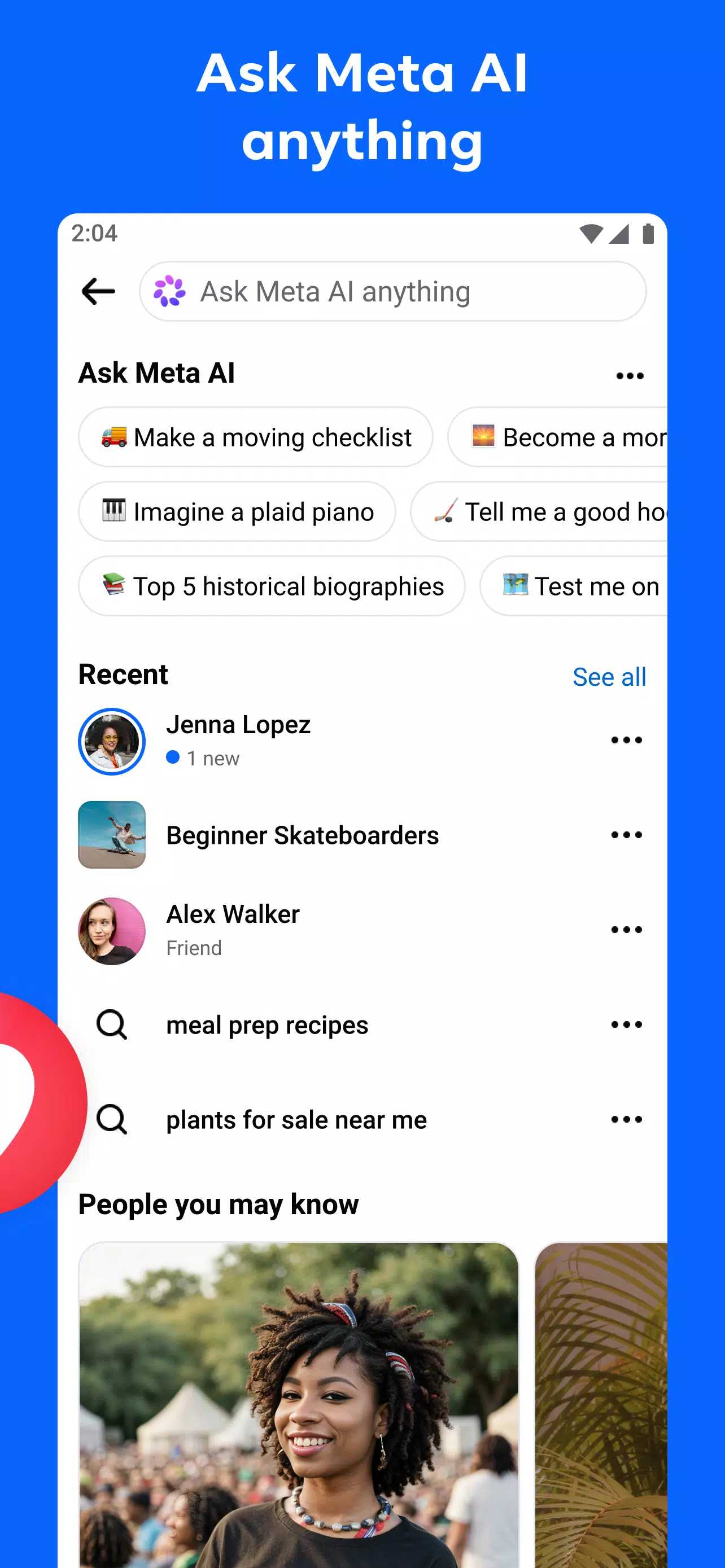
Facebook allows you to share posts in private chats and send messages to contacts. You can also make voice or video calls with friends through the available communication tools. In addition, Meta AI can answer quick questions, help discover related content, and create custom stickers or images.
Facebook options before downloading
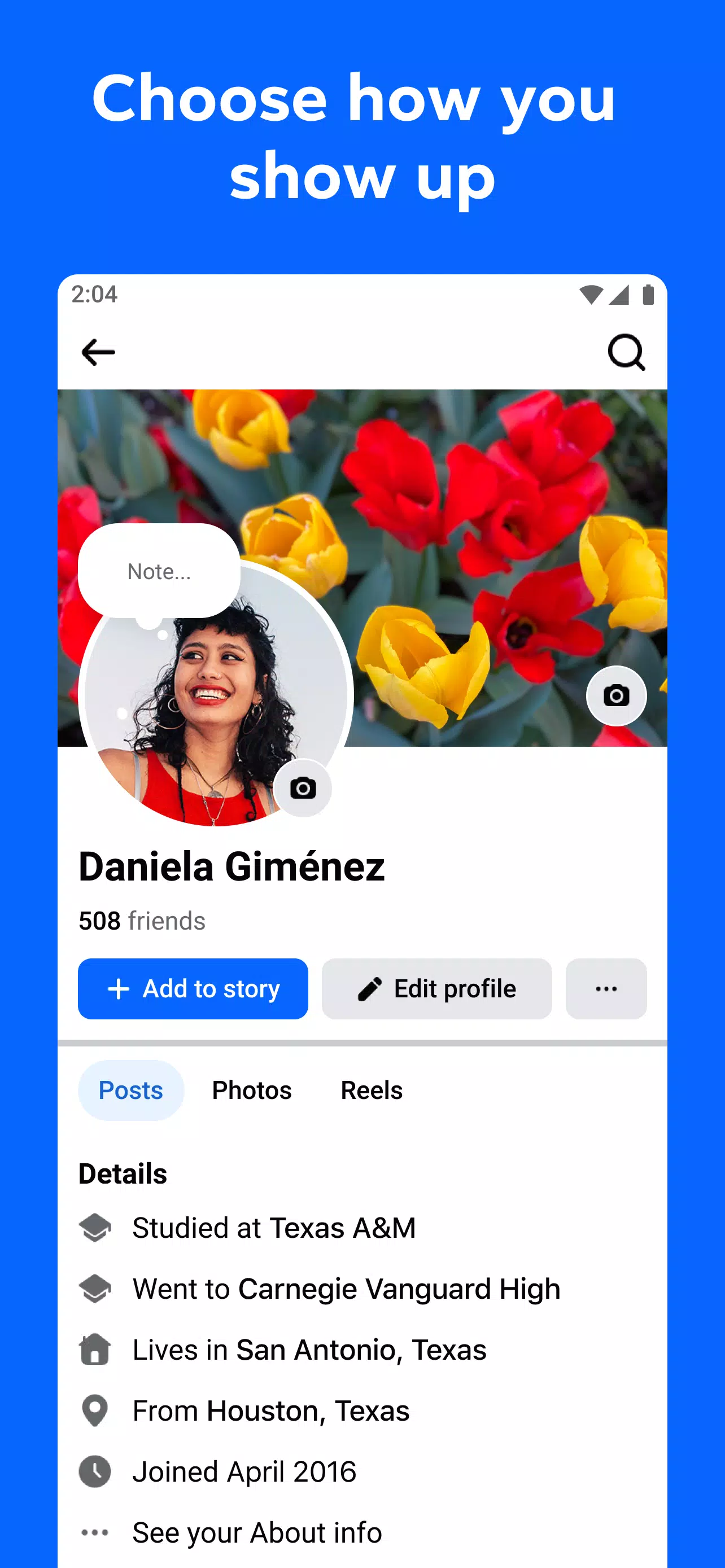
Facebook lets you choose who can view your profile and posts through its privacy settings. Before sharing, users can review the audience selected for a post and change it when needed. Features such as Marketplace, Meta AI, and some content tools may differ by country or region, so the Facebook latest version may not show the same options for every user.
Facebook Lite is a related option for users who need a smaller Facebook experience. It may be more suitable for older Android phones, limited storage, slower connections, or 2G networks. Consider this option if the standard app does not fit how you use your device or mobile data.
How to use Facebook on Android
After you complete a Facebook download, sign in with an existing account or create a new one. Start with basic profile details, then use the app gradually to choose people, pages, and communities that match your interests.
Open Facebook and sign in, then add a profile photo or other details if you want contacts to recognize you.
Use the Feed to review posts, react to content, leave comments, and follow people or pages whose updates you want to receive.
Search for a topic, creator, or Group, then join relevant communities to see their discussions in your feed.
Open the video section to watch Reels or longer clips, save a video for later, or choose the creation tools to make your own Reel.
When you need to contact someone or browse local listings, open private chats for messages and calls, or visit Marketplace to search and contact sellers.
Get started with Facebook
Facebook brings social updates, community discussions, videos, private conversations, and local listings into one Android app. Download Facebook if you want to follow familiar people and topics while keeping your activity organized in one account.
Official information is available through the developer's website:
Previous versions
Permissions
No permissions were detected automatically. Upload the APK again to analyze it.
User reviews
Sign in to write a review.
No written reviews yet.