Screenshots
About this app
Flud features
Full protocol and link support
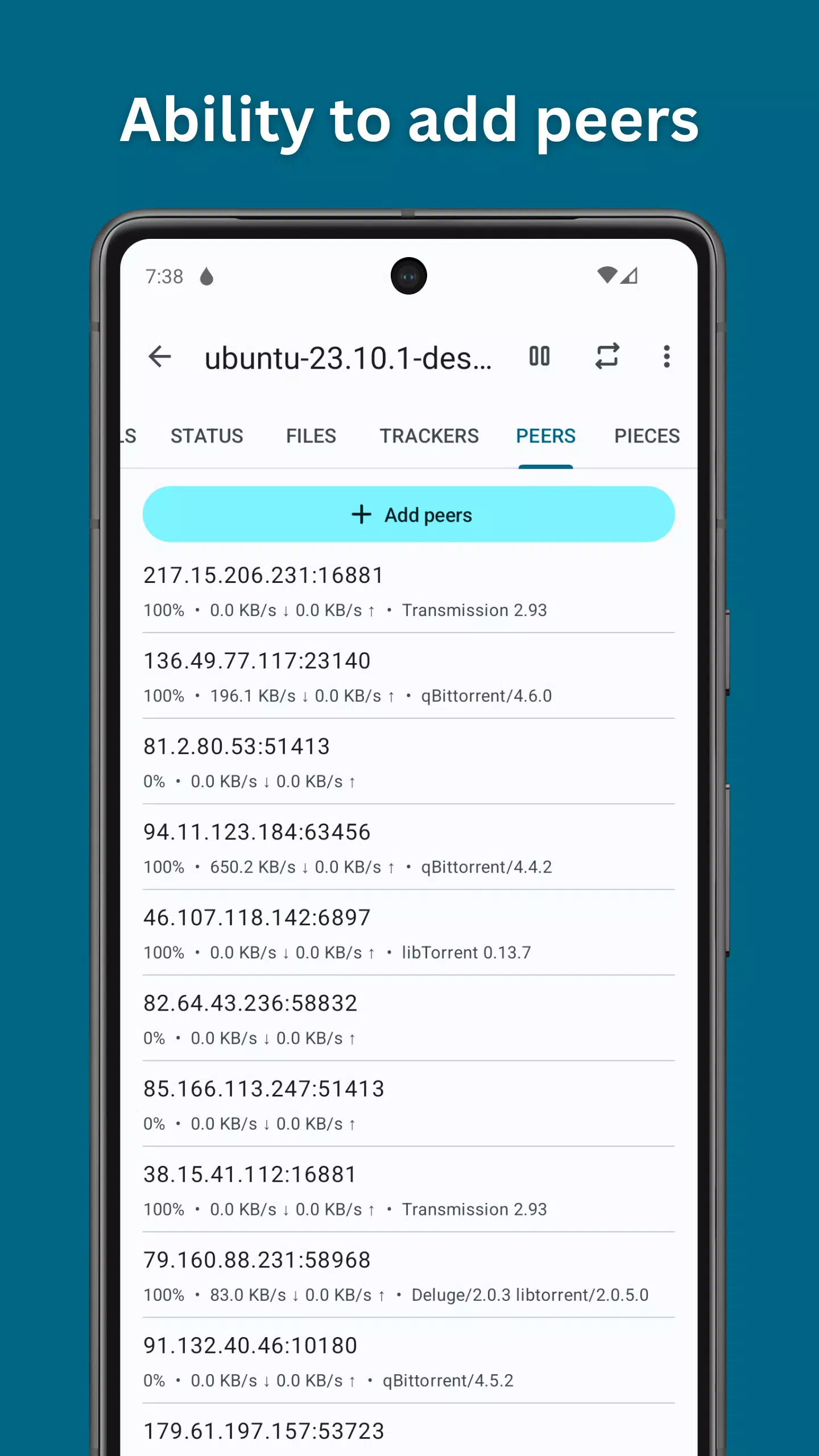
Flud supports DHT, UPnP, NAT PMP, µTP, and PeX so peers connect quickly and stay stable. It also recognizes magnet links from your browser, which makes starting a download as simple as tapping a link. This broad support helps torrents find more sources and reach healthy speeds.
Granular download control
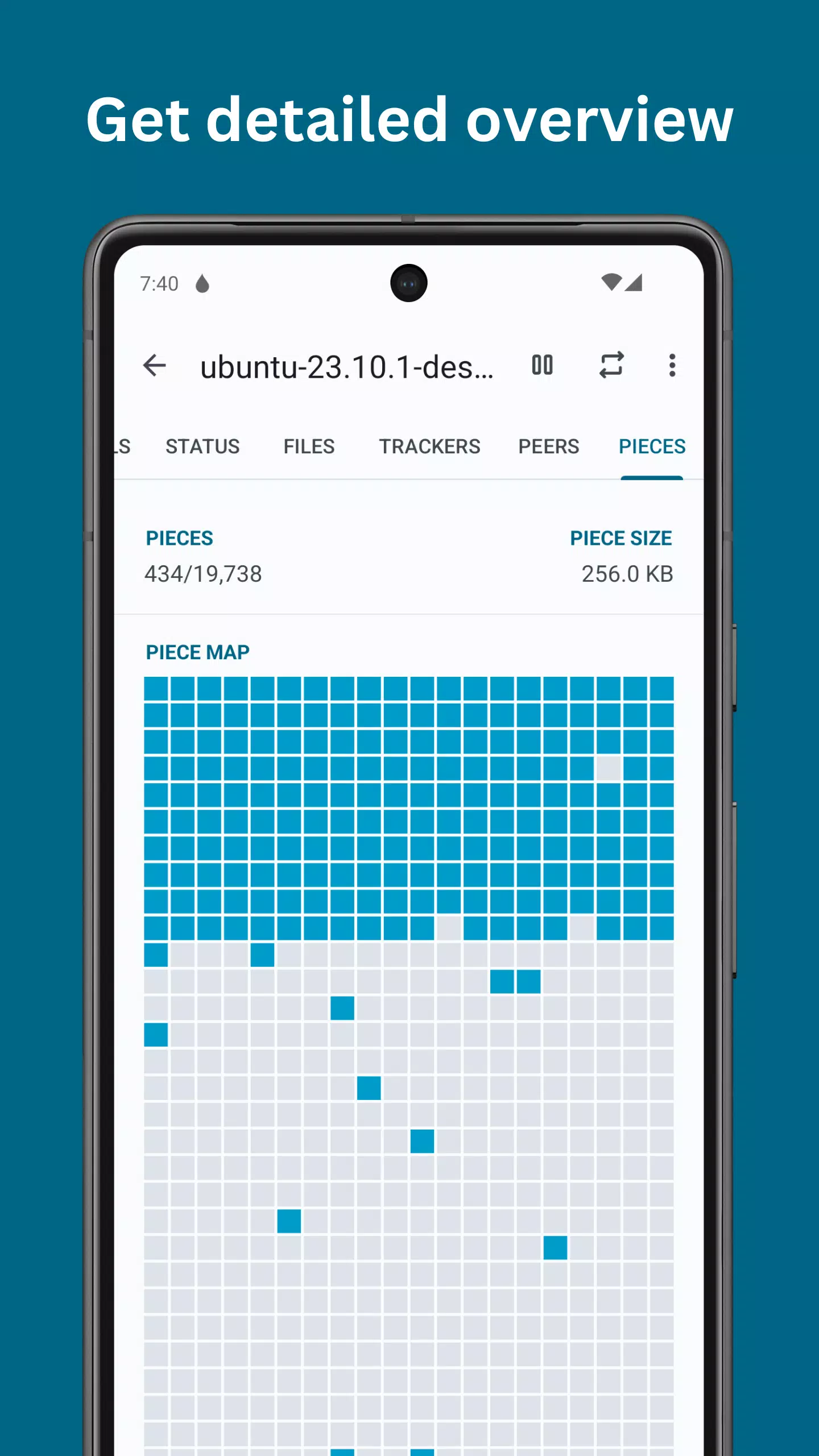
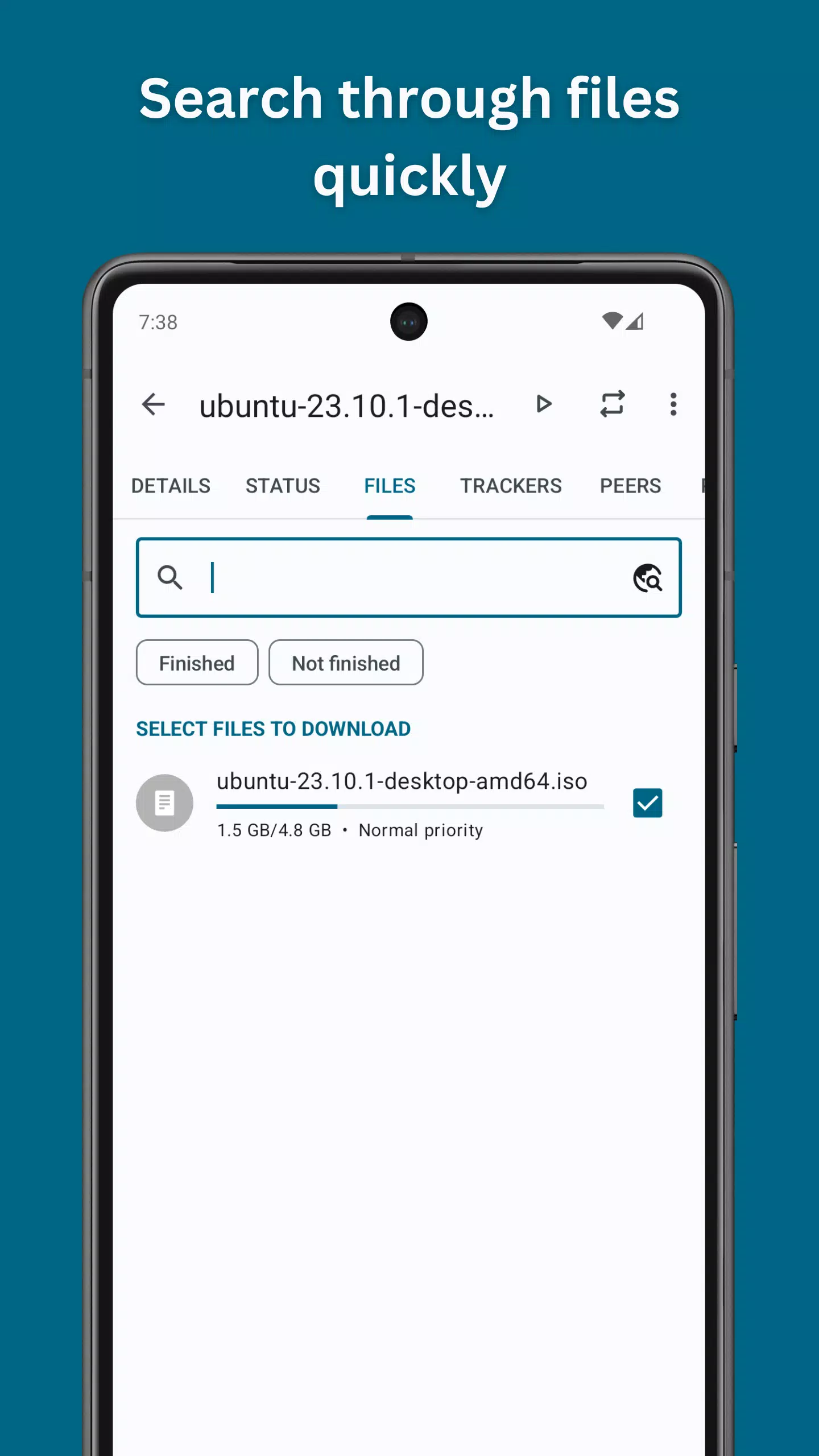
You can choose which files to download inside a torrent and set file or folder priorities. Moreover, Flud supports sequential downloading and lets you move files even while the torrent is active. These controls help you fetch what you need first and manage device storage efficiently.
Performance without limits
Flud does not set built-in limits on download or upload speeds, so your connection can perform as expected. It handles torrents that include many files and also very large files. If your SD card uses FAT32, single files larger than 4 GB are not supported by that file system.
Automation with RSS
You can add RSS feeds and set automatic downloading rules for hands-free updates. This is useful for recurring content because new items that match your filters will start on their own. Therefore, you spend less time checking feeds and more time using your downloads.
Privacy and networking options
Flud includes encryption, IP filtering, and proxy support for trackers and peers to help control exposure. A Wi‑Fi only mode prevents mobile data usage for torrents. In addition, connection options are easy to find so you can adjust them per your network environment.
Designed for Android
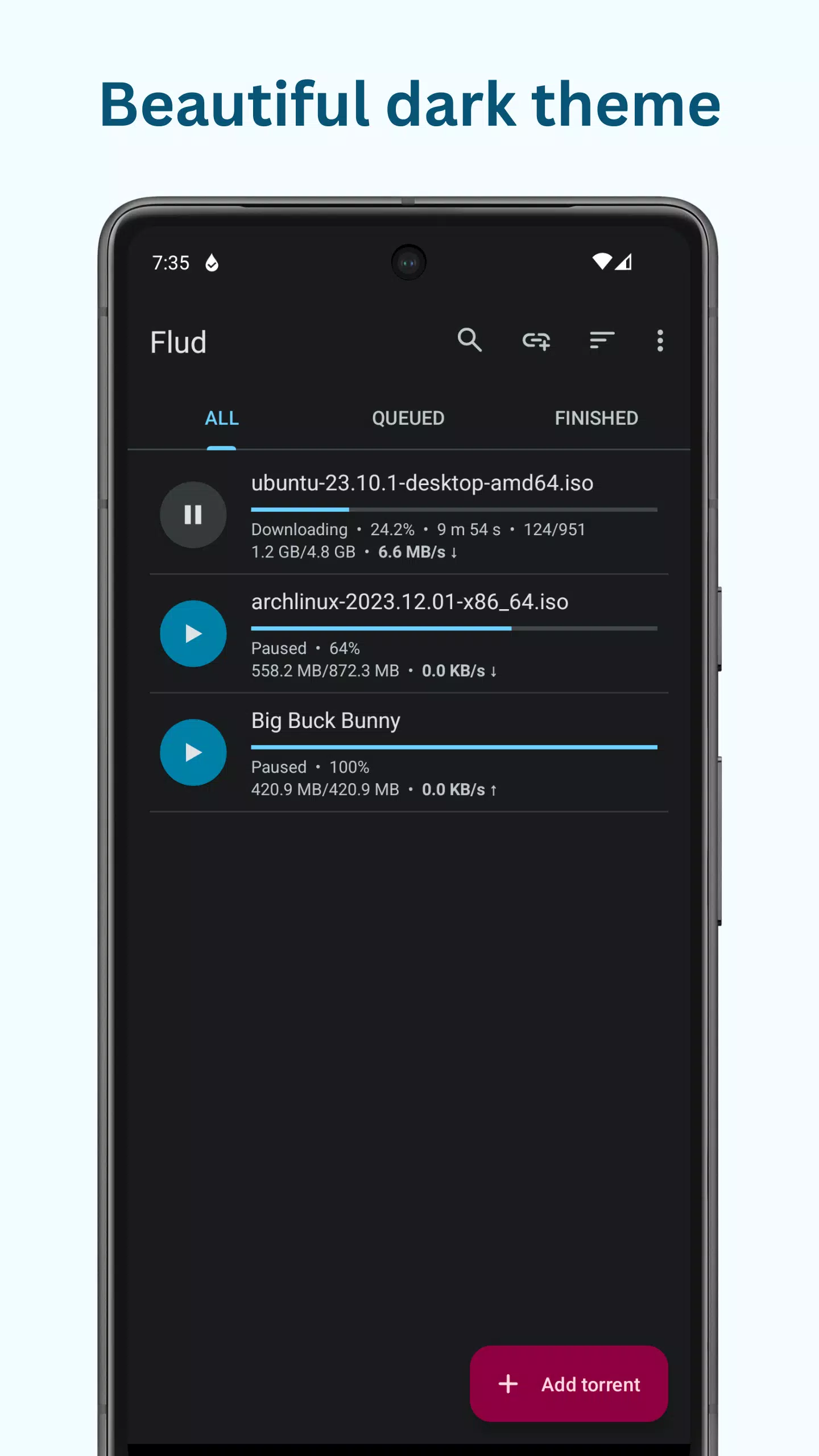
The interface follows Material Design with light and dark themes that suit different viewing conditions. Tablet-optimized layouts make good use of larger screens. Also, controls are consistent across views so actions feel the same whether you queue one torrent or many.
How to use Flud
Flud is straightforward to set up. You add a torrent or magnet link, choose what to download, and let the app manage the rest. The steps below cover a typical first download.
Open Flud, then tap the add button to choose a .torrent file or paste a magnet link.
Review the file list and pick a destination folder in internal storage or on an SD card if available.
Set file priorities and enable sequential download if you want to play media sooner.
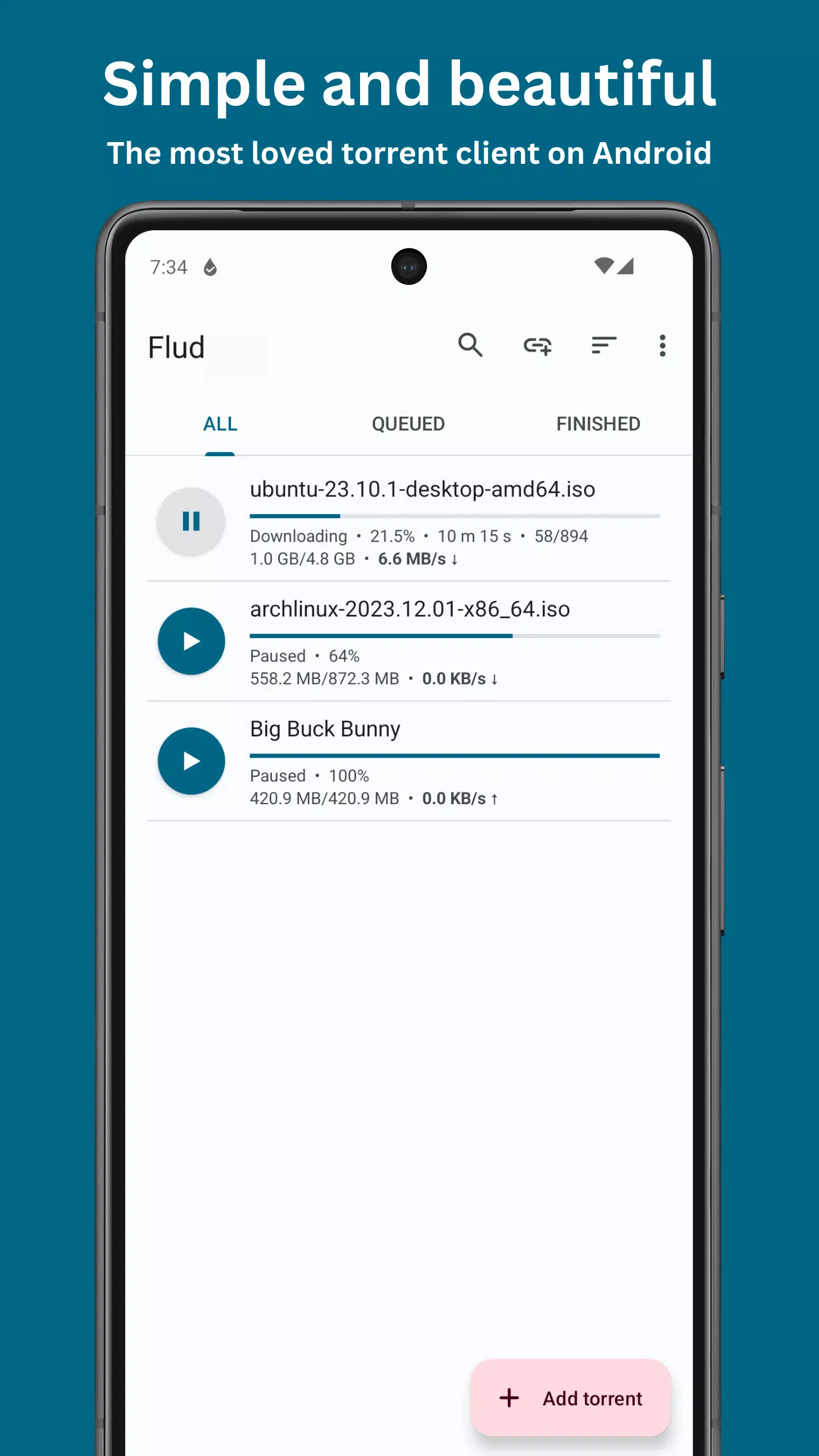
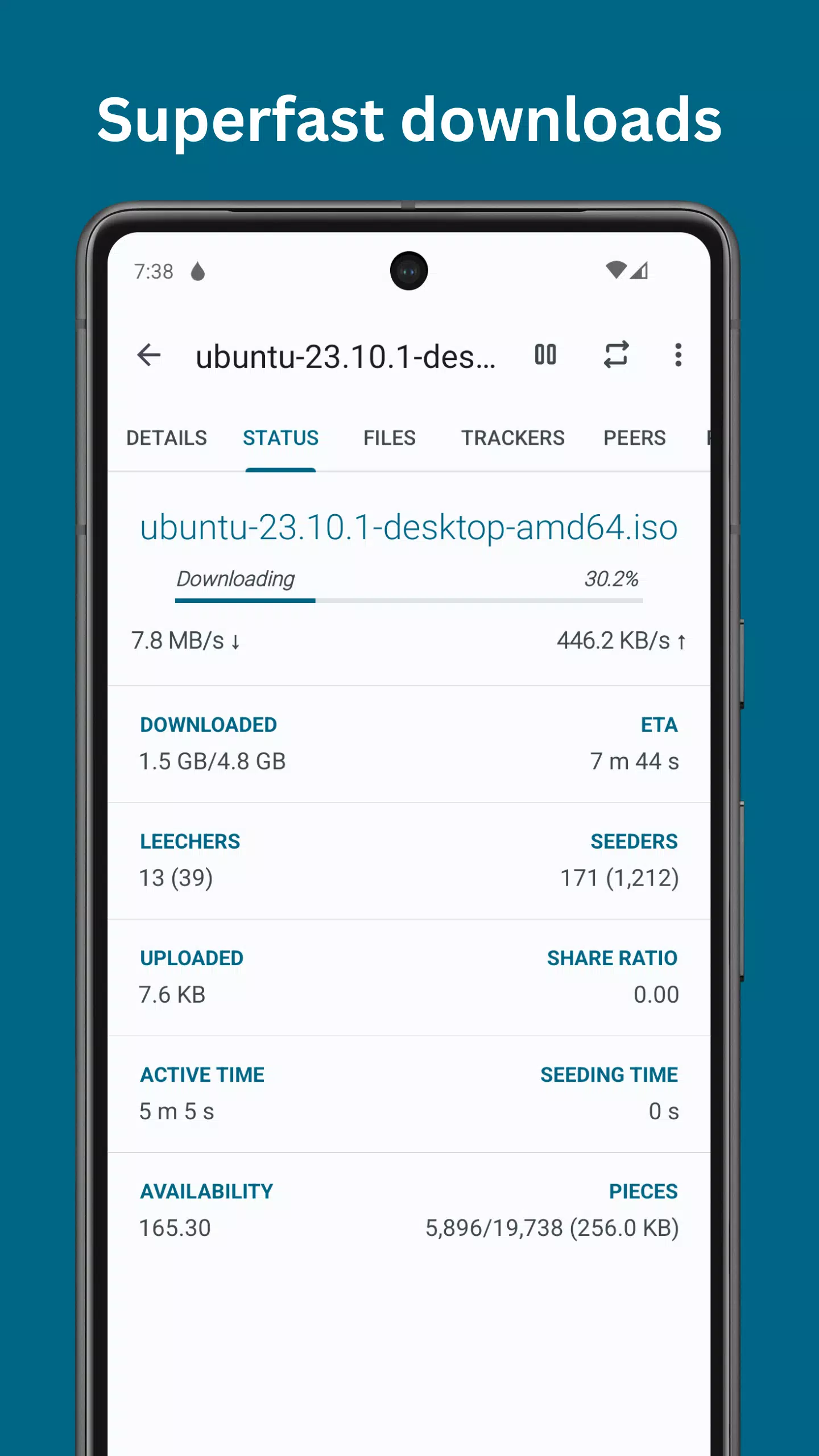
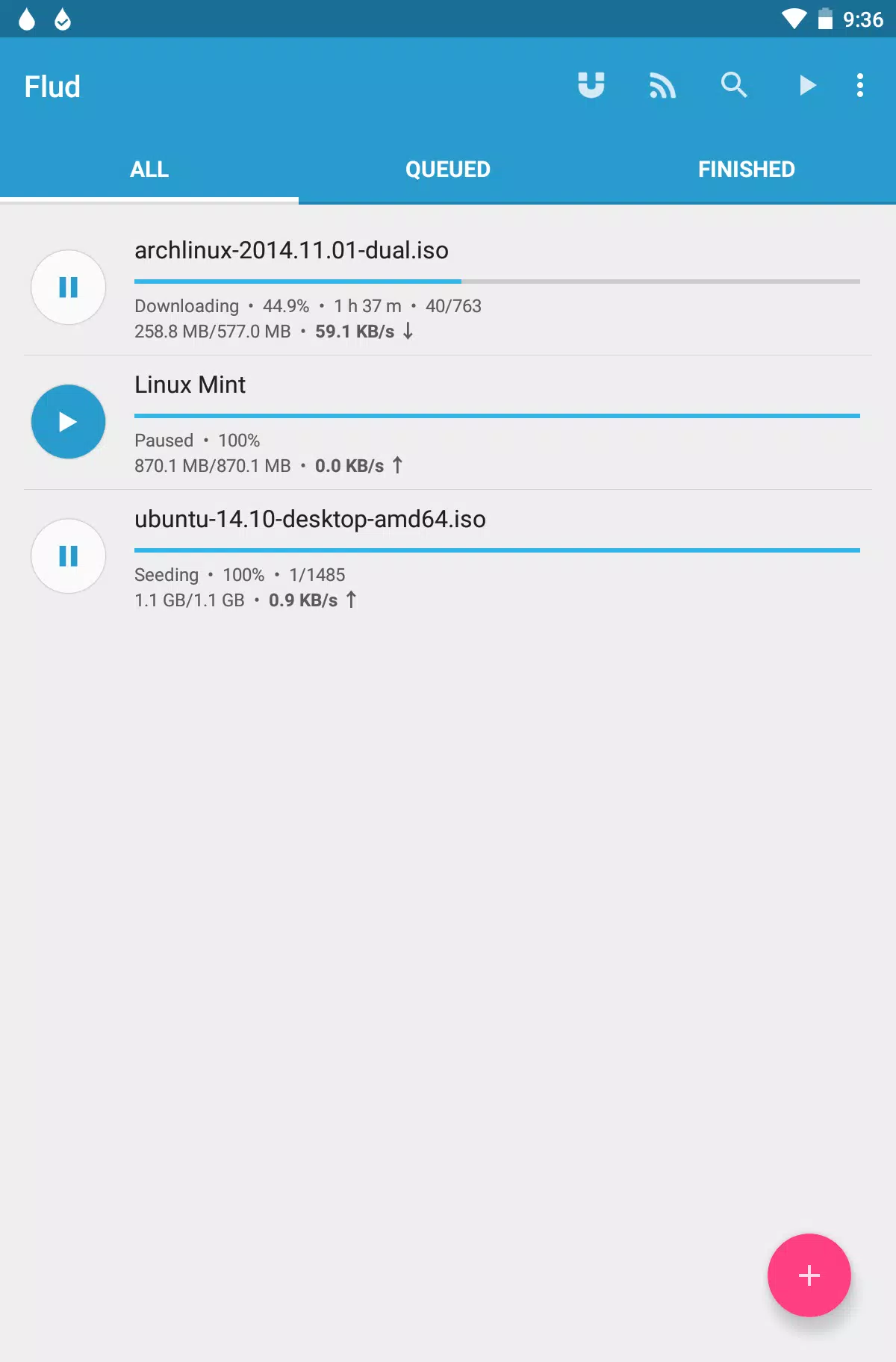
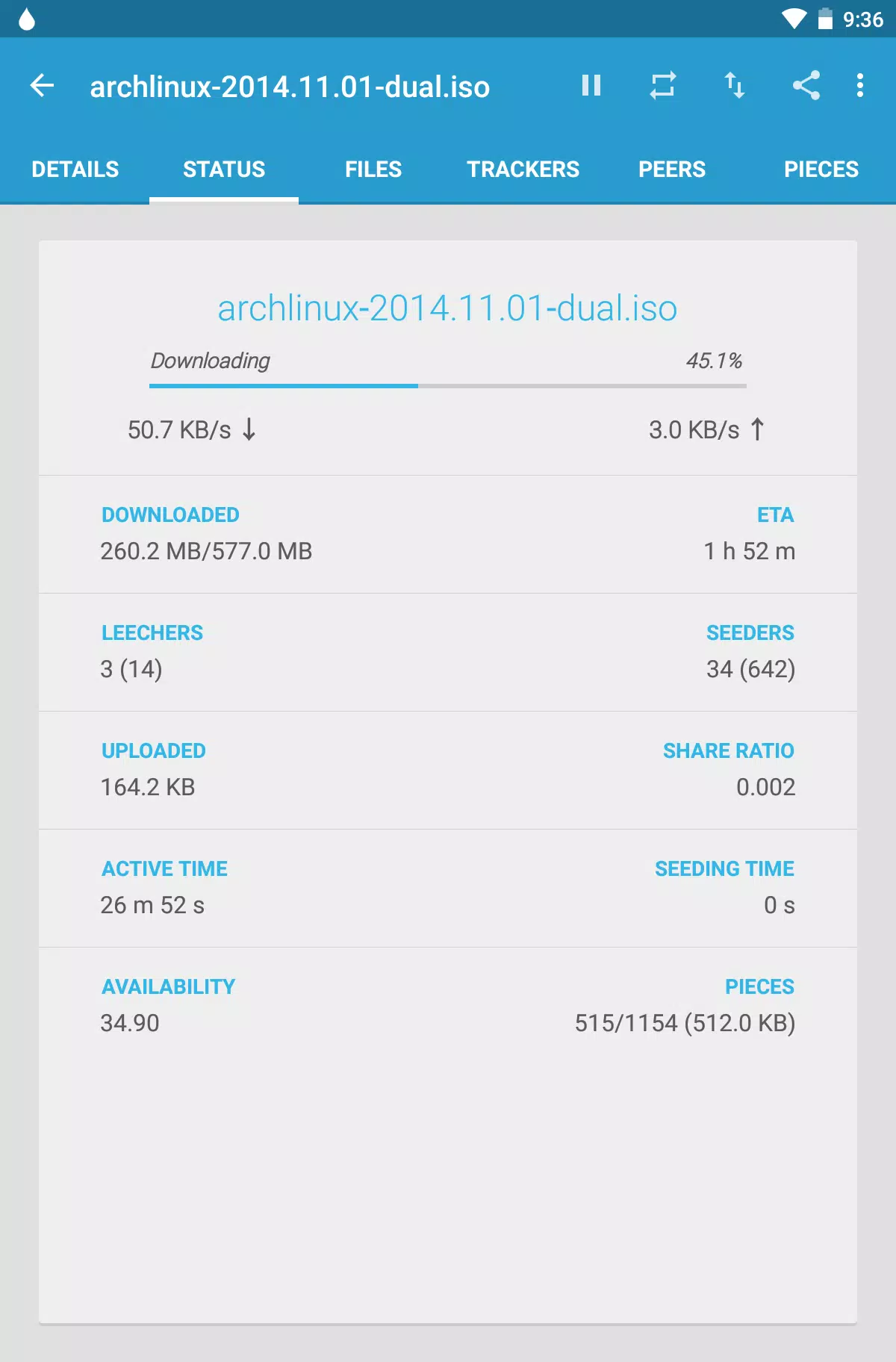
Tap Start to begin. Watch progress, speed, and peers from the main queue, and pause or resume as needed.
You can conserve data, enable Wi‑Fi only mode in Settings. Finally, open or move completed files and remove the torrent when finished.
Download Flud APK and start now
Flud brings powerful torrent management to Android with clear controls and helpful automation. Download Flud on APKPure to get the latest features, or update to the Flud APK latest version when it becomes available below.
Previous versions
Permissions
No permissions were detected automatically. Upload the APK again to analyze it.
User reviews
Sign in to write a review.
No written reviews yet.