Screenshots
About this app
Features
Tap to pay with tokenized security
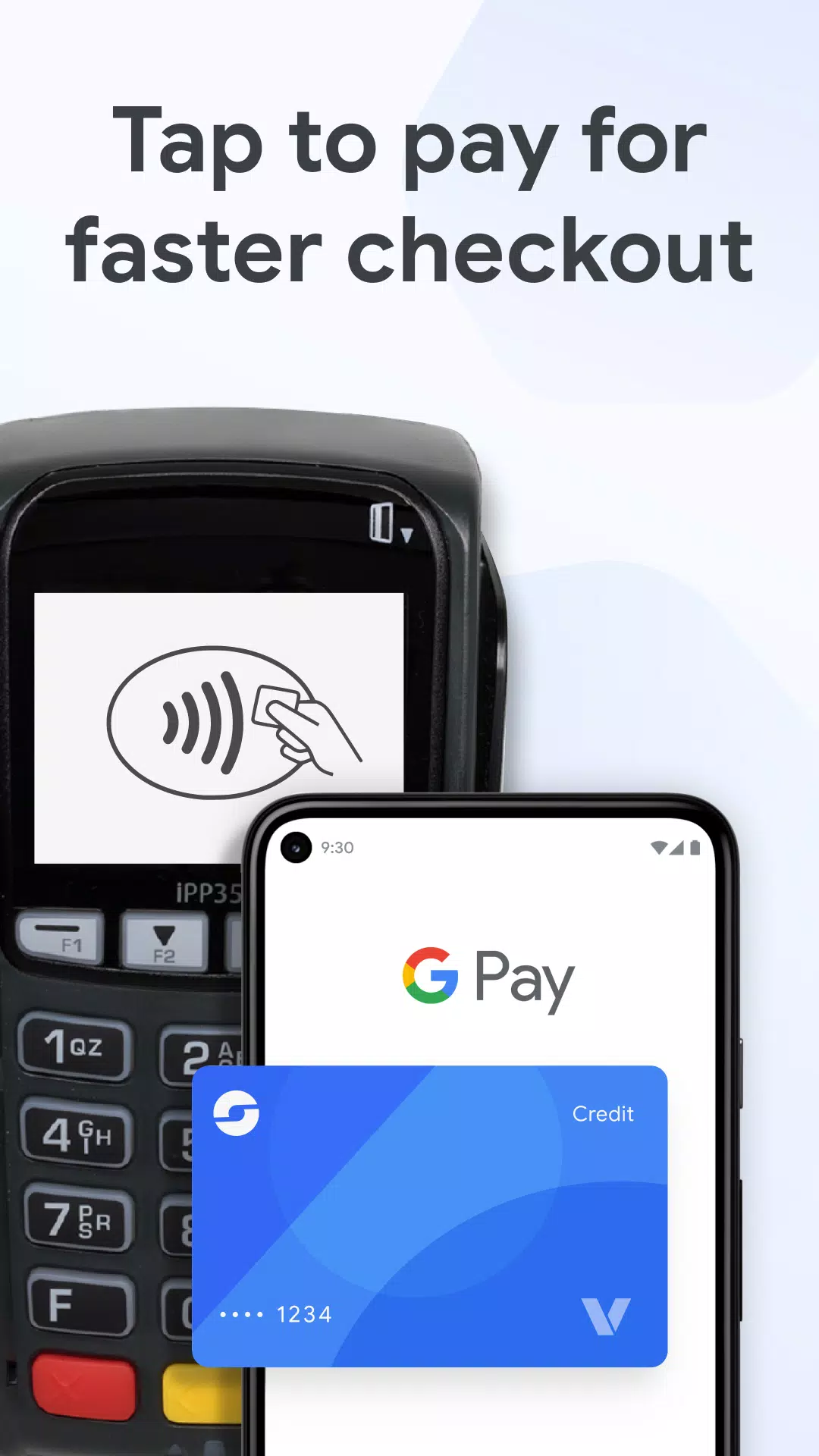
Google Wallet lets you pay anywhere Google Pay is accepted using your Android phone or compatible wearable. Payments use encrypted tokens, so your actual card number is not shared with merchants. This adds a protective layer each time you pay in store.
All your passes in one place
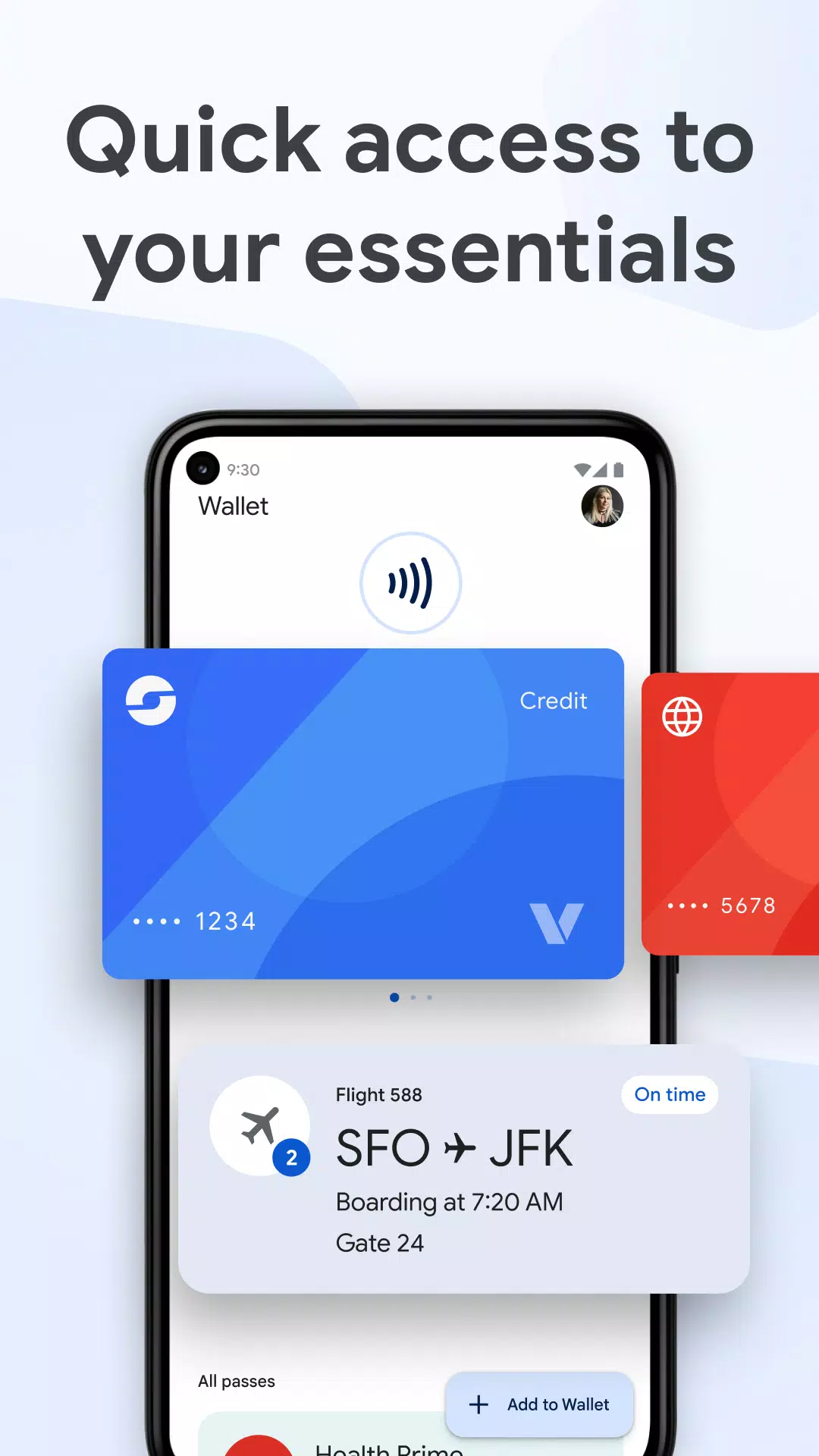
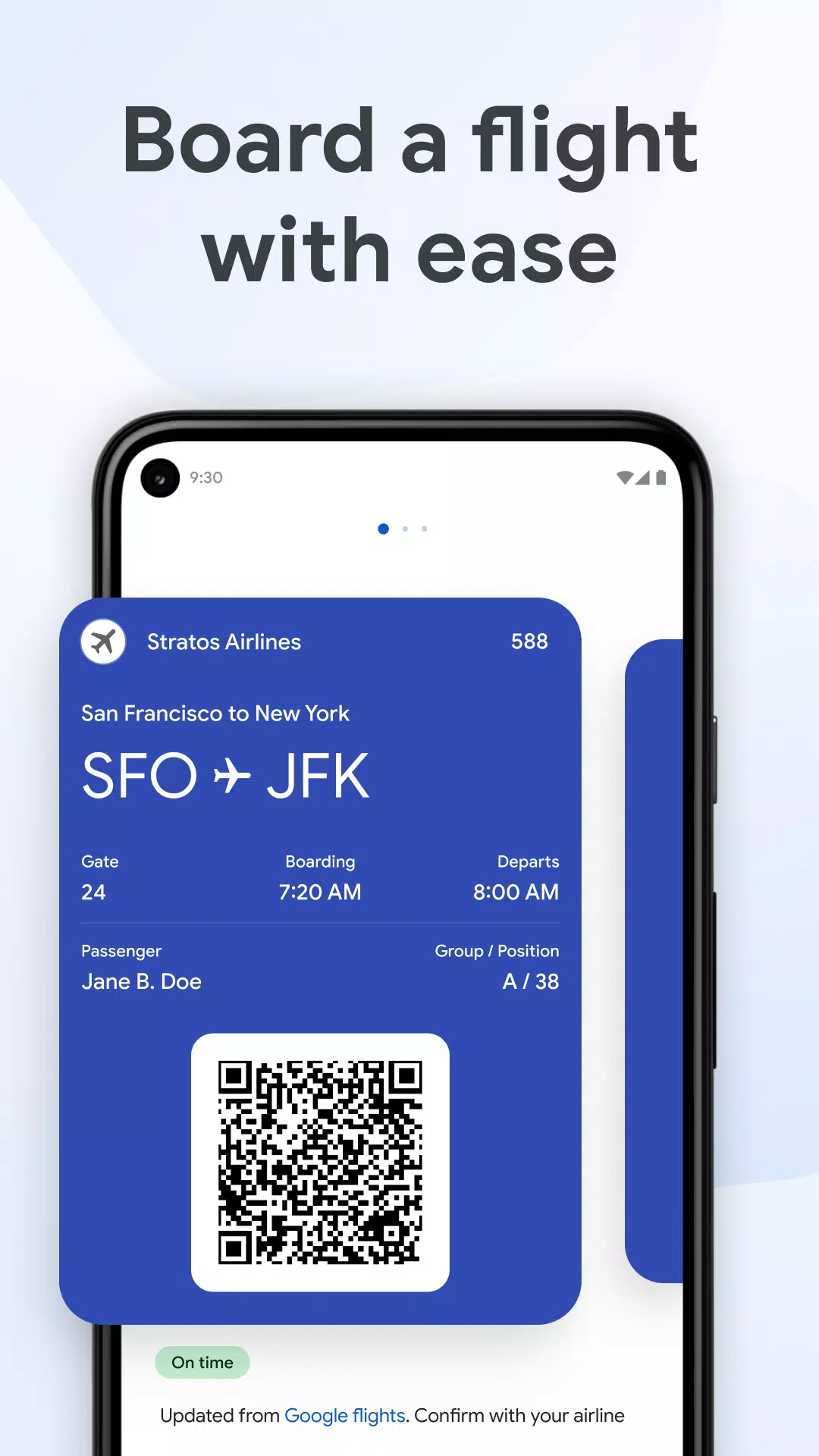
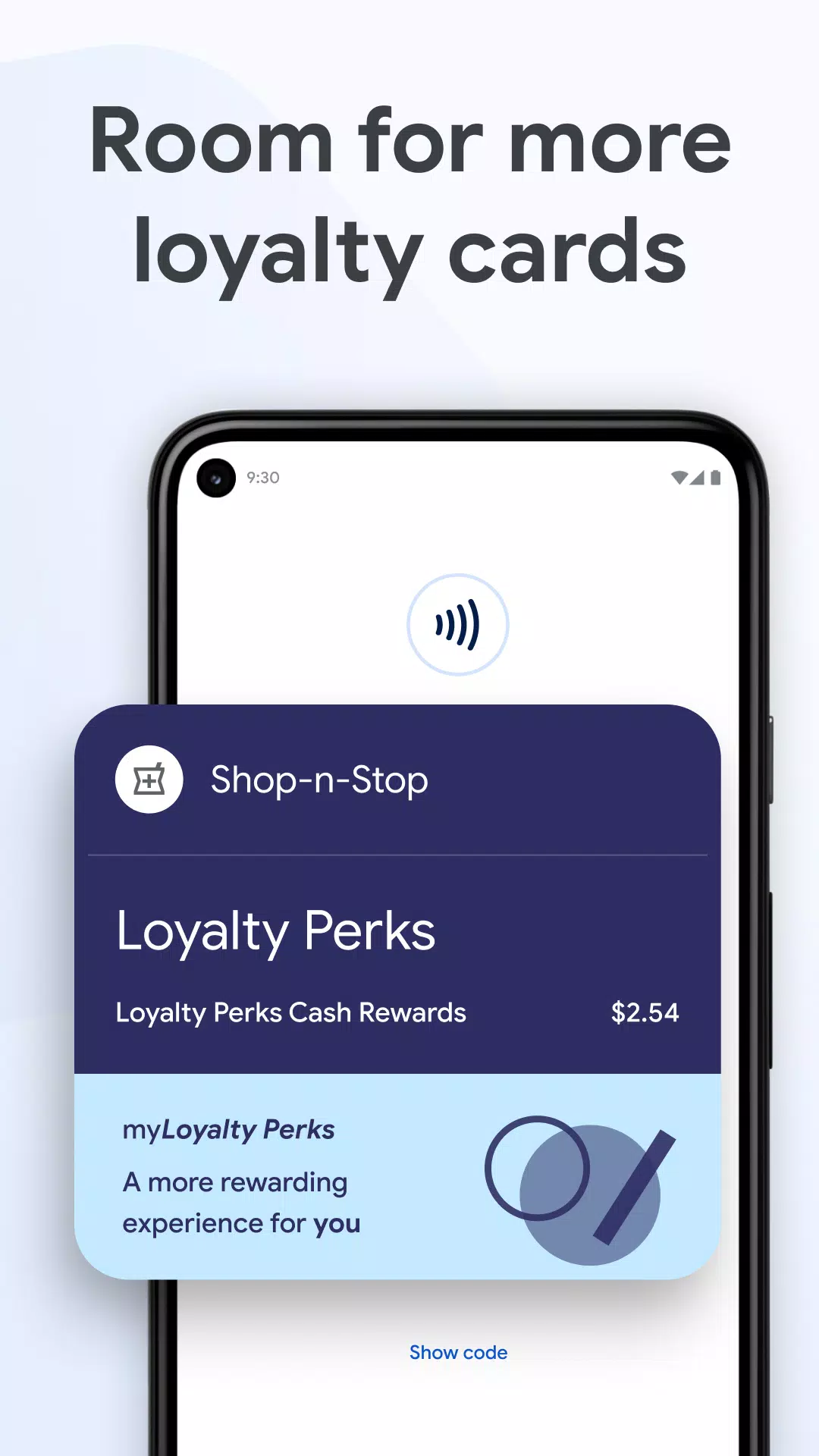
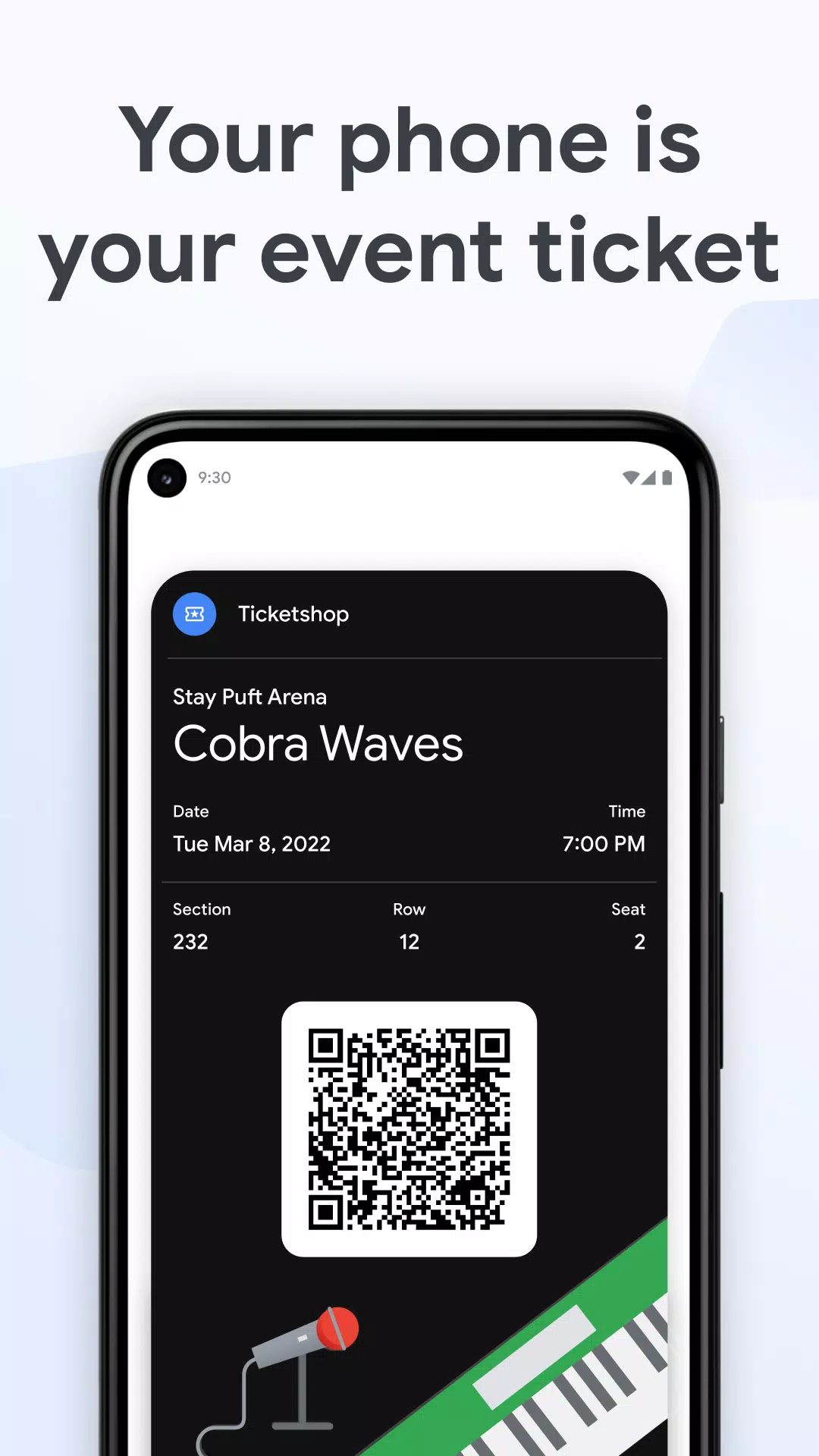
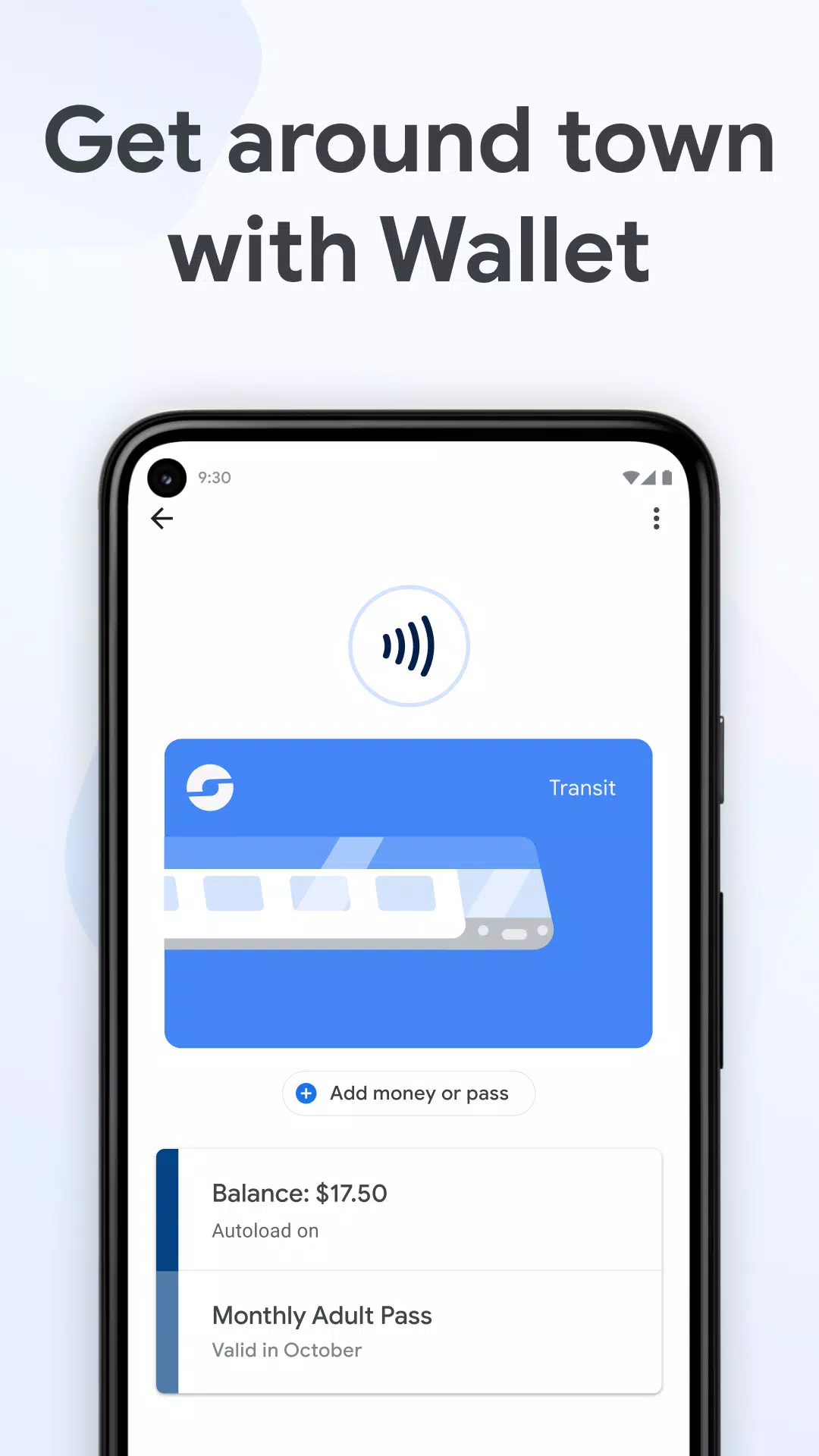
You can add loyalty and gift cards, transit passes, boarding passes, and event tickets. Google Wallet surfaces the right pass at the right time, so you can board, scan, or redeem with fewer taps. This helps you move through gates and lines faster.
Smarter travel with helpful updates
Google Wallet works with Google services to keep you informed. You can get gate changes and delay alerts pulled from Search, and you can view or top up select transit balances inside Google Maps. This makes trips and commutes easier to manage.
Fast access on phone and wearables
Google Wallet opens from the app icon, from your phone’s Quick Settings tile, or hands-free with Google Assistant. You can also use it on Wear OS watches and Fitbit devices, including watch-face complications for instant access. This reduces friction when you are on the go.
IDs, keys, and health where supported
Google Wallet can store driver’s licenses and student IDs in supported regions. It also supports digital car keys on select models and vaccine or test records in certain countries. Availability depends on your country, device, and partner programs.
Built-in protection and family controls
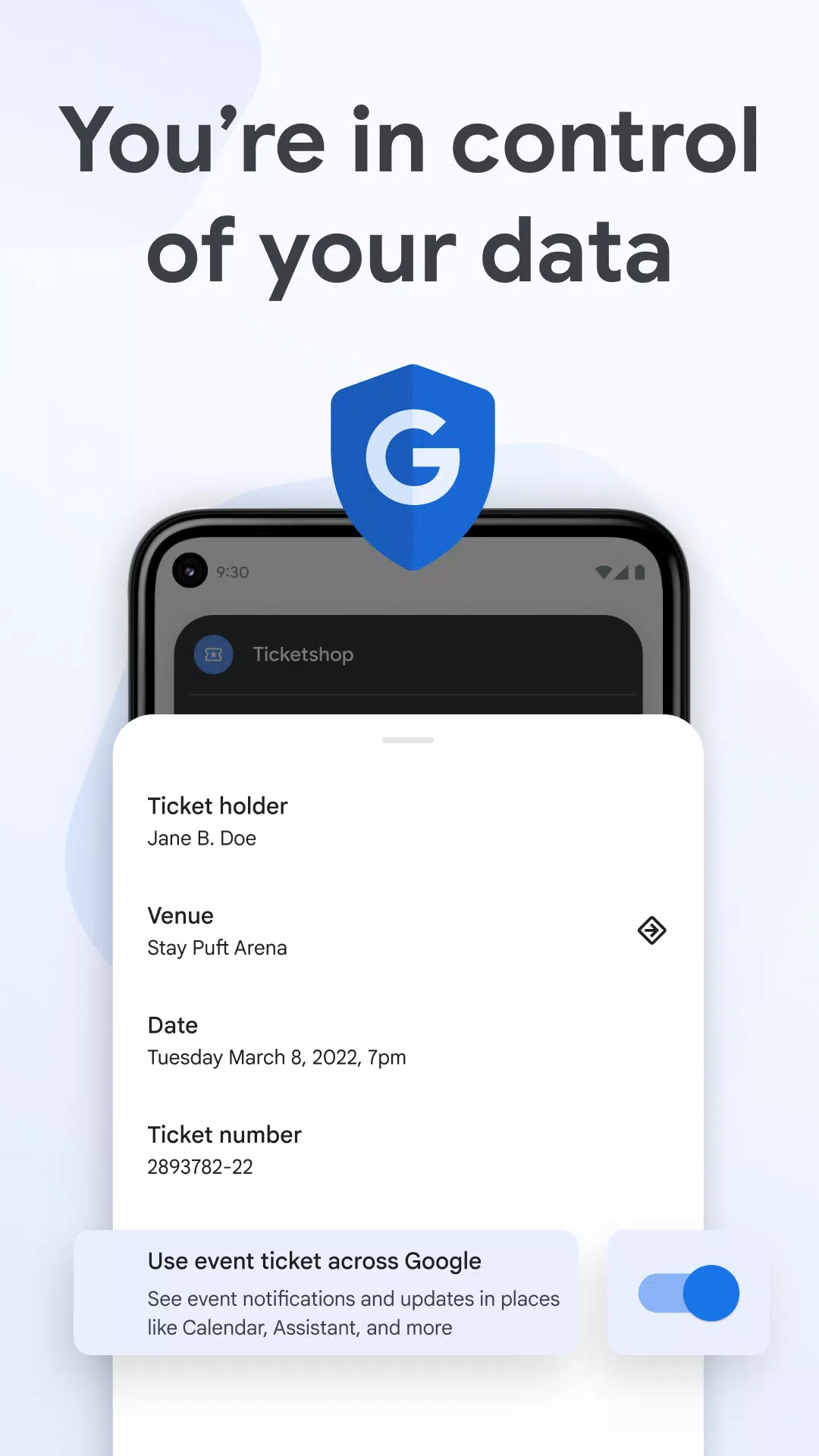
Google Wallet benefits from Android security features such as 2‑Step Verification, Find My Phone, and remote erase. Clear privacy controls let you manage data sharing. In addition, supervised accounts allow parents to approve cards and review activity.
Getting started with Google Wallet
This quick guide shows how to set up payments and add passes. It also explains how to enable faster access from your phone or watch.
Open Google Wallet and sign in to your Google account. Tap Add to Wallet, then choose Payment card to start setup.
Follow the prompts to add your card. After verification with your bank, set Google Wallet as your default contactless payment method in device settings.
Add passes by choosing Loyalty card, Gift card, Transit pass, or scan a barcode or QR code. Then, save boarding passes from email or airline apps when offered.
Turn on the Quick Settings tile: swipe down twice on your phone, tap Edit, and drag Wallet into the active tiles. So, you can open it quickly without searching.
On Wear OS or Fitbit, add Google Wallet and set a watch-face complication for instant access. Then, unlock your device and hold it near the terminal to pay or present a pass.
Download and start using Google Wallet
Google Wallet helps you pay in stores and keep your cards, passes, and tickets organized on Android. To stay current with new capabilities and security updates, click "Download APK" in this page to get the Google Wallet APK latest version. Download Google Wallet safely on APKPure and start carrying your essentials on your phone and watch.
Official resources:
FAQs
How do I use Google Wallet?
To use Google Wallet, add a payment card in the app, set it as your default contactless method, then unlock your phone and tap to pay at terminals that accept Google Pay. You can also add loyalty cards, transit passes, and tickets so Google Wallet shows the right pass when you need it.
Can I withdraw money from Google Wallet?
Google Wallet is not designed for cash withdrawals; it stores cards and passes for payments and access. ATM withdrawals depend on your bank and region, and they are not a core Google Wallet function. For example, UPI-enabled ATM access in India depends on your bank’s support and card type.
Where is my Google Wallet on my phone?
You can find Google Wallet in your app drawer or by searching “Wallet” on your device. You can also add the Wallet tile to Quick Settings for faster access, and on Wear OS or Fitbit you can open Google Wallet from your watch. If you need to install or update it, get the Google Wallet APK on APKPure.
What does the Google Wallet app do?
Google Wallet stores your payment cards, loyalty cards, transit passes, boarding passes, event tickets, IDs, and more on Android. It also lets you tap to pay where Google Pay is accepted, and it provides helpful updates and integrations so important items are ready when you need them.
Previous versions
Permissions
No permissions were detected automatically. Upload the APK again to analyze it.
User reviews
Sign in to write a review.
No written reviews yet.