Screenshots

About this app
Key features in MyDialog
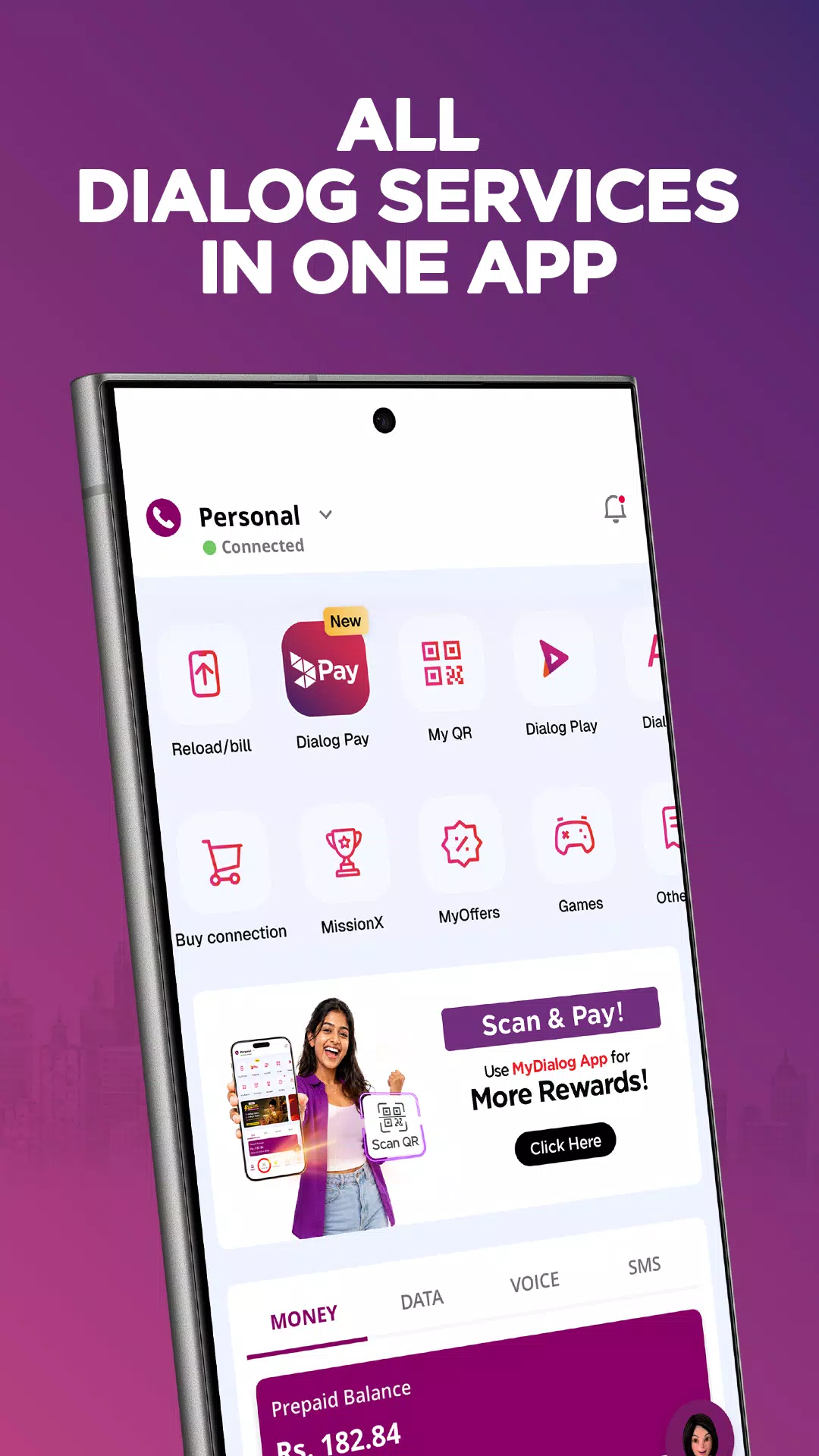
Manage multiple Dialog connections
MyDialog lets you link and monitor mobile, broadband, and TV services under your NIC. You can add up to 20 lines and keep them organized in one dashboard. This setup helps you view each account separately while staying in the same app.
Fast payments and reloads
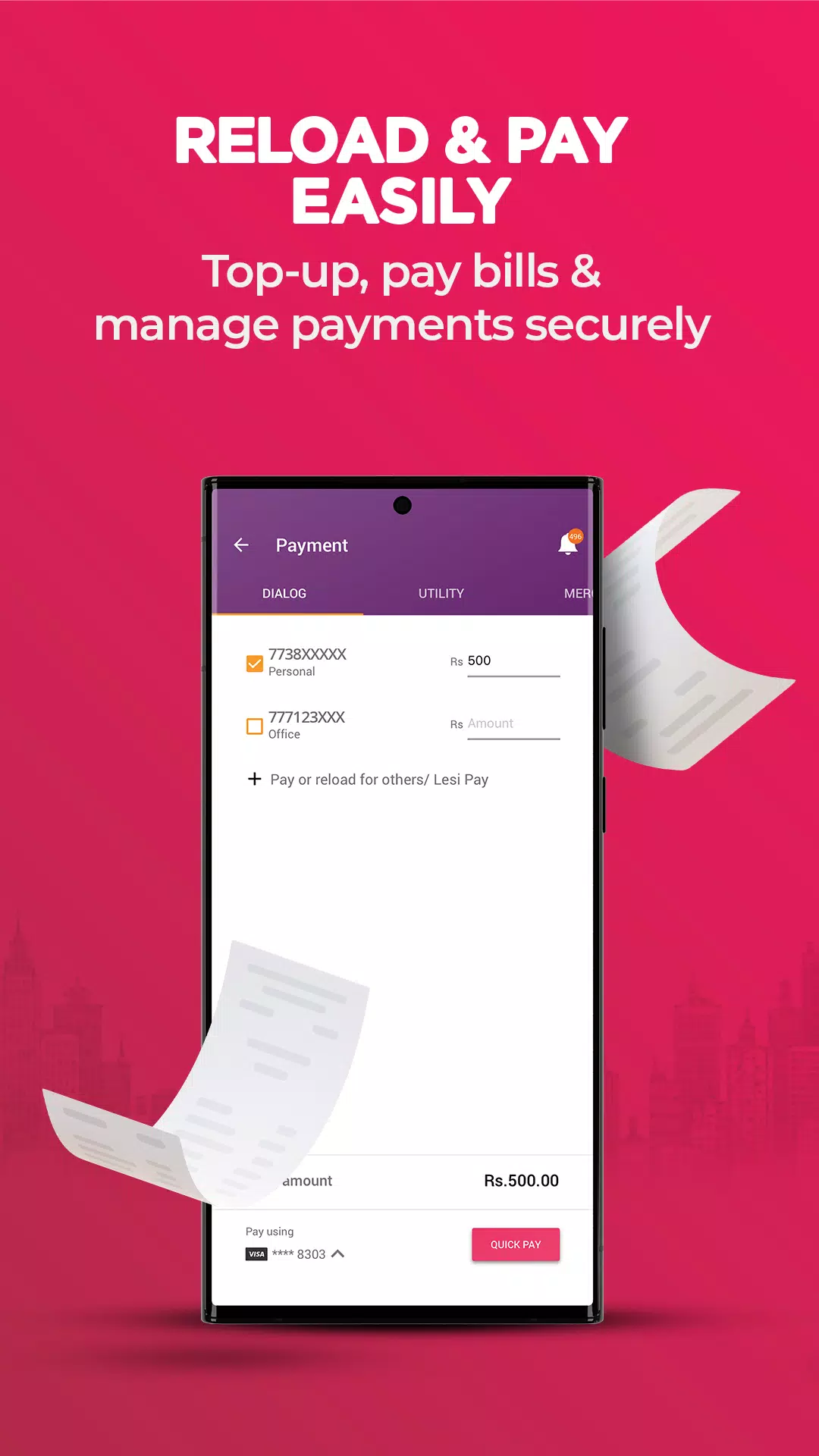
After setup, you can reload and pay bills in a few taps with saved Visa or Mastercard details. MyDialog also covers TV payments and subscriptions, so you can handle monthly charges and renewals without calling support. Everything is arranged in clear menus for quick confirmation.
Real-time usage and data add-ons
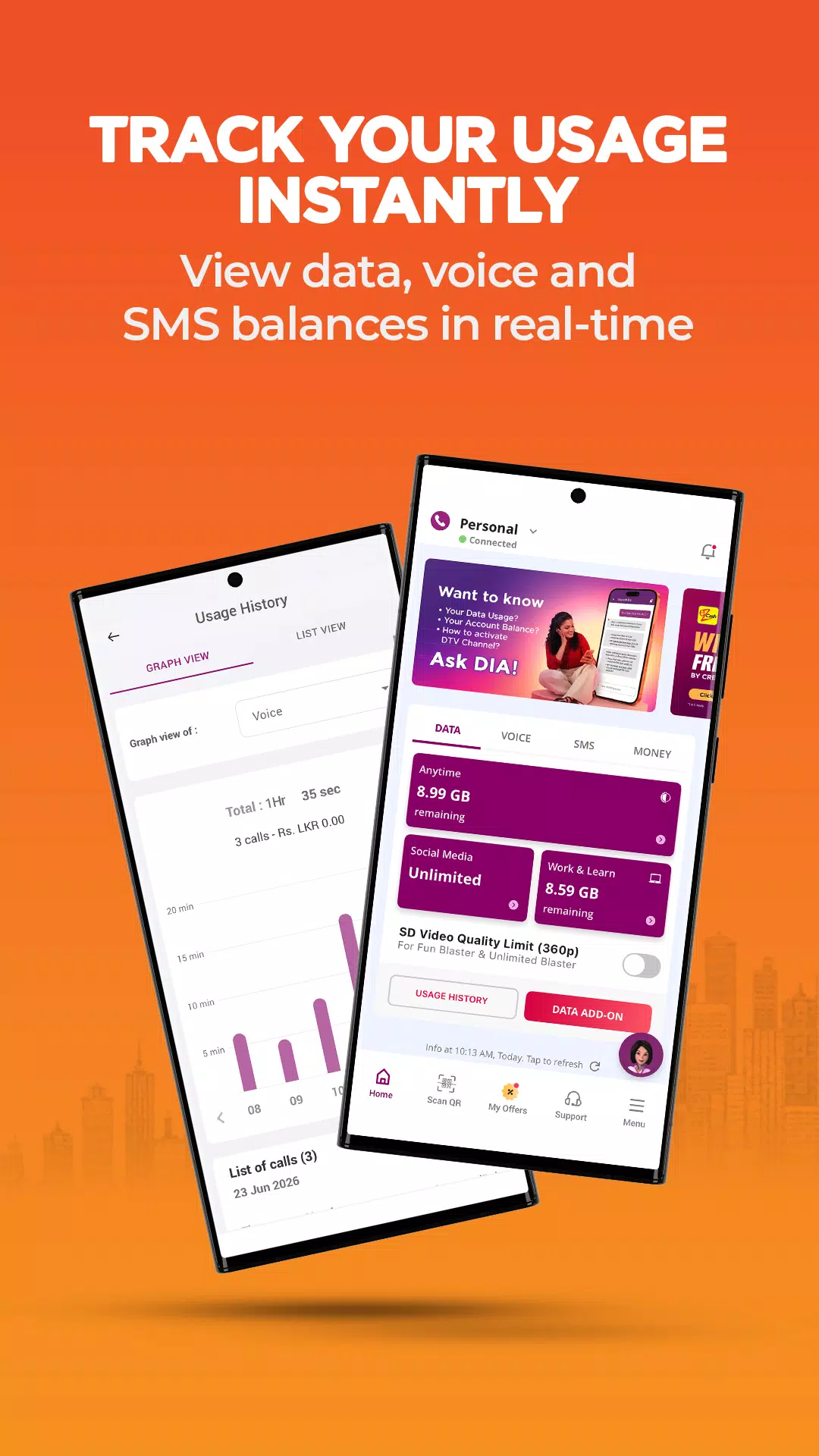
In addition, MyDialog shows daily and monthly usage for calls, SMS, and data. You can activate and manage data add-ons when your usage changes during the month. This view helps you understand patterns and adjust plans at the right time.
TV control at home
Next, you can manage TV services by activating channels and packages directly in the app. Rescans are available when your channel list needs updating. MyDialog handles these actions step by step, so you do not need to wait for phone assistance.
Support, rewards, and value services
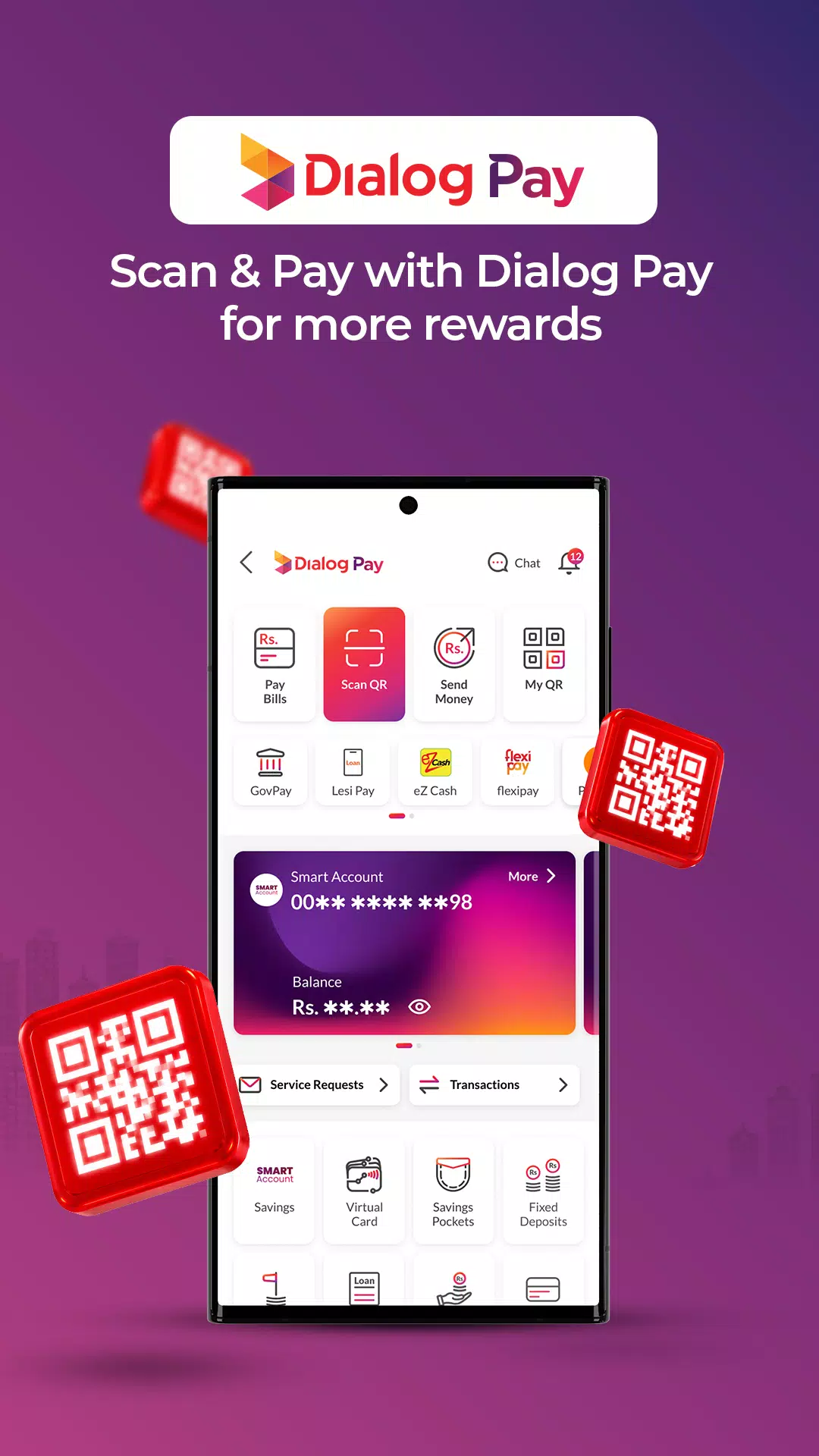
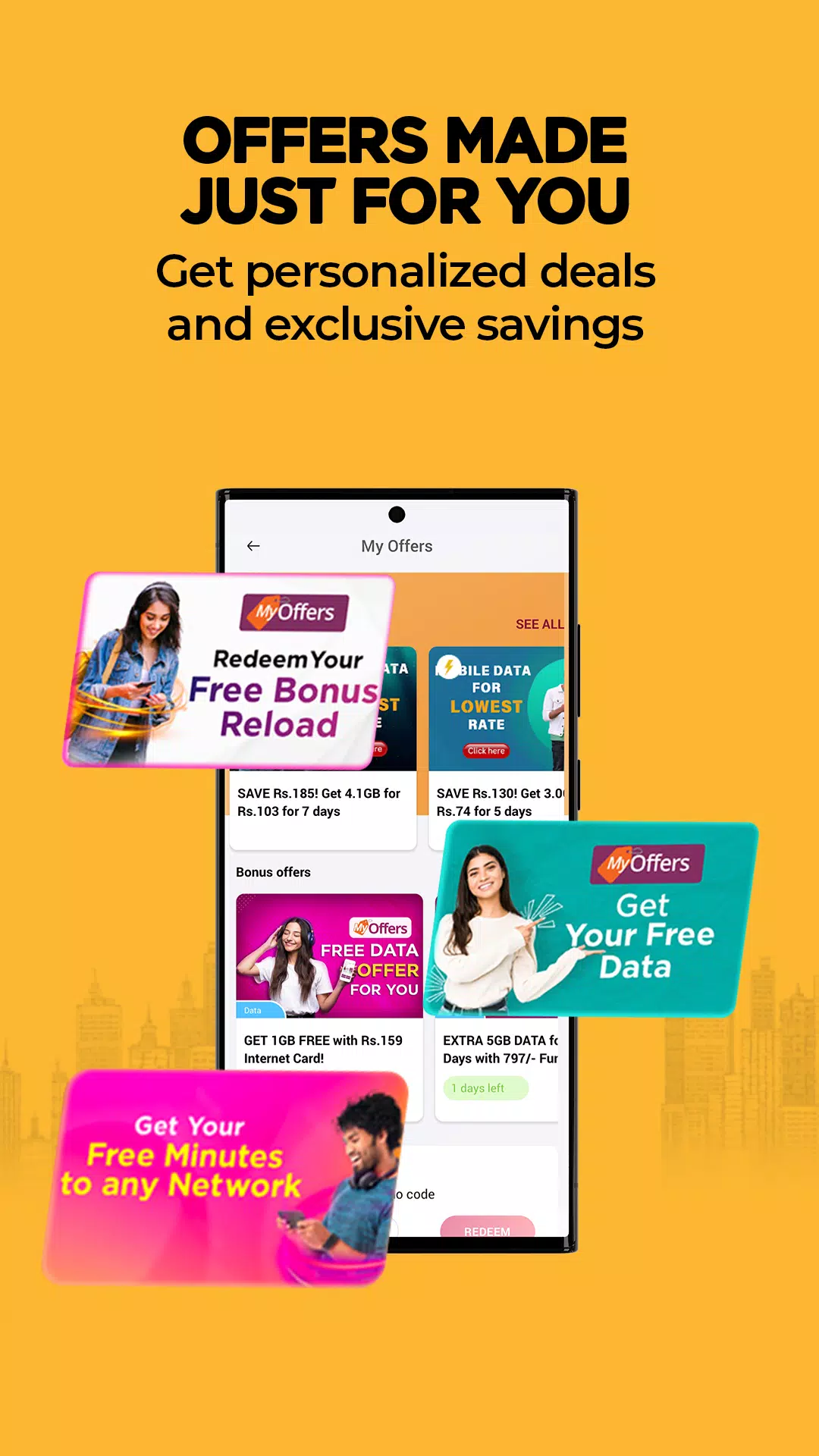
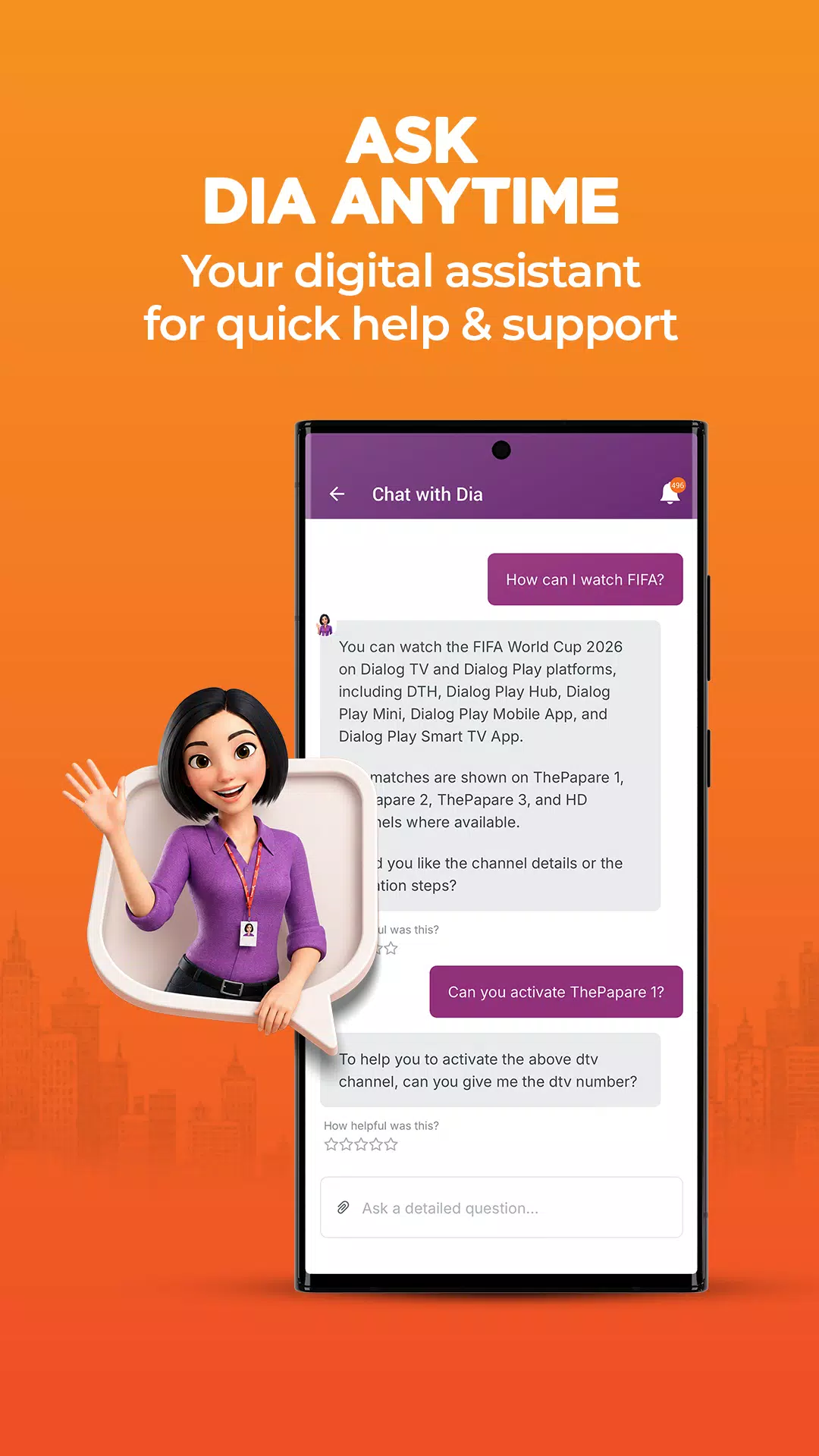
Finally, you can chat with Dia for 24/7 help, find nearby service points with the store locator, and check Club Vision or Star Points. MyDialog also supports eZ Cash, Share Credit, RingIN Tones, loan services, and Help a Friend actions. Multilingual support is available in English, Sinhala, Tamil, and Chinese.
MyDialog data access policy
App access is free of data charges for Dialog users while using Dialog mobile data. However, charges may apply when opening external links from the app or when using the app while roaming. This policy helps users manage services without extra local data costs, and it clarifies when data usage may be billed.
Who can use MyDialog
Dialog customers get the full experience, but non-Dialog users can still access selected tools. You can check Star Points, manage eZ Cash accounts, and explore available Dialog services inside the app. This access lets potential users learn about options before becoming Dialog customers.
About the Dialog Self Care upgrade
The former Dialog Self Care app has been upgraded to MyDialog. This change consolidates service management under one name and interface, so users can find tools more easily. If you used the older app, your daily tasks continue in MyDialog with the updated layout.
How to use MyDialog on Android
Use this quick guide to start with MyDialog on your Android phone. Whether you manage mobile, broadband, or TV, the steps are the same. If you install the MyDialog APK, the flow below helps you link services and handle daily tasks.
- Open MyDialog and wait for the home screen to load. Tap the option to add a connection.
- Link your Dialog mobile, broadband, or TV under your NIC. Follow the prompts to confirm ownership.
- Add up to 20 lines as needed. Then name each line to find it quickly later.
- Check usage from the dashboard and manage data add-ons. Next, use Payments to reload or settle bills with a saved card.
- Go to TV to activate channels or rescan. Finally, open Support to chat with Dia or find nearby service points.
Start managing your Dialog services
MyDialog brings mobile, broadband, and TV account control into one app. It helps you track usage, pay, and adjust services without store visits. For the MyDialog latest version, install and manage connections when needed.
Previous versions
Permissions
No permissions were detected automatically. Upload the APK again to analyze it.
User reviews
Sign in to write a review.
No written reviews yet.