
Screenshots

About this app
Netflix features
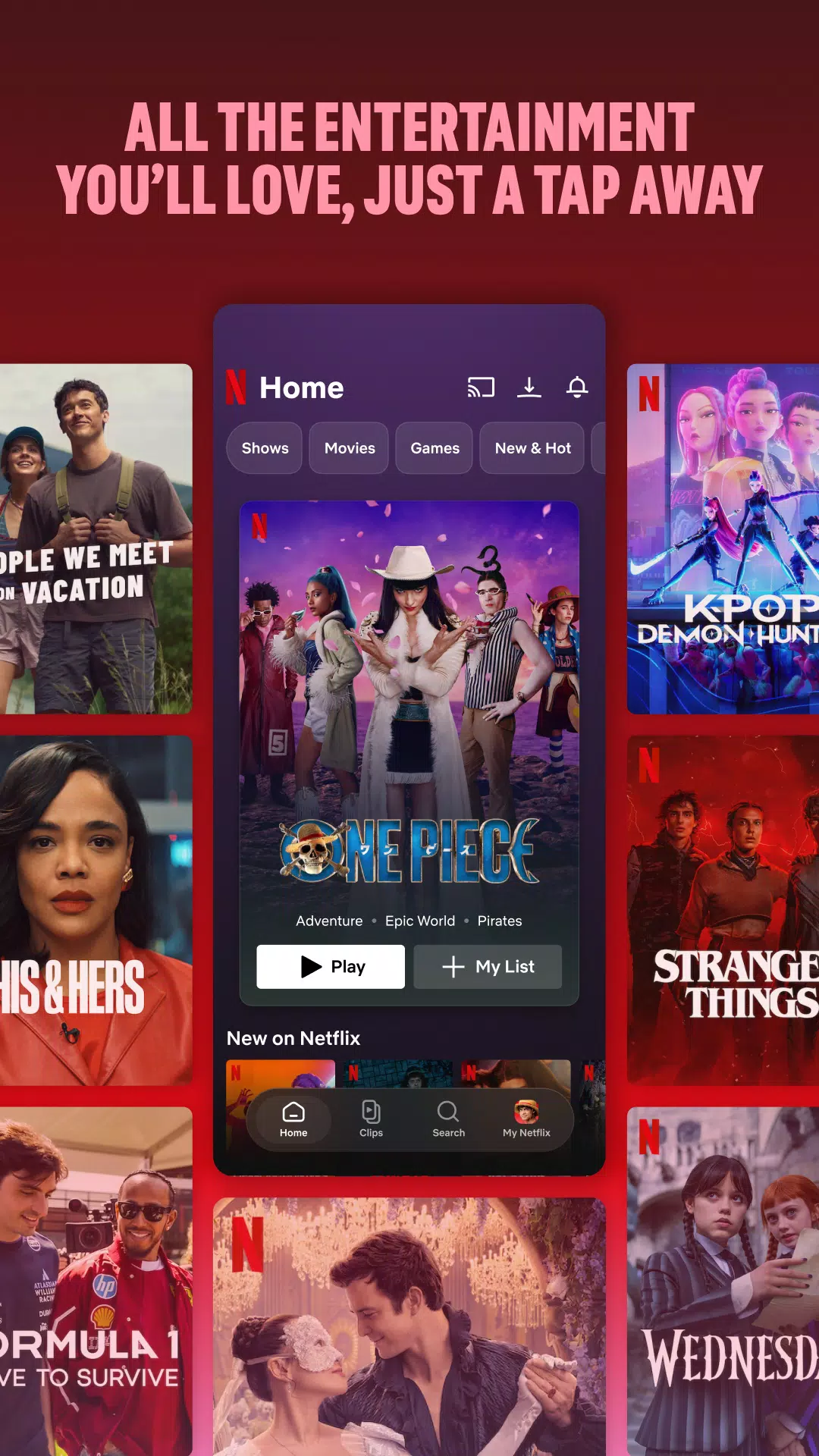
Browse different types of entertainment
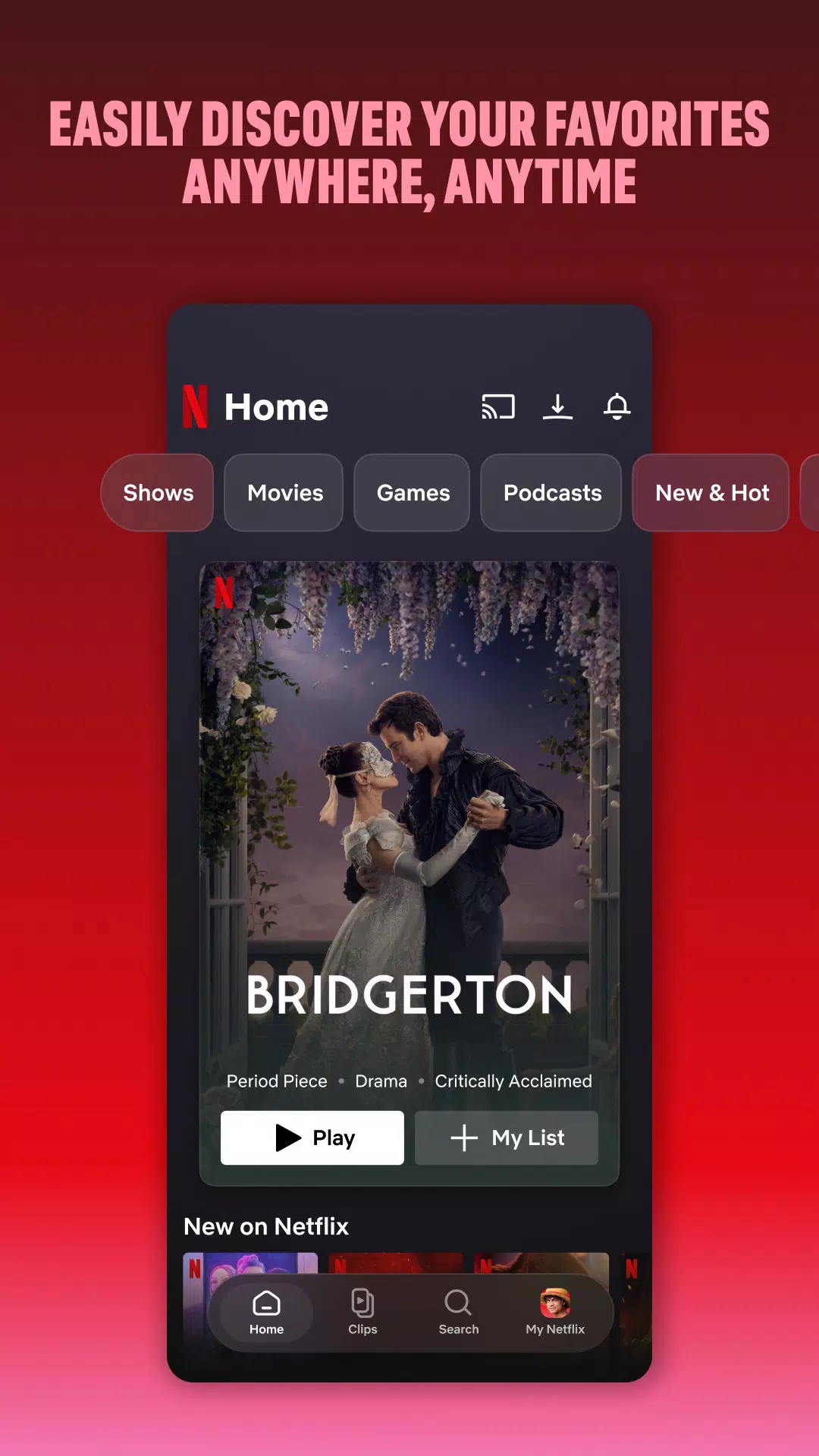
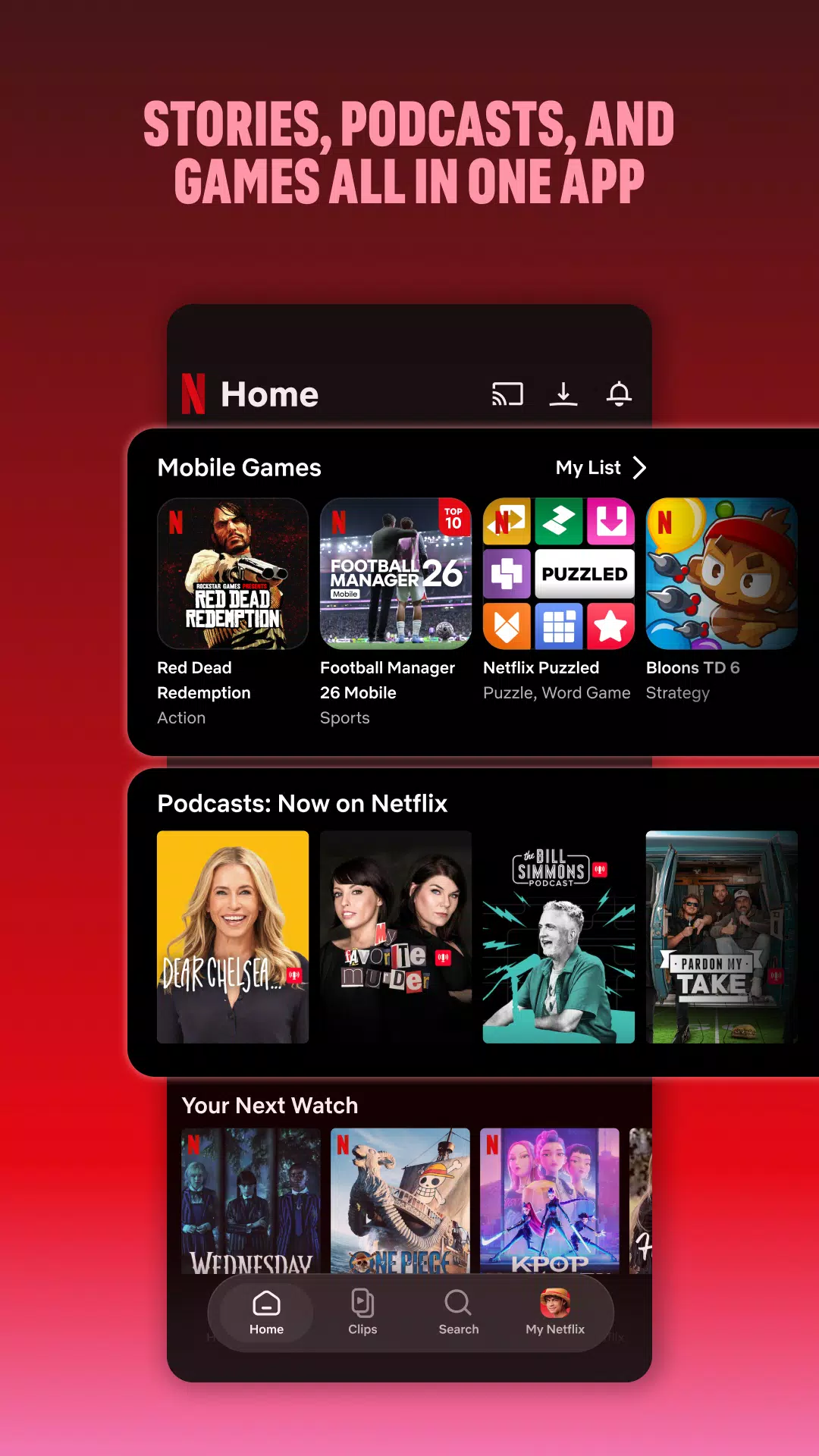
Netflix lets you browse TV series, films, documentaries, anime, live events, podcasts, and mobile games in one app. You can explore categories or look for a specific title when you already know what you want to watch. New titles are added regularly, so the available selection can change over time.
Find titles based on your viewing
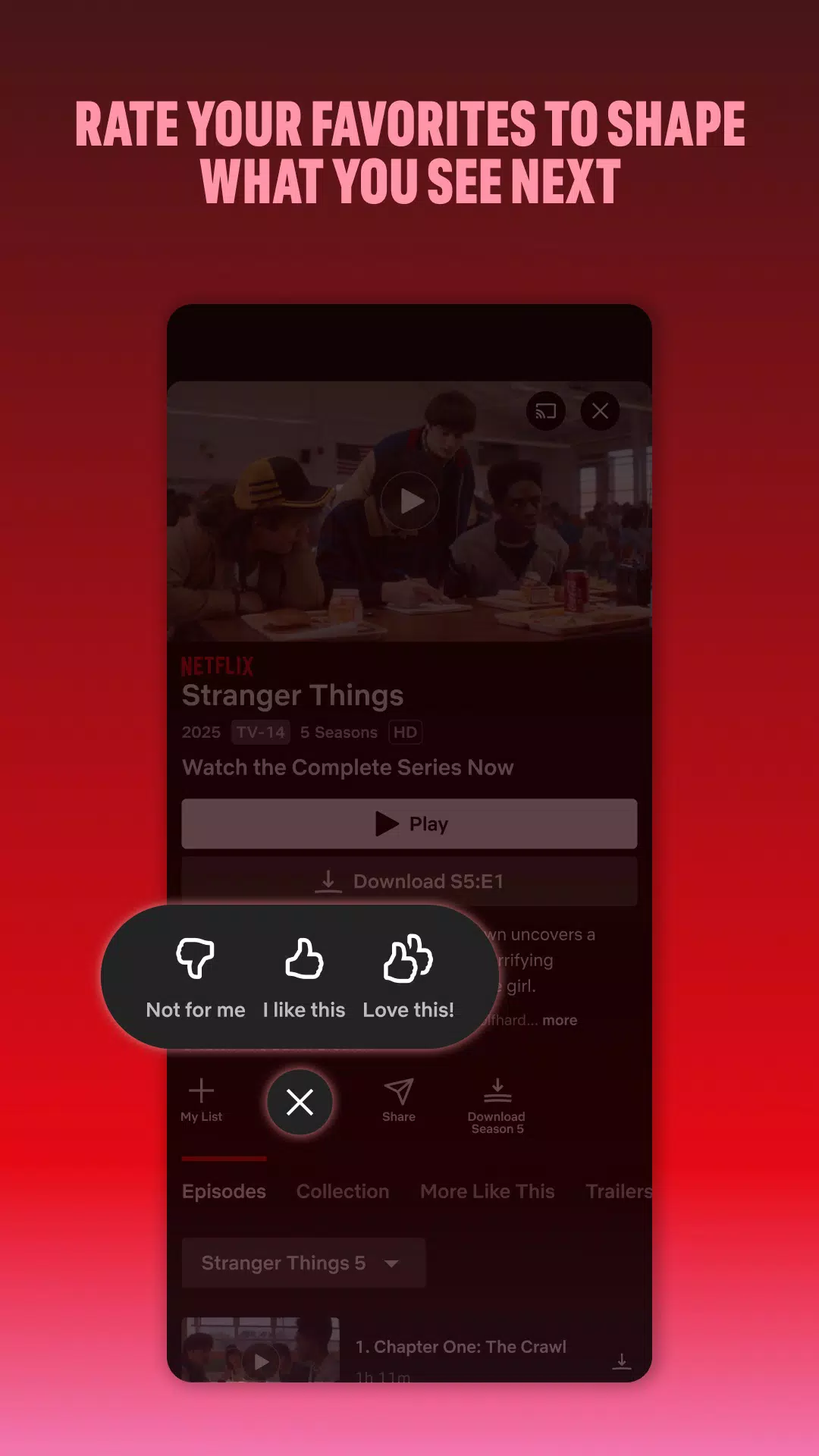
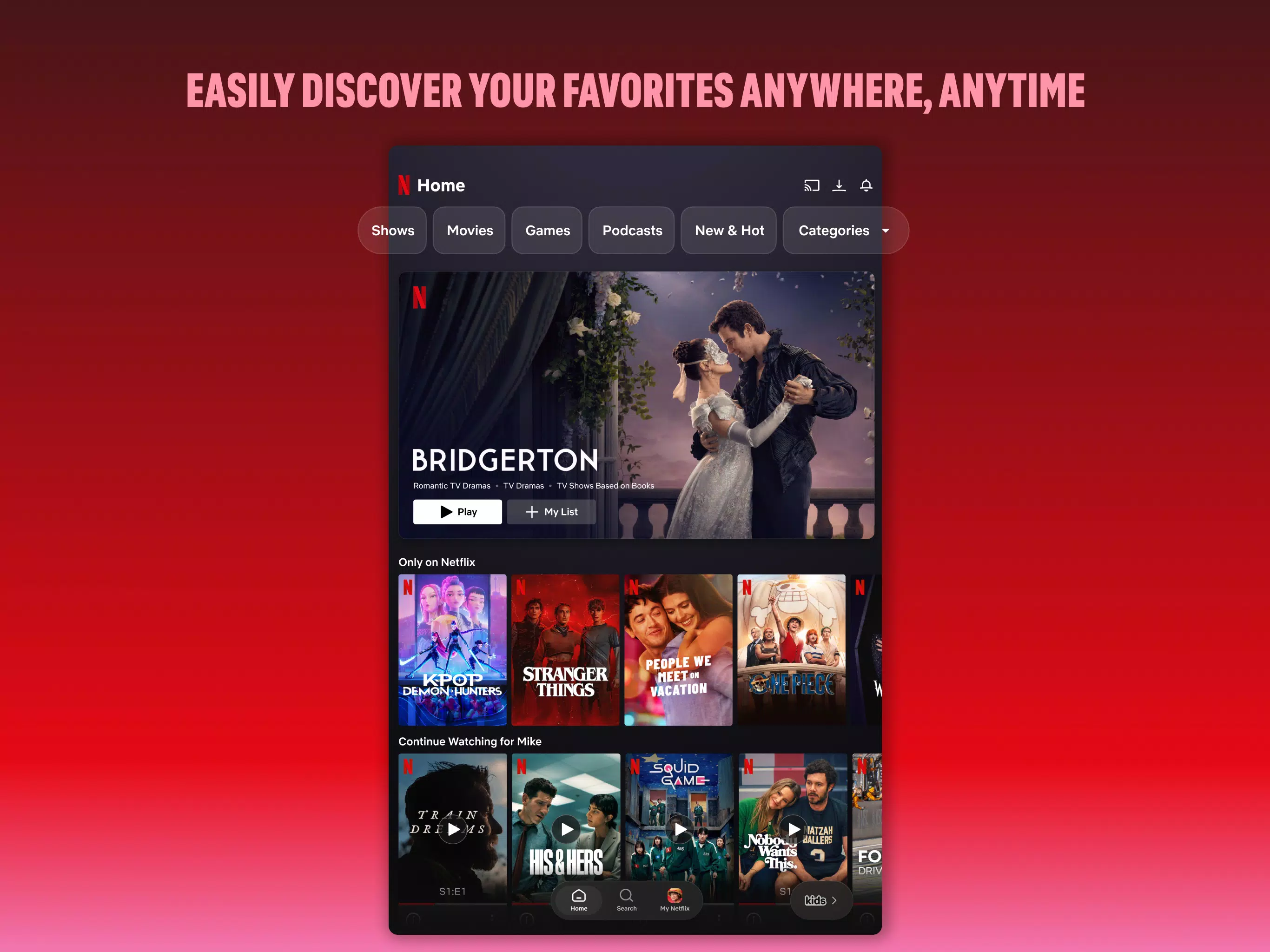
Netflix uses your ratings and viewing activity to suggest series, films, and other content you may want to try. You can also check areas such as Trending Now, previews, and the upcoming clips feed. This can help when you are unsure what to watch next.
Continue watching across supported devices
Netflix saves your viewing progress when you are signed in, so you can return to a title from the point where you stopped. For example, you can begin an episode on your Android phone and continue it later on another supported connected device. Your account keeps this progress linked to your profile.
Download selected titles for offline viewing
You can download selected movies and episodes to your Android device before a trip, commute, or time without reliable coverage. Afterwards, you can watch the saved content without an internet connection. Download availability depends on the title, so some items in the Netflix app may not offer this option.
Save content in My Netflix and My List
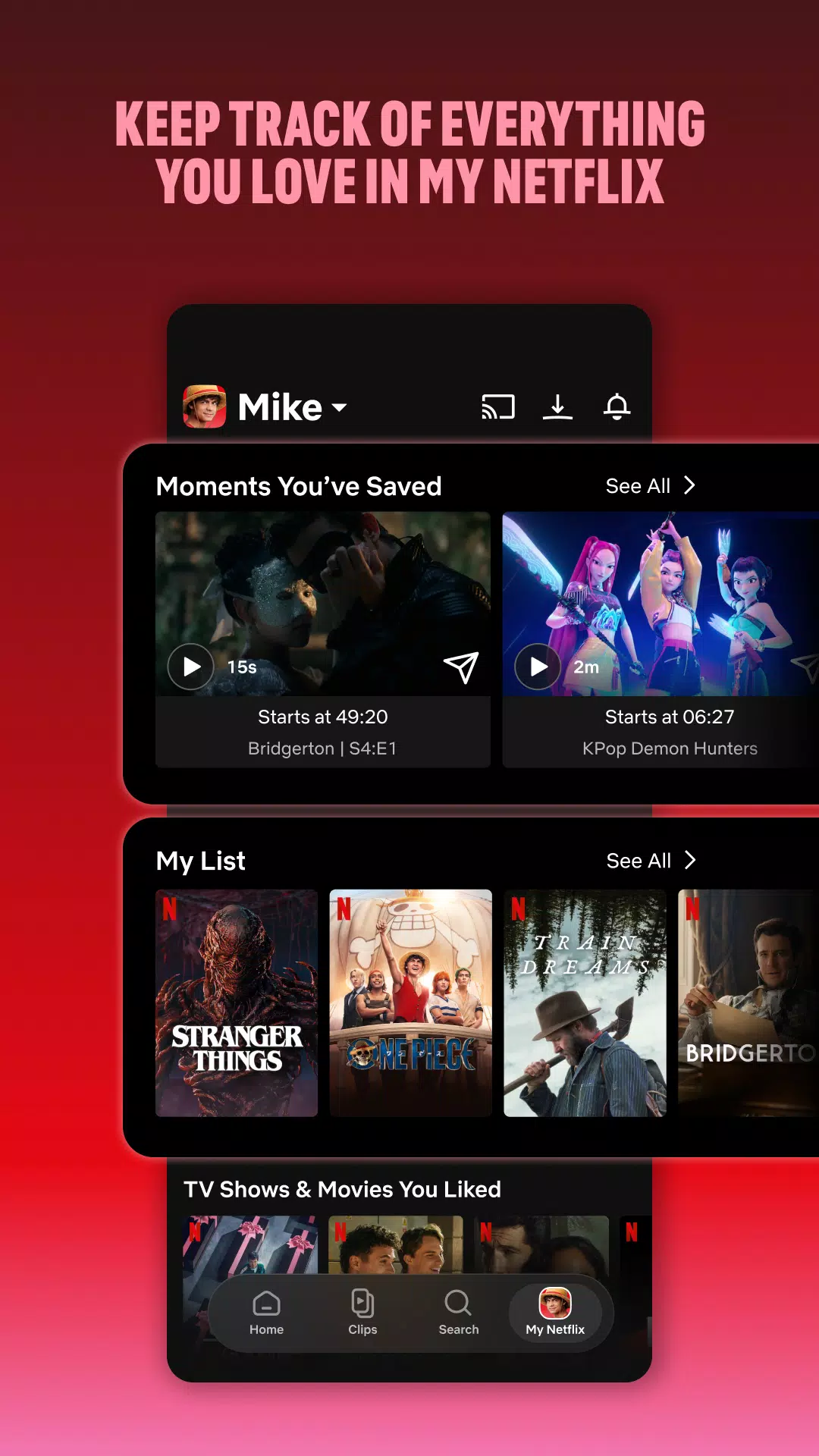
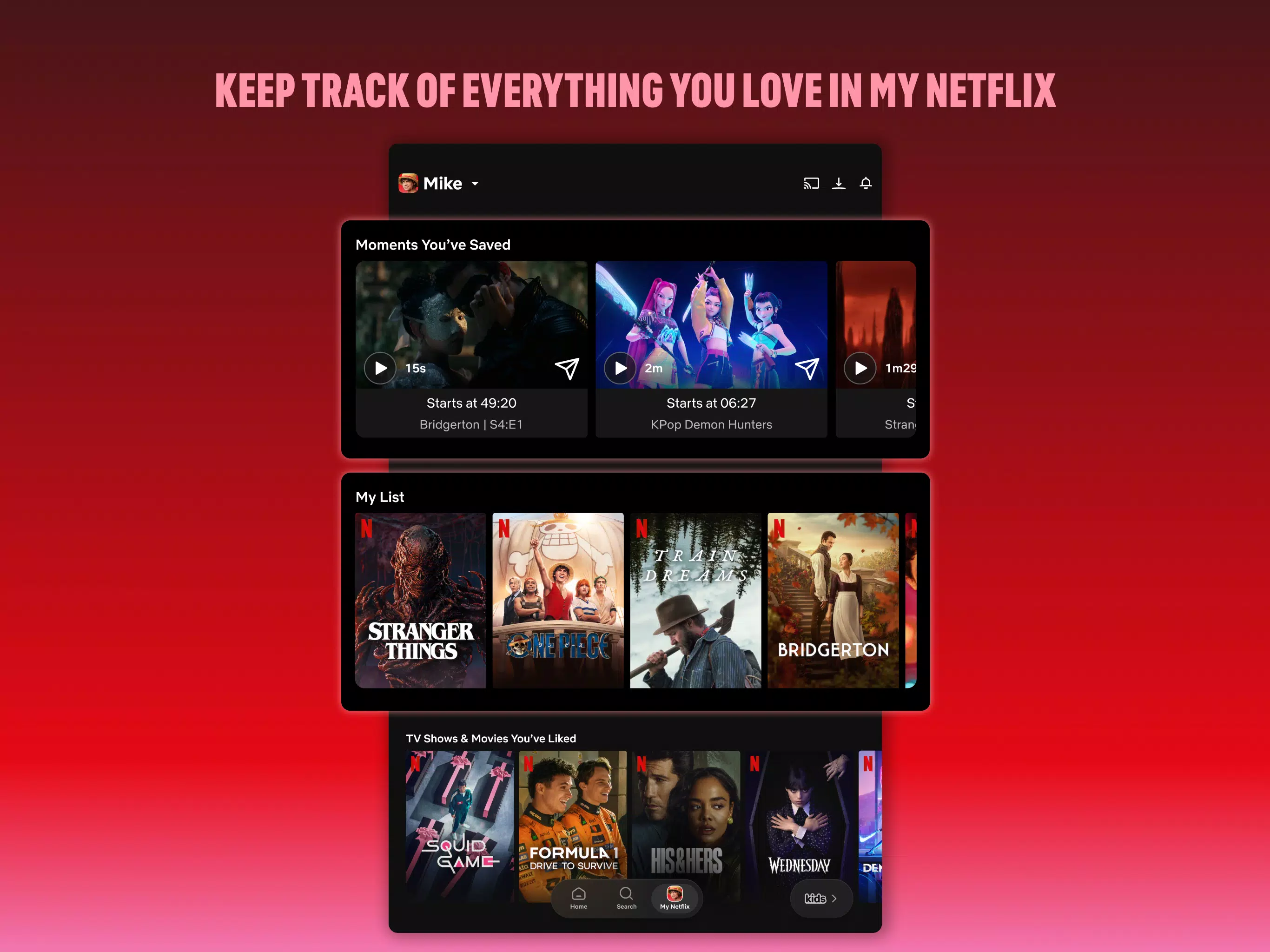
Netflix gives you places to keep titles and viewing activity easy to find. Use My List to save films or series you plan to watch later, then open My Netflix to view favorites, memorable moments, and other saved content. As a result, you do not need to search for the same titles each time.
Netflix for family viewing
Create separate profiles for children
Netflix allows account holders to create kids profiles for younger viewers. You can set maturity restrictions, block specific titles, and protect parental controls with a PIN. Each profile can also have its own viewing activity and recommendations, which helps keep suggestions separate for different family members.
Netflix membership details
Netflix is a paid subscription service billed monthly. You can choose a plan, change to a different plan, or cancel online when needed. There are no long term contracts or cancellation fees stated for the membership options, although available plans may vary by location.
Using Netflix on an Android phone
After installing the Netflix APK, sign in with an existing account or follow the on screen prompts to set up membership. The app then uses your profile to show viewing suggestions and saved activity. Keep an internet connection available when browsing, streaming, or managing downloads.
Open Netflix and sign in, then select the profile you want to use. If the account has more than one profile, choose the one that matches your viewing preferences.
Use the home screen, search option, or category lists to find a series, film, documentary, live event, podcast, or game. Open a title page to check its available episodes or viewing options.
Tap a title to begin watching. When you stop, Netflix records your position so you can continue later from the same profile.
For offline viewing, open an eligible movie or episode and select its download option while connected to the internet. Find saved items in the downloads area when you need to watch without a connection.
Use My List or My Netflix to revisit content you saved. You can also adjust profile and parental control settings from the account options when managing family viewing.
Get started with Netflix
Netflix combines streaming, offline downloads for selected titles, personal profiles, and saved viewing activity in one Android app. Install the Netflix latest version if you want to browse its current catalog and manage your membership from your device.
Official information is available from Netflix:
Previous versions
Permissions
No permissions were detected automatically. Upload the APK again to analyze it.
User reviews
Sign in to write a review.
No written reviews yet.