Screenshots
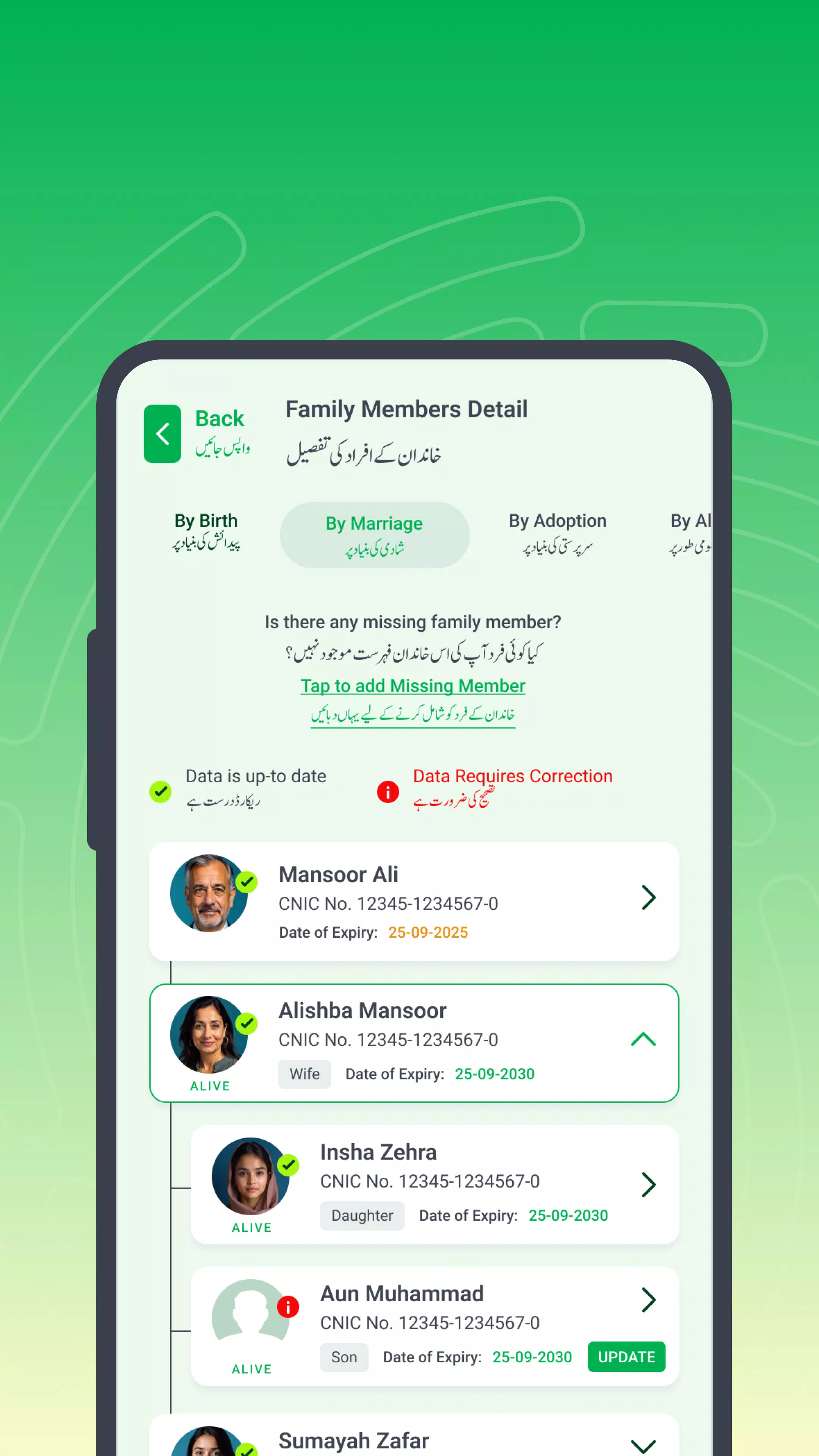
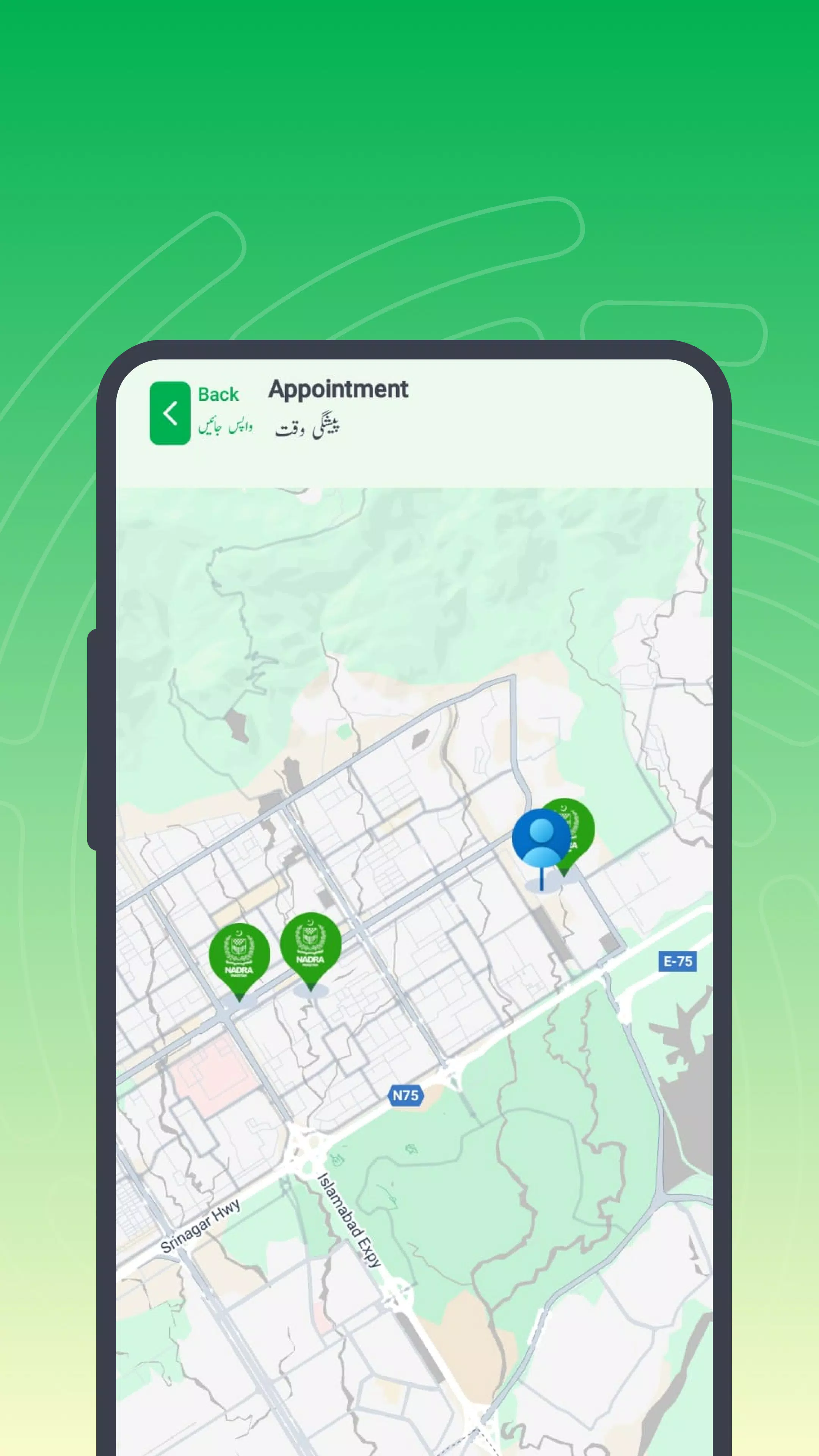
About this app
Pak Identity features for CNIC and NICOP
End-to-end CNIC and NICOP services
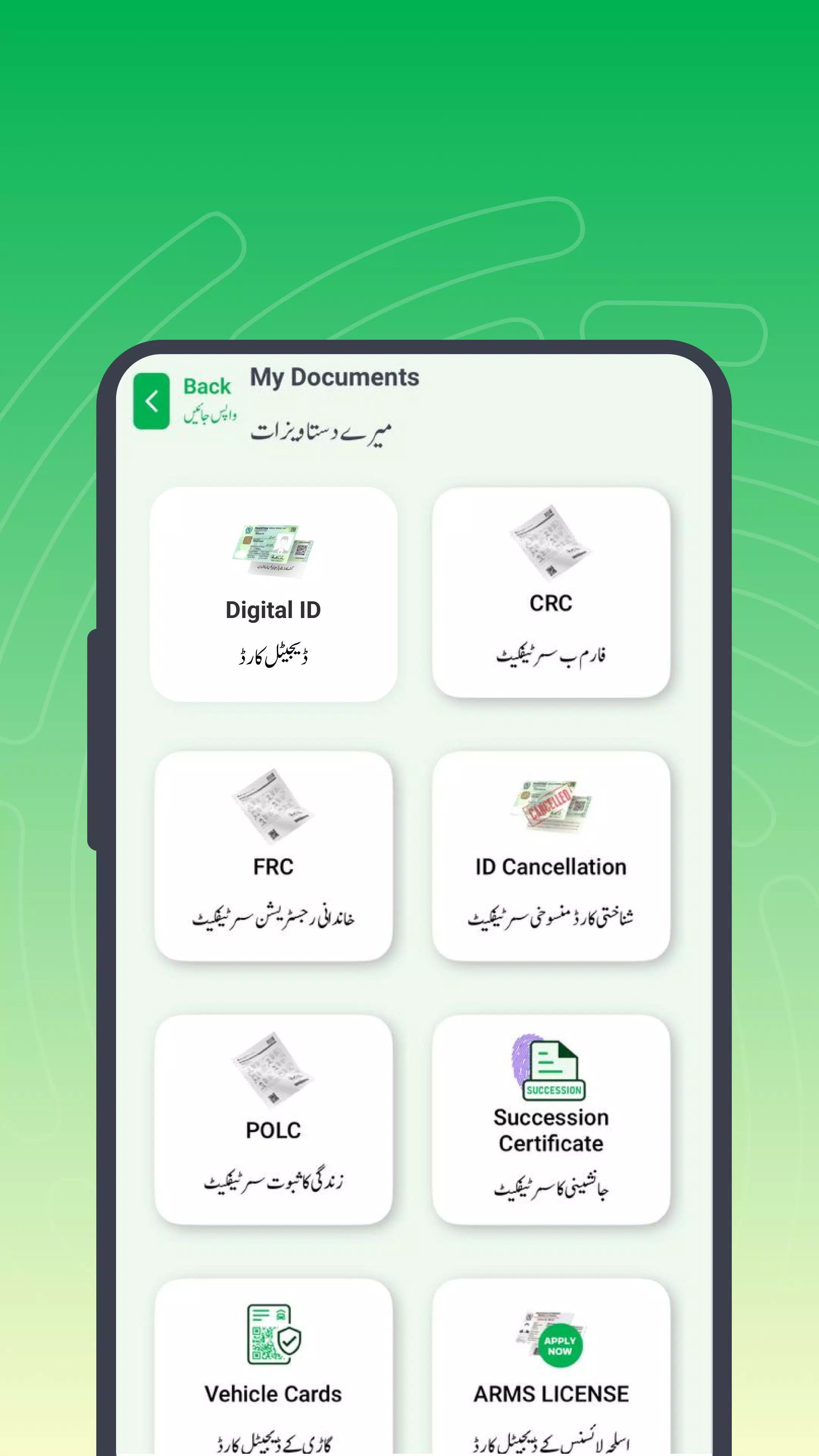
You can renew, modify, or reprint a CNIC, and apply for a new NICOP if needed. Pak Identity guides each application type from start to finish so you can submit without visiting a center. This helps both inland residents and overseas Pakistanis complete identity tasks within the app.
Biometric account creation and secure login
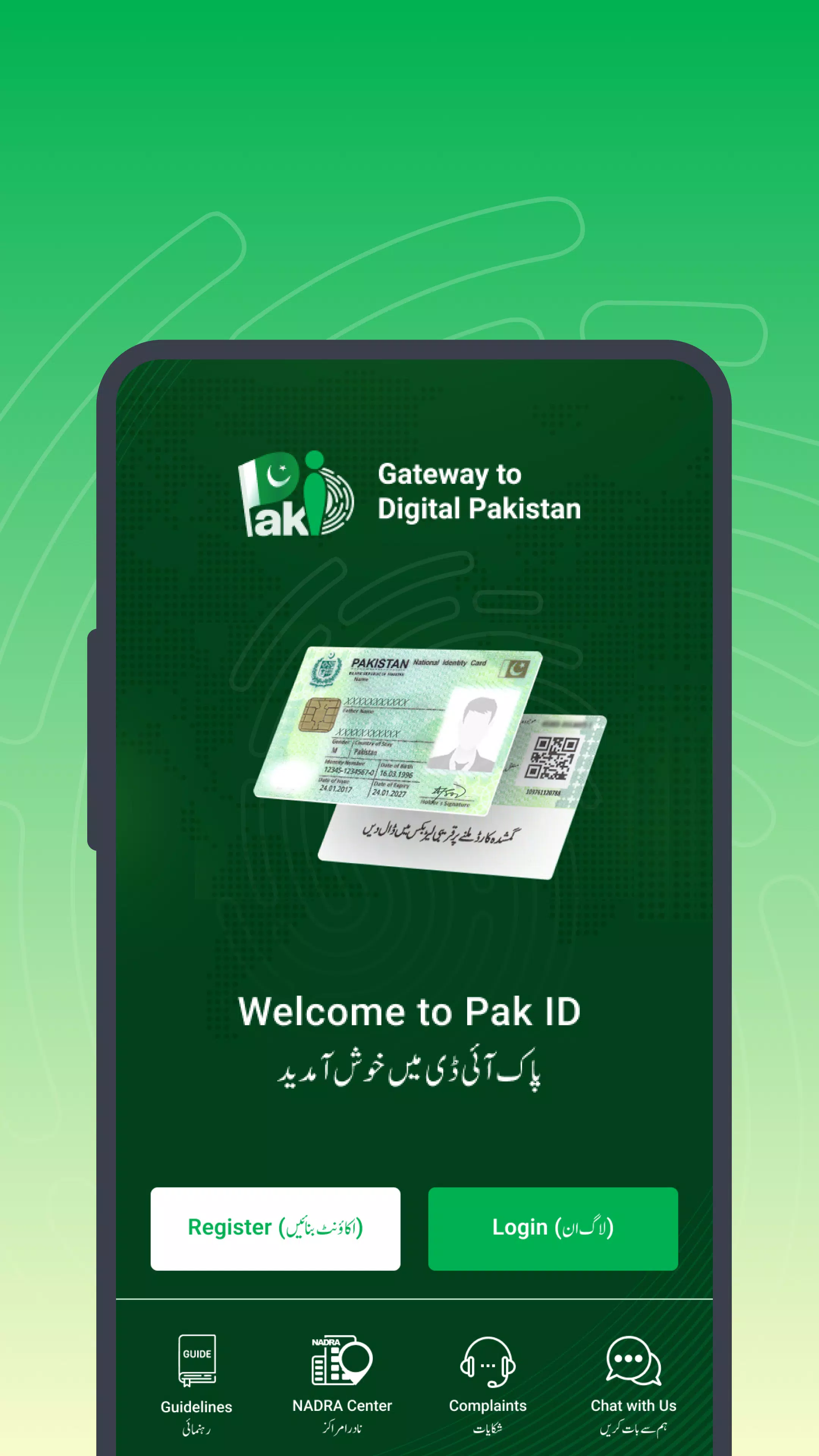
Pak Identity supports biometric account creation and login using fingerprints or facial verification. This strengthens access control and ties your account to your identity before you start an application. When you sign in, the Pak Identity login flow keeps sensitive actions behind biometric checks.
ICAO-based photo, fingerprints, and digital signature capture
You capture an ICAO-compliant photo, record fingerprints with your phone camera, and add a digital signature. The app guides you through each step so your submissions meet required standards. If a capture is unclear, you can retake it before continuing.
Document uploads and attester verification via OTP
Pak Identity lets you upload documents from the camera or files. To confirm authenticity, an attester completes verification through OTP. This check helps validate your submission and moves your application forward when completed.
Secure online payments and worldwide doorstep delivery
You pay securely within the app when you finish your application and submit. Delivery is arranged to doorsteps worldwide so overseas applicants receive cards at their current address. After payment and submission, status updates appear as your application progresses.
Inbox to manage and track applications
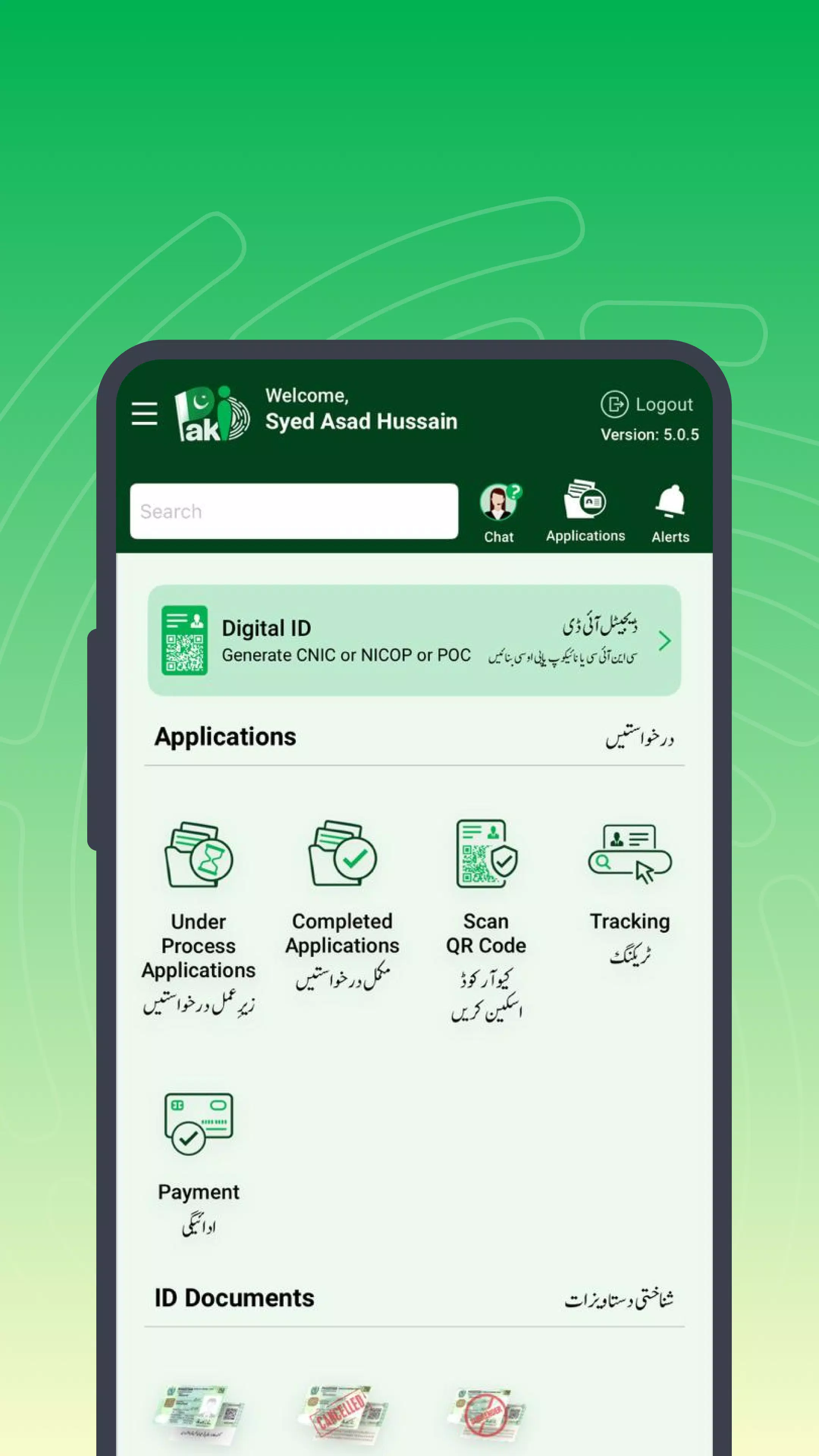
Pak Identity provides an inbox to manage multiple applications in one place. You can review statuses, revisit drafts, and track progress from submission to delivery. This helps keep CNIC and NICOP workflows organized on your phone.
Who can use Pak Identity
Pak Identity serves Pakistani citizens and overseas Pakistanis who need CNIC or NICOP services. You create an account with an email and mobile number and then complete biometric checks before applying. Because everything runs on a phone, applicants can start and finish from anywhere with a stable connection. NADRA’s service design supports both inland and expatriate workflows.
Attester OTP and documents
Attester verification uses OTP to confirm authenticity. Ensure your attester can receive the OTP and respond promptly to avoid delays. Prepare clear photos or scans of required documents so uploads can be reviewed without repeated submissions. Correct information and readable files help keep the process moving.
Delivery and tracking notes
After payment, cards are scheduled for doorstep delivery worldwide. You can check your application status in the inbox and follow updates until shipment completes. If you manage several applications, review each entry for its current step to avoid confusion. Consistent tracking helps you plan for receipt at your address.
How to use Pak Identity on Android
Use this app to submit CNIC and NICOP applications from your phone. To begin, download Pak Identity and sign in securely. The steps below outline the general flow to finish your submission.
- First open Pak Identity, create your account with your email and mobile number, and verify your number as prompted.
- Then sign in and complete biometric setup, using fingerprints or facial verification to secure your account.
- Next start a new CNIC or NICOP application, choose renew, modify, or reprint, and follow the on-screen guidance.
- After that capture an ICAO-compliant photo, record fingerprints with your phone camera, and add your digital signature. Retake any capture if it is unclear.
- Finally upload required documents, add an attester and complete OTP verification, pay securely, and track progress in the inbox until delivery.
Get started with Pak Identity
Pak Identity brings CNIC and NICOP applications to your phone with biometric access, compliant captures, and worldwide delivery. Install the Pak Identity latest version to manage renewals, modifications, and reprints in one place.
For official service information, visit NADRA online:
Previous versions
Permissions
No permissions were detected automatically. Upload the APK again to analyze it.
User reviews
Sign in to write a review.
No written reviews yet.