
Screenshots
About this app
Parallel Space features
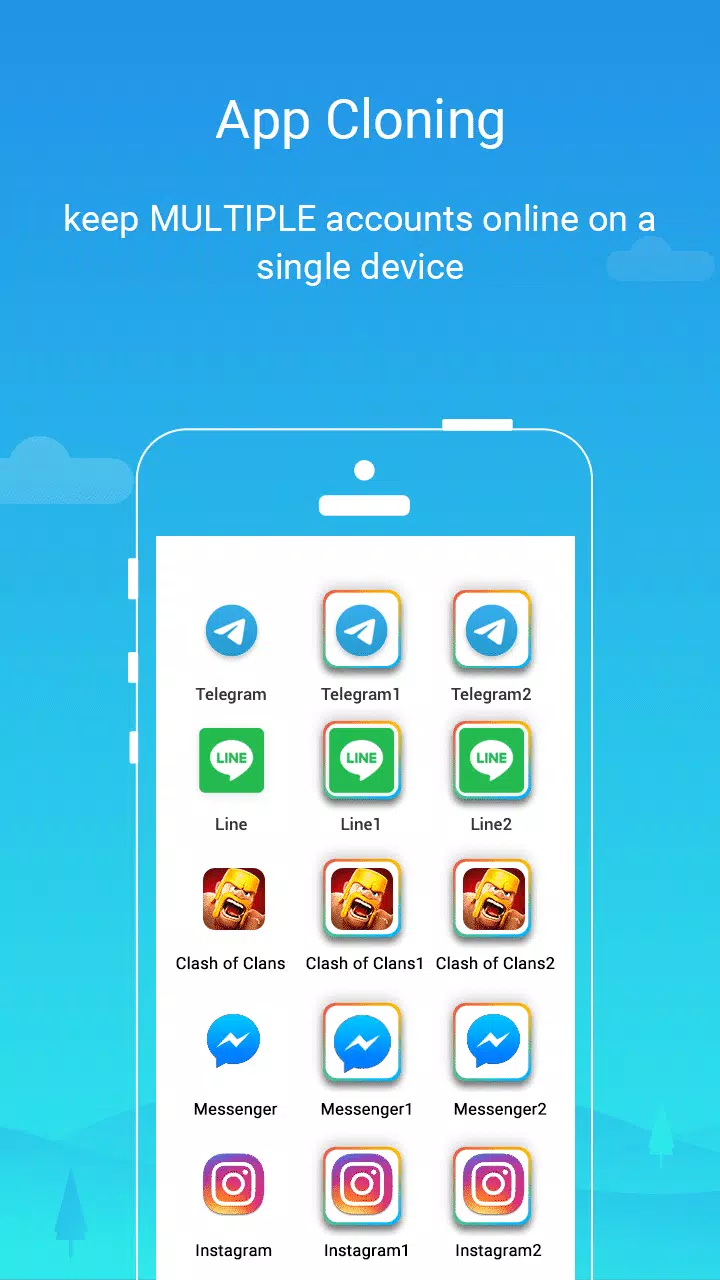
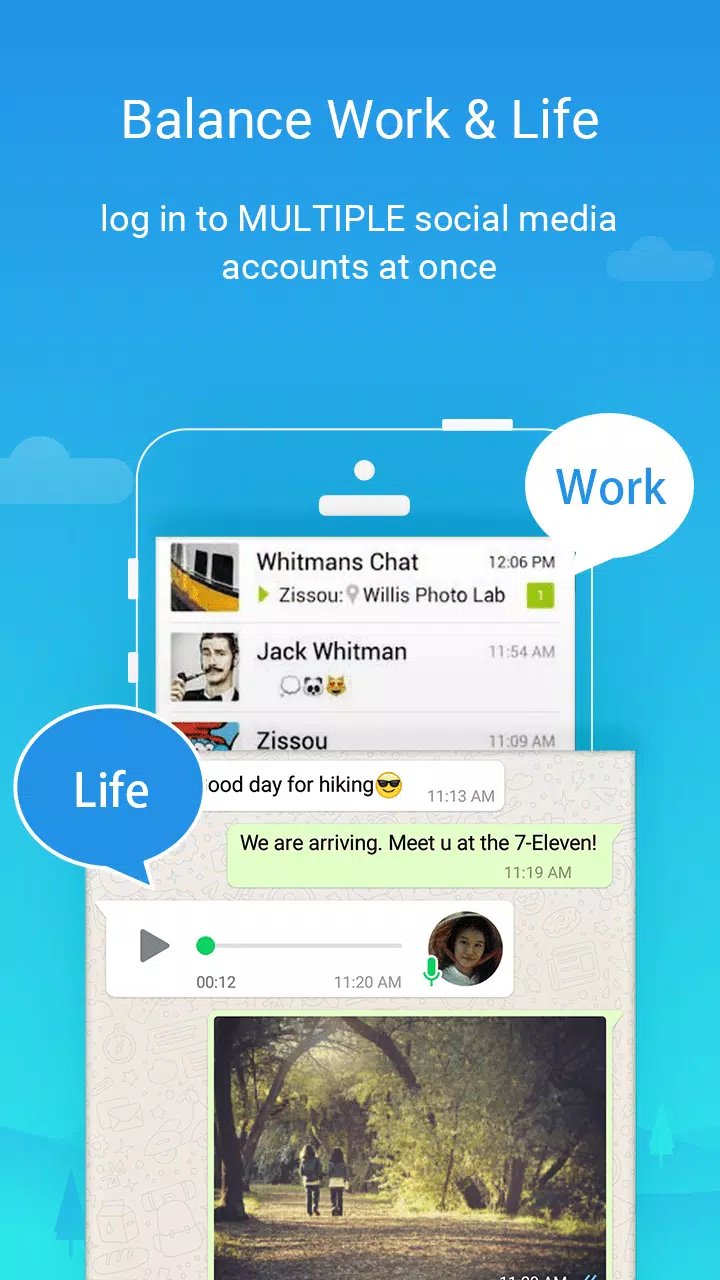
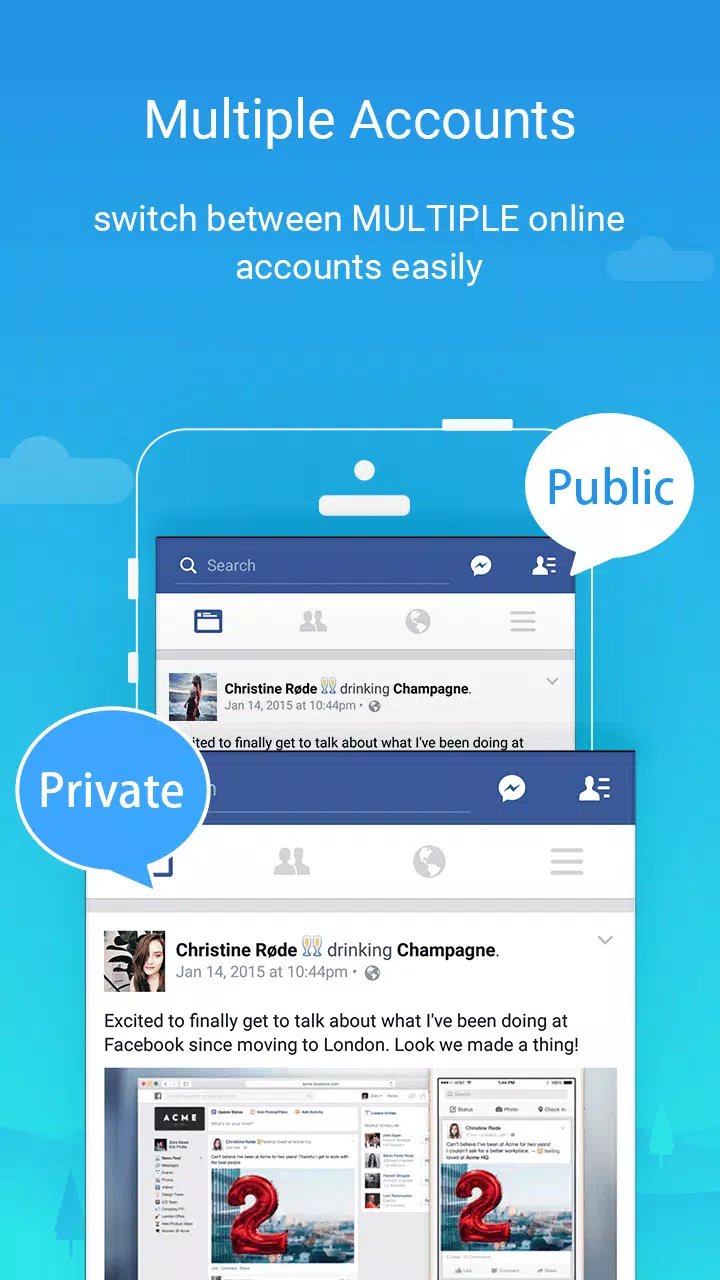
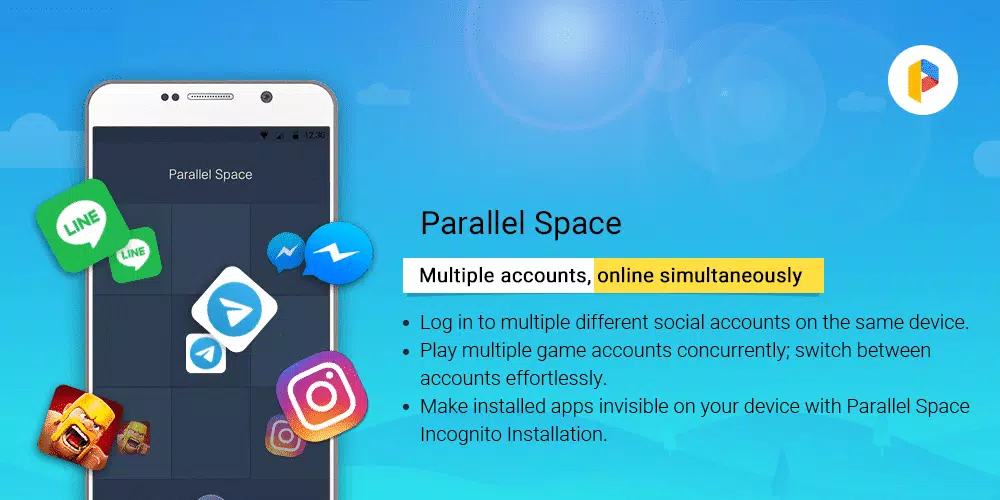
Run multiple accounts side by sideParallel Space lets you duplicate social, messaging, and game apps so you can sign in with more than one account. You can move between profiles with a single tap and keep work and personal activities separate. This approach helps you avoid constant logouts while keeping each app’s data contained within its own space.
Privacy controls with a secure sandboxParallel Space isolates cloned apps using the multiDroid virtualization engine, so data stays separate from the originals. You can hide clones with Incognito Installation and add an app lock to prevent unwanted access. With your cloned apps running in a sandbox, private activity remains less visible to others who use your phone.
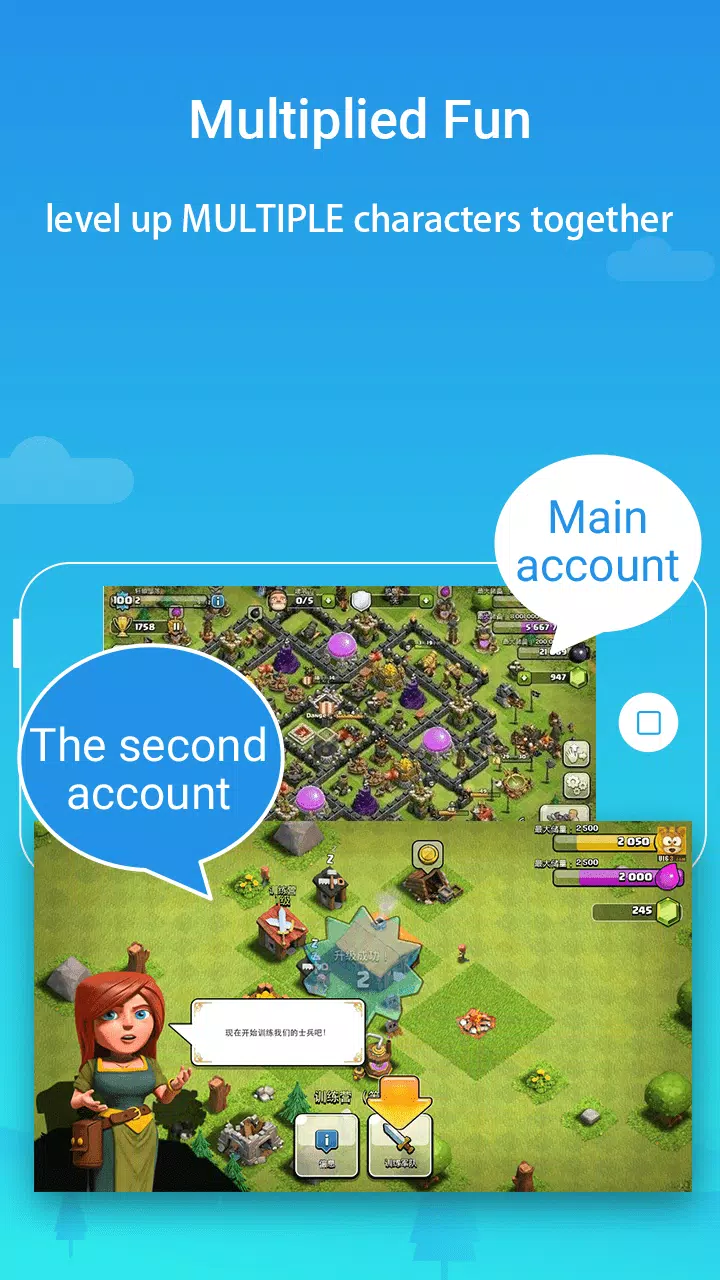
Manage multiple game profilesParallel Space supports parallel game accounts so you can play on several profiles at once. It keeps each game’s progress in its own environment and optimizes resource use so you can switch without closing sessions. This setup is useful for events, guild management, or testing different builds under separate accounts.
Simple cloning and popular app supportParallel Space offers one-tap cloning with a clear interface that guides you through setup. You can log in with multiple accounts for popular apps including WhatsApp, Facebook, Instagram, TikTok, Telegram, and Snapchat. Most Android apps are supported, which makes it straightforward to build the dual app setup you need.
Stable performance with notificationsParallel Space is designed to be lightweight and stable for everyday use. Notifications are supported for cloned apps, and you can receive alerts as usual. If you use booster or task-killer apps, whitelisting Parallel Space helps notifications arrive on time and prevents clones from being closed unexpectedly.
Supported apps in Parallel Space
Parallel Space works with most Android apps that use standard login flows. Common examples include:
- WhatsApp and other messaging services
- Facebook, Instagram, TikTok, Telegram, Snapchat
- Popular mobile games with account-based progress
Support may vary by app update or device model. If an app changes its login method or security checks, re-cloning or updating Parallel Space can restore compatibility.
Plans and limits in Parallel Space
Parallel Space offers a free plan that supports two accounts. Upgrading to Pro enables multiple accounts to run simultaneously, which suits heavier workflows or multi-game setups. No root is required, and clones request the same permissions as their original apps because they use those features inside the virtualized space. You can review and change permissions anytime in Android settings.
Troubleshooting and tips
- If notifications are delayed, add Parallel Space to your device’s battery saver whitelist or task manager exceptions.
- To remove a clone, long-press the cloned app inside Parallel Space and choose delete. Original apps on your device remain unchanged.
- During the first sign-in or initial sync inside a clone, battery use can be higher for a short time. It typically normalizes after setup completes.
- Heavy games may need patience during the first run as cache and assets are created within the cloned environment.
Using Parallel Space
Getting started is straightforward. Install the Parallel Space latest version and open it to create your first clone. Then follow the steps below to add accounts and switch smoothly.
- Open Parallel Space, tap Add App, and choose the app you want to clone.
- Confirm the clone, then wait for setup to finish so the app appears in the Parallel Space home.
- Launch the cloned app and sign in with a different account than the one on your original app.
- Use the Parallel Space home to switch between accounts, and rename icons if you need clearer labels.
- Enable app lock or use Incognito Installation if you want the clone hidden and protected on your device.
Start with Parallel Space
Parallel Space makes it practical to run multiple accounts while keeping app data separate. If this workflow suits your needs, download Parallel Space and set up a second login without changing your original apps.
Previous versions
Permissions
No permissions were detected automatically. Upload the APK again to analyze it.
User reviews
Sign in to write a review.
No written reviews yet.