
Screenshots
About this app
VSPhone features that matter
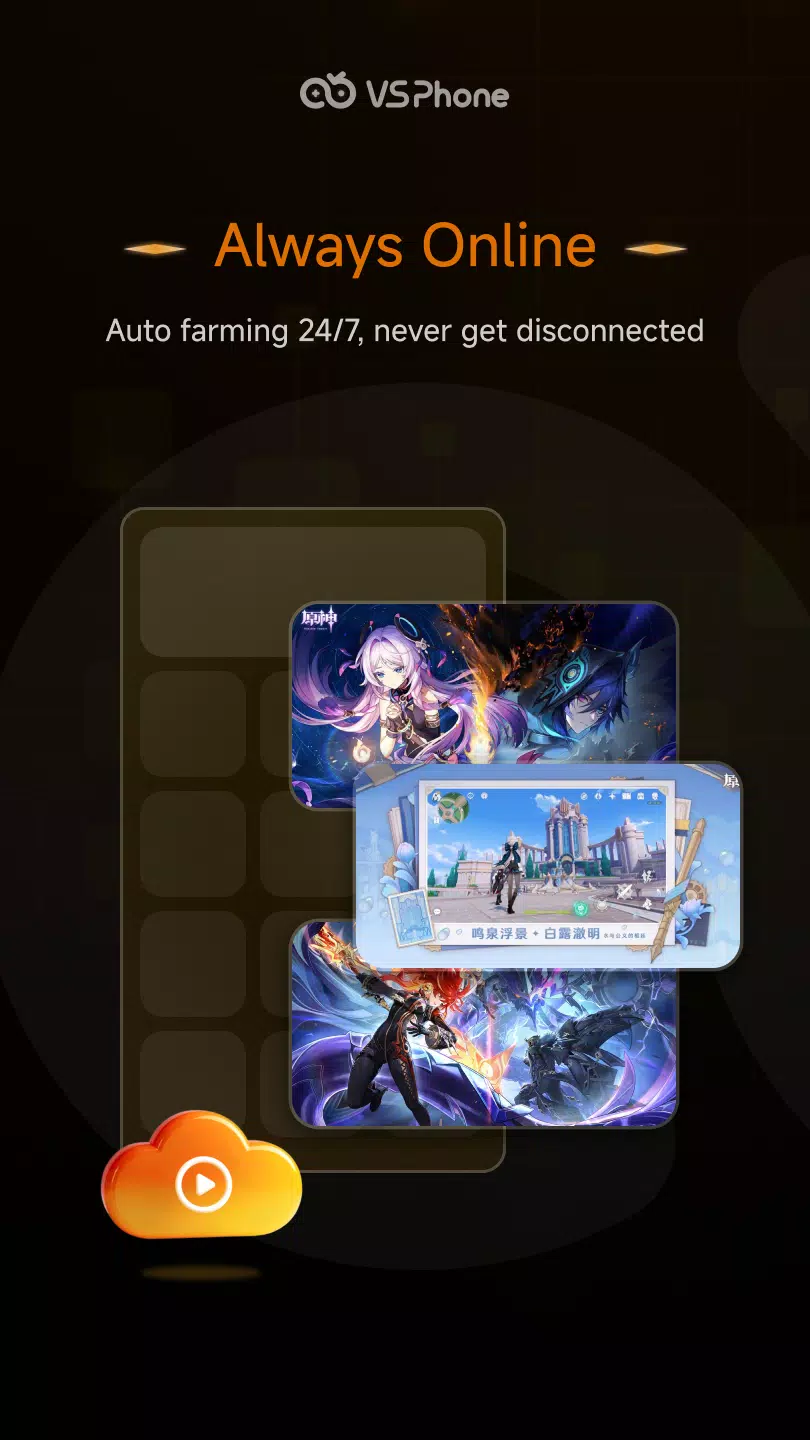
24/7 cloud hosting for AFK progressVSPhone keeps your MMORPG, SLG, and idle games running at all hours. Tasks, queues, and timers continue even if your phone is off or offline. You can return later to collect rewards and move to the next objectives without losing time overnight.
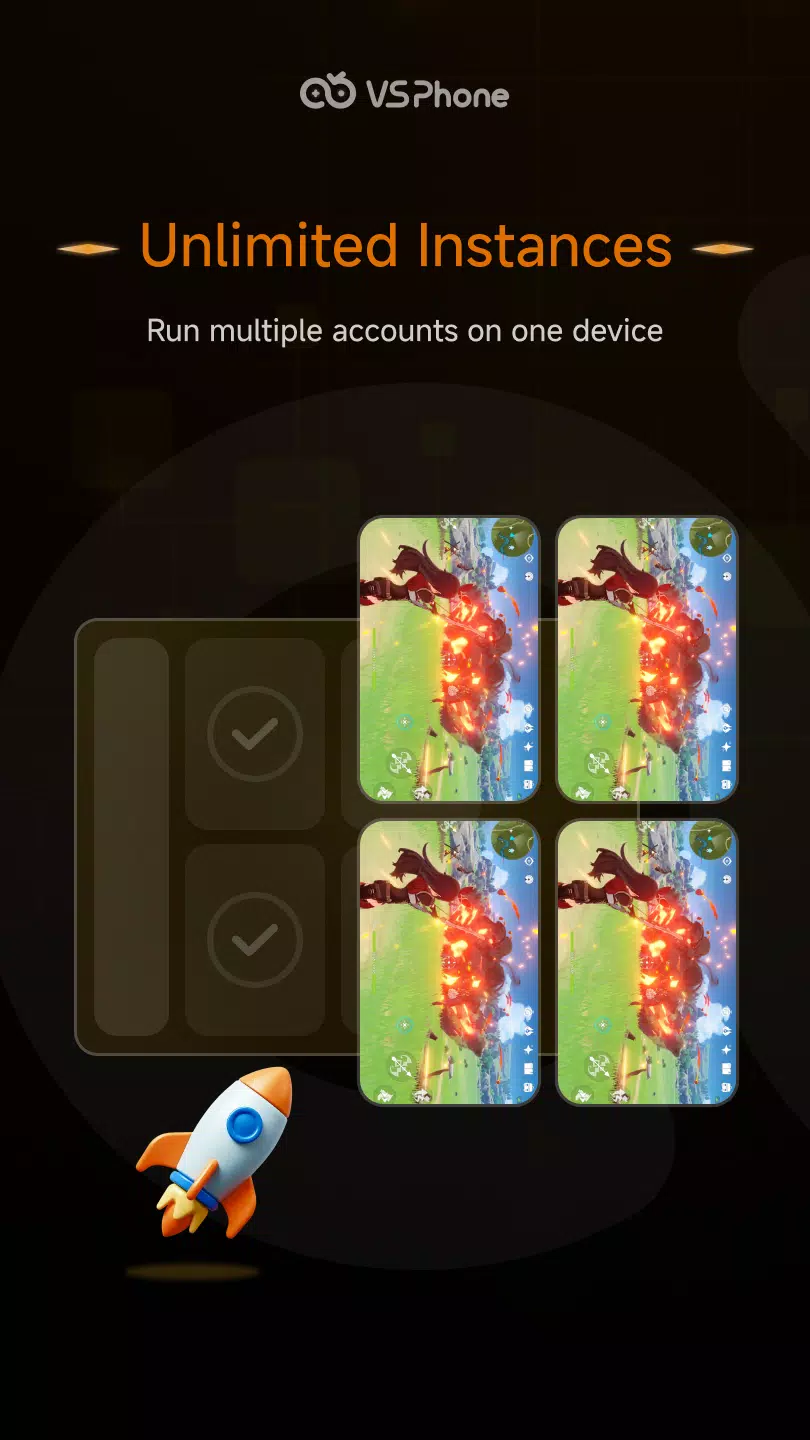
Native Android cloud environment with multiple account controlThe service provides full Android cloud devices that behave like a real phone. You can manage rerolls, farming sessions, and events across several accounts from one place. This setup helps you avoid overheating, battery stress, and storage issues on your personal device.
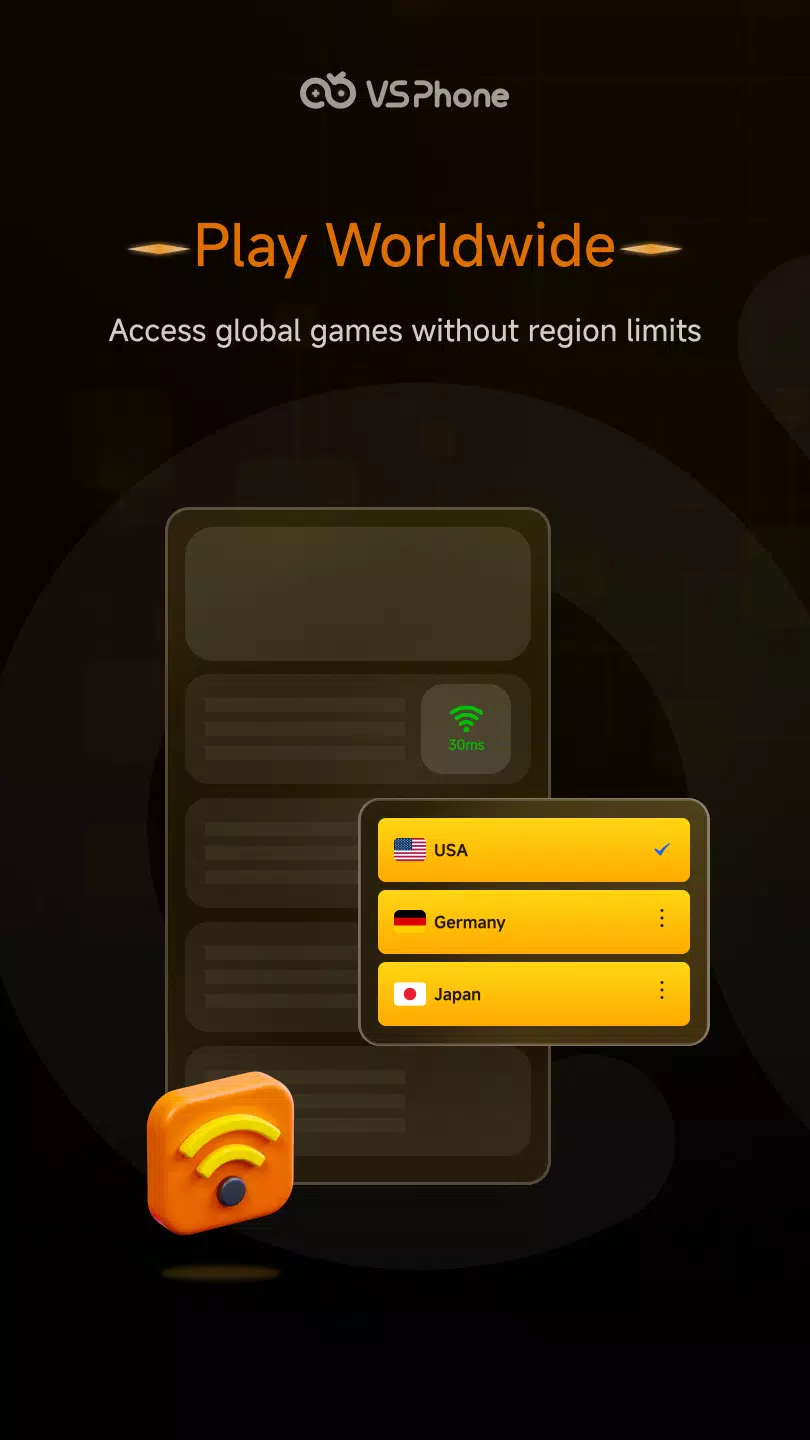
One tap to access global game versionsVSPhone helps you reach international titles and servers with a simple start. You can enter different regional versions without local downloads on your phone. This approach lets you stay in the right version for events and updates while keeping your own storage clear.
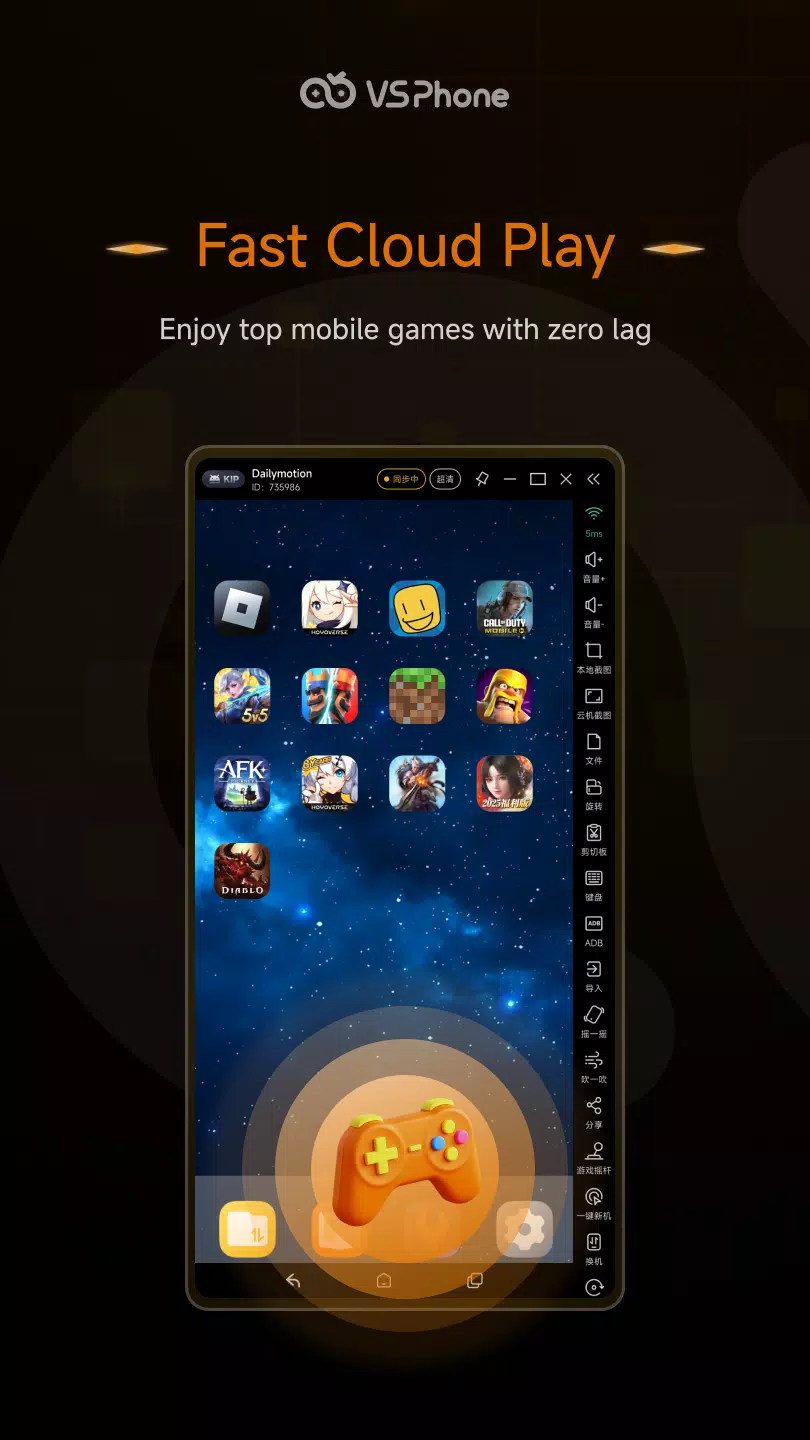
Global high performance with intelligent accelerationCloud servers are available across multiple regions, and the service applies network optimization for smoother play. You can get more stable raids and lower lag during PvP. The connection logic aims to keep latency predictable so matches and cooperative runs feel more consistent.
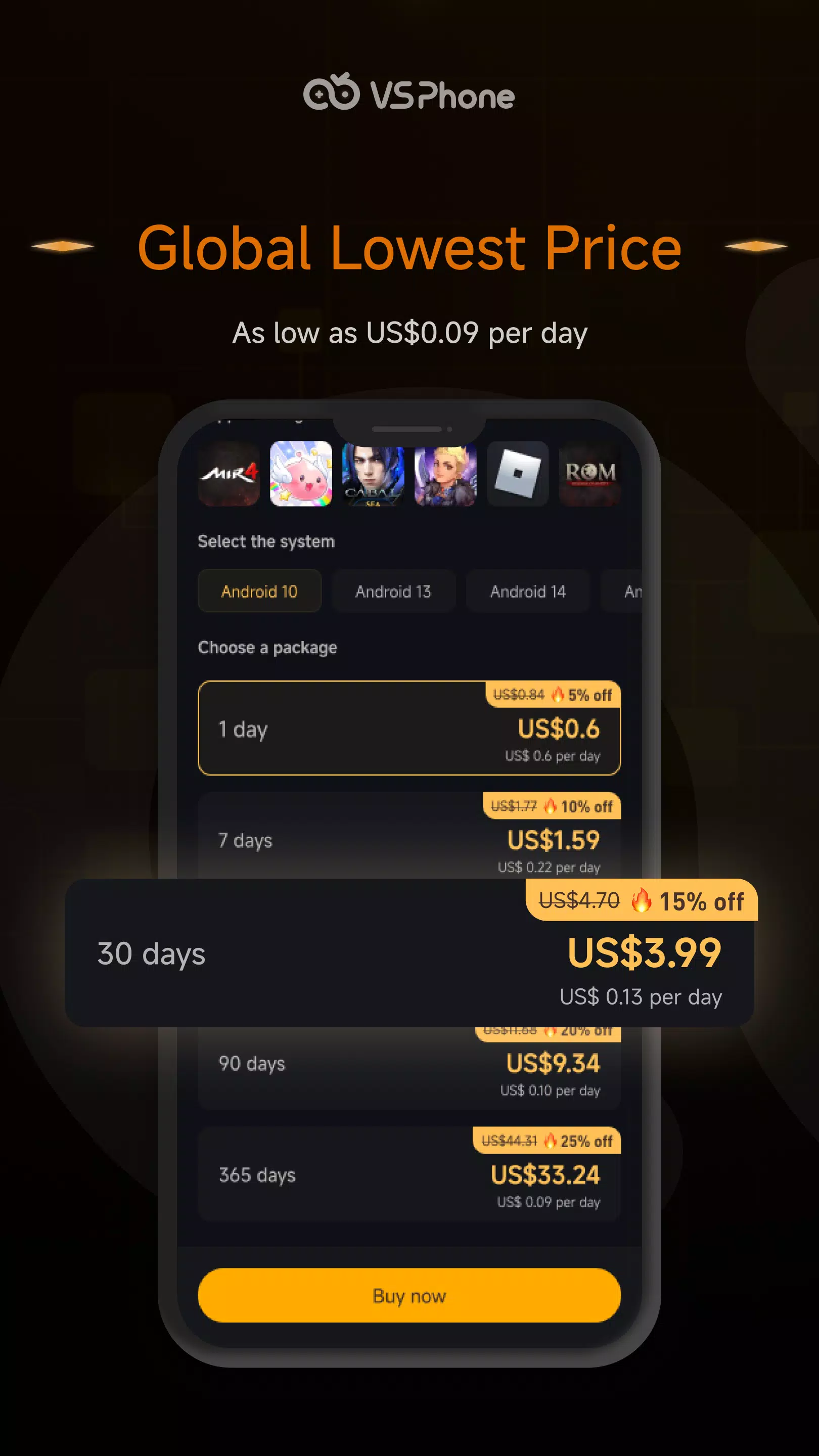
Flexible device tiers and Android versionsVSPhone offers several cloud device options so you can match RAM and storage to each game. You can choose Android 10, 13, 14, or 15 based on compatibility needs. This flexibility supports lightweight idle titles as well as resource heavy games that need more headroom.
Before you start with VSPhone
VSPhone provides a low cost entry and a free trial so you can test stability and latency. Plans differ by device tier and time. Trying the service first helps you check if your target game runs as expected and if your nearest node performs well.
Server regions and access
VSPhone runs nodes in many locations to reduce delay. Available regions include Hong Kong, Singapore, the United States, Europe, Japan, Brazil, Indonesia, Vietnam, Thailand, Malaysia, the Philippines, Taiwan, South Korea, France, Italy, and Australia. Choosing a closer region usually improves responsiveness. If your game community plays on a specific regional server, select a matching node for steadier play.
Platforms, API, and support
You can use VSPhone on an Android device and also access it from Windows, macOS, Linux, or an iOS client. This helps you check on your cloud device from different screens during the day. Teams and advanced users can use the Open API to build automation and integrations. For help, support is available by email, and community channels such as Discord and Telegram offer peer tips and status updates.
How to use VSPhone on Android
Getting started takes a few minutes, and you can fine tune the setup as you learn your game’s needs. If you plan to download VSPhone for the first time, use the trial to check performance on a nearby region. The flow below covers the basics for an Android user.
- Install the app on your Android phone, then create an account or sign in.
- Choose a server region that is close to you or that suits your game’s target server.
- Create a cloud device, then pick a device tier and an Android version that matches your game.
- Open the cloud device, install your game inside the cloud, and sign in to your game account.
- Set your in game tasks or automation, keep the cloud device running, then switch accounts or devices as needed.
Start using VSPhone
VSPhone runs your favorite mobile games in the cloud so your progress continues without tying up your phone. It supports always online sessions, multiple accounts, and access to global versions. To check compatibility and latency, consider trying the VSPhone latest version with a short trial.
Previous versions
Permissions
No permissions were detected automatically. Upload the APK again to analyze it.
User reviews
Sign in to write a review.
No written reviews yet.
