Screenshots

About this app
Vmake features for fast talking videos
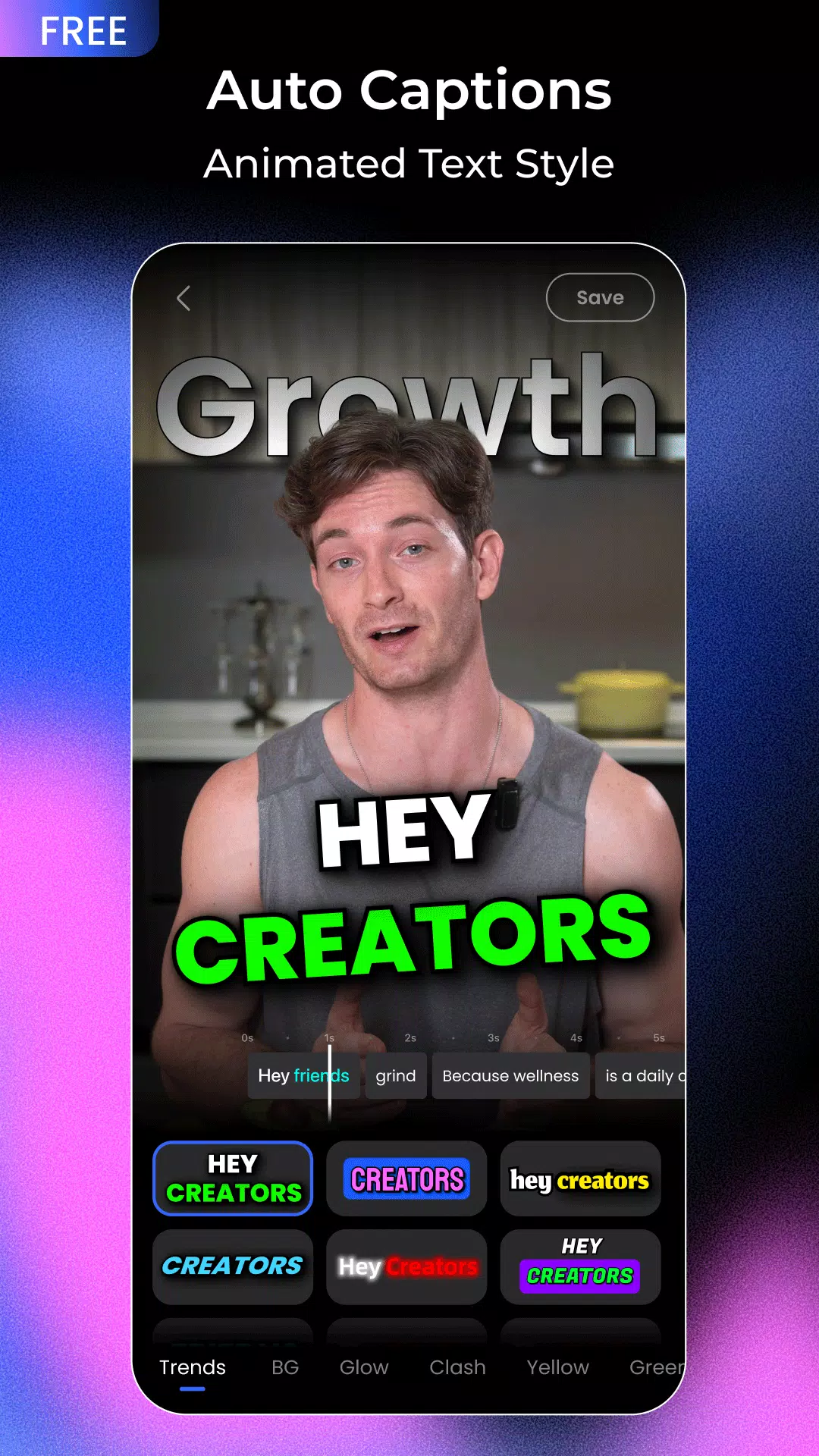
AI auto captions and subtitle editingVmake adds captions to spoken videos with one tap, then lets you style them with templates. You can adjust timing, line breaks, and position to match brand needs. This improves readability and makes content easier to follow. As you edit, Vmake AI keeps caption accuracy aligned with the audio.
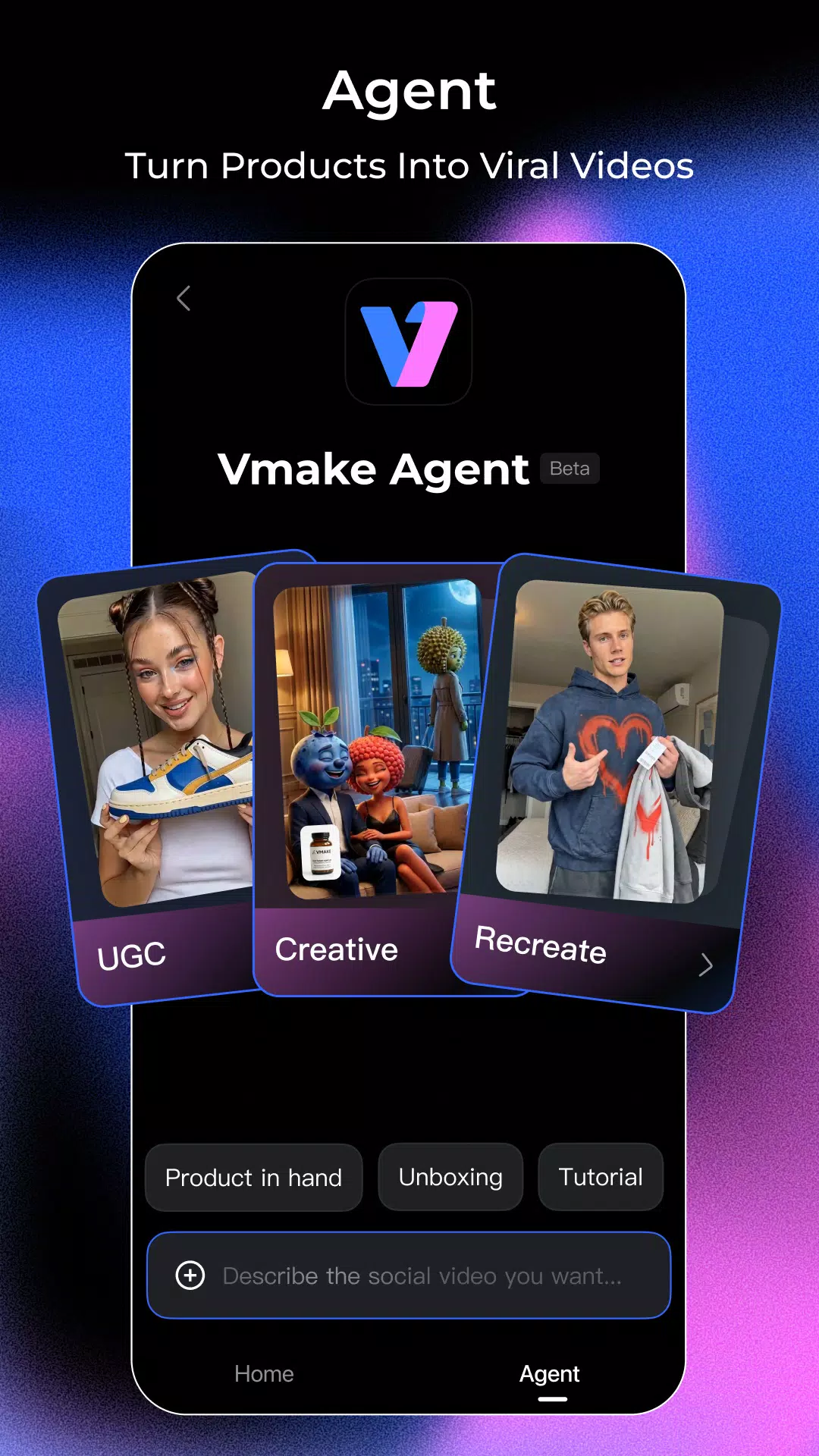
AI video agent for quick UGC creationYou can turn a few photos, a product link, or a short idea into a complete user generated video. The agent organizes scenes and pacing so small teams can produce simple ads or demo clips without heavy setups. This suits sellers and services that need fresh content often. It reduces manual drafting and helps you move from concept to publish faster.
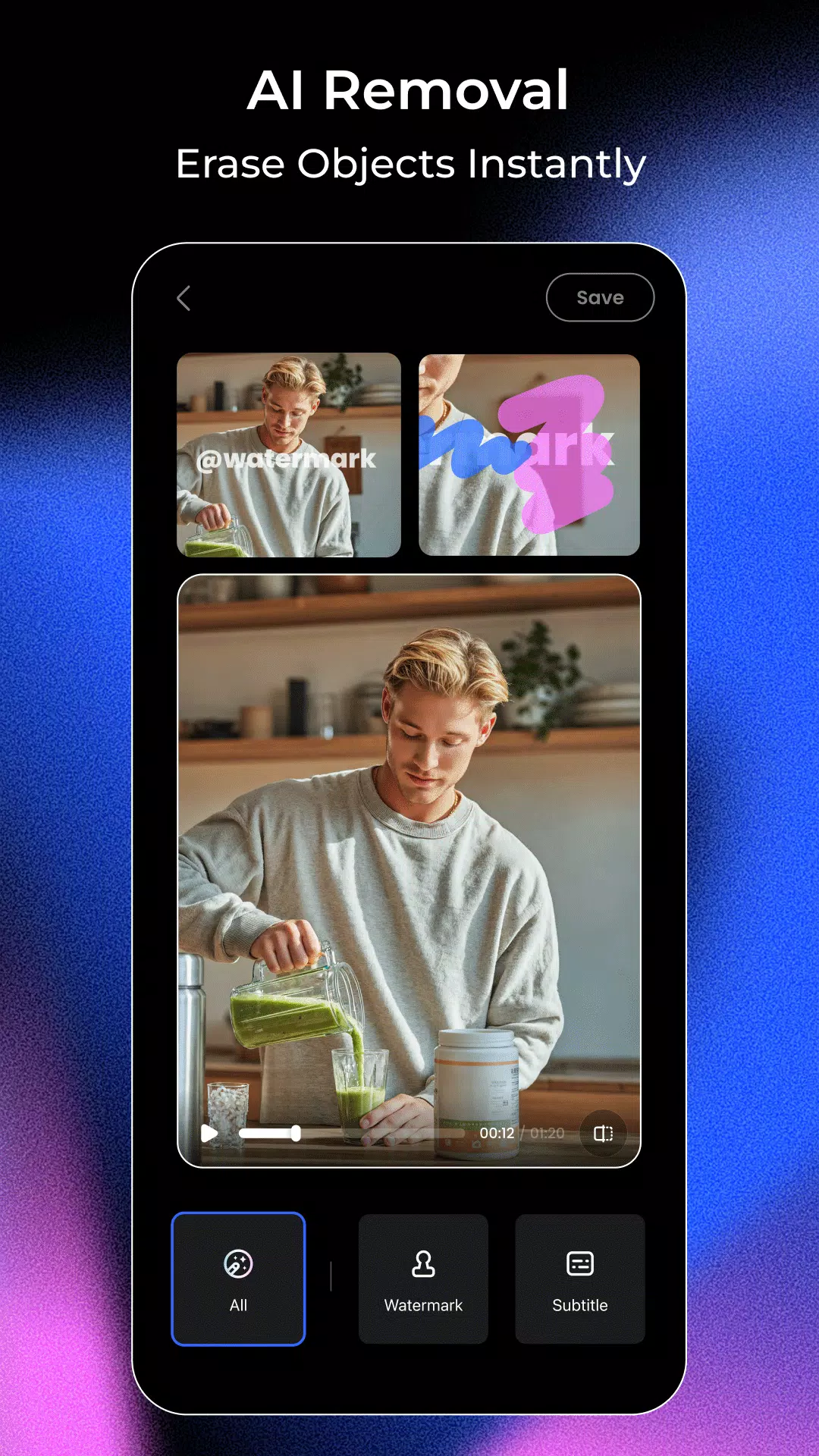
Watermark, text, and object removerVmake removes unwanted logos, on-screen captions, and distracting objects from existing clips. It also supports cleaning common AI video marks such as Sora, Gemini, or Kling watermarks so content can be repurposed cleanly. This is useful when turning drafts into final versions for campaigns. The goal is a neutral, distraction free frame.
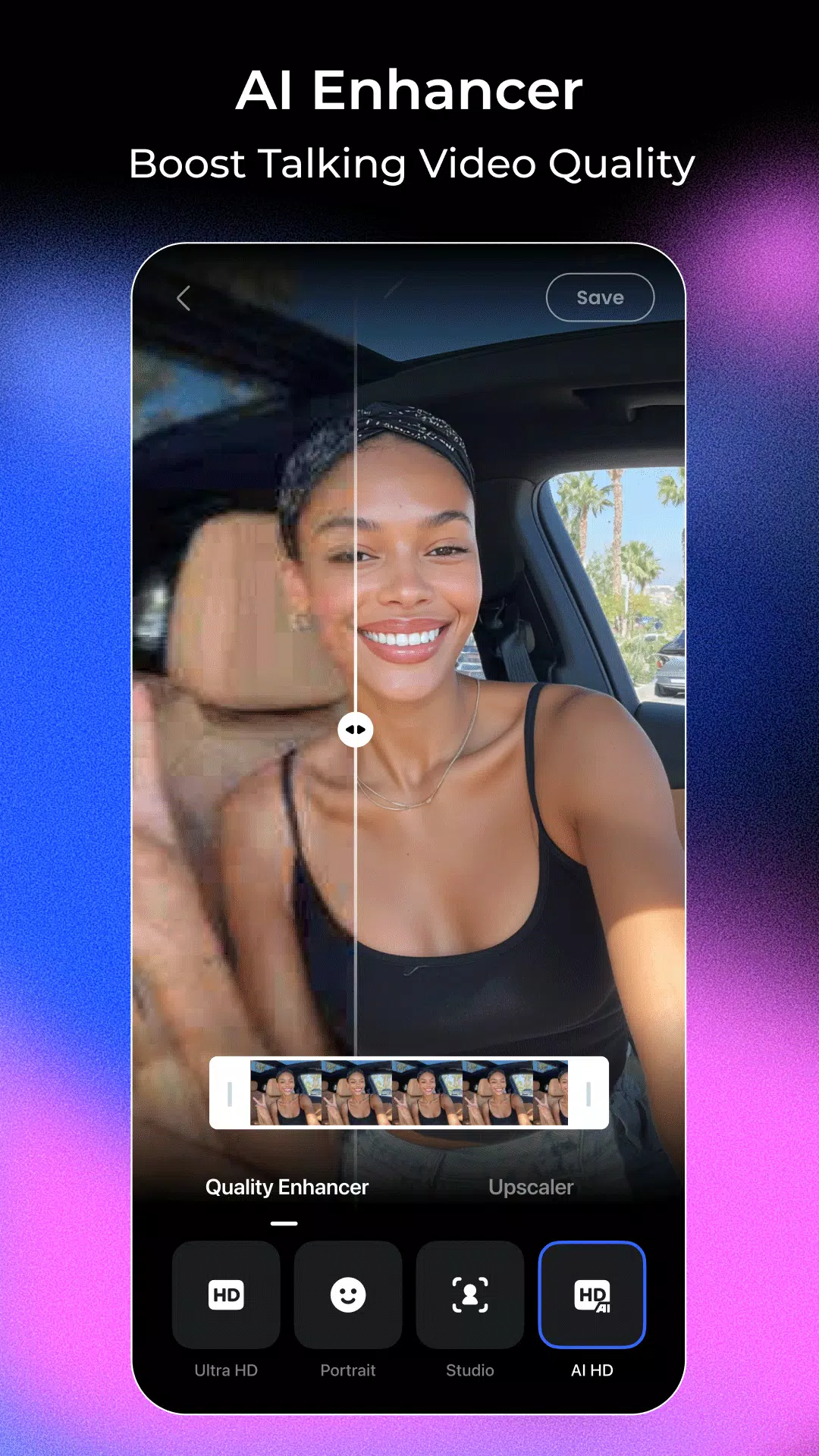
AI enhancer and upscalerVmake sharpens soft footage, reduces noise, and upscales resolution for a clearer look. It improves both image detail and voice clarity to make talking segments easier to watch and hear. When older or compressed files need a boost, you can run them through the Vmake Video Enhancer for a quick upgrade. This helps standardize quality across different sources.
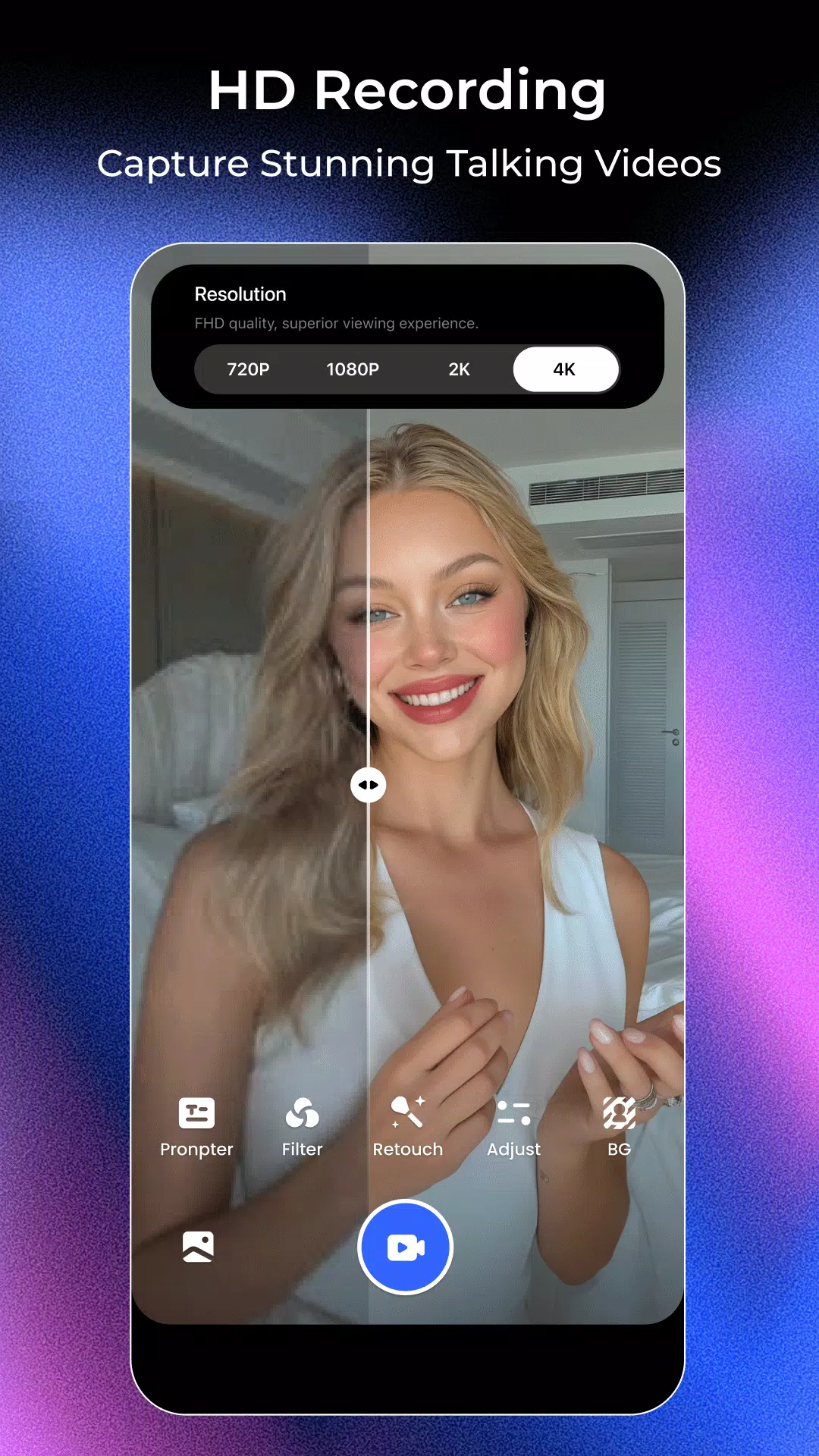
Voice synced floating teleprompterVmake shows a floating teleprompter while you record so you can keep eye contact with the camera. It syncs scrolling with your voice to match natural delivery and prevent rushed lines. This removes the need to memorize scripts and keeps pacing consistent. It is helpful for single take recording on mobile.
Where Vmake fits
Fitness and health coaches record short tips or class announcements and keep tone consistent across sessions. E commerce sellers show quick product demos, sizing notes, and shipping updates in a clear speaking format. Real estate agents present property tours or market summaries without extra editing steps. Agencies prepare pitch snippets or client update clips that feel direct and easy to review.
Vmake credibility notes
Public ratings reported by the brand include Trustpilot 4.5 out of 5 and Product Hunt 5.0 out of 5. These signals indicate active user feedback on external platforms. Ratings can change over time, so users should consider them as one input alongside hands on testing.
Version and availability checks
Before starting a new project, review the Vmake latest version details to confirm tool coverage and fixes. If you prefer a simple install path for Android, the Vmake APK download can be used to set up the app. For version info and release notes, this Vmake APKPure page presents the listing in a mobile friendly format.
How to use Vmake on Android
To begin, download Vmake and open the app on your phone. The interface guides you from a blank project to a finished talking video. You can move through planning, recording, and cleanup in one flow.
- Open Vmake and tap New Project, then choose a vertical or horizontal layout to match your channel.
- Add your script text and enable the teleprompter, or paste a product link for the AI video agent to parse.
- Record your talking segment while reading from the floating teleprompter, keeping your gaze near the lens.
- Generate captions, then adjust style, timing, and placement. If needed, use the remover to clean logos or marks.
- Run the enhancer to sharpen and denoise, review the final cut, and export the video for posting.
Start creating with Vmake
Vmake helps users produce clear speaking videos and refine them with AI driven editing tools. To get the app on Android, use the Vmake APK and begin a project in minutes.
Previous versions
Permissions
No permissions were detected automatically. Upload the APK again to analyze it.
User reviews
Sign in to write a review.
No written reviews yet.