Screenshots
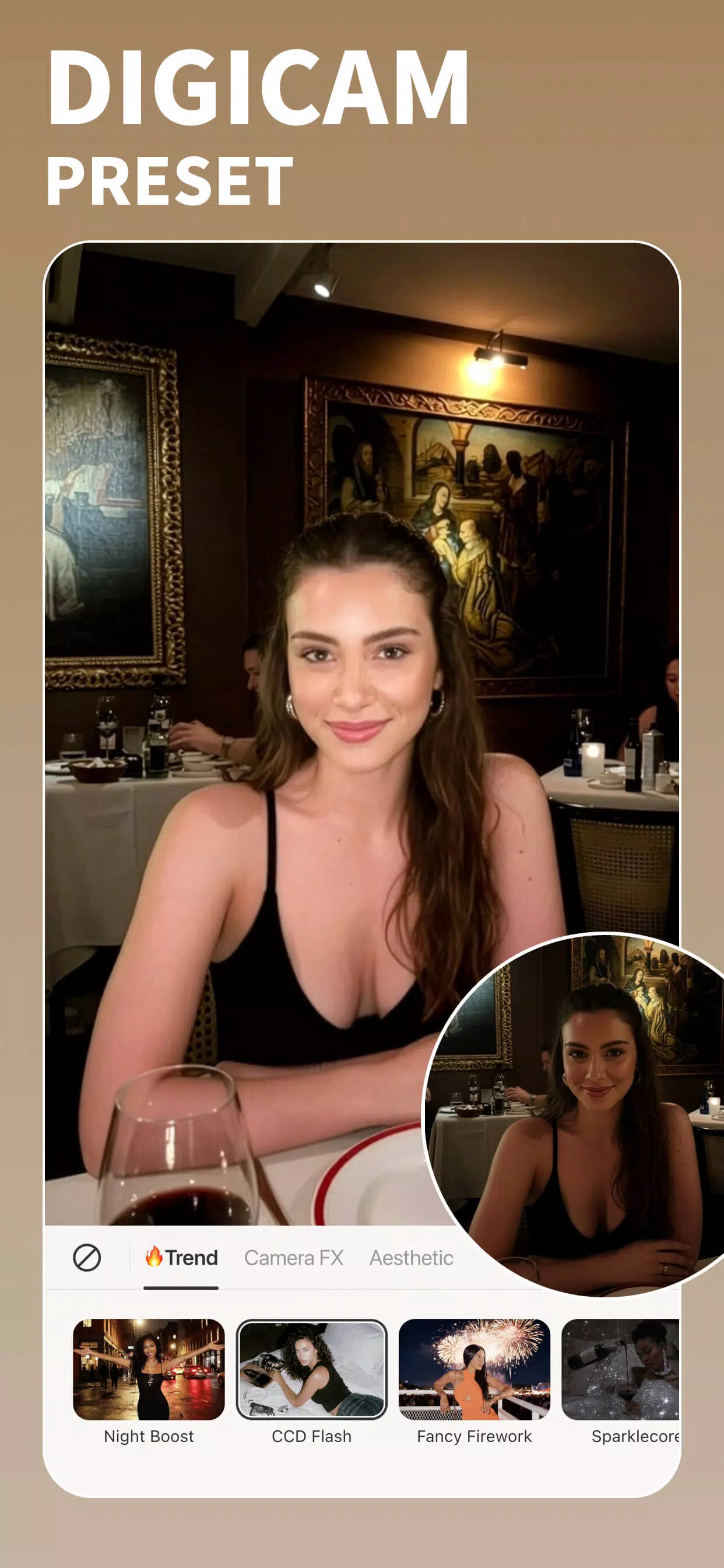
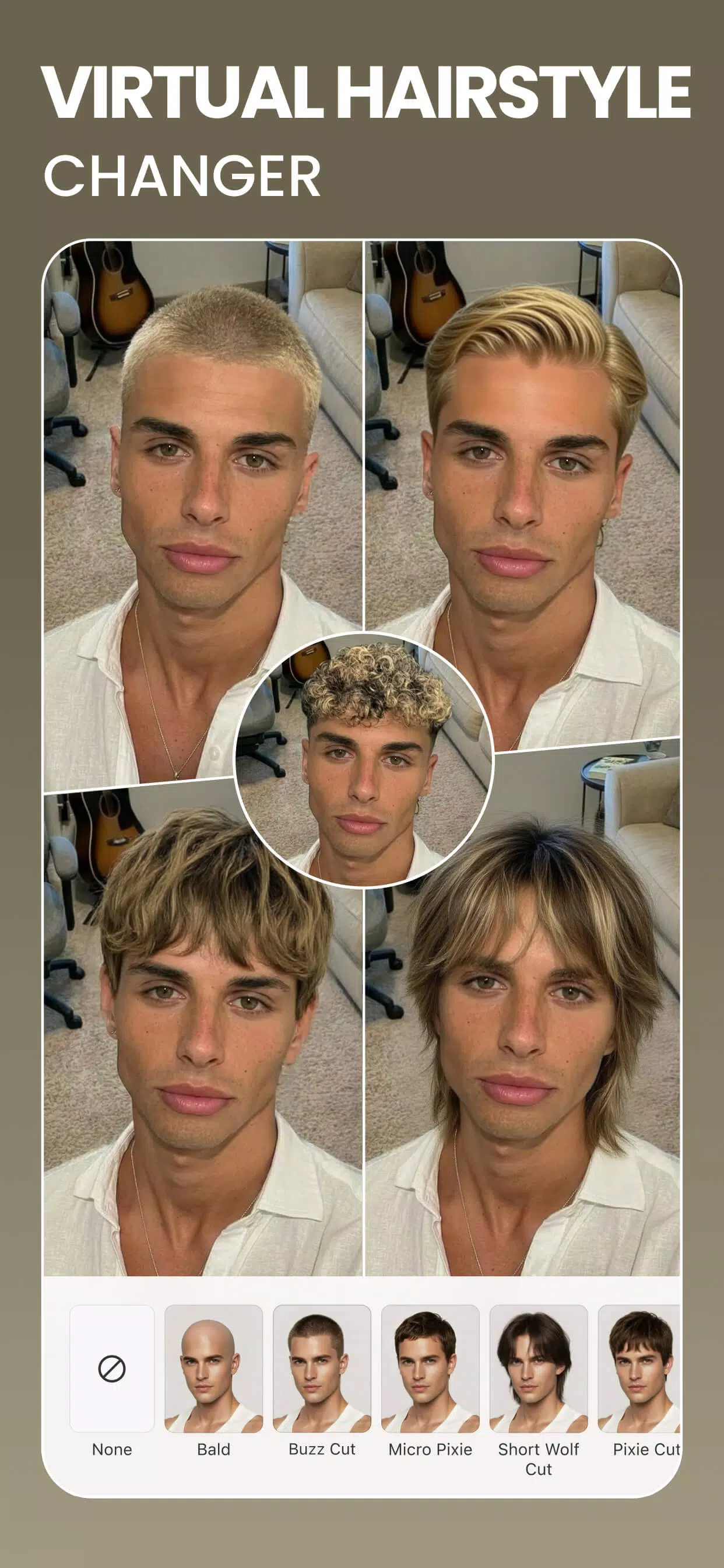
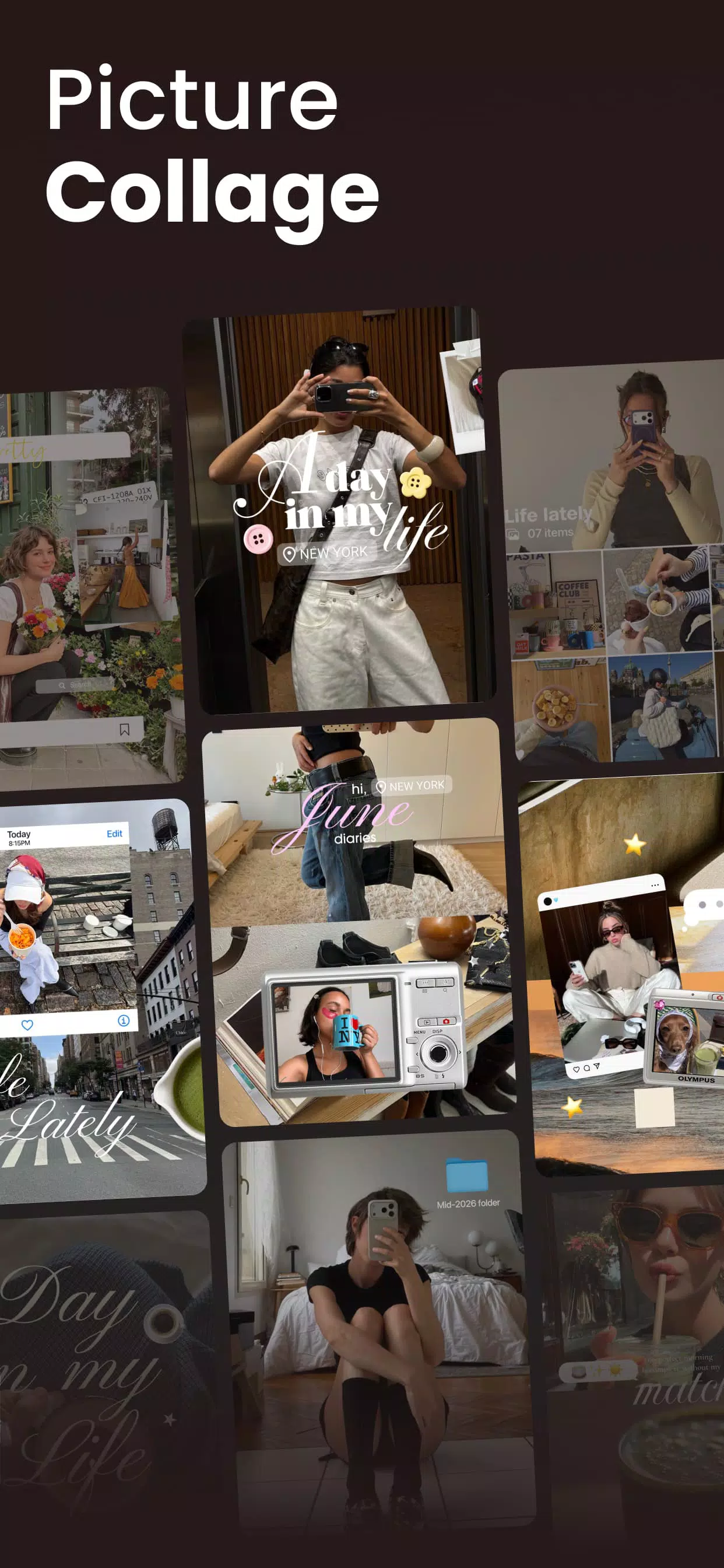
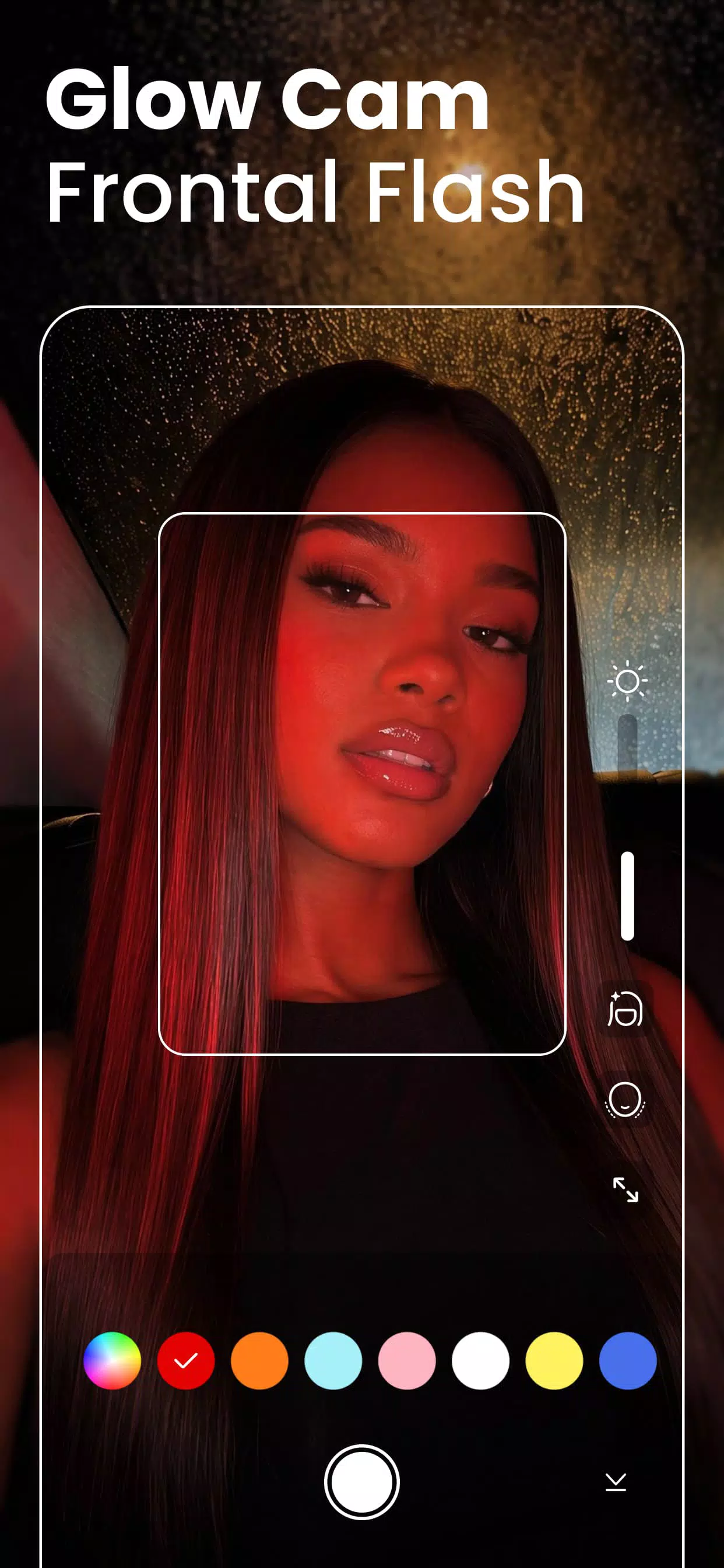
About this app
Smart Retouching and Virtual Makeup
BeautyPlus makes selfie editing simple with one-tap retouching tools that help reduce acne, smooth fine lines, and brighten dull areas. You can enhance your look with virtual makeup, including lipstick, blush, eyebrow styling, and colored contact lenses. Adjustable settings let you control the intensity of each effect, while teeth whitening and hair color tools provide additional ways to personalize your appearance.
Face and Body Reshaping
BeautyPlus offers intuitive tools for refining facial features and improving symmetry while maintaining a natural appearance. You can adjust facial contours, reshape the waist, arms, and bust, and fine-tune height and skin tone. Simple sliders give you control over each adjustment, making it easier to achieve balanced, realistic-looking results.
AI Art Effects and Avatars
Transform ordinary photos into creative artwork with BeautyPlus AI effects. Choose from styles such as Anime, Cartoon, Clay, Pixel, and Crayon to give your images a distinctive appearance. You can also create AI Avatars for personalized profile pictures and social media content. Built-in presets allow you to explore different styles and preview the results before saving your favorites.
Background and Object Removal
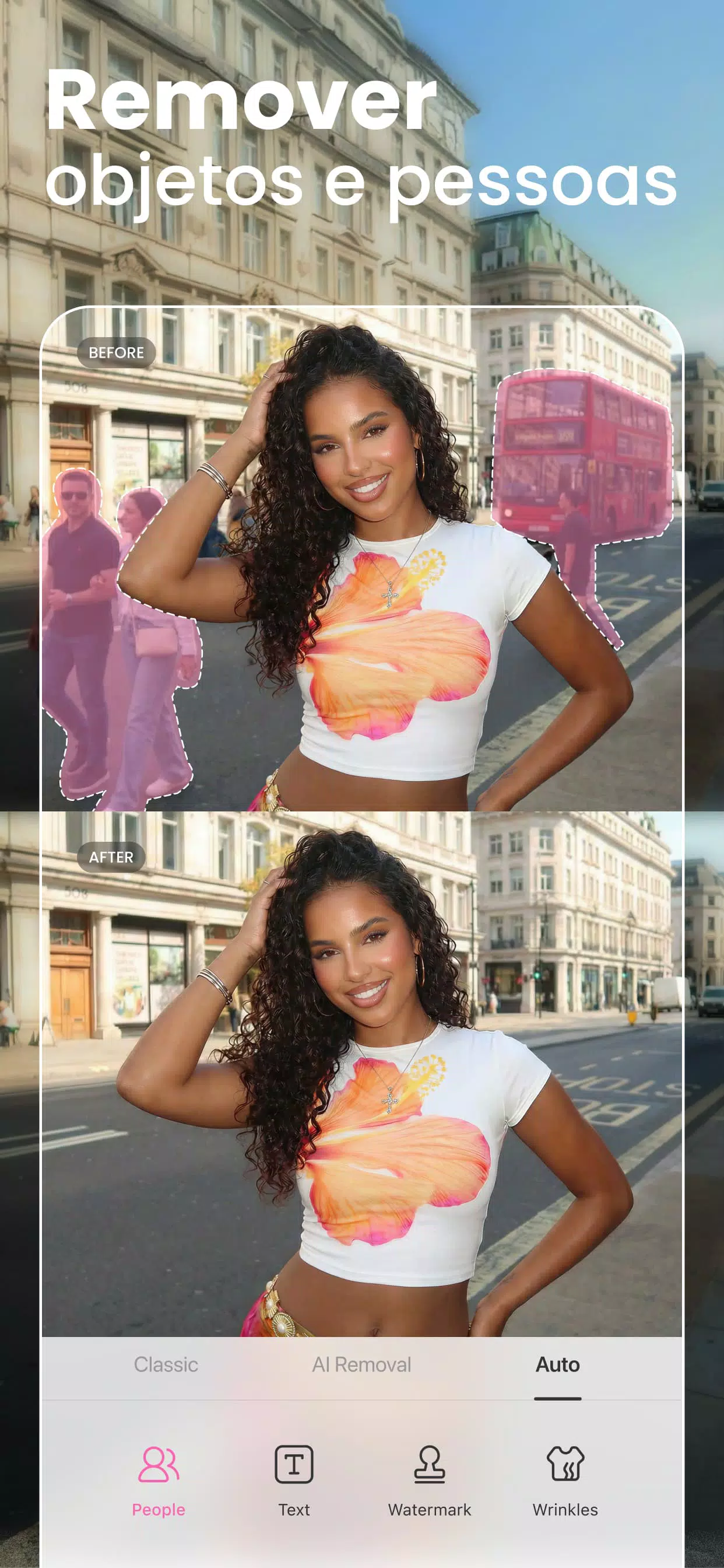
BeautyPlus helps you clean up photos by removing unwanted backgrounds and distracting objects. Its background removal tools separate subjects from their surroundings, allowing you to replace the original scene or create a softer, blurred background. The AI Object Remover can also eliminate unwanted elements, helping you produce cleaner images without complicated manual editing.
Image Enhancement and Photo Restoration
Improve image quality with the BeautyPlus AI Image Enhancer, designed to sharpen details, reduce blur, and upscale low-resolution photos. These tools can help restore older images and prepare pictures for social media, personal albums, or product listings. Batch processing also makes it easier to enhance multiple images efficiently. Depending on the tool and available settings, you can prepare images for higher-resolution output, including 4K.
Video Editing and Creative Tools
BeautyPlus supports short-form video editing with features such as music, filters, text, stickers, and creative effects. AI-powered enhancement tools can help improve video quality, while background removal makes it easier to create polished clips. A collection of templates, fonts, Film Cam effects, and other creative assets gives you plenty of options for customizing videos for social platforms.
BeautyPlus Online Tools for Quick EditsBeautyPlus offers browser-based editing tools for users who prefer making quick changes without opening the mobile app. Depending on the tool, you can remove image backgrounds, erase unwanted objects, improve image clarity, and upscale multiple pictures. These online features are useful for content creators, online sellers, and anyone managing profile photos, product images, or event galleries from a computer.
BeautyPlus Cross-Platform AvailabilityBeautyPlus provides editing options across mobile devices and the web, making it convenient to work on photos and videos in different environments. You can use its browser-based tools on Windows or Mac without relying exclusively on a mobile workflow. The platform serves users across more than 230 regions, supporting a wide range of personal, social, and creative editing needs.
Anime, AI Avatars, and Film Cam in BeautyPlusBeautyPlus includes a range of creative effects designed for social media and personalized content. Turn everyday photos into Anime or Cartoon illustrations, generate AI Avatars for distinctive profile pictures, or apply Film Cam effects for a nostalgic, vintage-inspired finish. These features make it easier to develop a recognizable visual style for social media feeds, profile branding, and creative projects.
How to Use BeautyPlus for Everyday EditingBeautyPlus provides a straightforward editing workflow for improving selfies, portraits, and short videos. Follow these steps to get started:
- Import your photo or video: Open BeautyPlus, select the editing option, and choose a file from your gallery.
- Retouch your image: Use the Retouch tools to smooth skin, reduce blemishes, and adjust brightness. Keep the effects subtle for a natural finish.
- Customize your appearance: Explore Makeup or Shape to adjust details such as eyebrows, lips, and facial contours.
- Edit the background: Use the Background tools to blur or replace the scene, or select Object Remover to eliminate distracting elements.
- Add creative effects: Apply a filter, sticker, text overlay, or Film Cam effect to personalize the final result.
- Save your creation: Review the edited image or video, choose the available export settings, and save your finished content.
BeautyPlus combines AI-assisted editing with accessible tools for enhancing selfies, creating artistic portraits, and improving photo and video quality. Whether you want to make quick adjustments, experiment with creative effects, or prepare images for sharing, BeautyPlus offers a variety of features in one editing platform.
You can find the BeautyPlus APK on APKPure and check the listing for the latest available version. Before installing or updating the app, review the version information and installation instructions provided on the download page.
Official website and support
- Website: https://www.beautyplus.com/
- Email: support@beautyplus.com
How Can I Download or Update the Latest BeautyPlus APK?
To download the latest BeautyPlus APK, visit the BeautyPlus listing on APKPure and check the available version and installation instructions. If an update is available, follow the steps provided on the page. You can revisit the listing to check for newer releases. For additional confidence, verify the app's publisher and review the requested permissions before installing.
What Is BeautyPlus Academy, and How Can It Improve My Editing Skills?
BeautyPlus Academy is a learning resource that may provide tutorials and creative guidance for using editing tools and effects. Its content can help you explore hairstyles, seasonal overlays, and other visual styles. By following practical guides, you can learn new editing techniques and develop a more consistent look for your photos and social media posts.
How Do AI Avatars Work in BeautyPlus?
BeautyPlus AI Avatars use uploaded photos to generate stylized versions of your appearance. Depending on the feature available, you may be asked to provide several images showing your face from different angles. For better results, choose clear, well-lit photos with minimal obstructions and varied expressions. You can then review the generated styles and save the versions you like.
Can BeautyPlus Improve Blurry or Low-Resolution Photos?
Yes, BeautyPlus offers AI image-enhancement features designed to sharpen details, reduce blur, and increase image resolution. These tools can help improve older photographs or images that appear soft or pixelated. Some tools may also support batch processing, allowing you to work on several files at once. The final quality depends on the original image and the enhancement settings available.
What Is Film Cam in BeautyPlus, and When Should I Use It?
Film Cam is a collection of vintage-inspired effects that give photos a classic film aesthetic through changes to color, tone, and texture. You can use these effects to create nostalgic portraits, coordinate the appearance of a social media feed, or give your images a retro-inspired finish. Adjust the effect strength to achieve your preferred style while keeping important details visible.
Previous versions
Permissions
No permissions were detected automatically. Upload the APK again to analyze it.
User reviews
Sign in to write a review.
No written reviews yet.