
Screenshots

About this app
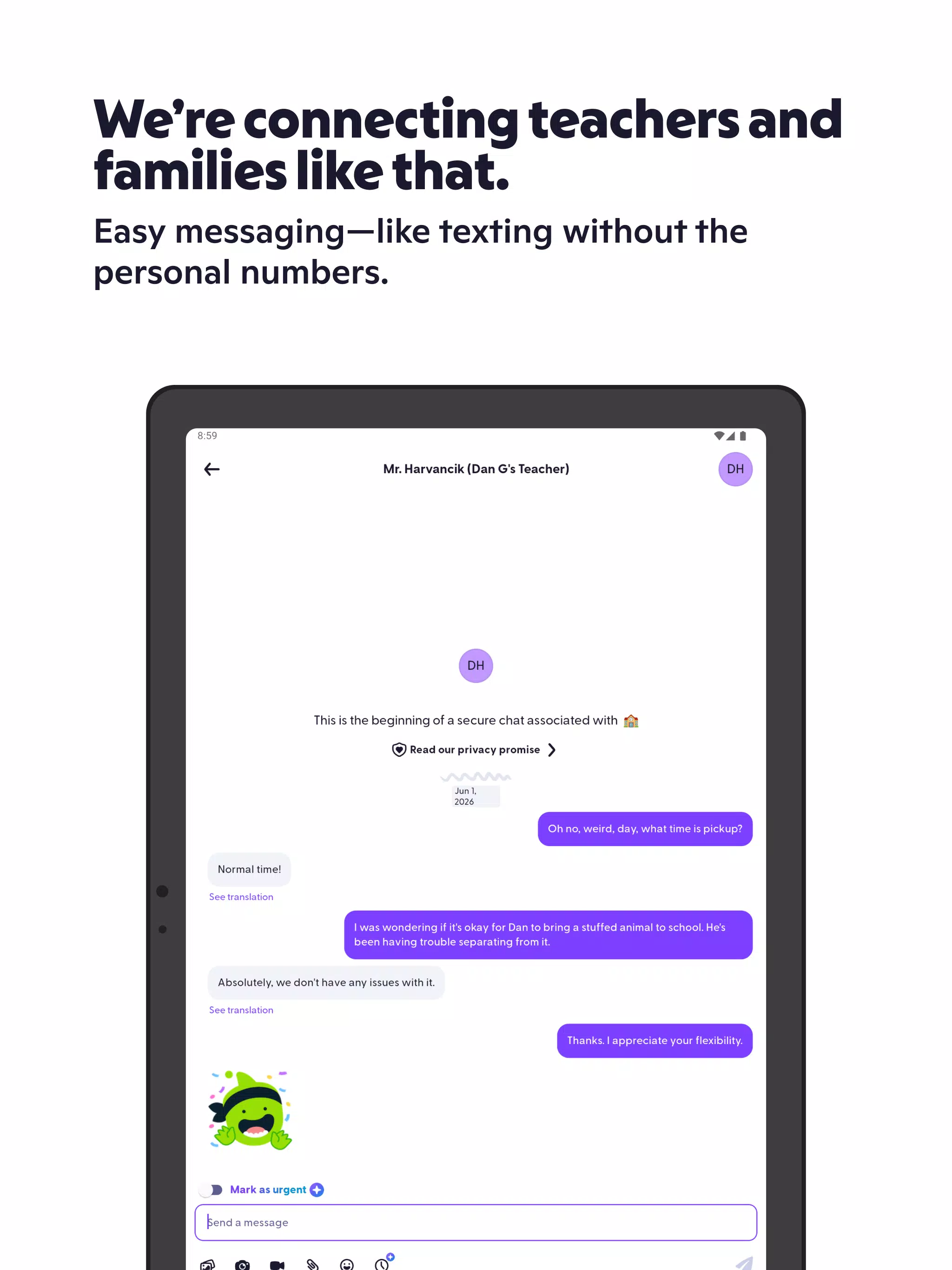
Teacher and Family Messaging
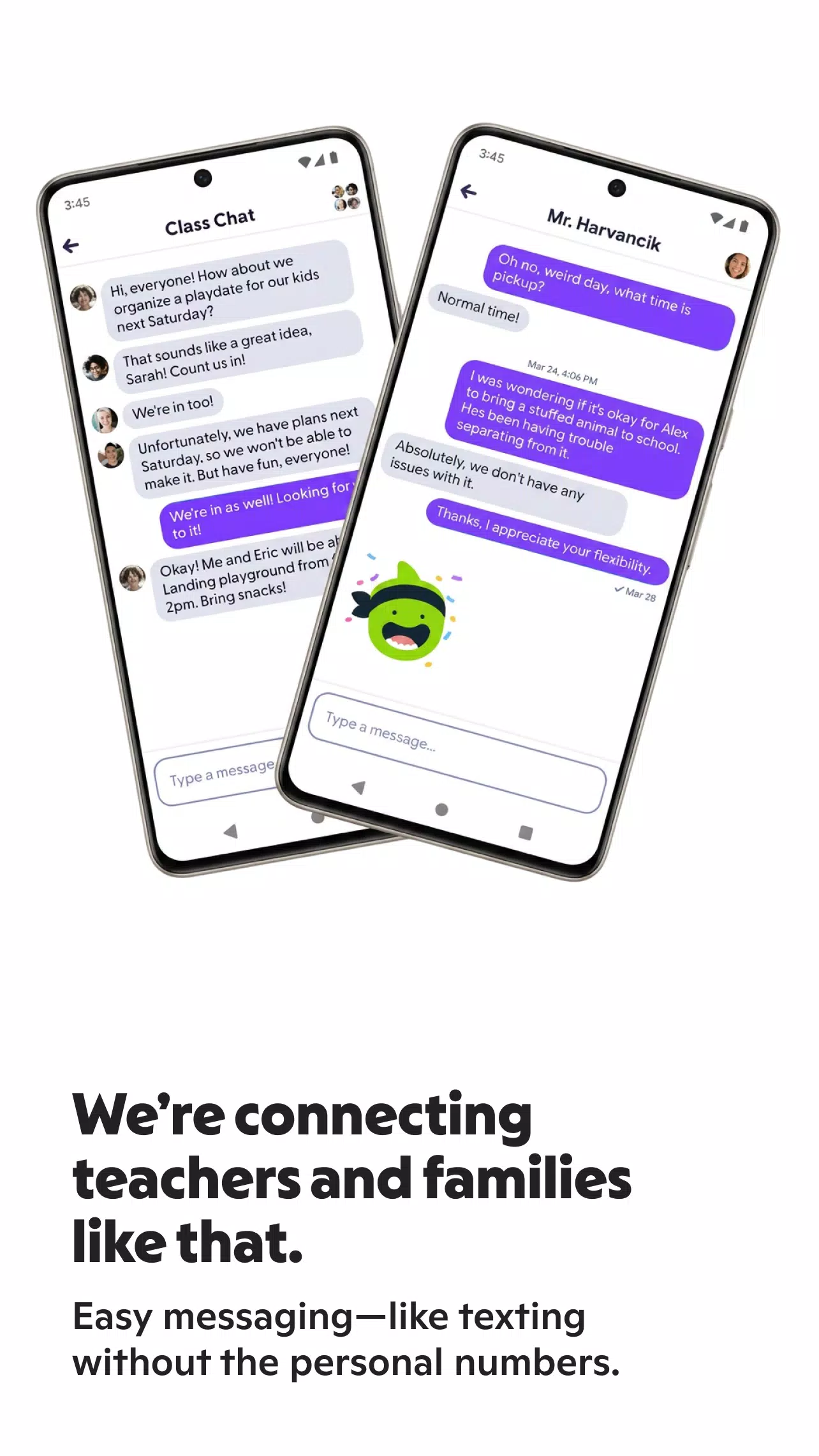
ClassDojo makes it easy for teachers, parents, and school staff to communicate about classroom activities, student needs, and important school announcements. Its messaging feature supports automatic translation in more than 190 languages, helping families and educators communicate across language barriers. Parents can stay informed, ask questions, and respond to teacher messages without missing important details during the school day.
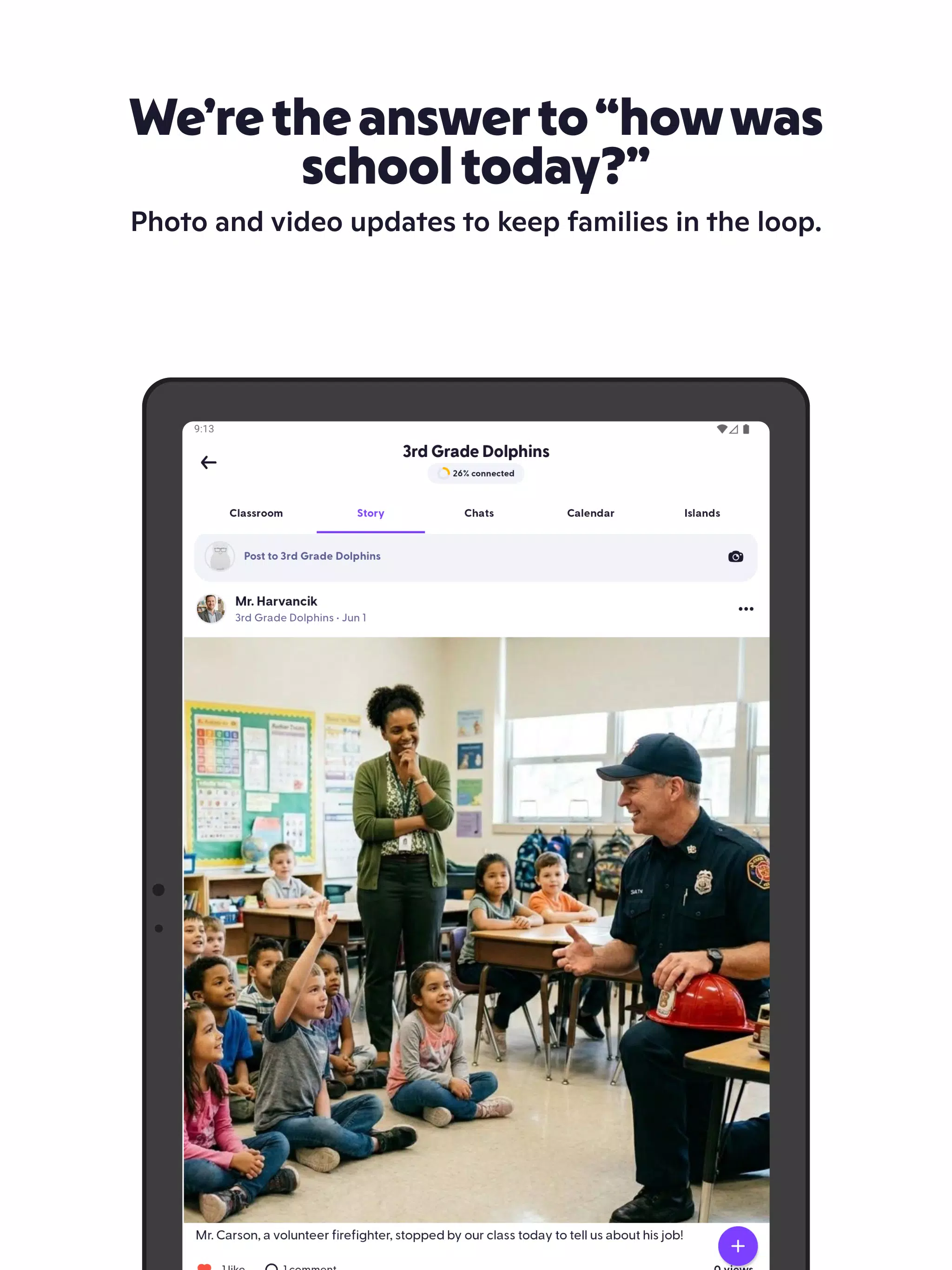
Private Classroom Stories
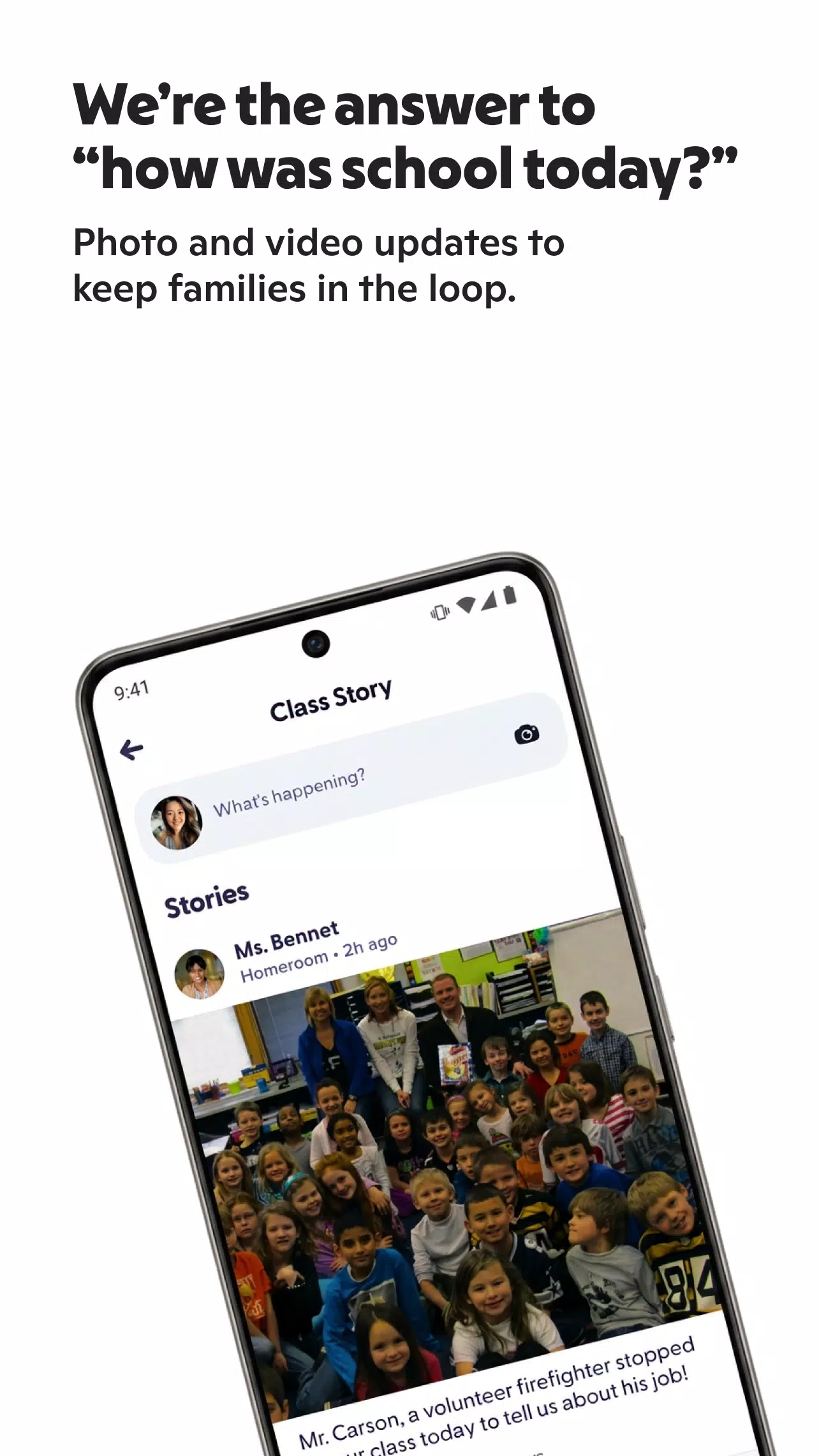
ClassDojo allows teachers to share classroom photos, videos, announcements, and learning highlights through private Stories. Parents can see updates about their children's school experiences as teachers post them, giving families a better understanding of daily routines, classroom projects, and group activities. These shared moments help parents stay connected to school life even when they cannot be present in the classroom.
Events and Calendar Reminders
With ClassDojo, teachers can share upcoming activities, school announcements, and important dates with families. Parents can review event details and reminders to keep track of classroom plans, school activities, and other responsibilities. Having these updates in one place makes it easier for families to organize their schedules and prepare for upcoming school events.
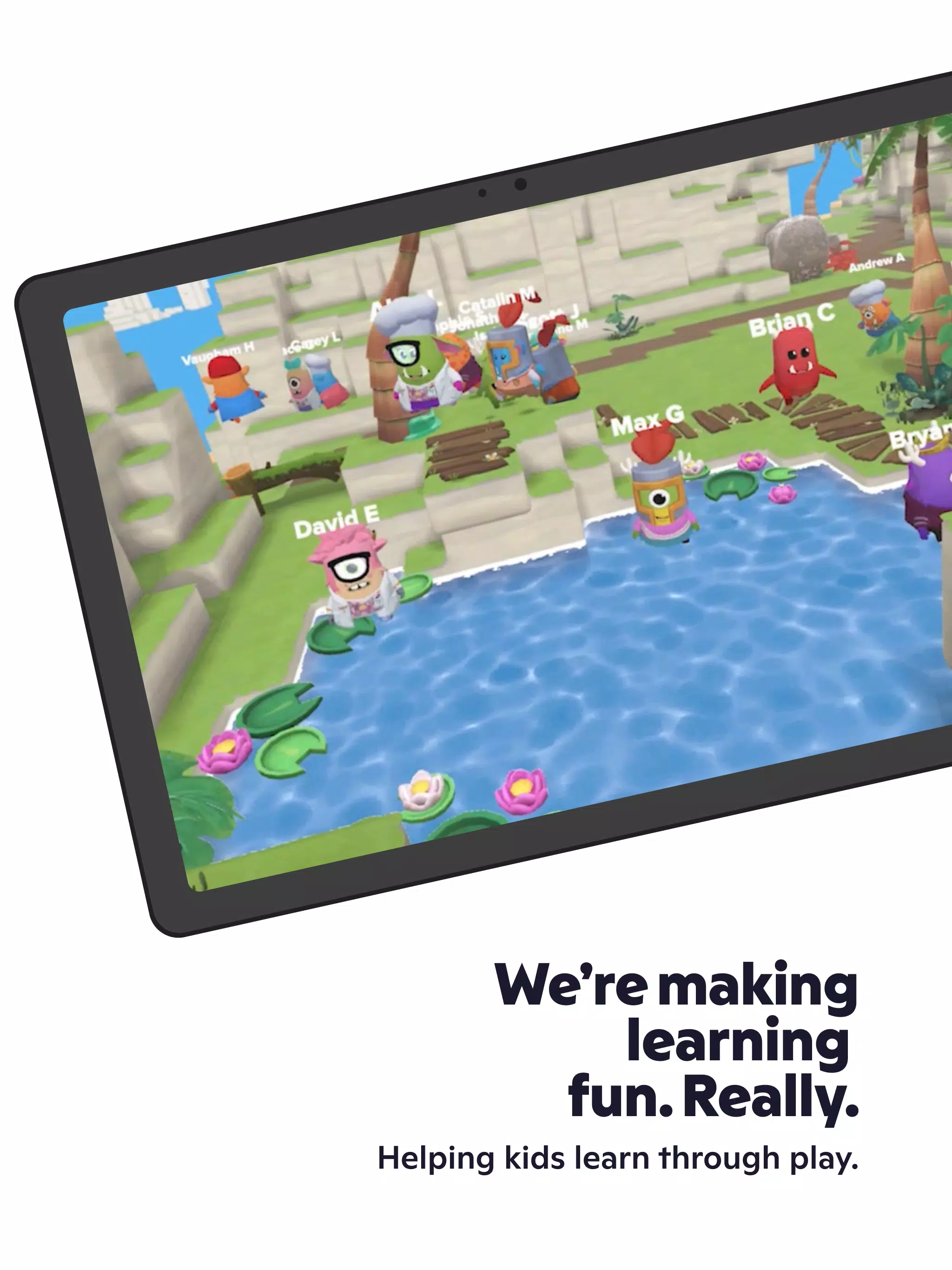
Points and Big Ideas
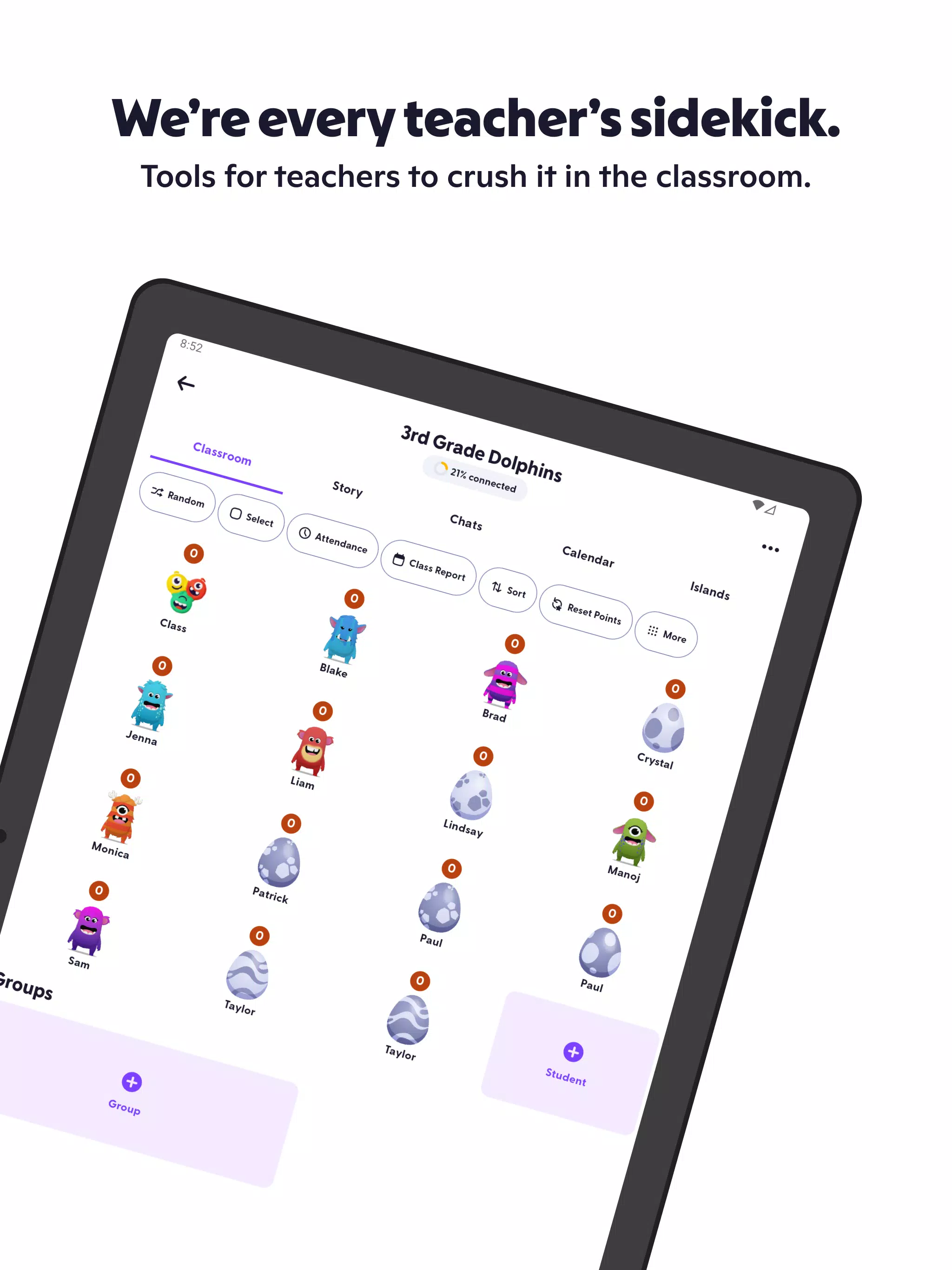
ClassDojo includes a points system that teachers can use to encourage positive behavior and recognize students' efforts in the classroom. Teachers can acknowledge helpful actions, participation, and other positive habits. The app also features Big Ideas that introduce topics such as mindfulness and social-emotional learning, helping educators encourage emotional awareness, positive relationships, and healthy classroom behavior.
Student Portfolios and Teacher Tools
Student Portfolios give children a way to share their schoolwork, achievements, and learning progress with their families. Instead of relying solely on classroom updates, parents can view examples of what their children are learning and creating.
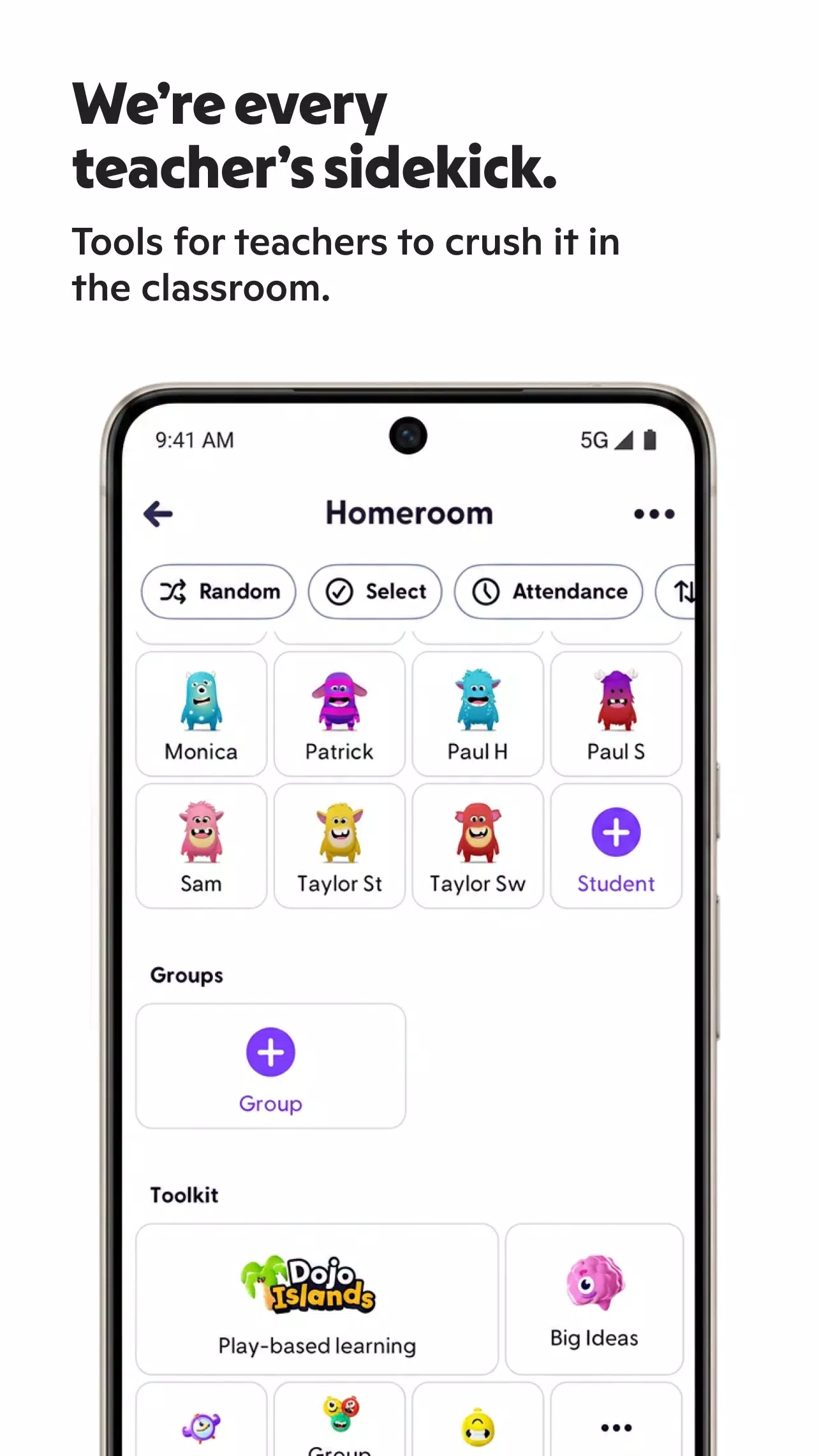
For educators, the Teacher Toolkit provides practical classroom management features, including attendance tools, timers, and other resources for organizing daily activities. These features help teachers manage classroom routines while keeping communication and learning updates accessible through the app.
What to Know Before Downloading ClassDojoBefore downloading ClassDojo, remember that its usefulness depends on how actively your child's school or teacher uses the platform. Families can get the most out of the app when teachers regularly share messages, classroom Stories, events, student portfolios, and behavior updates. If a school does not use these features, the available information may be limited.
ClassDojo also supports different roles within the school community, with features tailored to each user:
- Parents: Read teacher messages, view classroom updates, and keep track of school reminders.
- Teachers: Share announcements, communicate with families, encourage positive behavior, and use classroom management tools.
- Students: Share assignments, showcase achievements, and build portfolios that highlight their learning progress.
- School leaders: Help maintain communication and engagement across the school community.
Choosing the correct account type helps ensure that you can access the features relevant to your role.
How to Use ClassDojo on AndroidGetting started with ClassDojo on an Android device is straightforward. Once the app is installed, follow these steps to connect with your school and begin receiving updates.
- Open the app: Launch ClassDojo on your Android phone and select the appropriate role, such as parent, teacher, student, or school leader.
- Sign in or create an account: Follow the registration or login instructions, then connect to the relevant classroom or school using the invitation or joining details provided by the teacher.
- Check your messages: Open the messaging section to read school updates, communicate with teachers, and use the available translation feature when needed.
- Explore Stories and events: View classroom photos, videos, announcements, and upcoming activities shared by teachers. Check event details regularly so you can prepare for important dates.
- Review portfolios and points: If your child's classroom uses these features, explore student work, achievements, learning progress, and positive behavior feedback.
Following these steps helps parents and teachers make better use of the app's communication and classroom features.
Stay Connected with ClassDojoClassDojo brings school messaging, private classroom Stories, event reminders, behavior support, student portfolios, and teacher tools together in one convenient platform. It helps families stay informed about classroom activities while giving teachers practical ways to share updates and support student development.
For Android users, downloading ClassDojo provides a convenient way to access school communication in one place. To get the best experience, make sure your child's school or teacher uses the platform and download the app from a trusted source.
Previous versions
Permissions
No permissions were detected automatically. Upload the APK again to analyze it.
User reviews
Sign in to write a review.
No written reviews yet.