Screenshots
About this app
Real-Time Device Monitoring
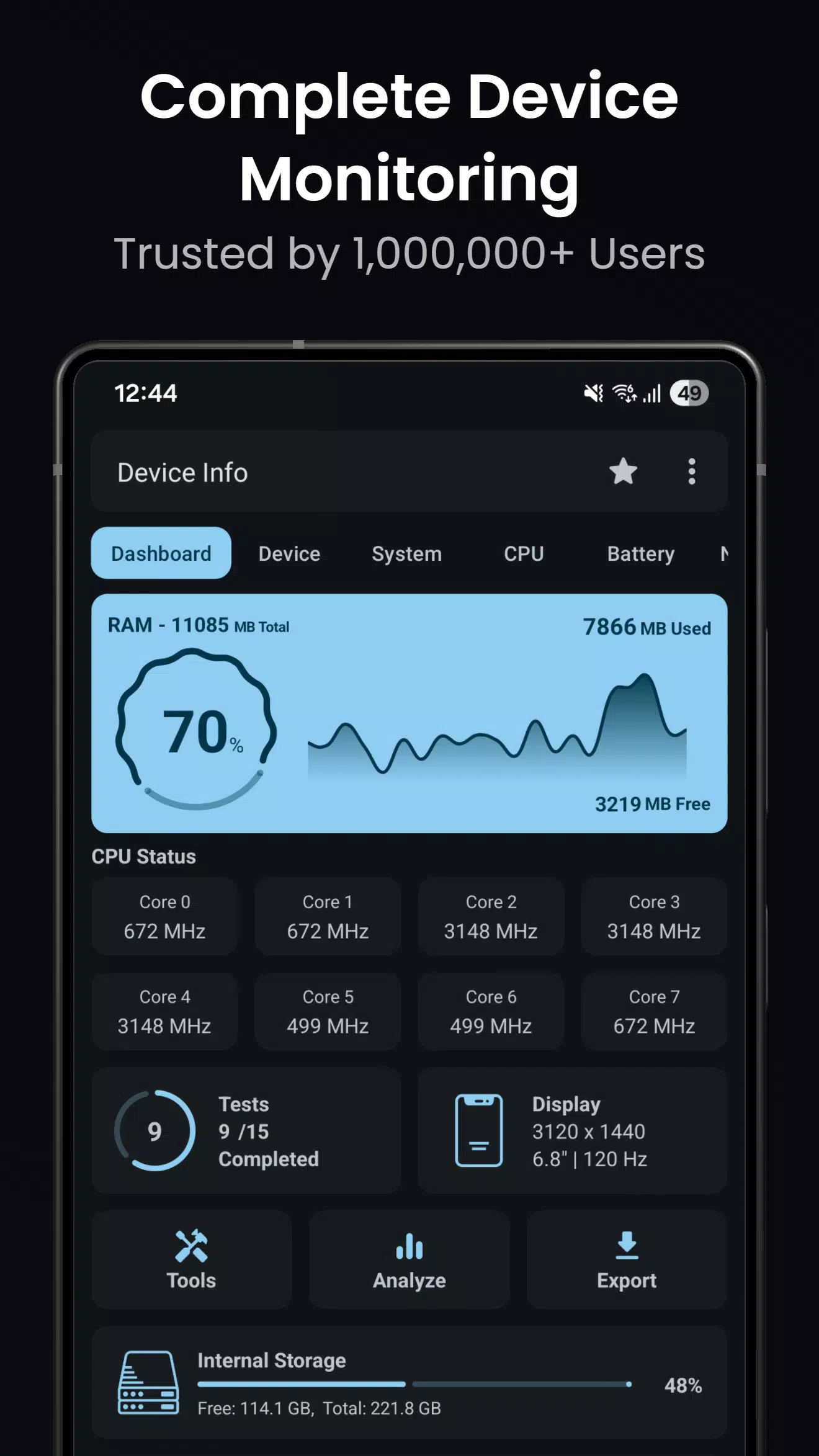
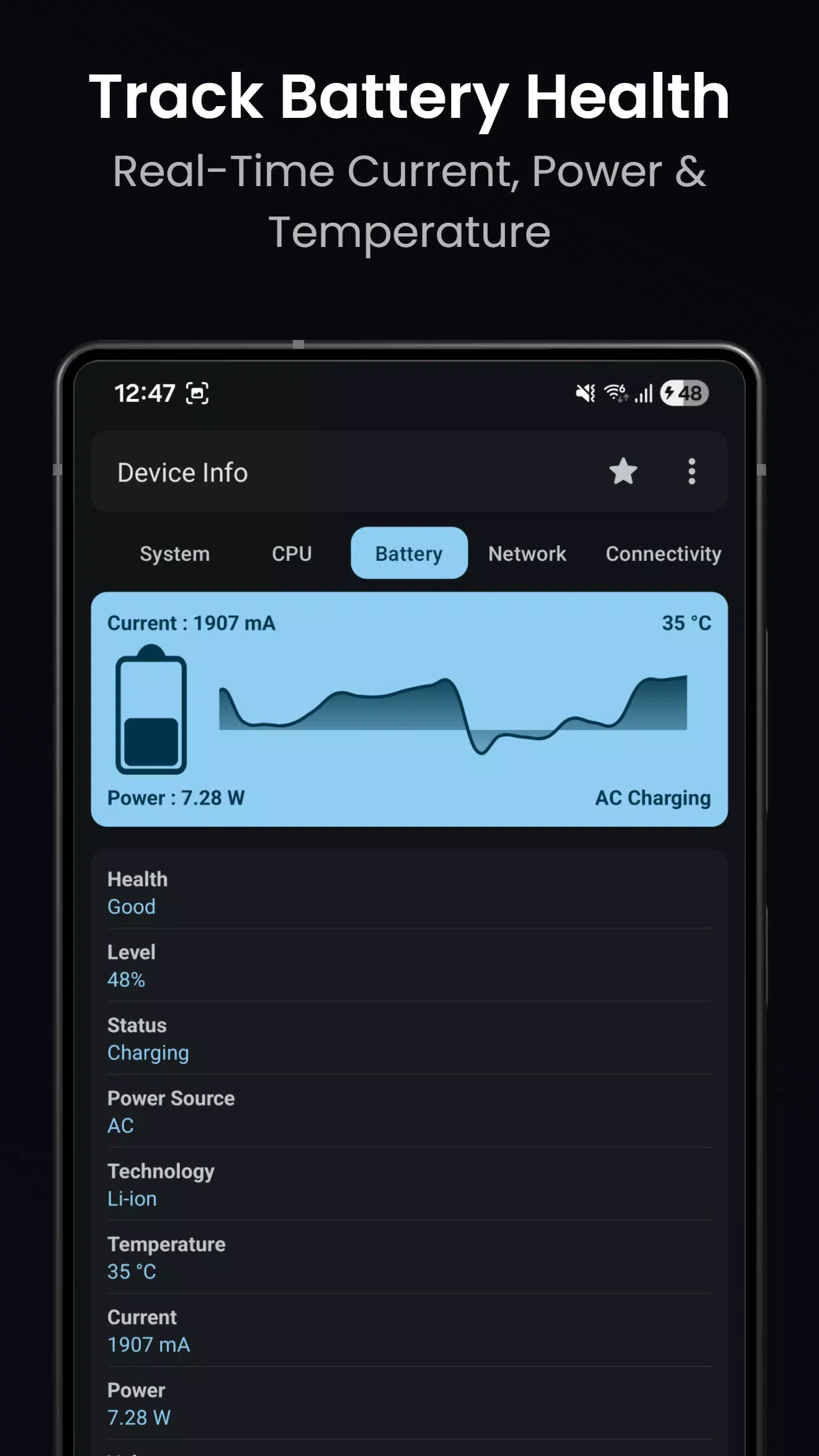
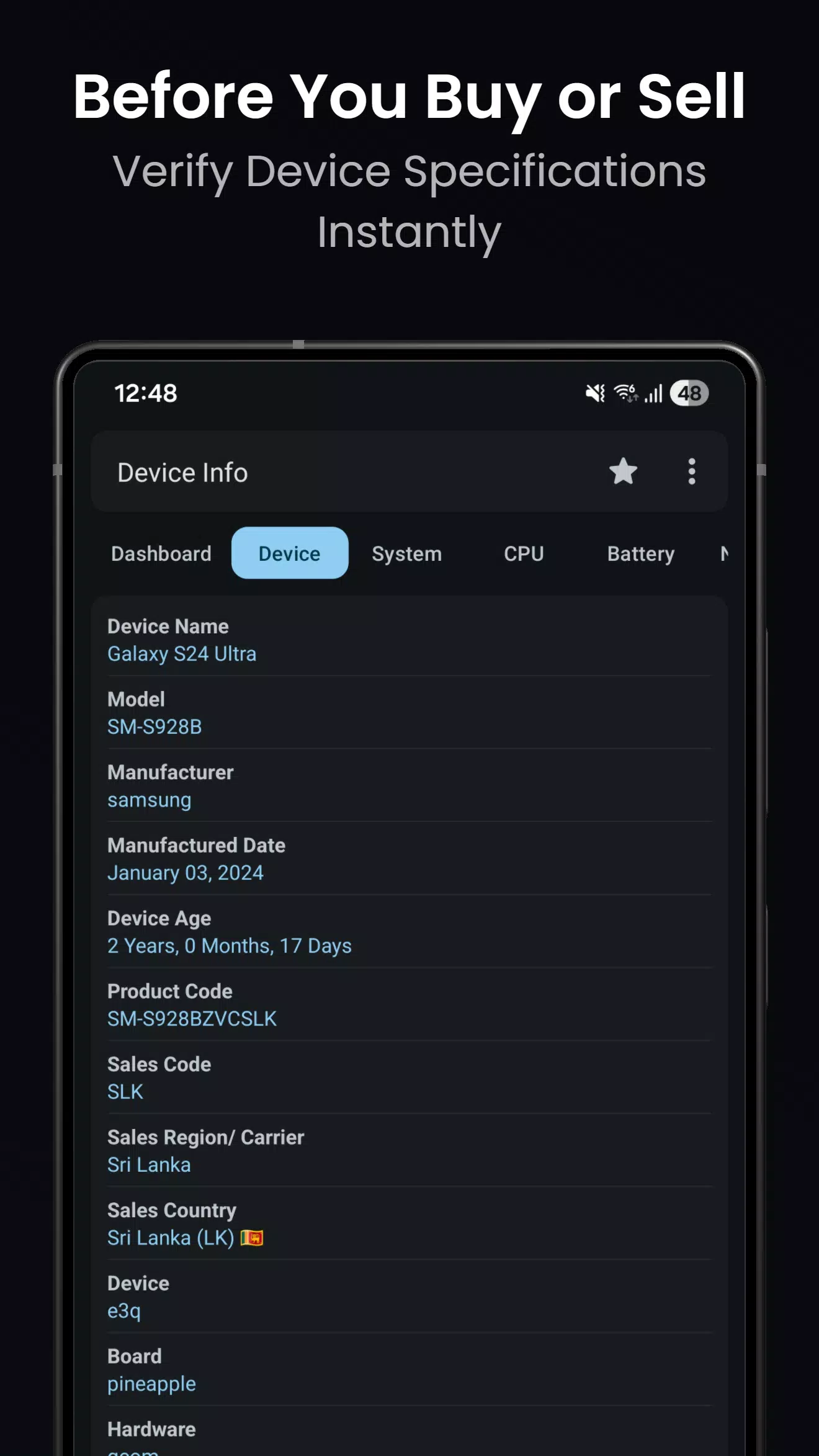
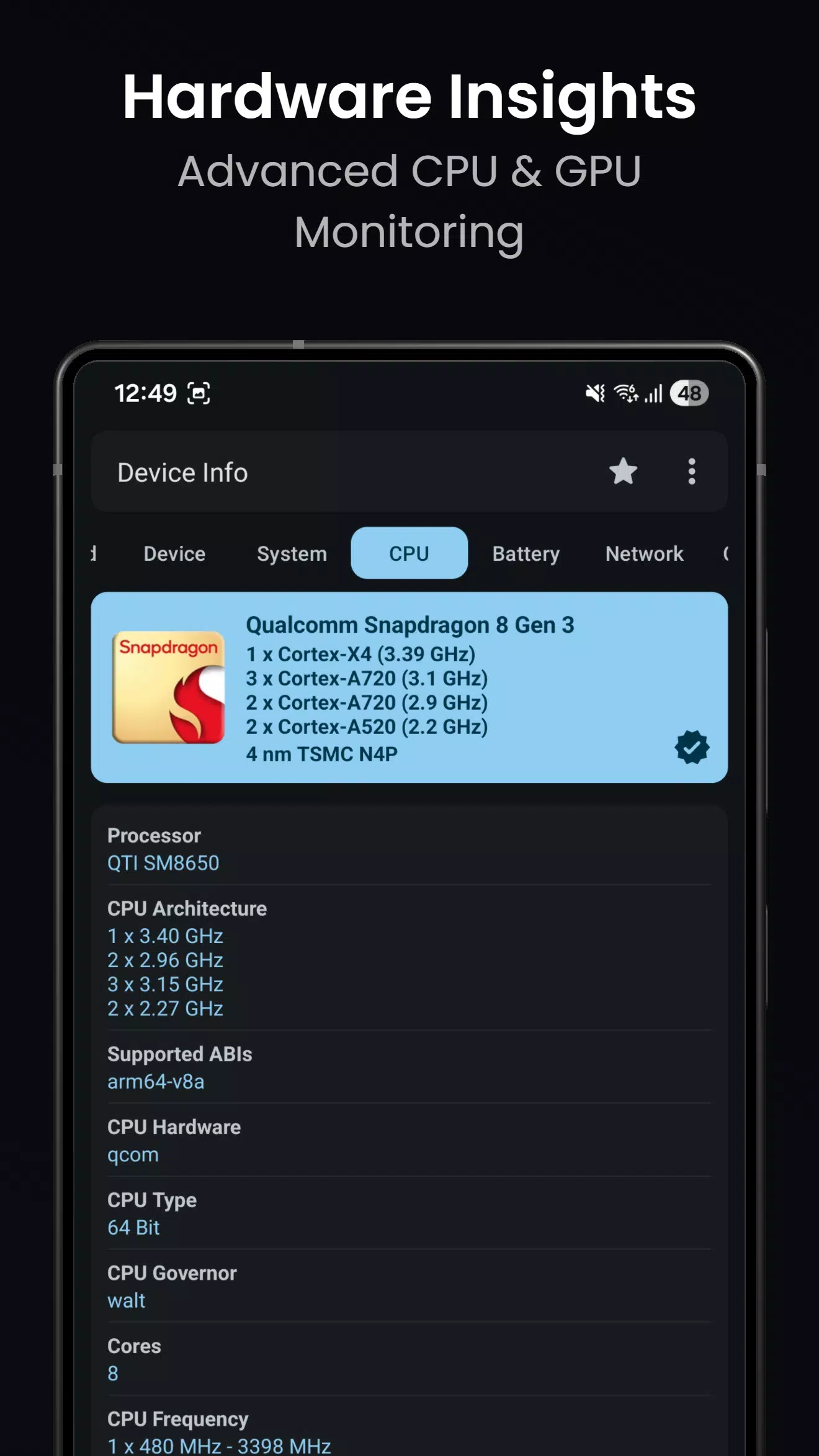
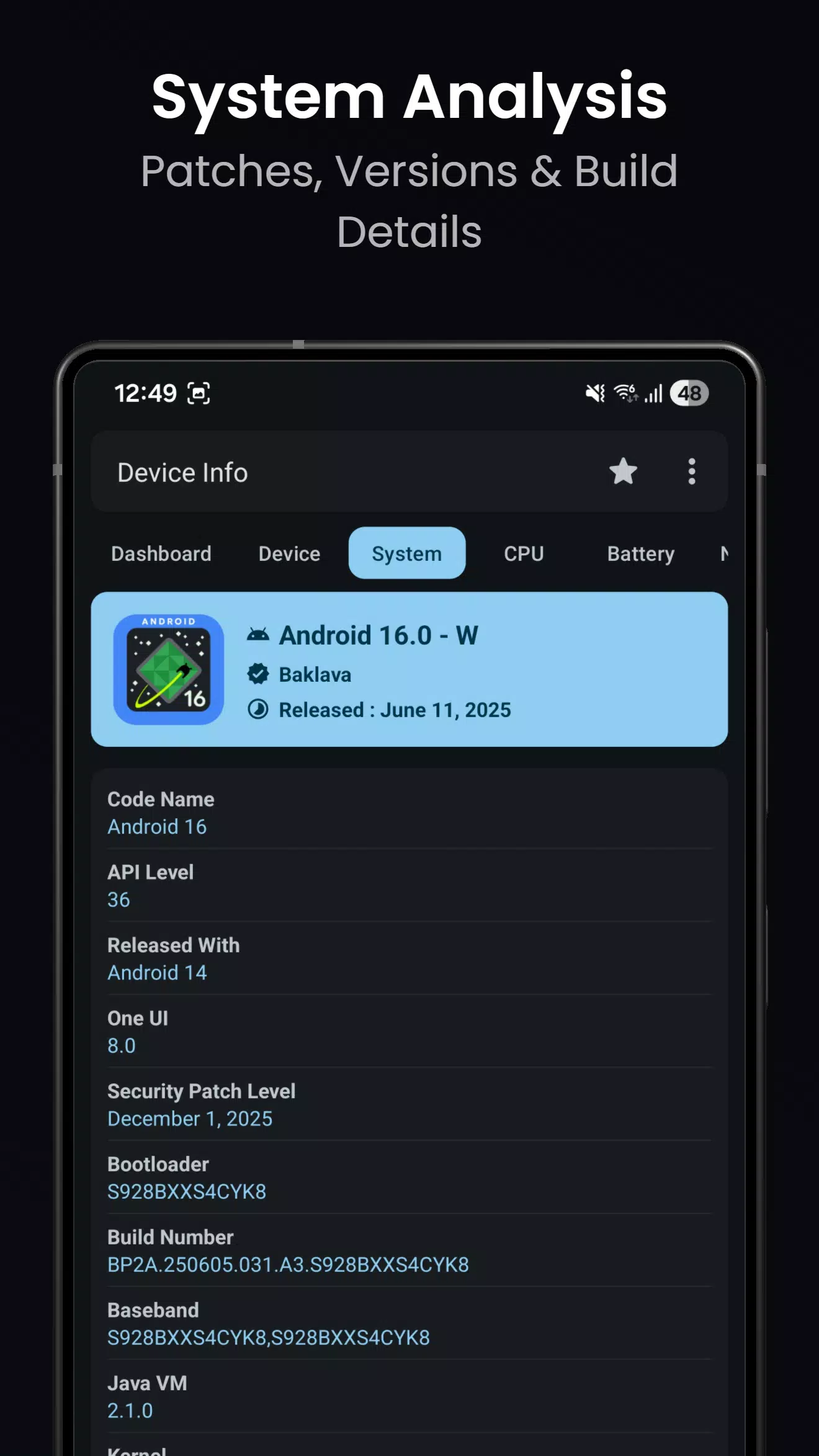
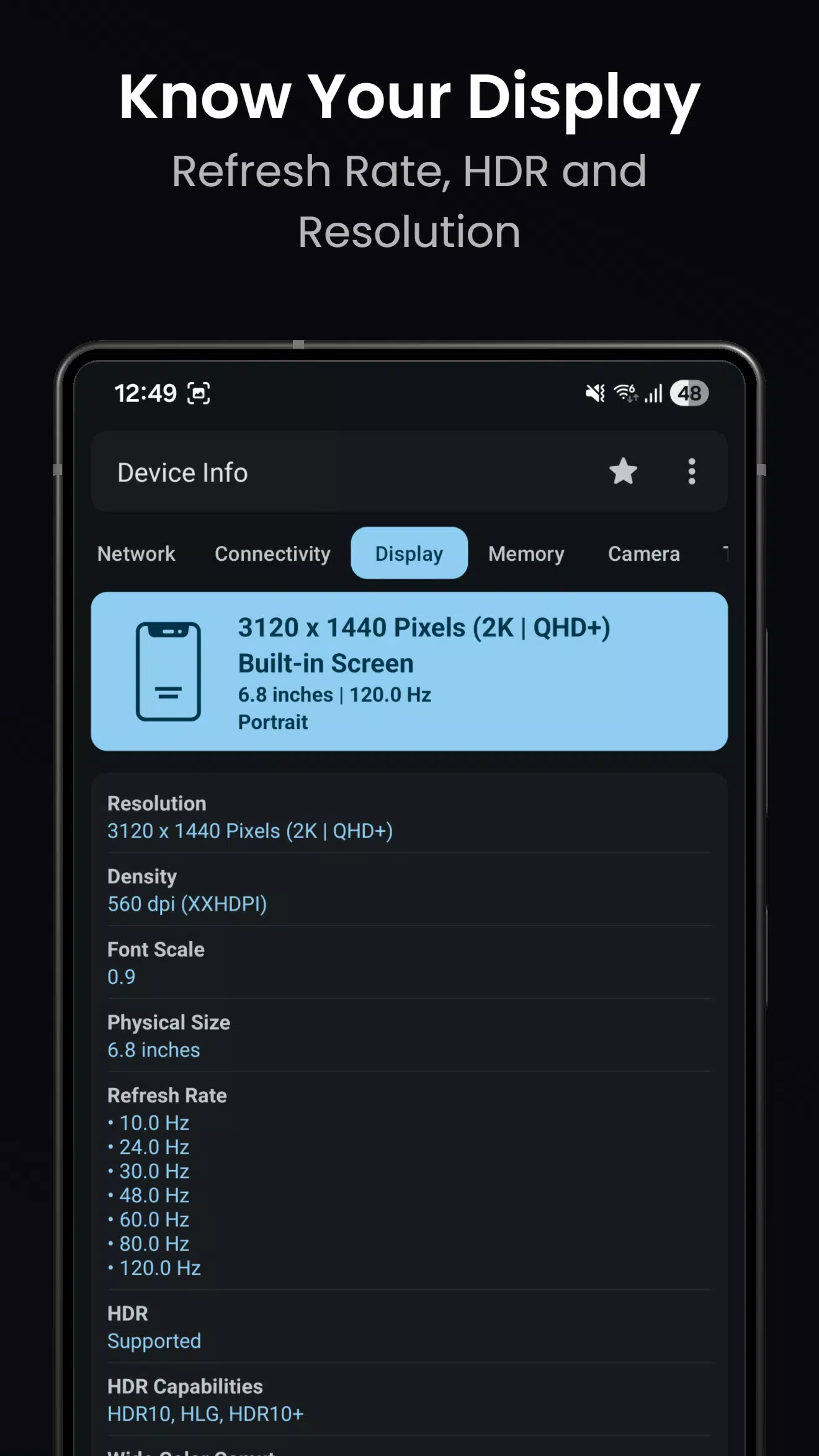
Device Info: View Device Information provides a comprehensive overview of your phone’s hardware and system performance. Monitor key details such as CPU and GPU activity, RAM usage, battery status, storage capacity, sensors, display specifications, camera information, network connectivity, and device temperature. The organized dashboard makes it easy to review important metrics, identify potential performance issues, and understand how your device is operating.
Wi-Fi Analyzer for Nearby Networks
The built-in Wi-Fi analyzer helps you examine nearby wireless networks and evaluate their signal strength, channel usage, network standards, and security settings. These insights can help you identify weak signals or congested channels and make better decisions when optimizing your home or office Wi-Fi connection. Comparing available networks also makes it easier to understand potential connectivity problems.
Device Tests and Performance Benchmarks
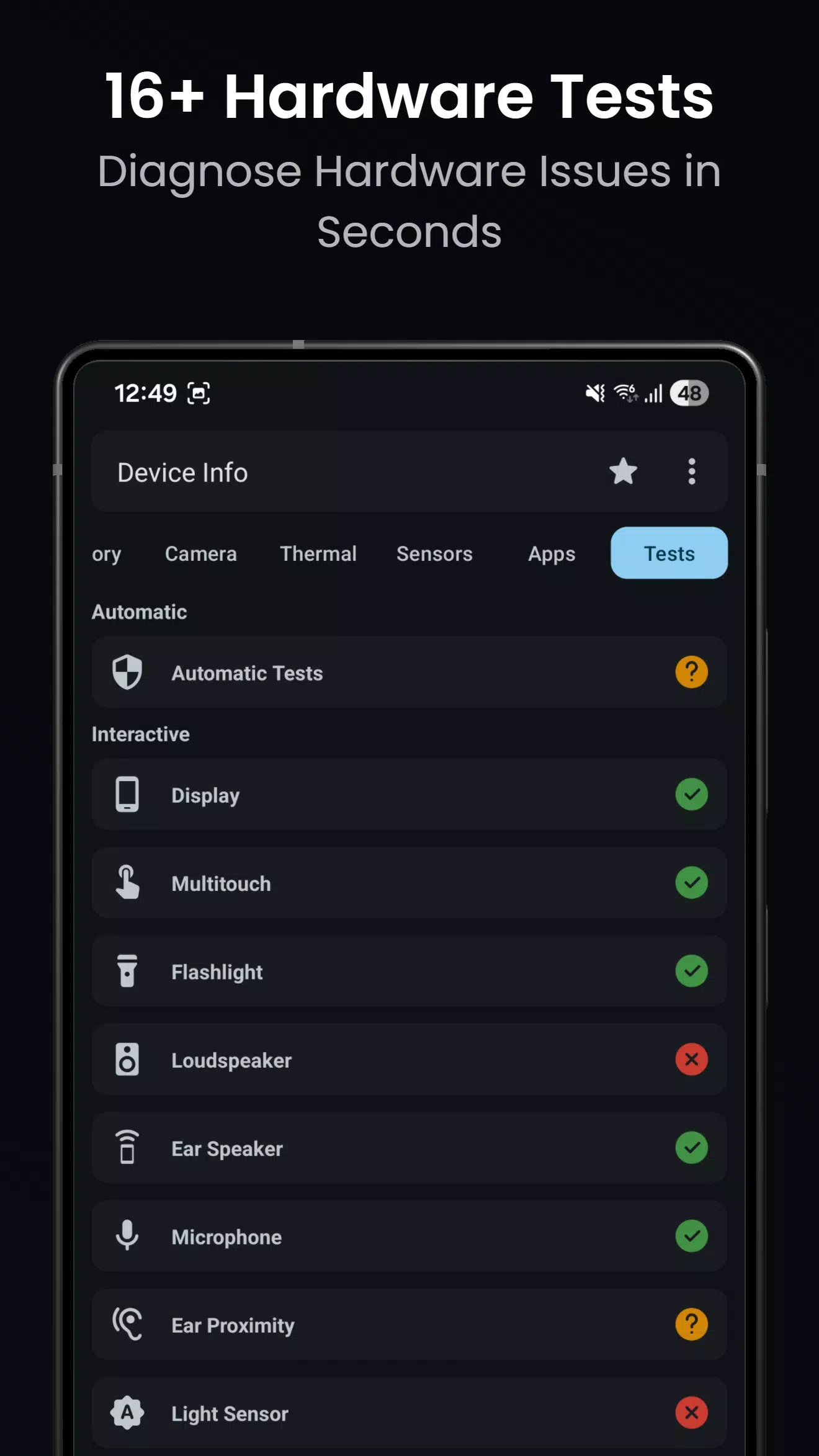
Device Info: View Device Information offers diagnostic tools for checking different hardware components, including the touchscreen, display, speakers, microphone, sensors, charging system, Bluetooth, fingerprint reader, and physical buttons. These tests can help you identify possible hardware issues, particularly after repairs or when a component stops working as expected. Available benchmarks can also provide additional context about your device’s performance.
App and Permission Analyzer
The app analyzer lets you review installed applications, their permissions, and related components. Depending on the available tools, you can organize apps by SDK or installation source and inspect permissions that may affect your privacy. APK extraction options can also help you create copies of supported installation packages for backup or analysis. These features provide a clearer picture of the applications installed on your phone.
Exportable Reports and Privacy Protection
Create diagnostic reports in text or PDF format to share device information with technical support, repair professionals, or IT teams. These reports make it easier to communicate technical details without requiring someone else to inspect your phone directly. The app is described as privacy-focused, with device readings processed locally and information shared through reports when you choose to export them. Check the app’s current privacy policy for details about its data practices.
Data Handling and Privacy in Device Info: View Device InformationPrivacy is an important consideration when using device monitoring tools. Device Info: View Device Information is designed to provide system diagnostics directly on your phone, helping you review hardware specifications and performance information without unnecessary steps. According to the app’s stated privacy approach, readings remain on your device unless you choose to export them. Reviewing the developer’s privacy policy can help you understand what information is accessed, collected, or shared.
Professional and Everyday UsesDevice Info: View Device Information is useful for both everyday users and technical professionals. Phone owners can check battery status, inspect available storage, review sensor information, and troubleshoot connectivity issues. Repair technicians can use hardware tests and diagnostic reports to document potential problems and explain findings to customers. Support teams may also use exported reports to gather relevant device details and streamline troubleshooting.
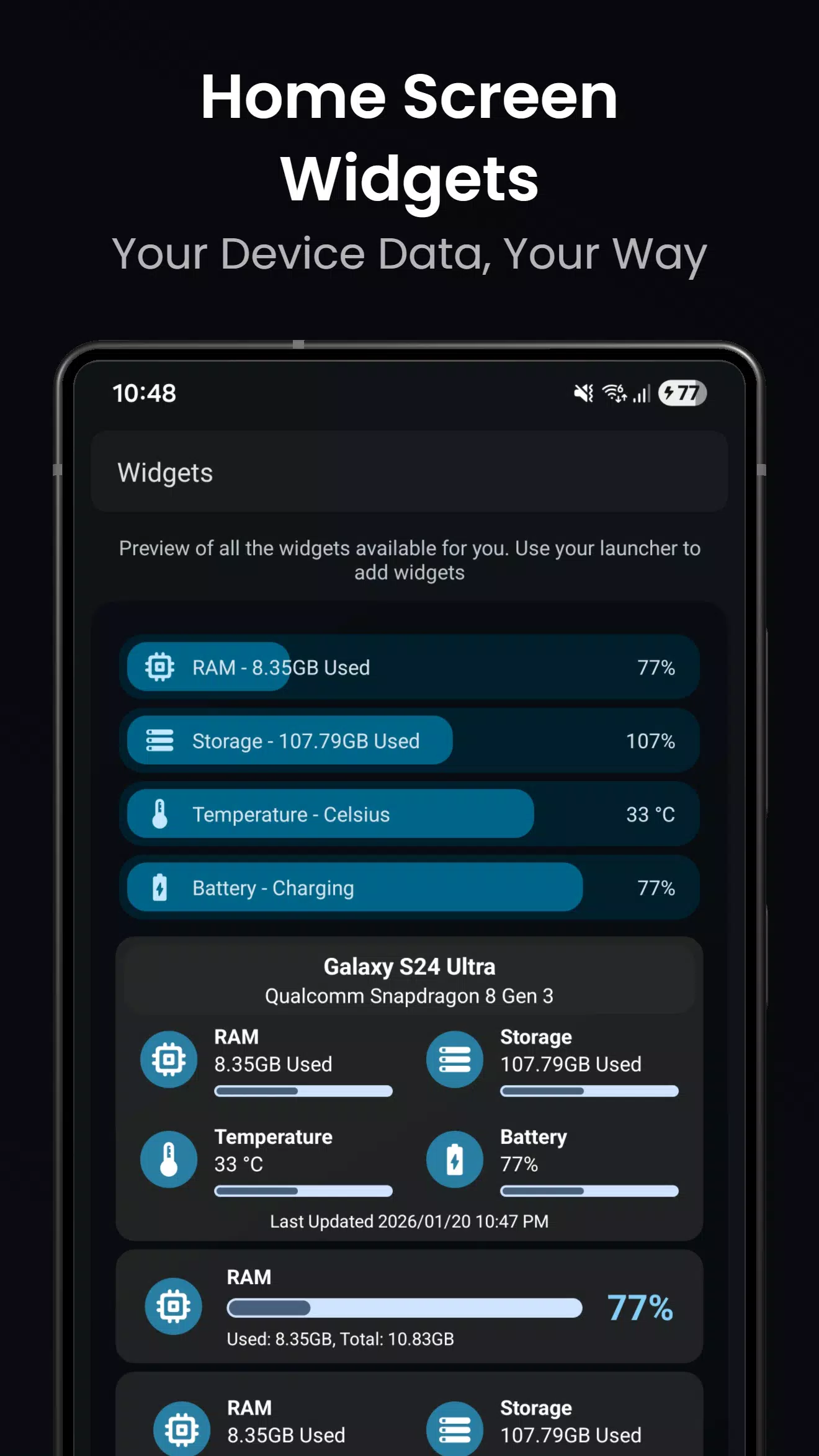
Home Screen Monitoring and CustomizationFor convenient access to essential information, the app may offer home screen widgets that display details such as battery level, RAM usage, and storage availability. Material You-inspired themes can complement the Android interface and provide a more personalized appearance. Widget availability and the information displayed may vary depending on the app version and device compatibility.
How to Use Device Info: View Device InformationGetting started is straightforward. Open the app, explore the main dashboard, and select the tools you need to examine your device.
- Review the dashboard: Open the app and check the available CPU, memory, battery, storage, and temperature information.
- Explore device categories: Select individual sections to view detailed hardware specifications, display information, network details, and sensor readings.
- Analyze Wi-Fi connections: Open the Wi-Fi analyzer, start a scan if prompted, and compare nearby networks using the available signal and channel information.
- Test hardware components: Navigate to the device testing section and follow the instructions to check supported features such as the touchscreen, speakers, microphone, and sensors.
- Review installed apps: Open the app analyzer to examine installed applications and their permissions.
- Export diagnostic reports: If you need technical assistance, generate a text or PDF report and share it with a trusted technician or support representative.
For the best experience, keep the app updated and grant only the permissions required for the features you intend to use.
Get Started with Device Info: View Device InformationDevice Info: View Device Information brings hardware monitoring, diagnostic tools, connectivity analysis, and system reports together in one convenient interface. Whether you want to understand your phone’s performance, investigate a technical issue, or check individual hardware components, the app can help you access useful device information.
If you want to explore these tools on your Android phone, consider downloading the Device Info: View Device Information APK from a trusted source. Before installing, verify the app’s developer, compatibility, requested permissions, and latest available version.
Previous versions
Permissions
No permissions were detected automatically. Upload the APK again to analyze it.
User reviews
Sign in to write a review.
No written reviews yet.
