Screenshots


About this app
Eyecon: Smart Caller ID, Dialer & Spam Blocker
Eyecon is an all-in-one caller ID and smart dialer app designed to help you identify unknown callers, block unwanted calls, and manage your contacts with ease. With visual caller identification, reverse number lookup, and convenient communication tools, Eyecon makes everyday calling smarter, simpler, and more organized.
Eyecon Features
1. Visual Caller ID & Reverse Lookup
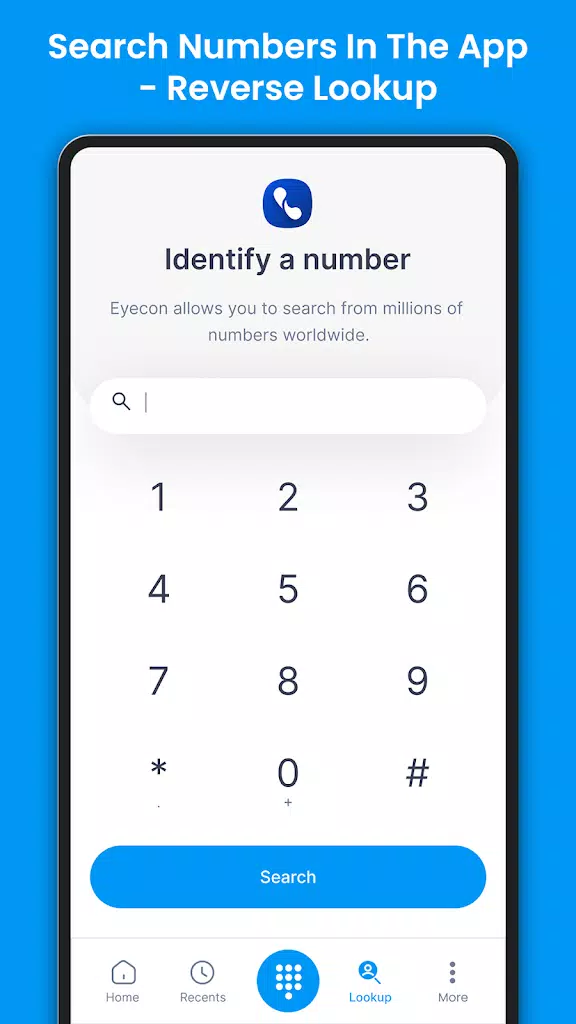
Identify incoming callers with full-screen photos and names before answering. Eyecon helps you look up unknown numbers to get additional context about who might be calling, making it easier to recognize important calls and avoid unwanted interruptions.
2. Powerful Spam Call Blocking
Protect yourself from nuisance calls with tools designed to identify and block suspected spam, telemarketing calls, and potential scams. Customize your blocking preferences, report unwanted numbers, and keep your call history more manageable.
3. Smart Dialer & Contact Management
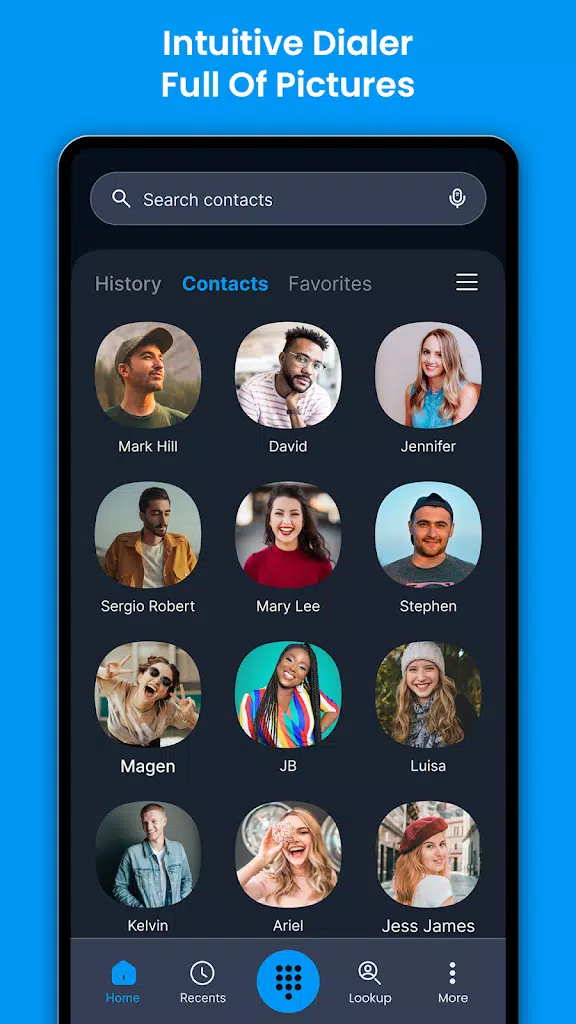
Make Eyecon your default dialer to bring calling, contact search, and contact management together in one place. Organize your address book, merge duplicate contacts, and view call statistics. The photo-based contact gallery also makes finding and recognizing people easier.
4. Social Integration & In-Call Information
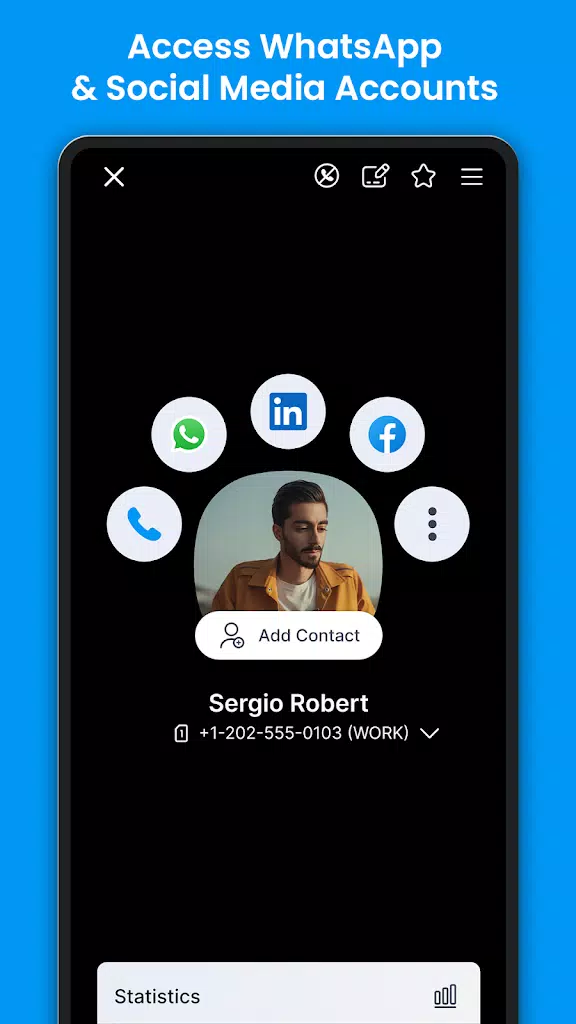
Access additional contact information through supported social integrations. Eyecon also offers convenient WhatsApp follow-ups without requiring you to save every number first, where supported. These features help you manage conversations and respond more efficiently.
5. All-in-One Communication Tools
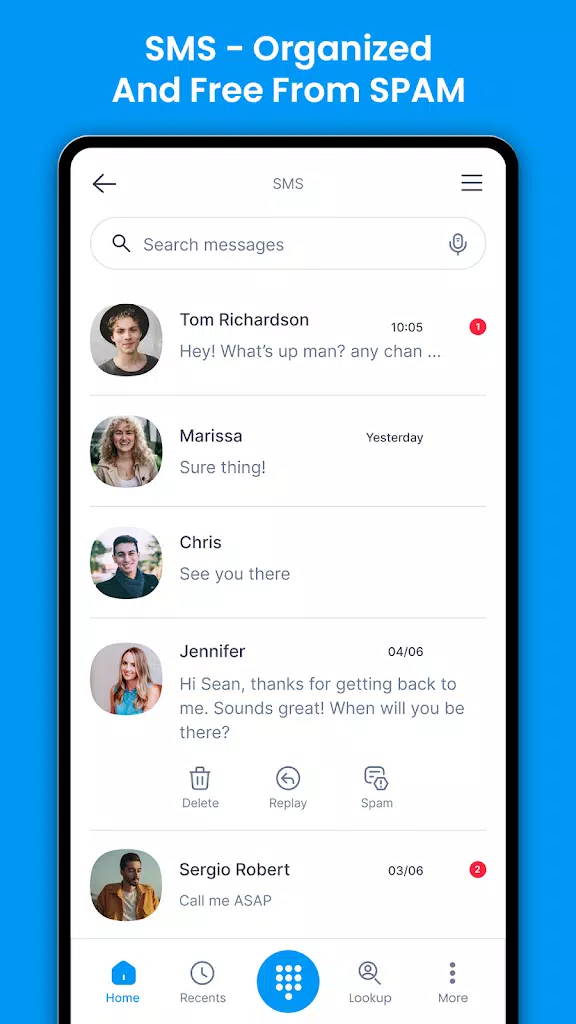
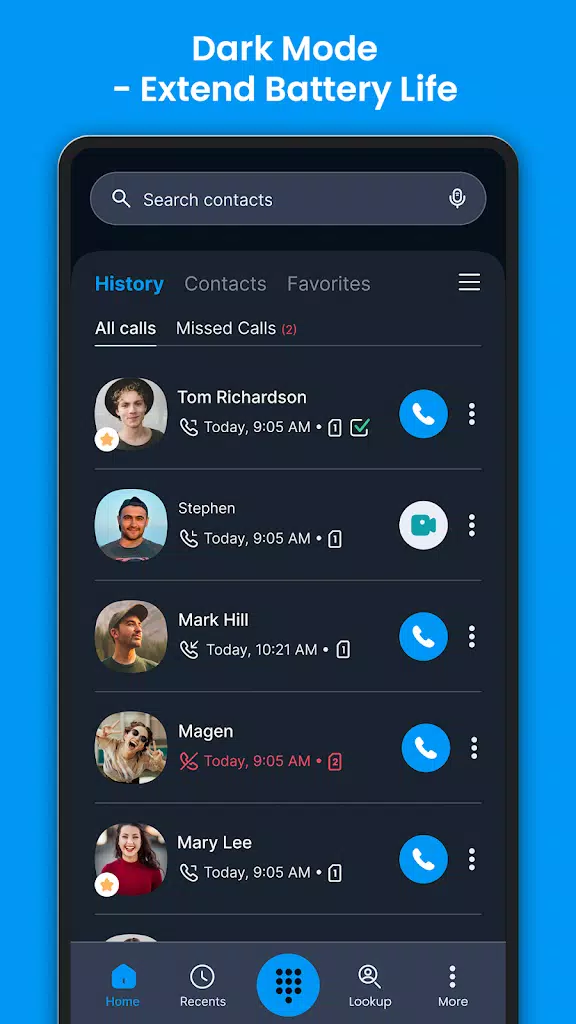
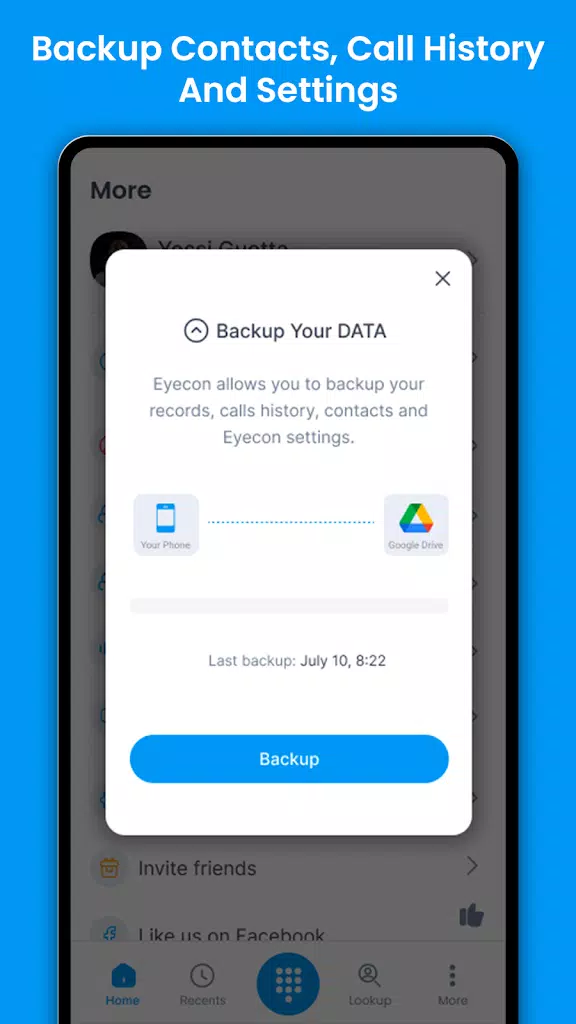
Access calls, SMS, WhatsApp, and other supported communication options from one convenient interface. The “Can Talk” indicator helps you check a contact’s availability before calling. Eyecon may also offer Toki voice conversations, contact backup and restore, dark mode, post-call calendar reminders, and navigation to saved addresses through compatible map apps.
Before You Download Eyecon
Eyecon may request permissions to access your phone, contacts, and call logs to provide caller identification, contact management, and calling features. Additional permissions may be needed for optional functions such as calendar reminders and navigation.
Social integrations are optional and may require additional access if you choose to use them. Review the app's permission requests and privacy policy before granting access, and enable only the features you need.
Eyecon has been widely used for caller identification and contact management. Check the official app listing for the latest information about availability, supported features, and regional compatibility.
Eyecon Availability & Versions
Eyecon is primarily known as an Android caller ID and dialer app. Availability and feature support on iPhone or other platforms may vary, so consult the developer's official resources for current information.
Installing the latest compatible version can provide bug fixes, performance improvements, and updated features. Older versions may be available in some circumstances, but compatibility and security support can differ.
For safety, download Eyecon through an official app store or a trusted source.
Eyecon Plans & Premium Features
Eyecon offers free access to core calling and caller identification features, while optional Premium upgrades may provide additional benefits, depending on the current plan and region.
Premium benefits may include an ad-free experience and expanded reverse lookup capabilities. Promotional offers and temporary access to premium features may also be available from time to time.
You can continue using the free version if its available features meet your needs. Check the app's current subscription details for exact pricing, limits, and benefits before upgrading.
How to Use Eyecon on Android
Getting started with Eyecon is straightforward:
- Install and open the app. Download Eyecon from the Google Play Store and follow the initial setup instructions.
- Grant the necessary permissions. Allow access to the phone, contacts, and call logs as needed for your selected features.
- Set your default dialer if desired. Follow the on-screen instructions to use Eyecon for supported incoming and outgoing call functions.
- Organize your contacts. Sync your address book, review contact photos, and merge duplicates using the available tools.
- Configure spam protection. Review the spam-blocking settings, manage blocked numbers, and use reverse lookup where available.
- Explore additional features. Connect supported services if desired, try available messaging options, and customize notifications, themes, and other preferences.
Menu names and setup steps may vary depending on your Android version and the Eyecon app release.
Get Started with Eyecon
Eyecon combines caller ID, reverse number lookup, spam protection, and visual contact management in one convenient app. Whether you're identifying an unfamiliar caller, organizing your address book, or following up on a missed call, Eyecon provides practical tools to make everyday communication easier and more efficient.
Previous versions
Permissions
No permissions were detected automatically. Upload the APK again to analyze it.
User reviews
Sign in to write a review.
No written reviews yet.