Screenshots
About this app
Features That Make Video Creation Easier
Text-to-Video Generation
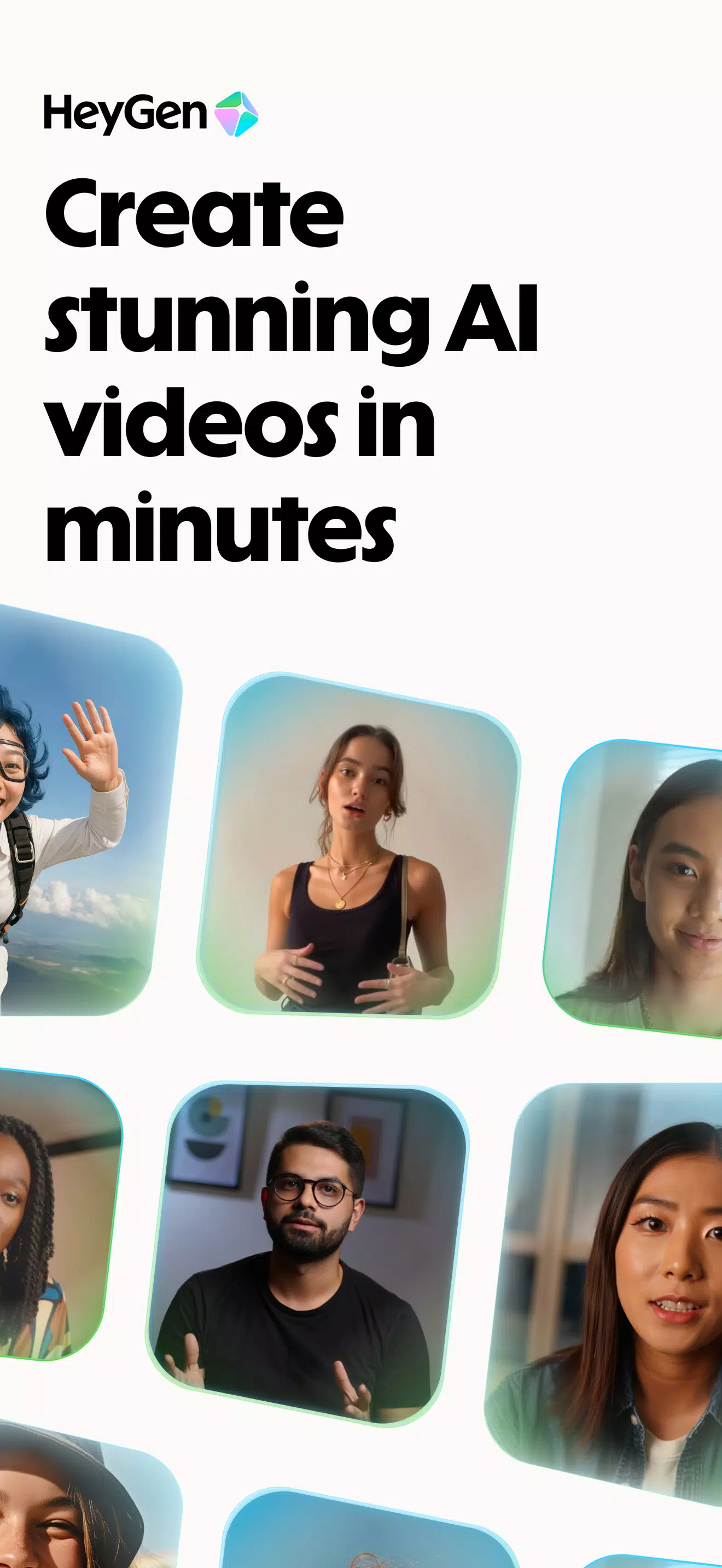
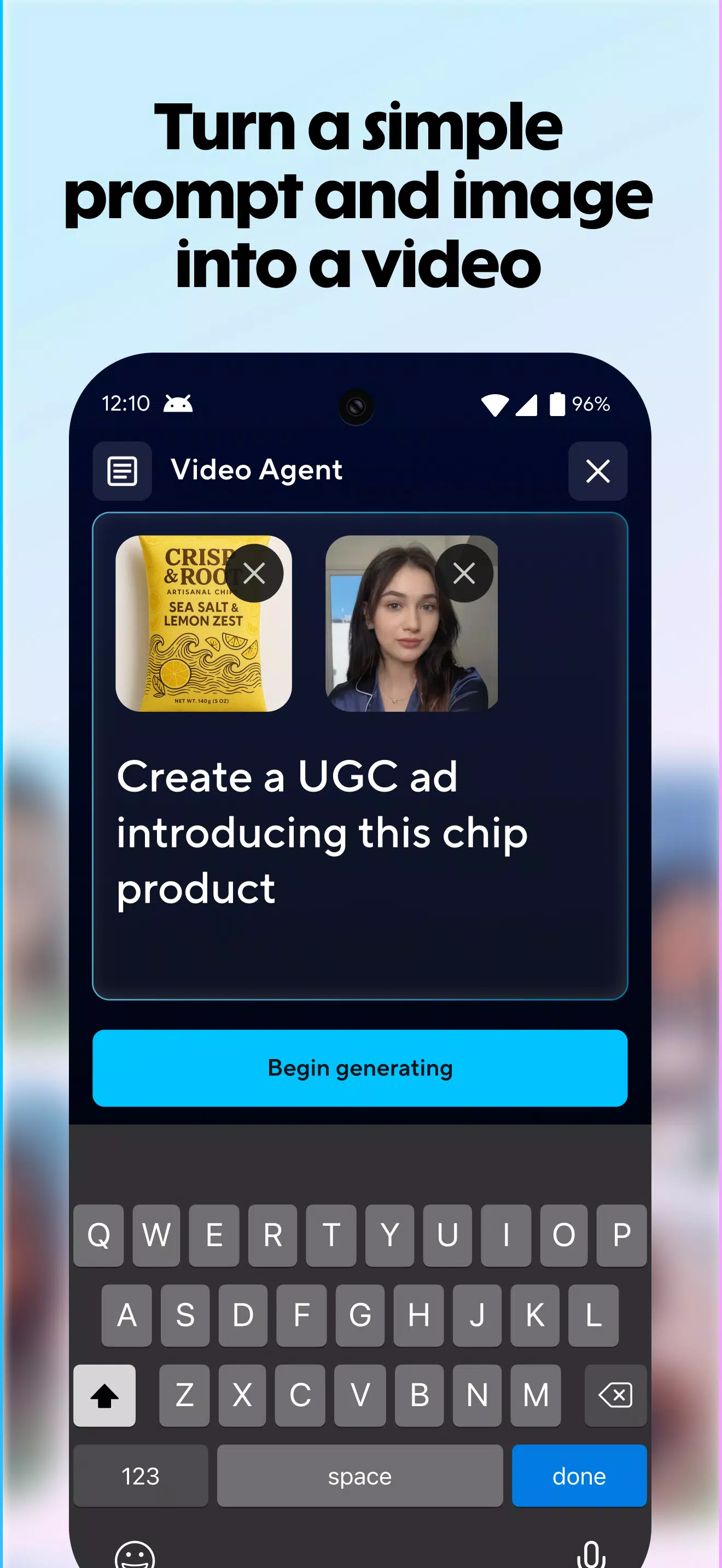
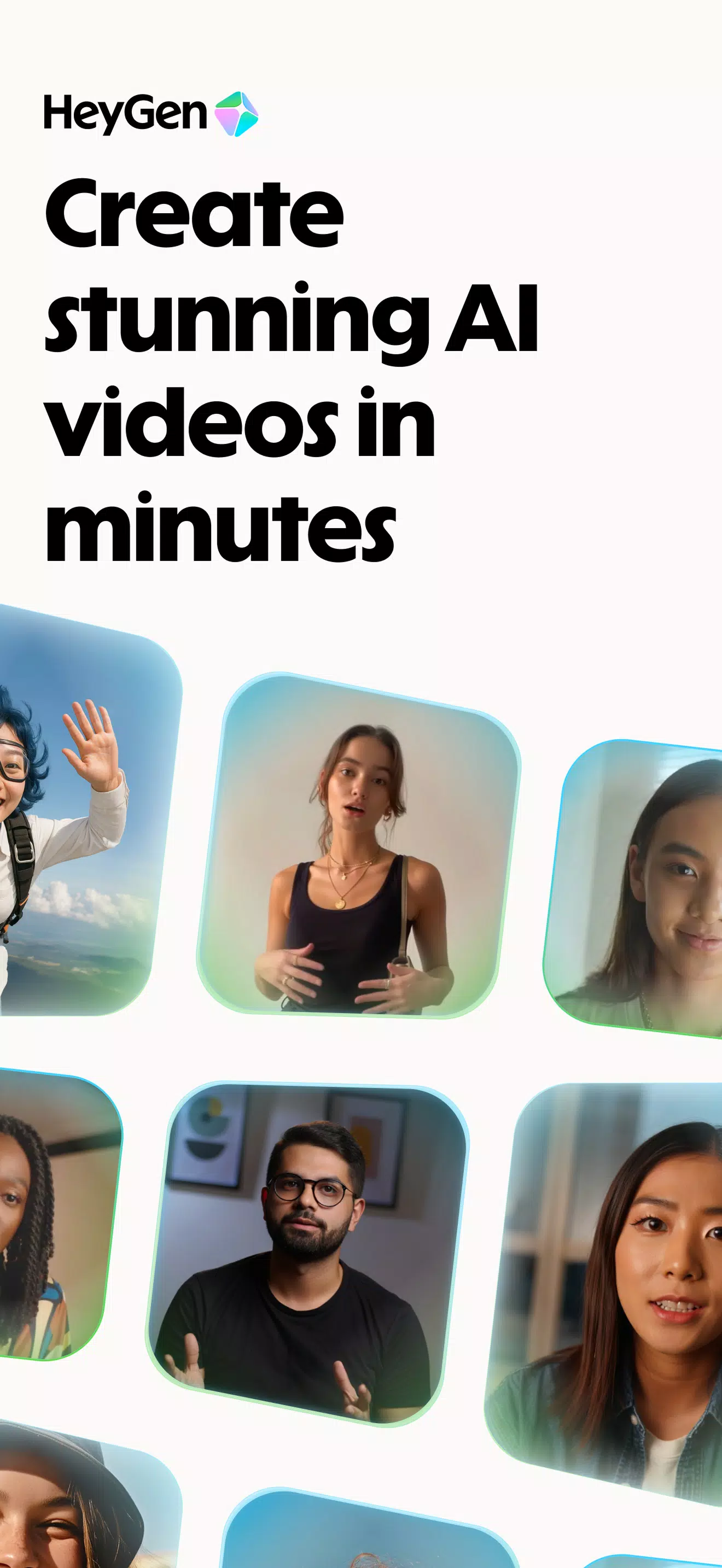
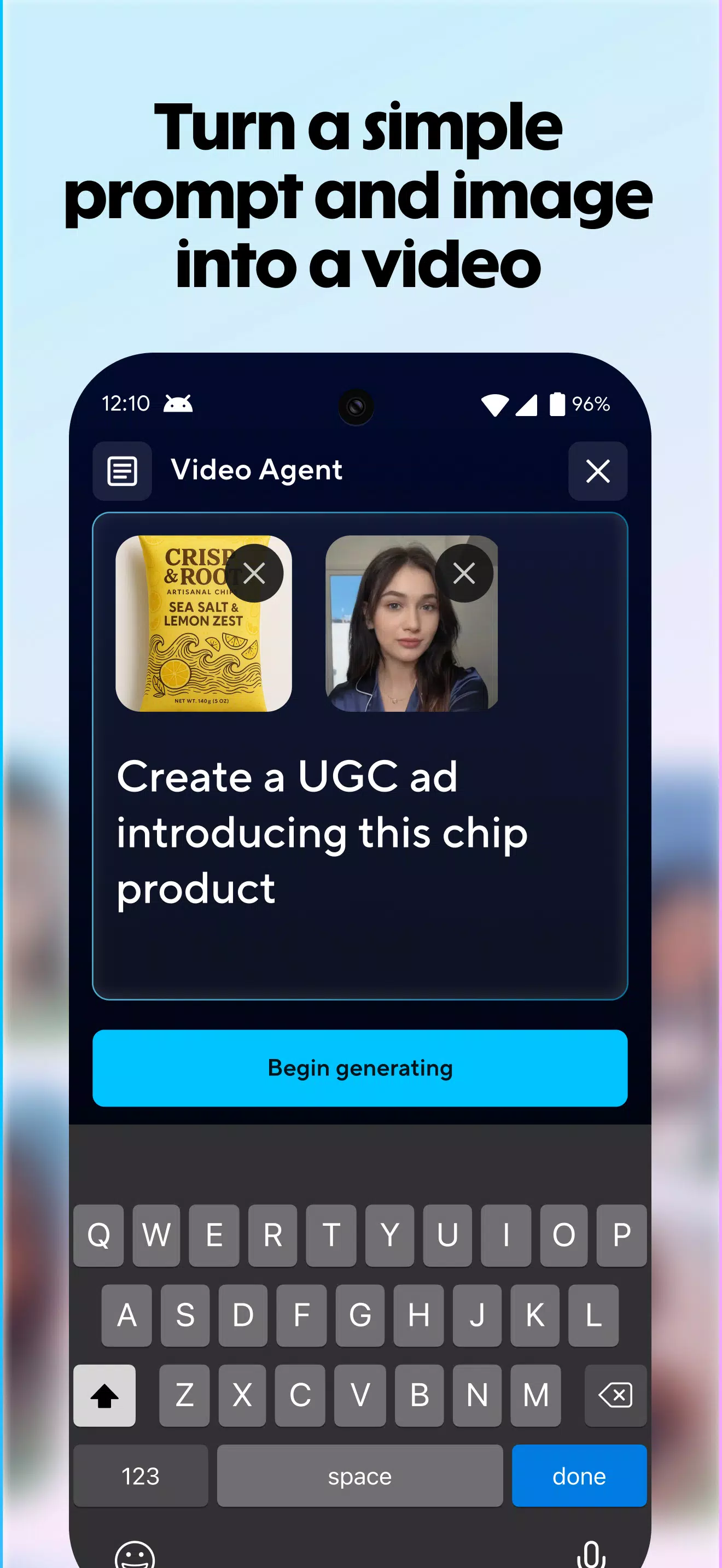
HeyGen: AI Video Generator transforms written prompts and scripts into complete videos with minimal effort. It can combine automatic captions, transitions, relevant B-roll footage, and background music to streamline the production process. This feature is ideal for creating explainer videos, tutorials, educational materials, and quick updates while maintaining a consistent style across scenes.
Realistic AI Avatars
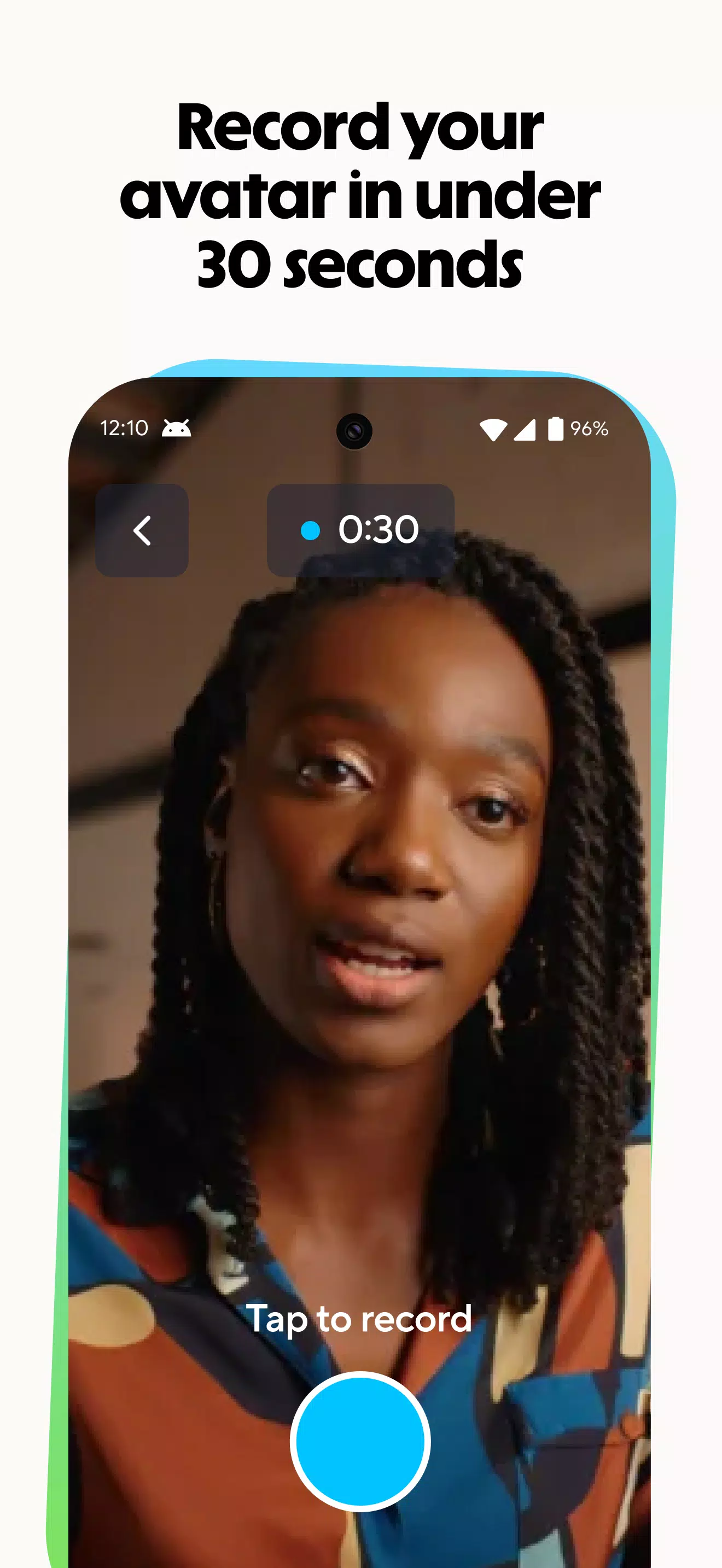
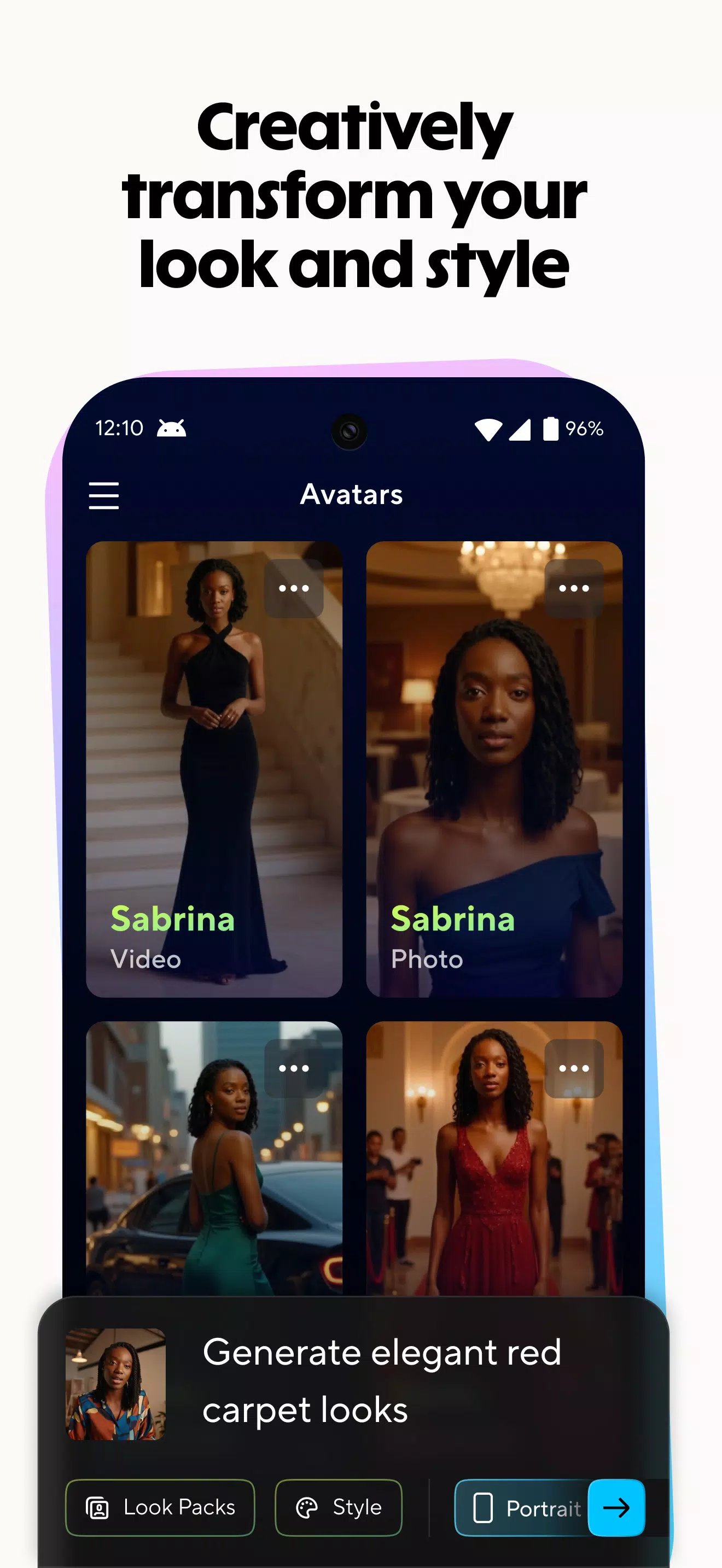
Create engaging talking-avatar videos using a single image or choose from a selection of ready-made video avatars. With expressive gestures, natural-looking movements, and synchronized lip movements, features such as Avatar IV aim to deliver a more realistic presentation. Users can produce professional-looking videos without appearing on camera, making this option useful for presentations, marketing campaigns, and educational content.
AI Translation and Video Dubbing
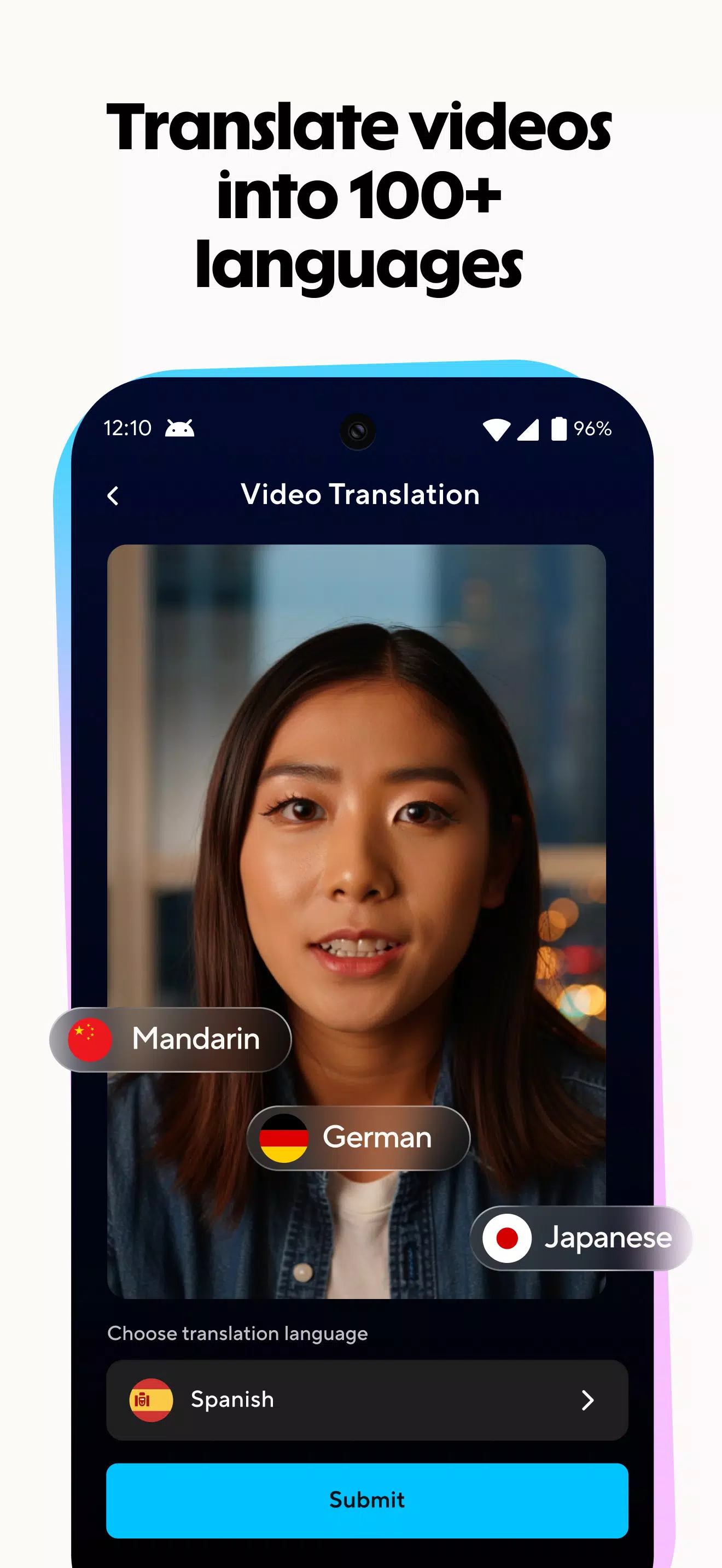
Reach international audiences by translating videos into more than 100 languages. HeyGen offers features such as voice matching, lip-sync adjustments, and automatic subtitles to help make localized videos feel natural and accessible. These tools are particularly useful for product demonstrations, employee onboarding, customer education, and training materials intended for audiences across different regions.
Unified Editing and Flexible Content Inputs
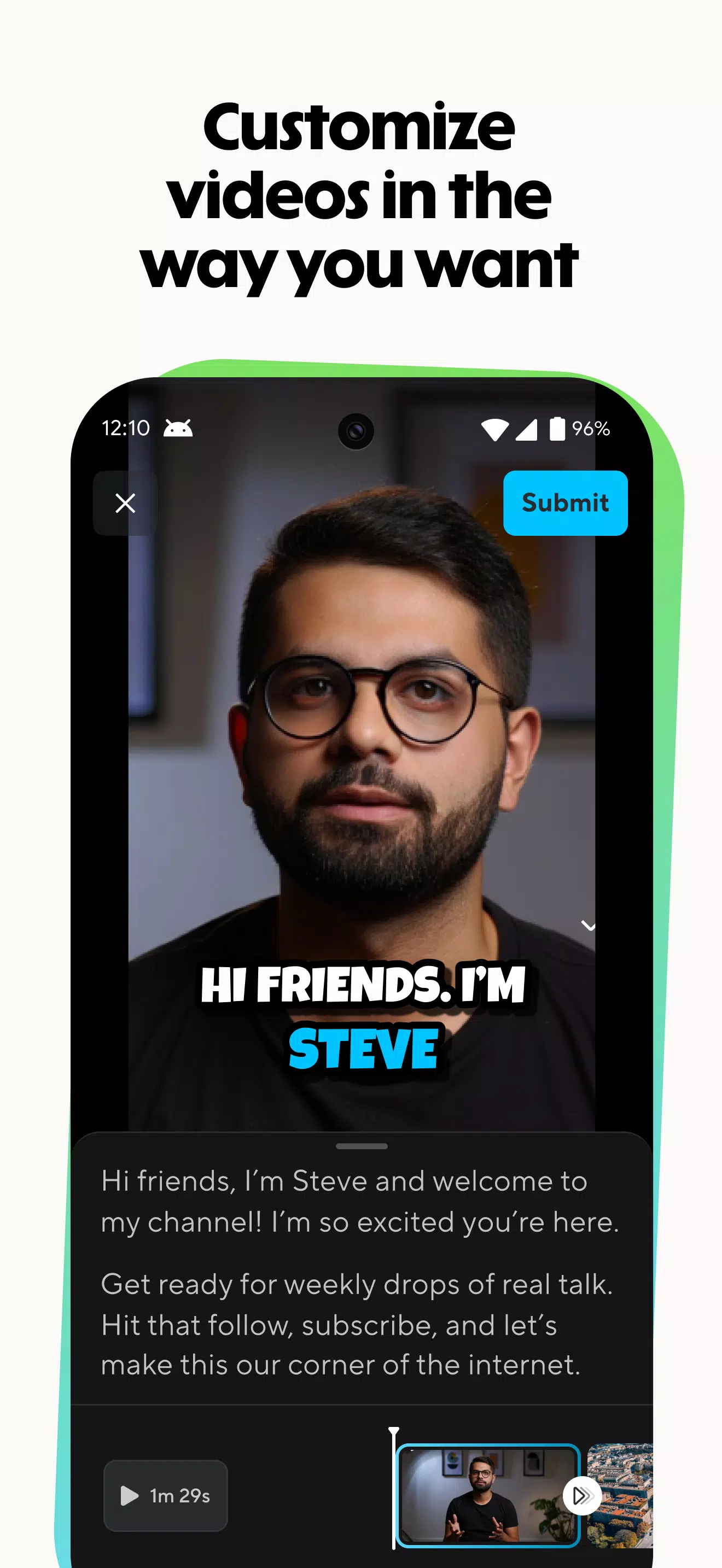
Start creating videos by importing PDFs, PowerPoint presentations, YouTube links, images, and video clips. HeyGen's text-based editing tools help users revise scripts and adjust scenes while keeping the narration and visuals aligned. By bringing multiple content sources into one workflow, the platform simplifies editing and helps creators maintain consistency and accuracy throughout their projects.
Professional Exports and Customizable Templates
Choose from a variety of templates, voice options, visual styles, and branding settings to match your content requirements. Create videos for social media, marketing campaigns, corporate training, and sales presentations. High-quality export options and customizable formats help streamline content delivery across different platforms while reducing the need for additional editing and resizing.
HeyGen: AI Video Generator for Teams and Compliance
Organizations evaluating AI video tools often need to understand how their information is managed and protected. HeyGen lists compliance and privacy-related frameworks and programs, including GDPR, SOC 2 Type II, CCPA, the EU AI Act, and the Data Privacy Framework (DPF).
These commitments may be relevant to businesses that handle sensitive information or require structured privacy and security processes. Organizations should review HeyGen's current documentation and applicable service terms to confirm which standards, certifications, and requirements apply to their specific use case.
A free plan is available, allowing users to explore the platform and test selected features before deciding whether to adopt it for broader projects.
Integrations and Workflow Collaboration
HeyGen supports workflows that connect video production with other creative and business tools. Its Canva integration can help users incorporate design assets into their video creation process, while its API provides options for developers who want to connect video generation with custom applications and automated workflows.
Additional collaboration capabilities may include brand kits for managing logos, colors, and fonts, along with tools for sharing feedback, tagging collaborators, and reviewing edits. These features help teams coordinate their work and maintain consistent branding across projects.
HeyGen has been used by organizations across marketing, sales, education, and learning and development. Its combination of video generation, branding, and collaboration tools makes it a potential option for teams seeking to simplify content production.
Global Localization and Multilingual Content
Creating content for international audiences requires more than translating words. Voice, delivery, timing, and visual presentation can all influence how a message is received.
HeyGen offers multilingual video translation, voice cloning options, and lip-sync capabilities designed to help creators adapt existing videos for different languages and dialects. These features can support localized product demonstrations, employee onboarding, customer communications, and personalized marketing campaigns.
Reusable templates and brand settings also help organizations maintain a consistent visual identity across different markets. By streamlining localization workflows, HeyGen can help teams produce variations of their content without having to record every version from scratch.
Users should review language availability, voice options, and feature-specific limitations before beginning a large localization project.
How to Use HeyGen: AI Video Generator on Android
HeyGen provides a way to create AI-powered video content without requiring a camera or advanced editing experience. Depending on current mobile support and account availability, users can access the platform through a compatible interface and follow these general steps.
Step 1: Open HeyGen and Sign In
Access HeyGen through its supported mobile interface or a compatible web browser. Sign in to your account and explore the available tools. If you are new to the platform, review the sample projects to understand how video creation works.
Step 2: Start a New Project
Choose the option to create a new video. Select a suitable template or begin with a blank project, depending on your needs. Enter your prompt or script and organize the content into sections to make the video easier to follow.
Step 3: Select an Avatar, Voice, and Language
Choose an AI avatar that fits your content and select the available voice and language options. Adjust the presentation style to suit your audience, whether you are creating an educational tutorial, a business presentation, or a social media video.
Step 4: Add Media and Supporting Assets
Upload relevant images, video clips, presentations, or documents if supported by your chosen workflow. Add captions, background music, and supplementary visuals where appropriate to make the content more engaging.
Step 5: Edit and Refine Your Video
Use the available editing tools to revise the script, adjust scenes, and improve the timing of narration and visuals. Check that the captions are accurate and that the selected avatar's delivery matches the intended message.
Step 6: Preview and Export
Review the complete video before exporting it. Pay attention to pronunciation, lip synchronization, subtitles, transitions, and visual consistency. Once everything looks correct, export the finished video using an available format and save it to your device.
Note: Specific features, menu names, export options, and mobile capabilities may vary depending on the current platform version and subscription plan.
Start Creating with HeyGen: AI Video Generator
HeyGen: AI Video Generator brings together text-to-video creation, AI avatars, multilingual translation, and integrated editing tools to simplify video production. Whether you are creating explainers, training resources, marketing materials, or social media posts, the platform offers tools designed to reduce manual work and make content creation more accessible.
Its localization capabilities can also help businesses adapt videos for audiences in different languages while maintaining a consistent brand identity.
Before starting a new project, review the latest HeyGen platform updates, supported features, and subscription details to ensure that the tools you need are available.
Previous versions
Permissions
No permissions were detected automatically. Upload the APK again to analyze it.
User reviews
Sign in to write a review.
No written reviews yet.