
Screenshots
About this app
Location and Connection Management
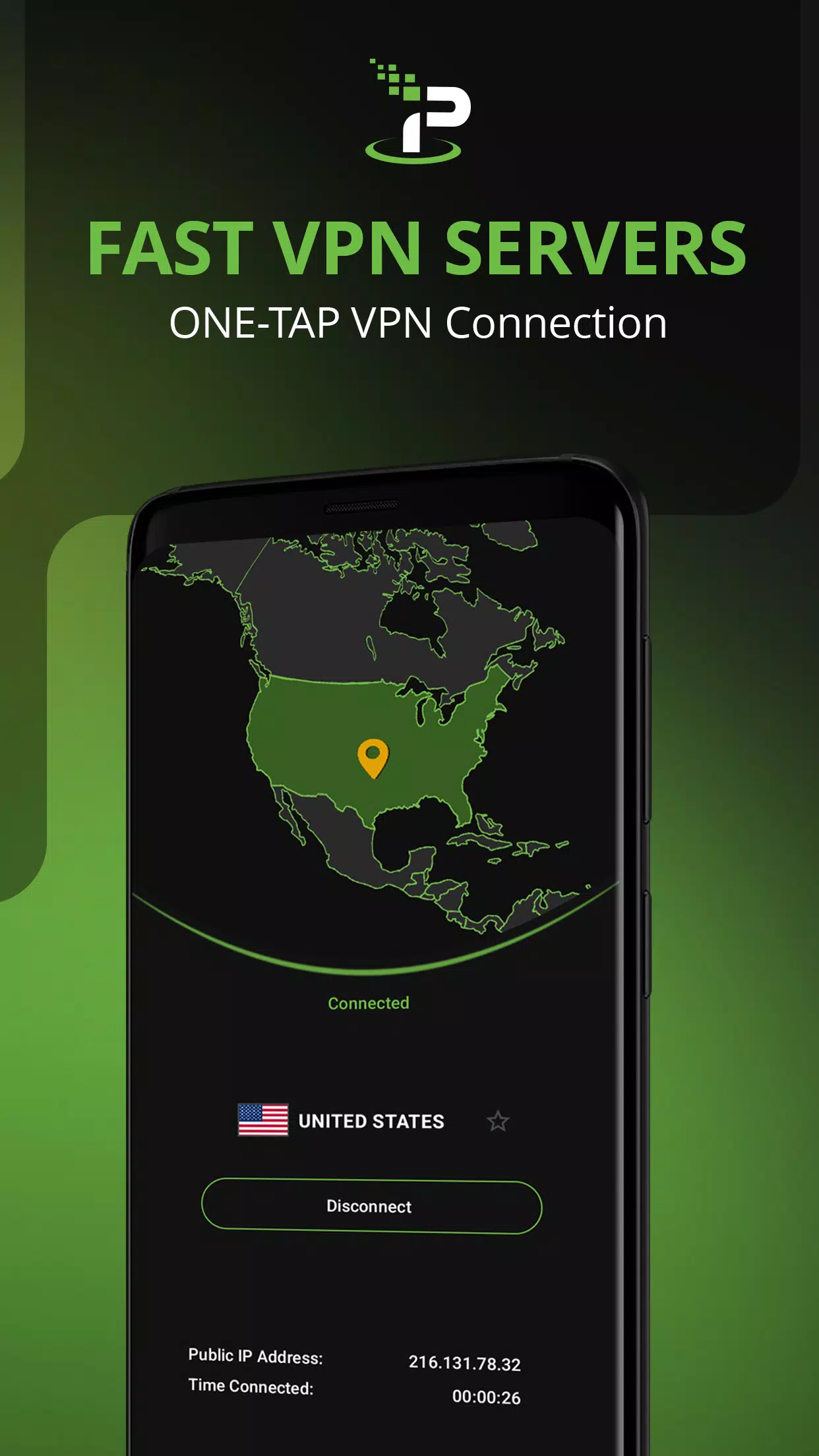
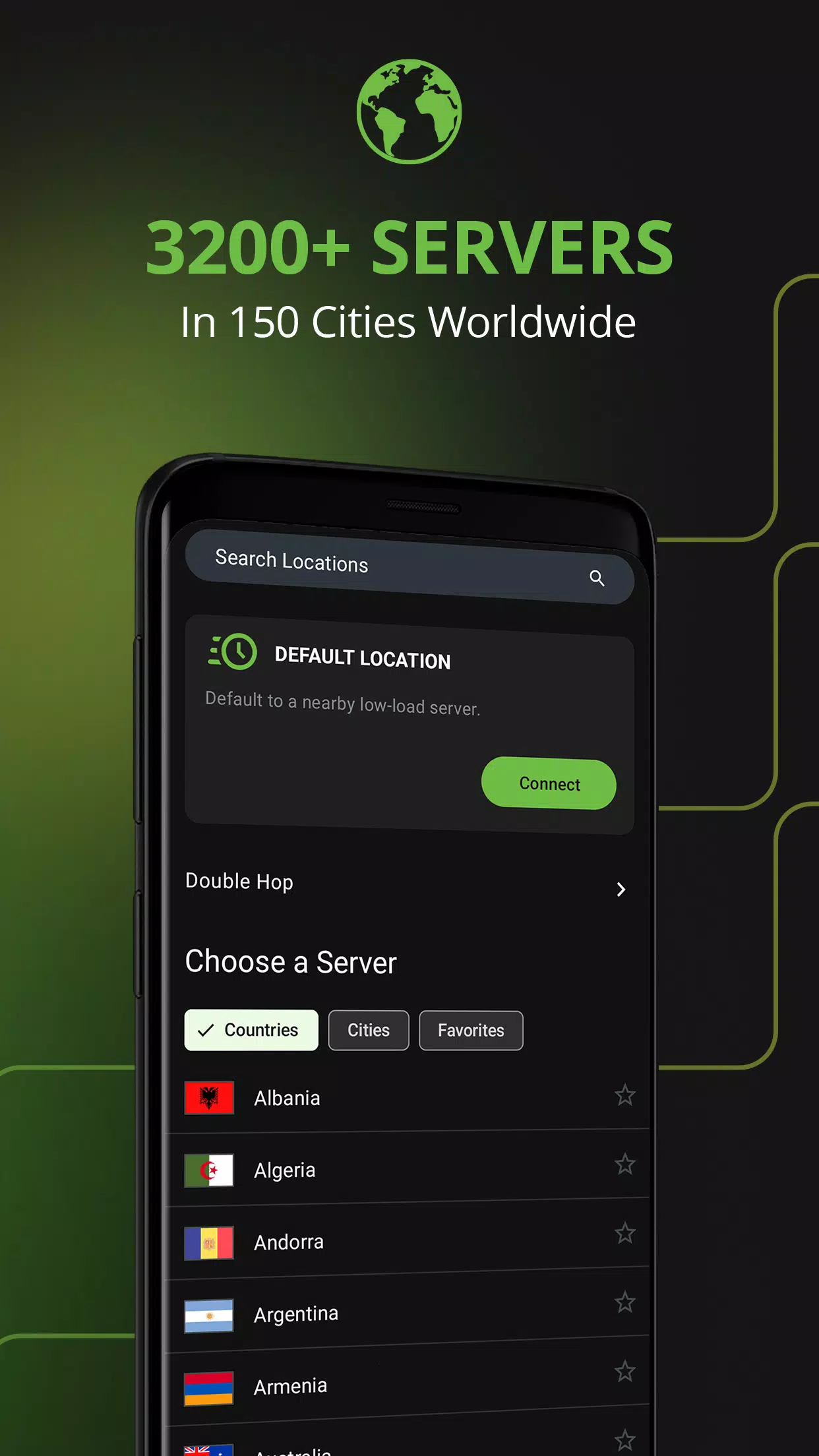
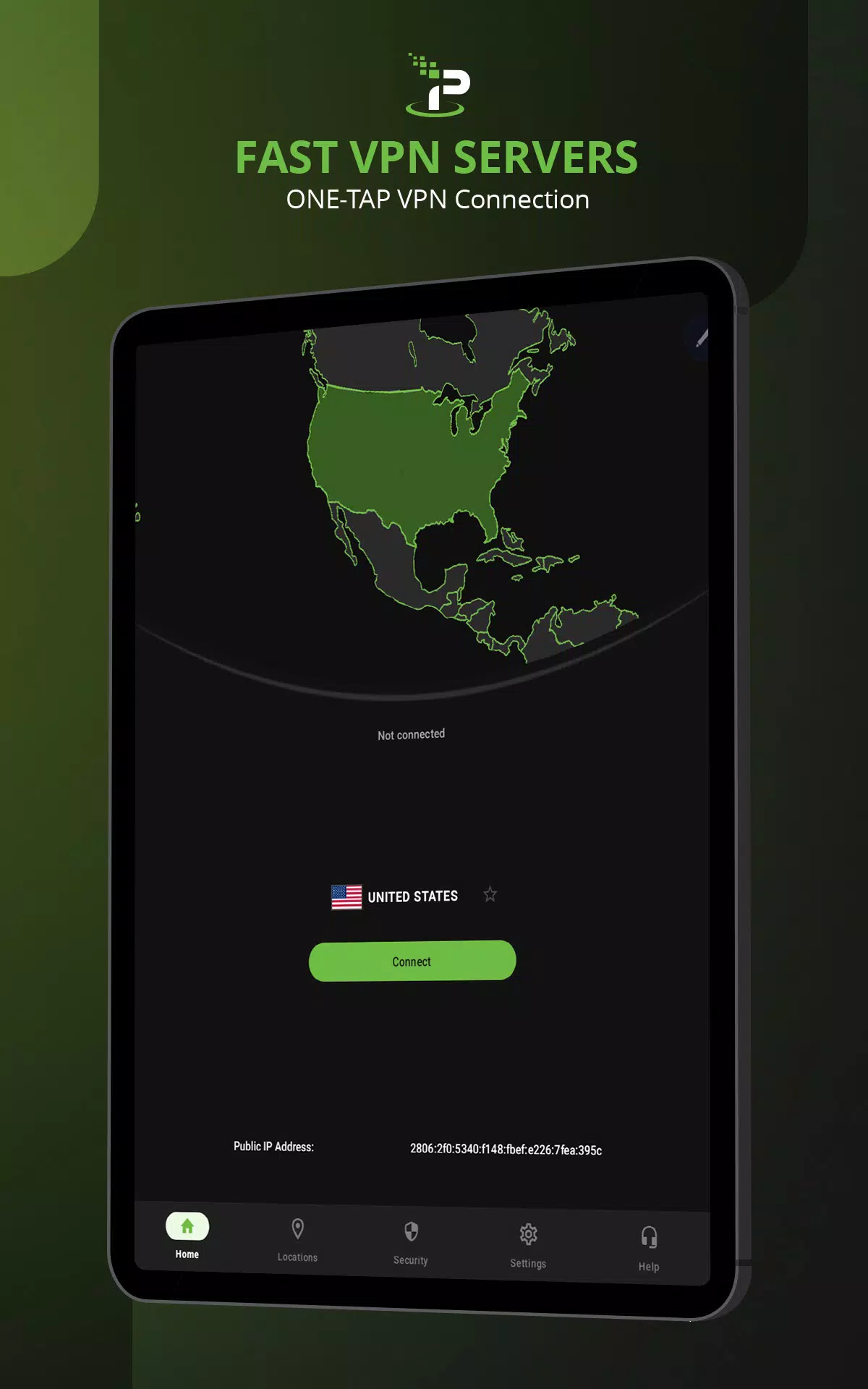
IPVanish allows you to choose servers in different countries and cities to change your visible IP address. If you prefer a quicker setup, the Optimal Location feature selects a suitable server automatically. Auto-connect settings can also help activate VPN protection when you join untrusted Wi-Fi networks.
Wi-Fi Security and Encryption
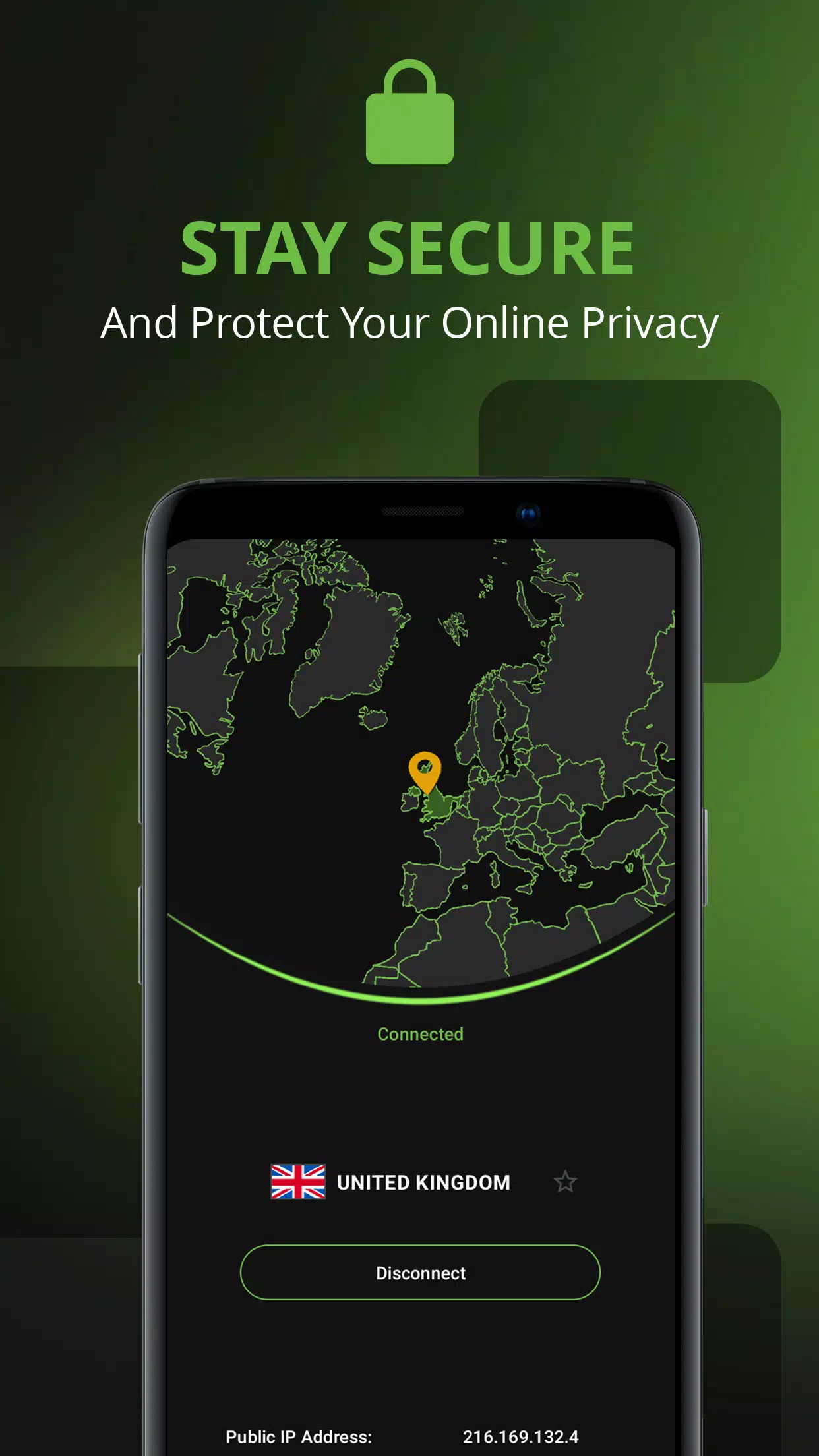
IPVanish helps protect your internet traffic through encrypted VPN connections, making it useful when connecting to public Wi-Fi hotspots in cafes, airports, hotels, and other shared spaces.
- AES-256 encryption: Helps protect data traveling through the VPN tunnel.
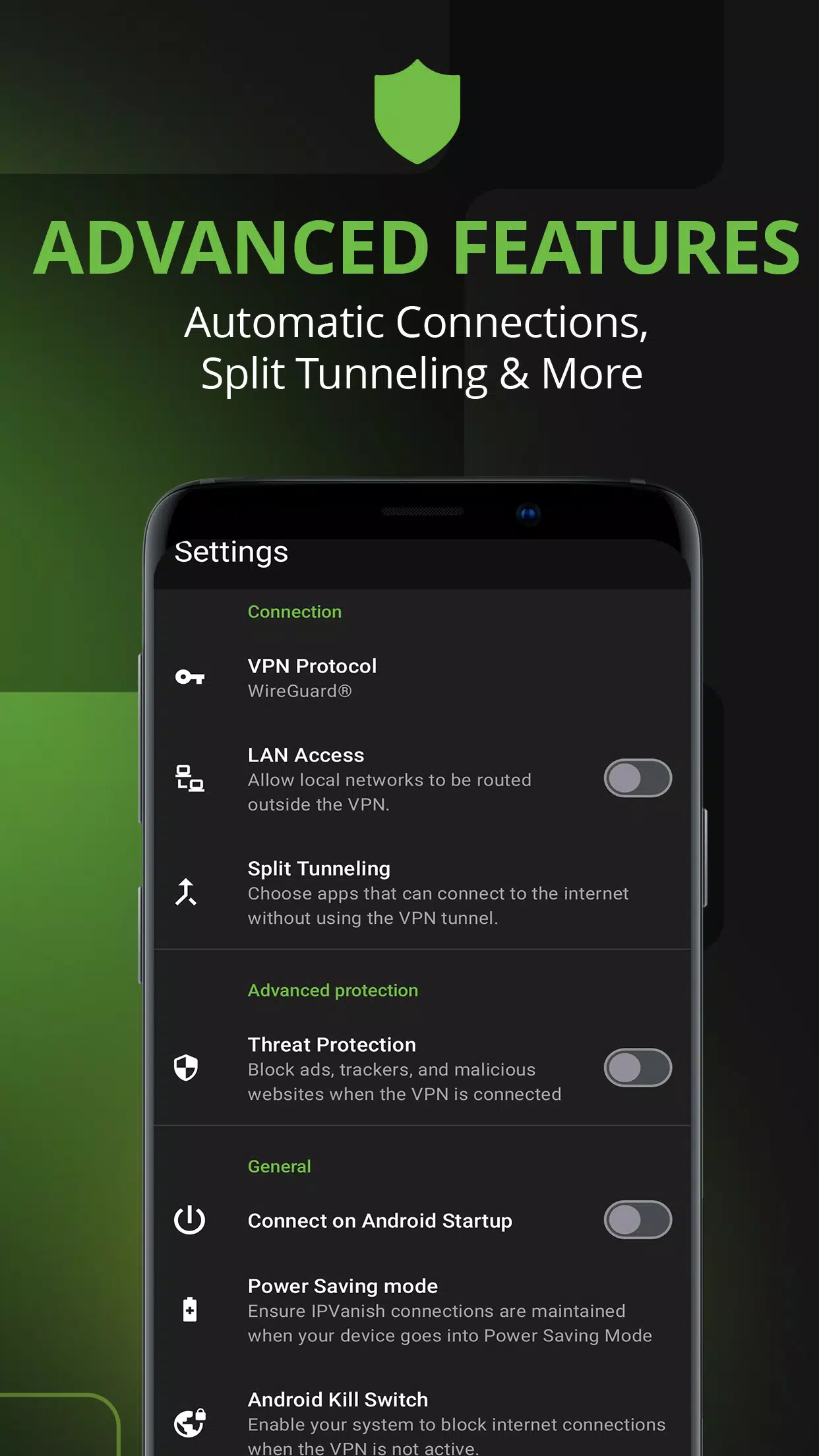
- Multiple VPN protocols: Supports options such as WireGuard, OpenVPN, and IKEv2, depending on the device and app version.
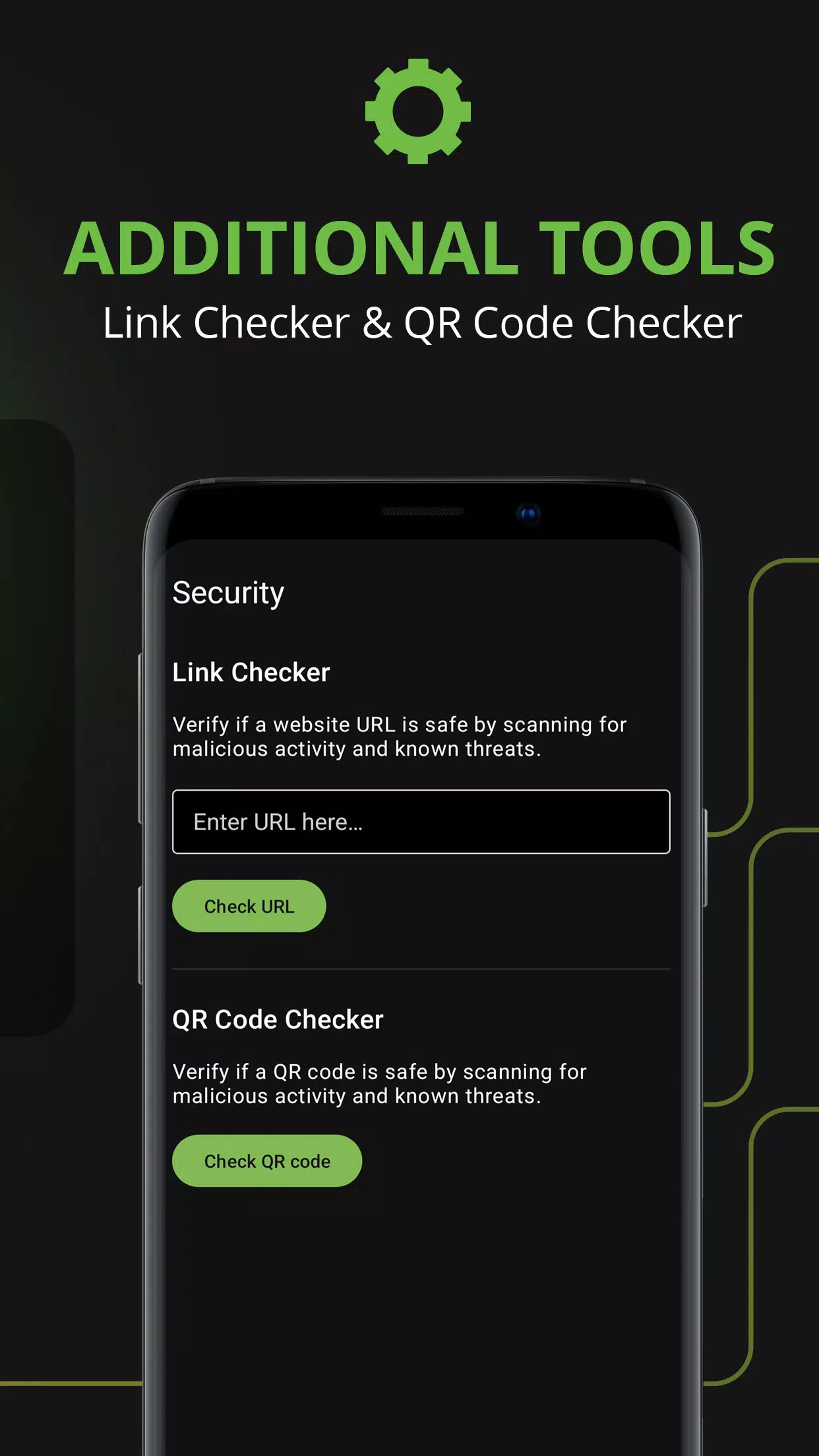
- Content protection tools: Available features may help block advertisements, trackers, and potentially harmful websites.
Privacy Controls for Everyday Browsing
IPVanish offers privacy-focused tools designed to give users greater control over their internet connections.
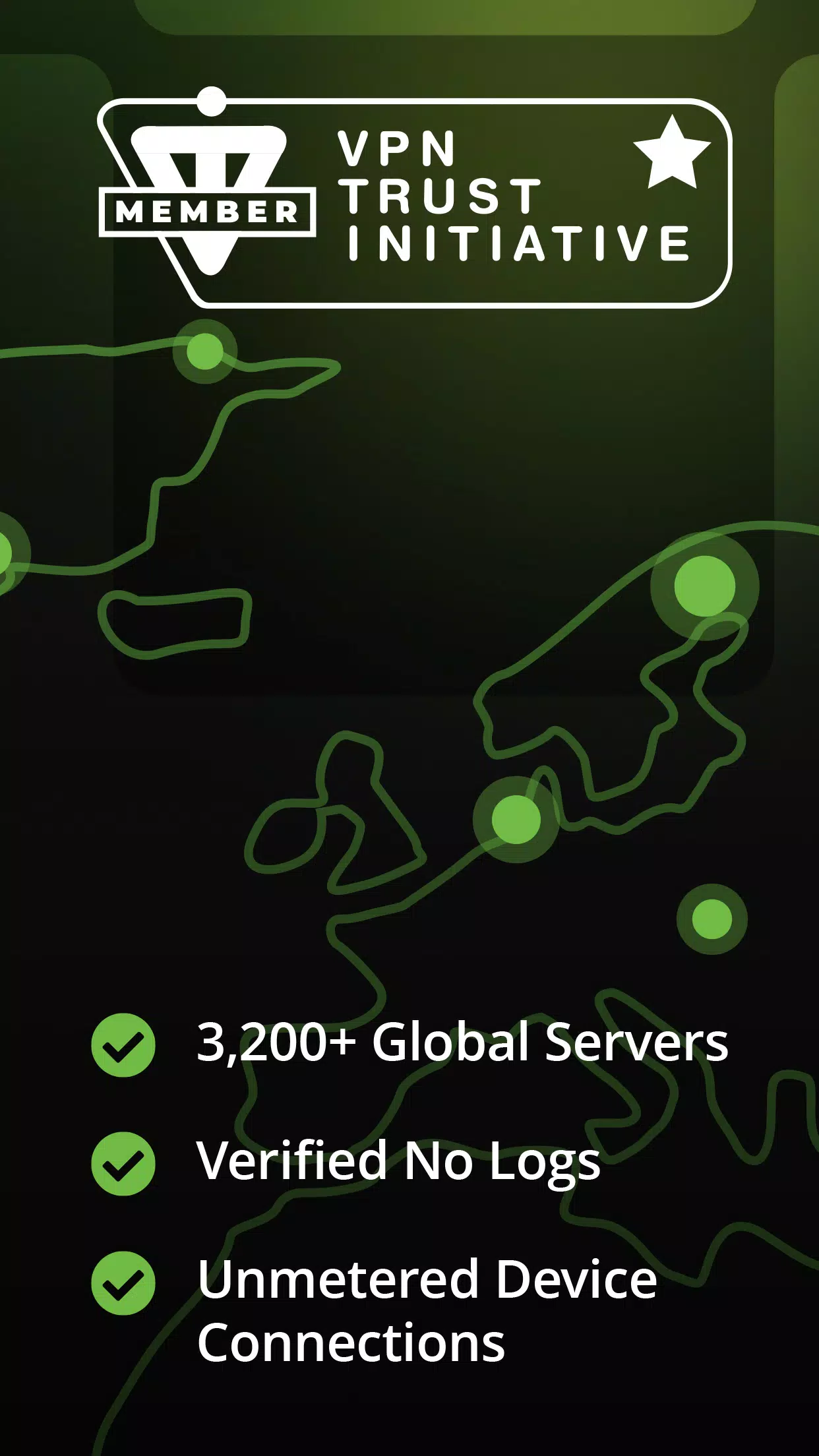
- No-traffic-logs policy: The service states that it does not record users' VPN traffic activity, with independent audits providing additional verification.
- Split tunneling: Allows selected apps to bypass the VPN when supported, while other traffic continues through the encrypted connection.
- IPv6 leak protection: Helps reduce the risk of exposing IPv6 traffic outside the VPN tunnel.
- SOCKS5 proxy: Provides an additional connection option for compatible apps and services that support proxy configuration.
Multi-Device Support and Customer Service
IPVanish supports multiple platforms, including mobile devices and desktop computers. Its subscription options may allow simultaneous connections across several devices, making it convenient for users who want VPN protection on more than one device.
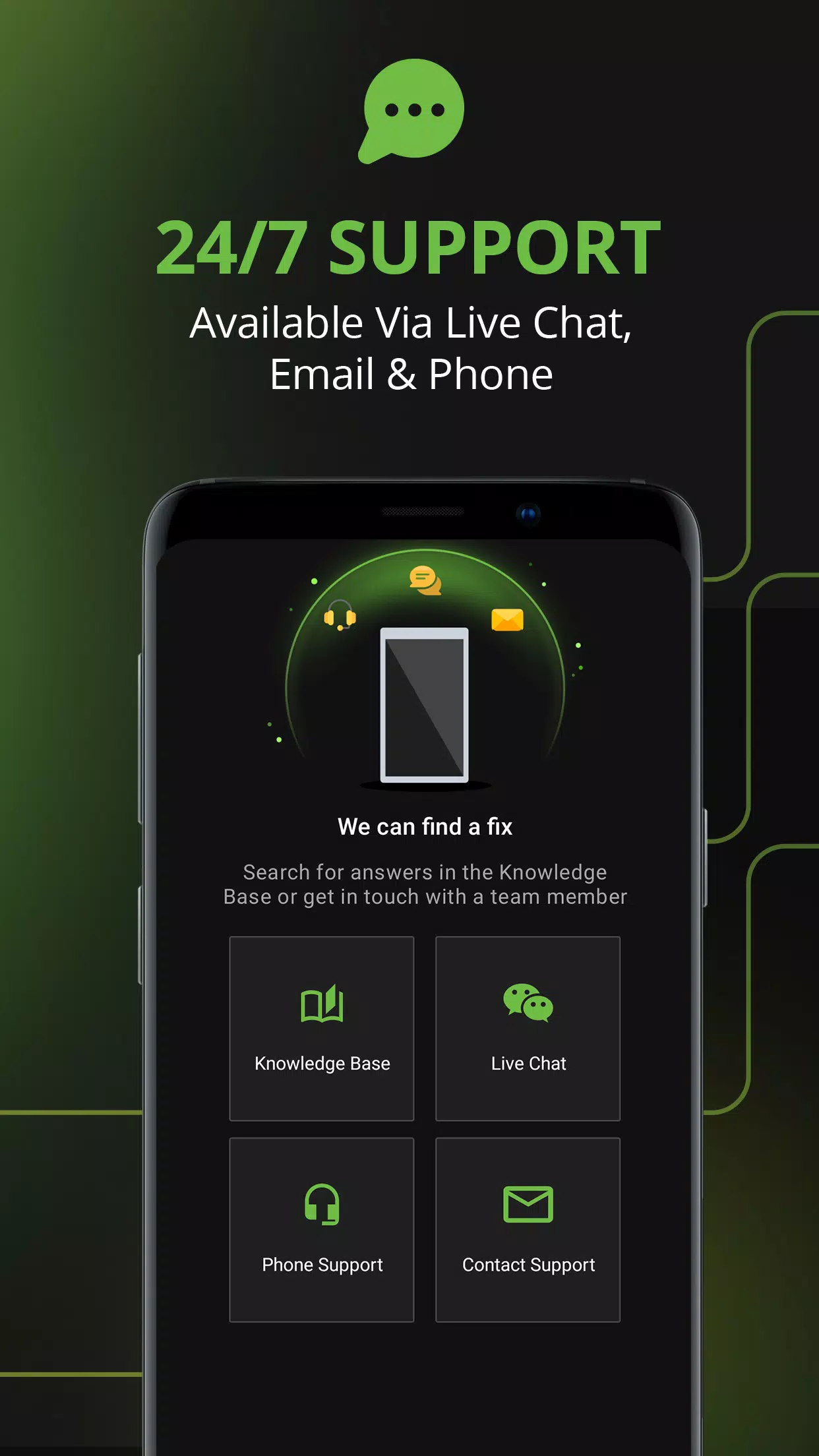
If you need assistance, customer support options include live chat, email, and phone support, subject to current availability.
Getting Started with IPVanish
IPVanish combines IP address masking, encrypted connections, and flexible server selection in one VPN application. Features such as Optimal Location, auto-connect, and split tunneling help you customize your connection according to your needs.
To get started, download IPVanish from an official source, review the available privacy and connection settings, and select a suitable server before connecting. For the best experience, check the current app version and subscription details to confirm which features are available on your device.
Previous versions
Permissions
No permissions were detected automatically. Upload the APK again to analyze it.
User reviews
Sign in to write a review.
No written reviews yet.
