
Screenshots
About this app
Accurate Internet Speed Tests
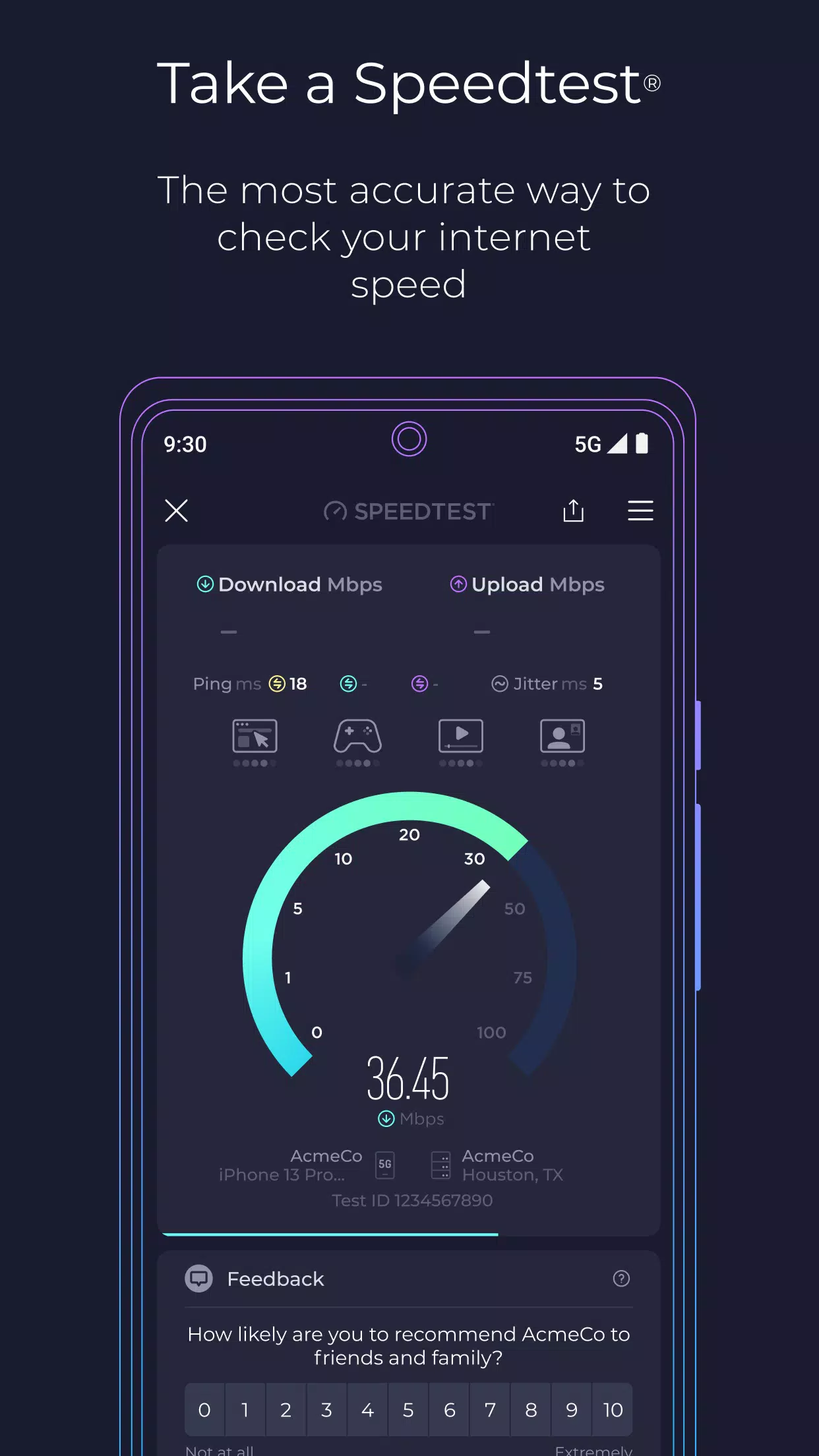
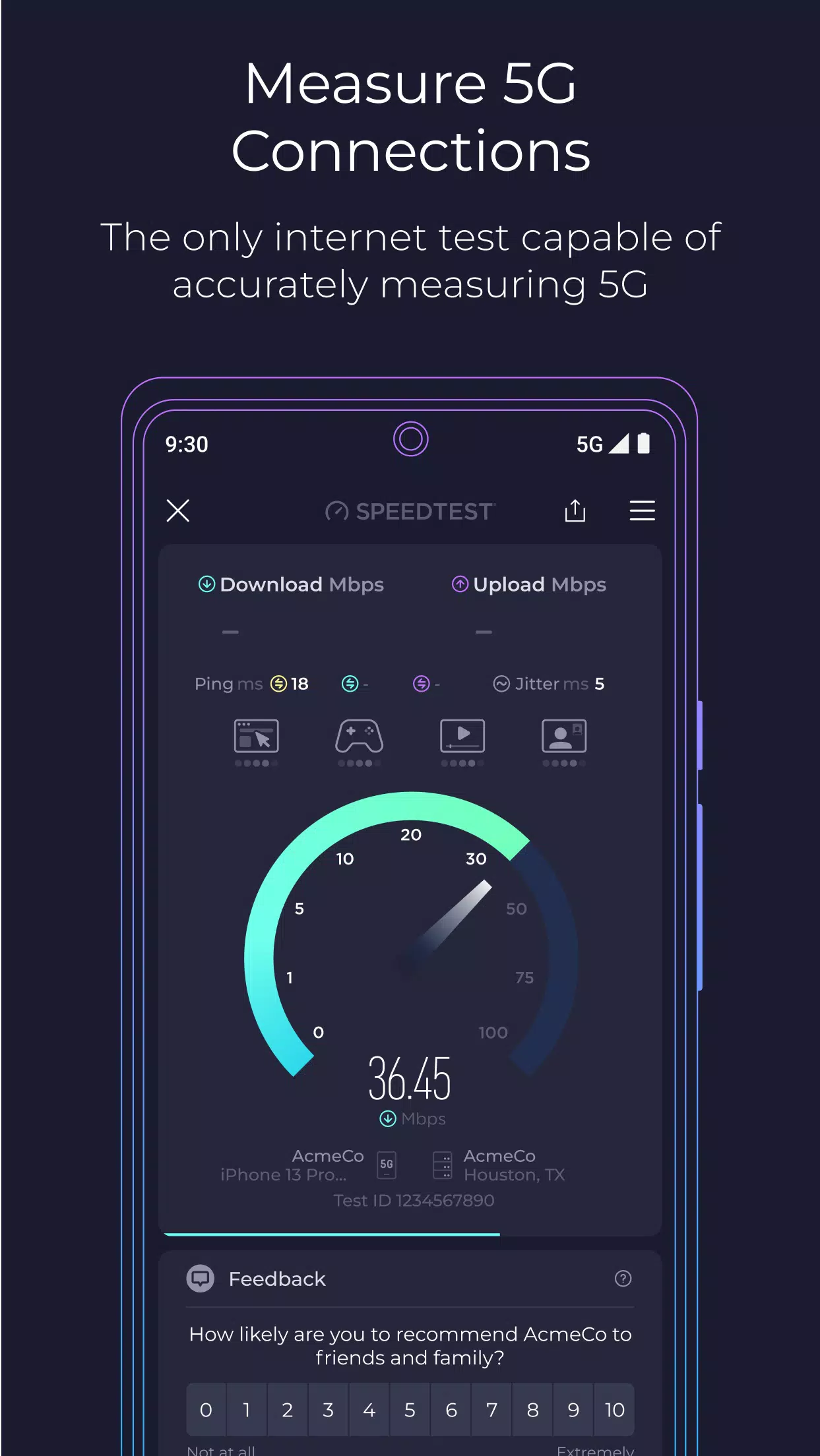
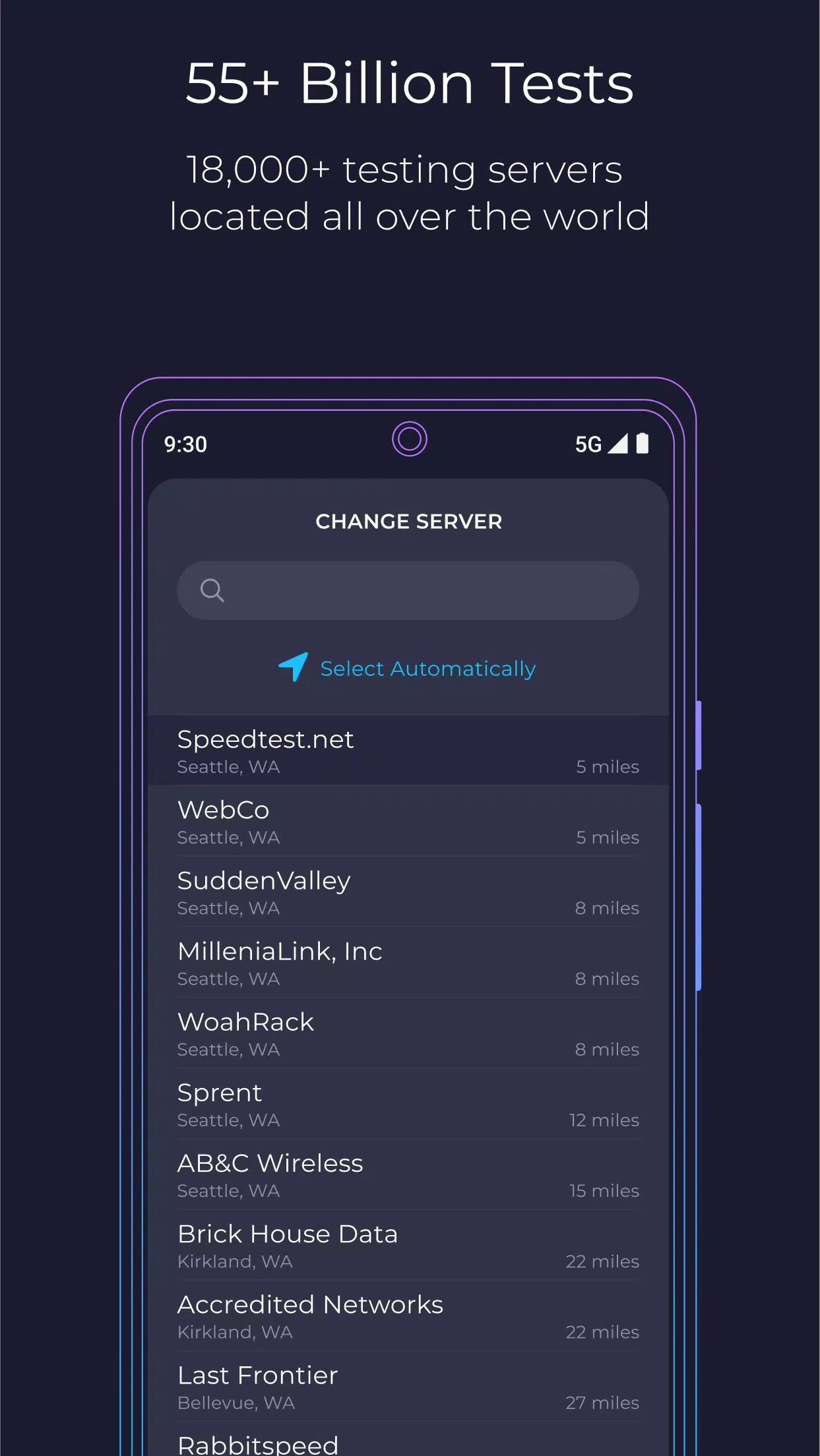
Measure your internet performance with quick, easy, and reliable tests. Speedtest checks download speed, upload speed, and ping with a single tap on Wi-Fi or mobile data. Clear results help you understand how well your connection supports browsing, video calls, streaming, and online gaming. With access to a global network of test servers, Speedtest makes it easy to monitor your connection and compare results over time.
Real-Time Outage Monitoring with Downdetector
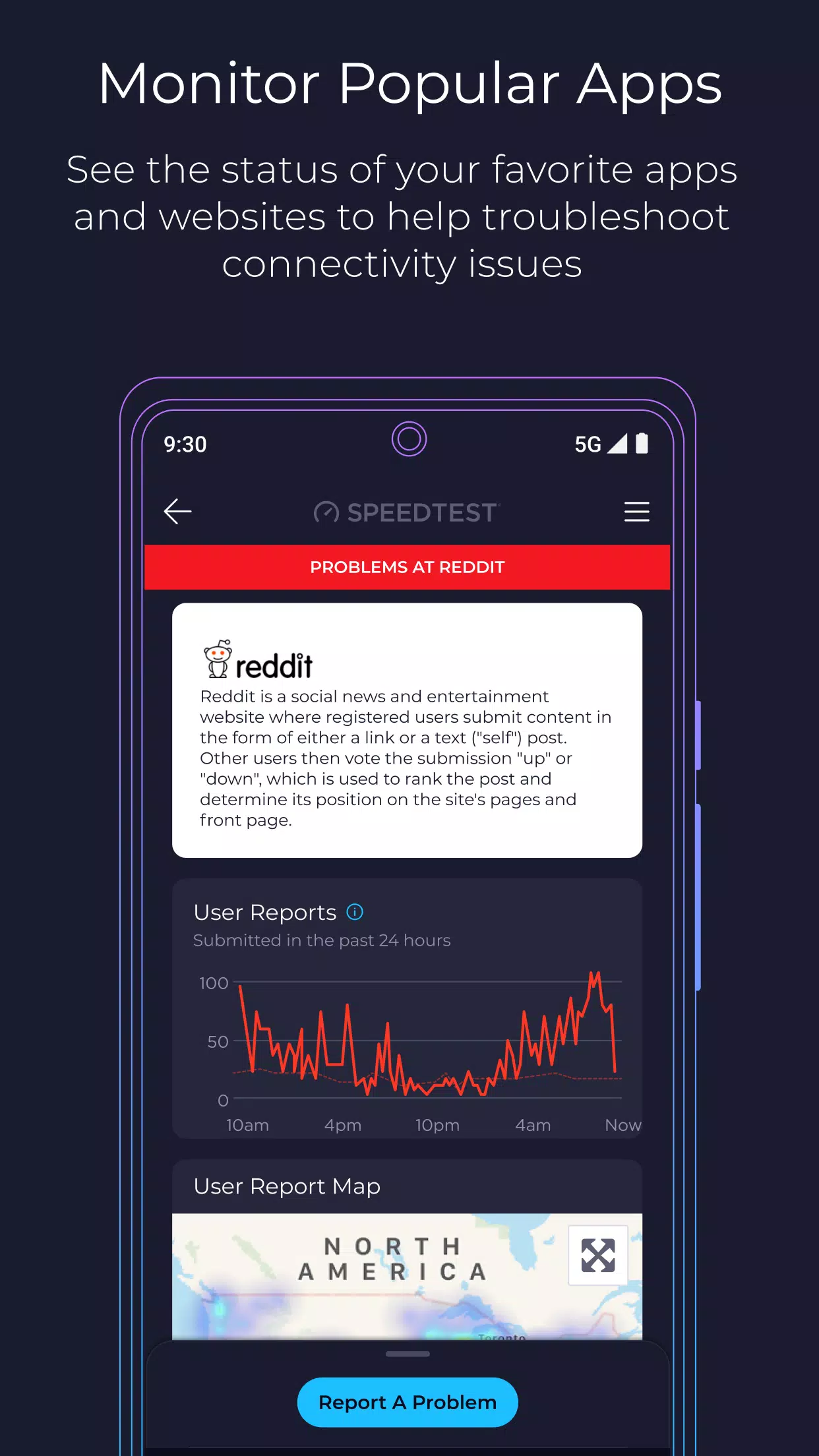
Stay informed about potential service disruptions with integrated Downdetector features. Monitor the status of popular apps, websites, and internet providers, explore outage maps, and report service issues when available. These insights help you determine whether slow performance is caused by your local connection or a wider network outage, giving you a better understanding of your Speedtest results.
Coverage Maps and 5G Network Availability
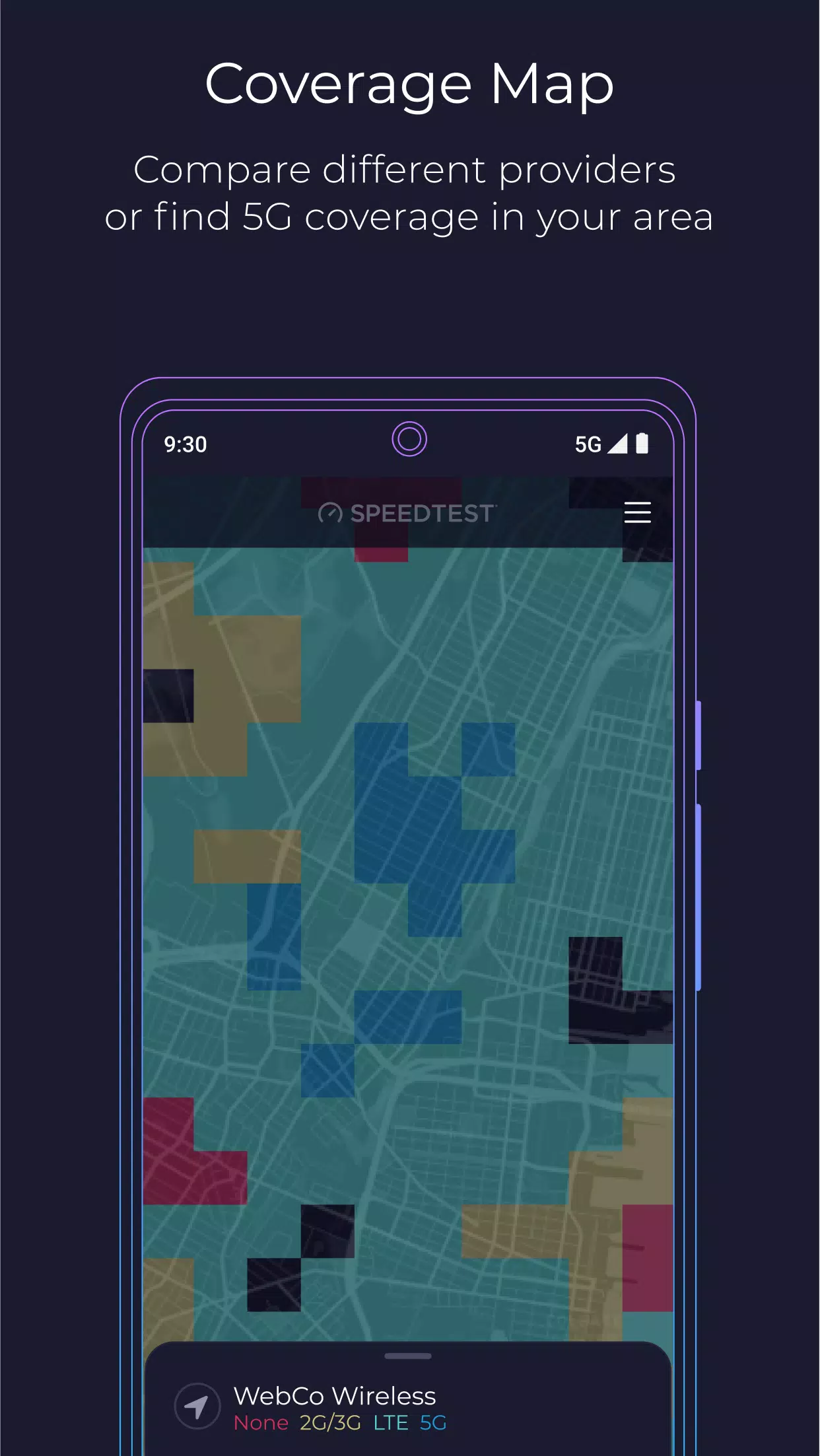
Explore mobile coverage maps to identify areas with stronger or weaker cellular signals across supported carriers. Check coverage around your neighborhood, workplace, or travel routes to better understand where connectivity may improve. Discover available 5G coverage and compare network performance to make more informed decisions about mobile providers and connectivity options.
Video Testing for a Better Streaming Experience
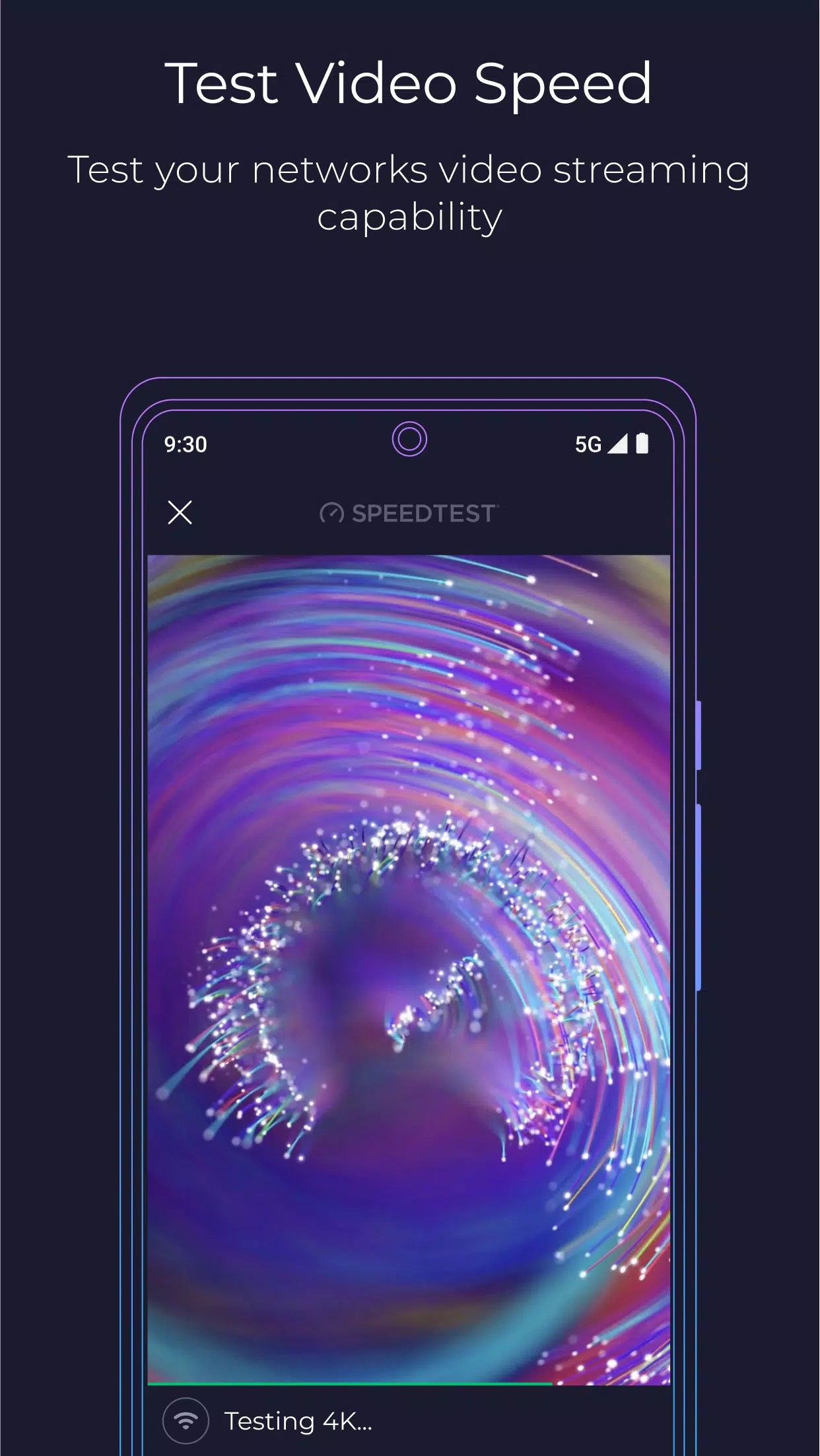
Check whether your current internet connection is suitable for streaming videos. Speedtest's video test evaluates streaming performance and provides insights into video quality and potential buffering. Based on your results, you can try practical adjustments, such as moving closer to your router or switching networks, to improve your viewing experience before starting your favorite show or video.
Built-In VPN for Added Privacy
Speedtest VPN provides an additional layer of privacy for supported browsing activities and network connections. Eligible users receive up to 2 GB of free VPN data per month, while Premium offers unlimited VPN data and an ad-free experience according to the available subscription plan. Testing with and without a VPN can also help you compare connection performance, particularly when using public Wi-Fi or connecting while traveling.
Understanding Your Speedtest Results
Knowing what each measurement means helps you evaluate your internet connection more effectively.
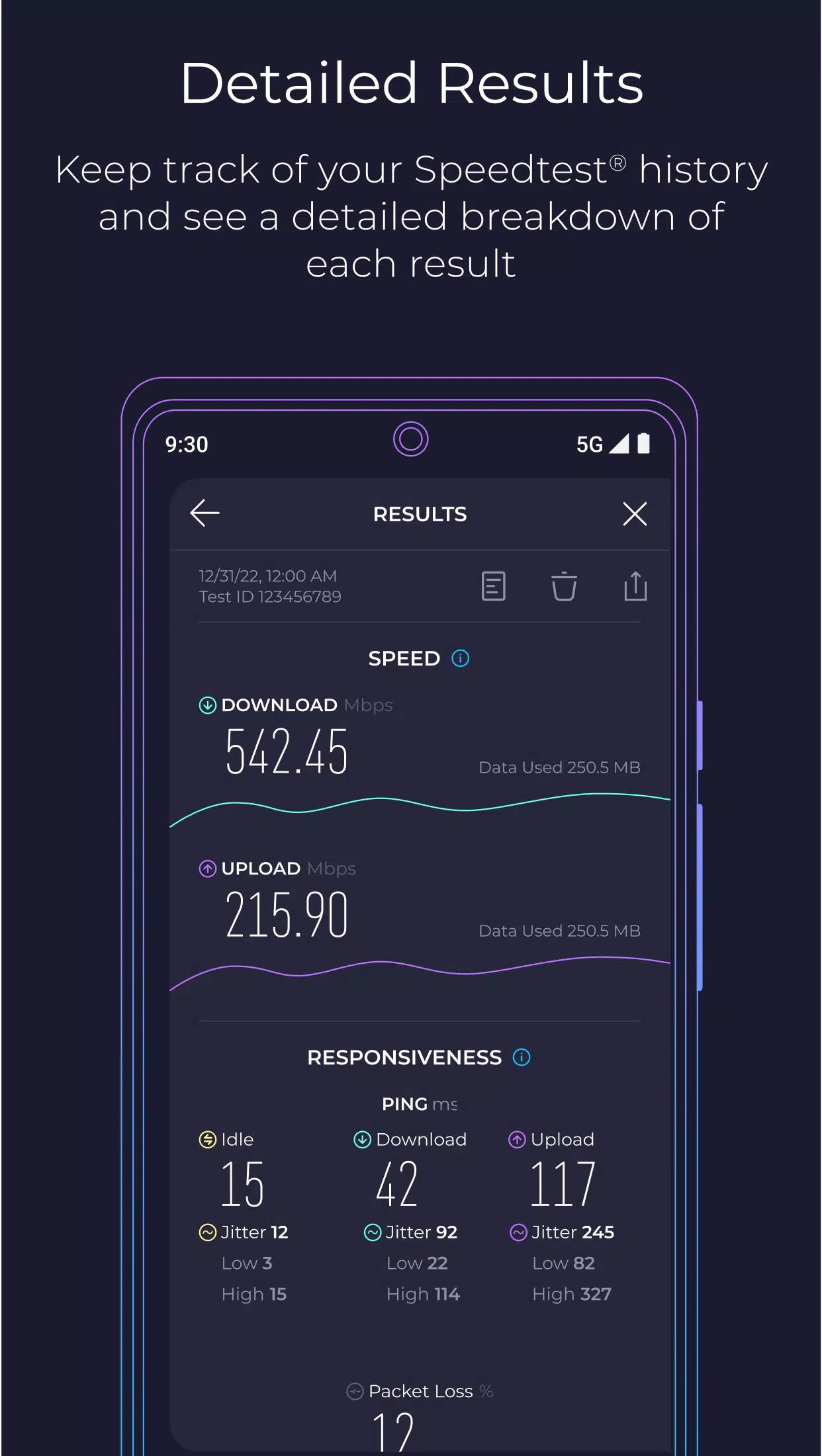
- Download Speed: Measures how quickly your device receives data. Higher download speeds generally support faster browsing, smoother streaming, and quicker downloads.
- Upload Speed: Measures how quickly your device sends data. It is important for video calls, uploading files, cloud backups, and sharing content.
- Ping (Latency): Measures how quickly your connection responds. Lower latency is especially valuable for competitive gaming, voice chats, and other real-time activities.
Consider all three measurements together to get a more complete picture of your network performance.
Factors That Can Affect Your Test Results
Internet speed can vary depending on several conditions, including network congestion, the time of day, and your distance from a Wi-Fi router or cellular tower. Device capabilities, background downloads, signal interference, and network equipment can also influence results.
For more consistent measurements, run multiple tests at different times and locations. Compare Wi-Fi results with mobile data, test closer to your router, and try another Wi-Fi frequency band if available. These simple checks can help you identify performance differences and understand what may be affecting your connection.
Speedtest Across Multiple Devices
Speedtest supports a range of platforms, including smartphones, computers, compatible TVs, and command-line environments. This flexibility makes it convenient to check network performance at home, at work, or while traveling.
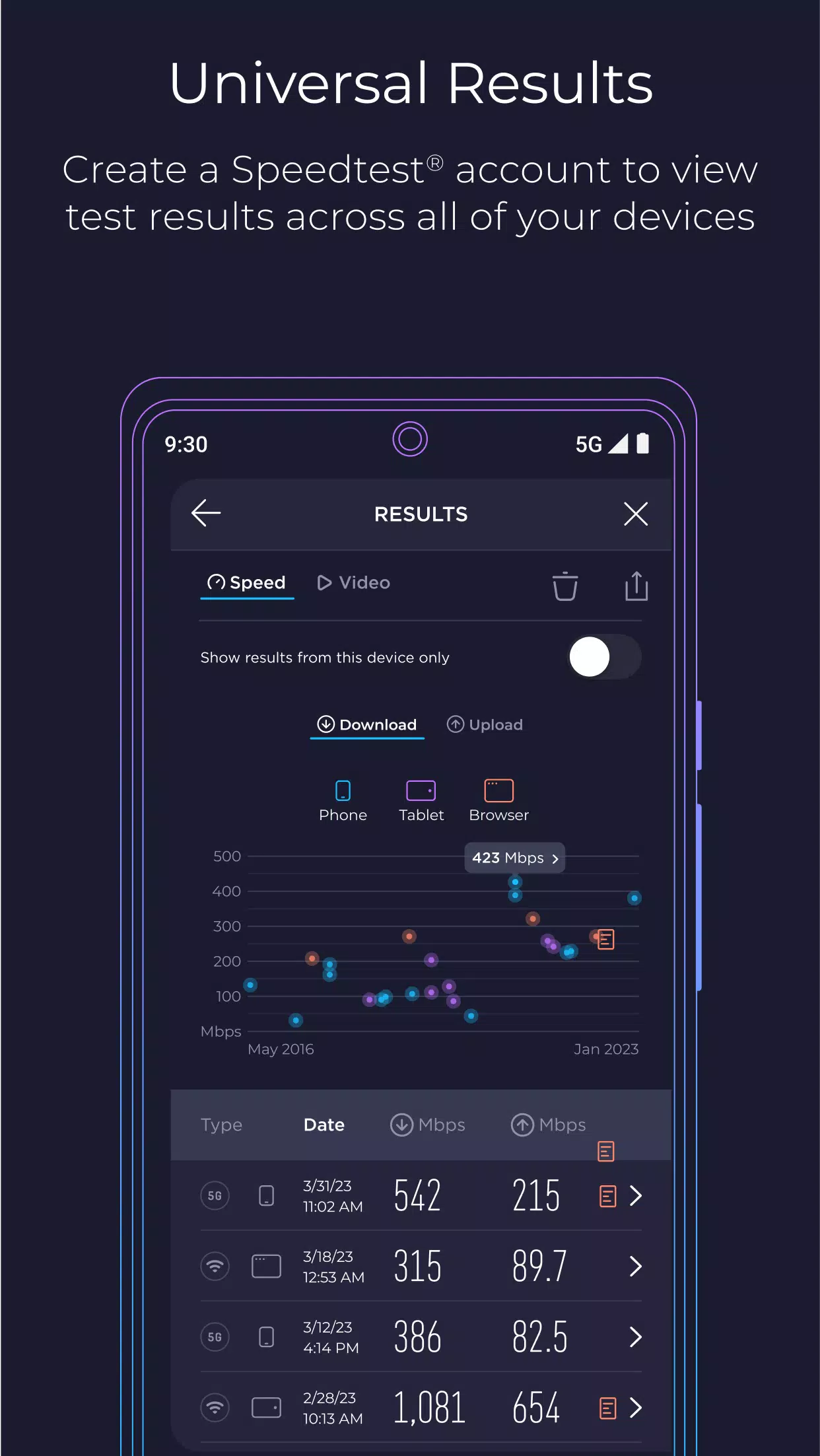
Depending on the platform and account features, you can review previous test results, compare performance over time, and share measurements when troubleshooting connection problems or contacting your internet service provider.
Also known as Speedtest by Ookla, the service offers tools designed to help users understand and monitor their internet performance across supported devices.
How to Use Speedtest on Android
Follow these simple steps to check your internet connection on an Android device.
- Install the app: Download Speedtest from a trusted app store and open it.
- Check your connection: Make sure Wi-Fi or mobile data is enabled and your signal is reasonably stable.
- Start the test: Tap the Go or Start button on the main screen to begin measuring your connection.
- Review your results: Check your download speed, upload speed, and ping after the test finishes.
- Save or share: Review your test history or share the results if you need help troubleshooting.
- Compare measurements: Repeat the test at different times or locations to identify changes in network performance.
Get Started with Speedtest
Speedtest makes it easier to understand your internet connection through straightforward measurements, useful network insights, and convenient testing tools. Whether you're troubleshooting slow downloads, checking 5G coverage, preparing for a video call, or investigating gaming lag, Speedtest helps you make more informed decisions about your connectivity.
For the most useful results, perform several tests under different conditions and compare the measurements. Keep the app updated to access the latest available features and improvements, and enjoy a clearer picture of your everyday internet performance.
Previous versions
Permissions
No permissions were detected automatically. Upload the APK again to analyze it.
User reviews
Sign in to write a review.
No written reviews yet.
