
Screenshots
About this app
Private Connections Between Authorized Devices
Tailscale establishes secure, private connections between devices, services, and networks within the same tailnet. Built on WireGuard VPN technology, it allows authorized devices to communicate without requiring public IP addresses or manual port forwarding. This makes remote access simpler while helping keep private resources off the public internet.
Identity-Based Access Control
Tailscale uses a Zero Trust networking model to manage access based on identities, devices, groups, and tags. Rather than relying solely on IP addresses, its access policies help determine which users and devices can connect to specific resources. Tailnet owners and administrators can configure permissions to suit their security requirements.
VPN Connection Management on Android
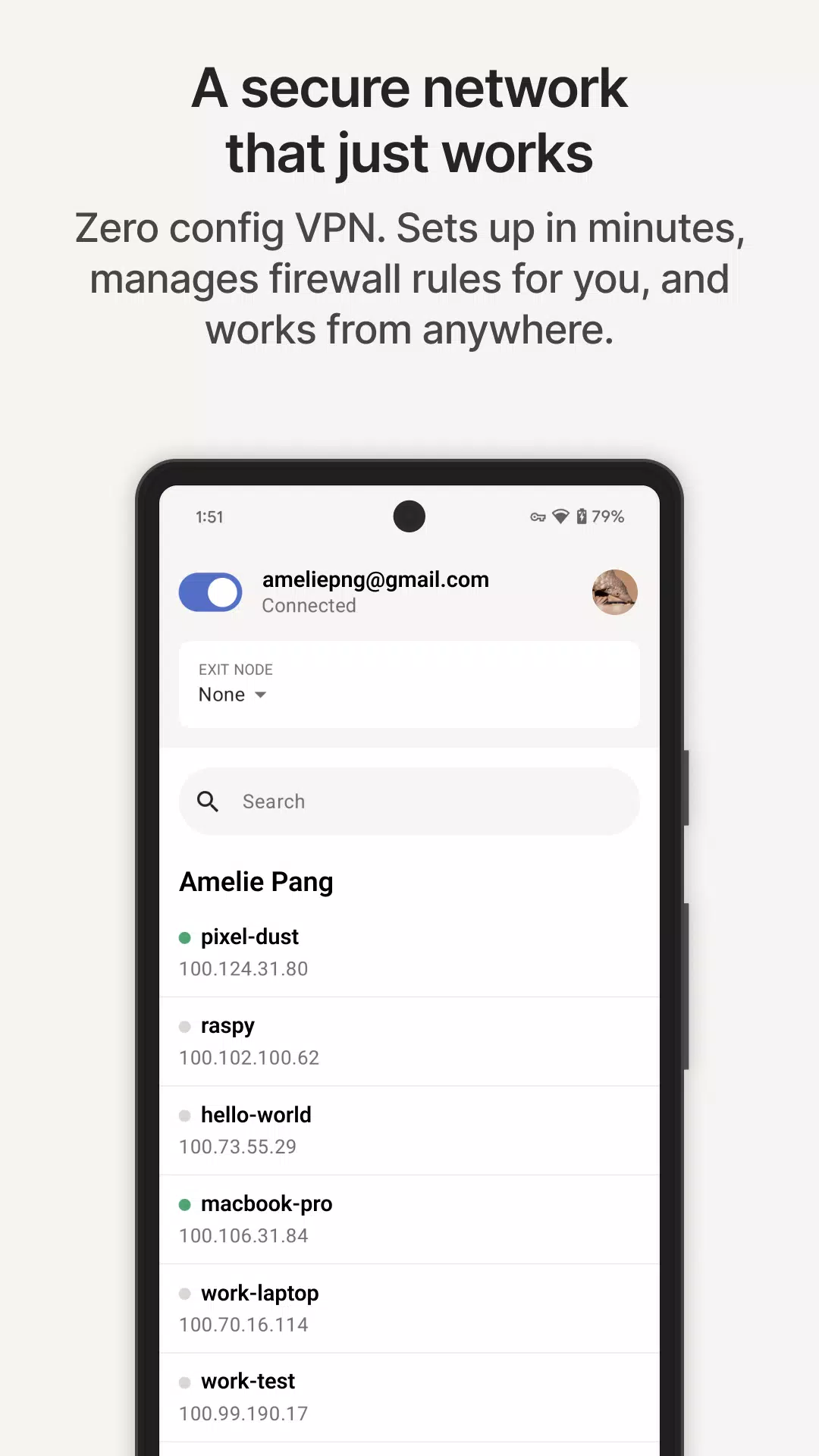
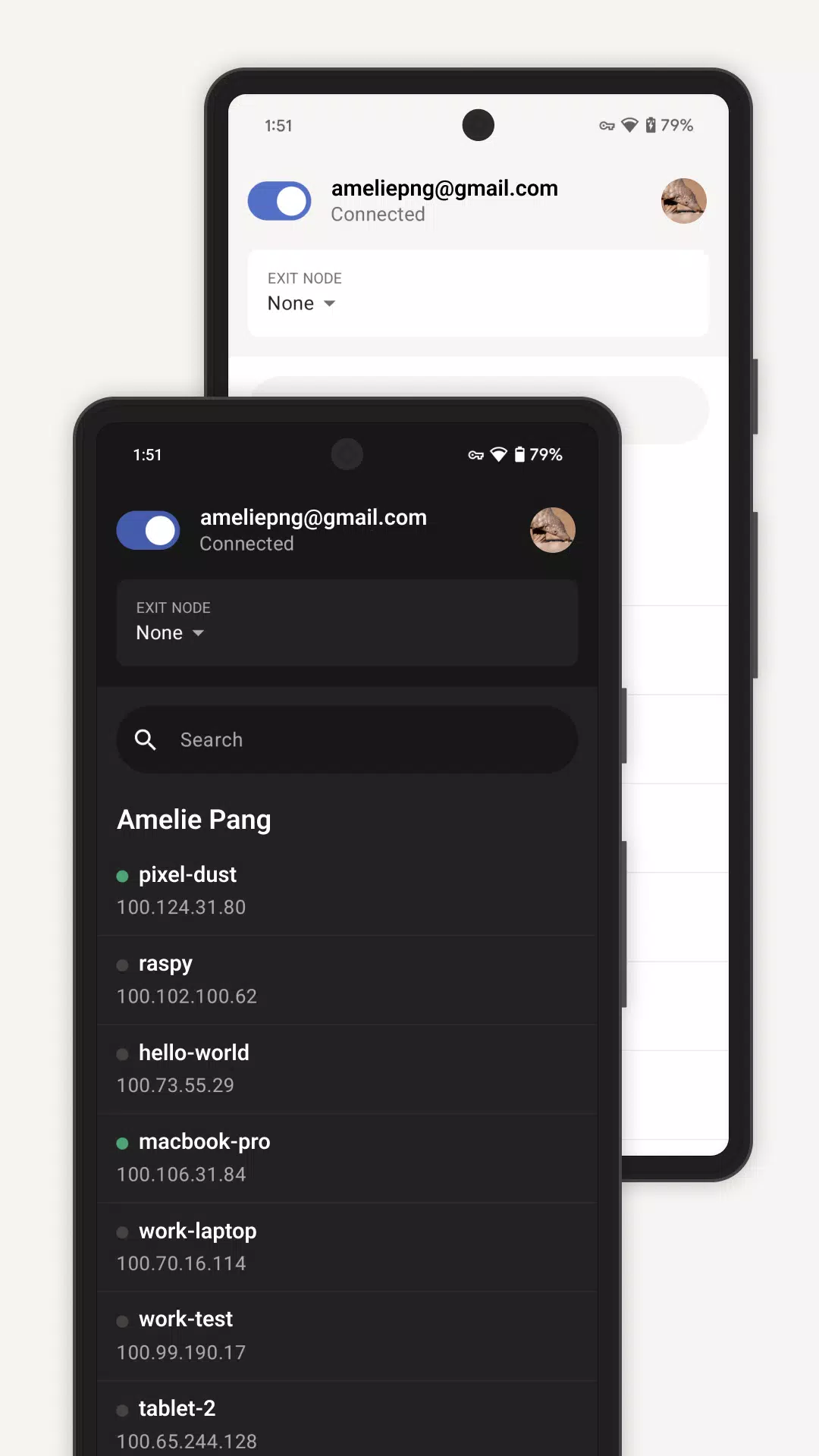
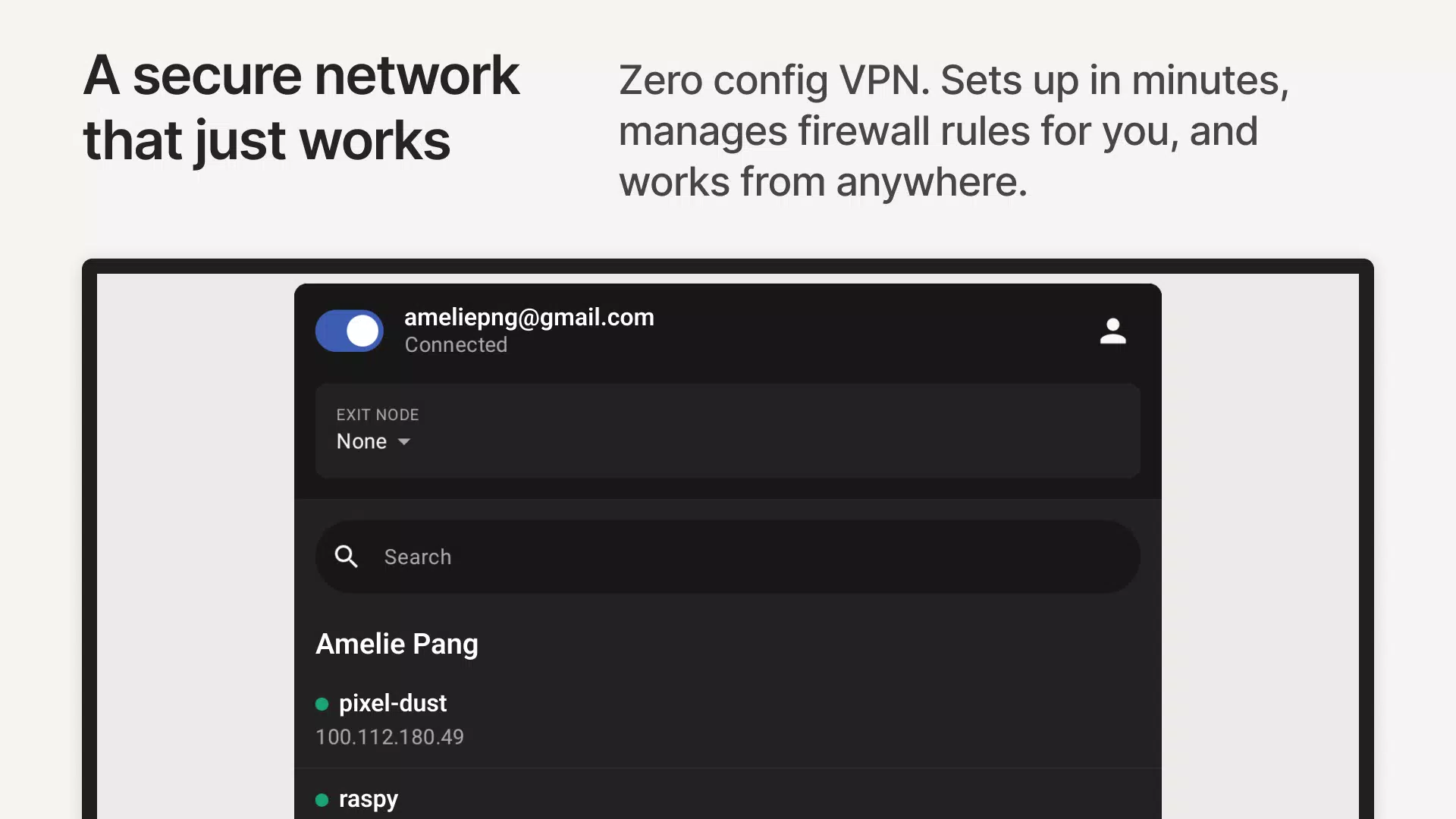
The Tailscale Android app lets you manage your phone's connection to your private network. You can check the connection status, browse devices in your tailnet, and enable or disable the VPN connection as needed. This makes it convenient to access approved resources while switching between mobile data, home Wi-Fi, office networks, and public hotspots.
Remote Access to Private Resources
Tailscale enables secure remote access to authorized devices and services, including laptops, home servers, NAS systems, internal dashboards, lab equipment, and administration tools. For example, you can connect to a home server or view a private dashboard from your Android phone while away from your local network. The target resource must be connected to the tailnet or otherwise made reachable through an appropriately configured route, with access permitted by the relevant policies.
Connectivity for Infrastructure and Services
Beyond personal devices, Tailscale supports private connectivity for cloud infrastructure, Kubernetes clusters, CI/CD runners, IoT devices, and other services. Its mesh networking approach helps connect resources across different environments without requiring every service to be exposed publicly. This can simplify connectivity between distributed systems while allowing organizations to maintain control over network access.
Tailscale Use Cases and Access LimitationsTailscale is designed primarily for connecting authorized users and devices to private resources rather than simply changing the public IP address websites see. Before using it, consider whether you have access to an existing tailnet and whether the devices or services you need are configured to accept your connection.
For a home lab, Tailscale can help you access a private server, NAS, or management dashboard from your Android phone without opening inbound ports on your router. In a business environment, it can provide access to internal tools, office resources, and cloud workloads. Development teams can also use it to connect distributed infrastructure, Kubernetes environments, build systems, and edge devices.
Some network-connected devices, such as older printers and NAS systems, may not support installing Tailscale directly. In these cases, a configured subnet router can provide access to permitted devices on the local network. This approach can extend private connectivity to legacy equipment, provided the necessary routes and access policies are in place.
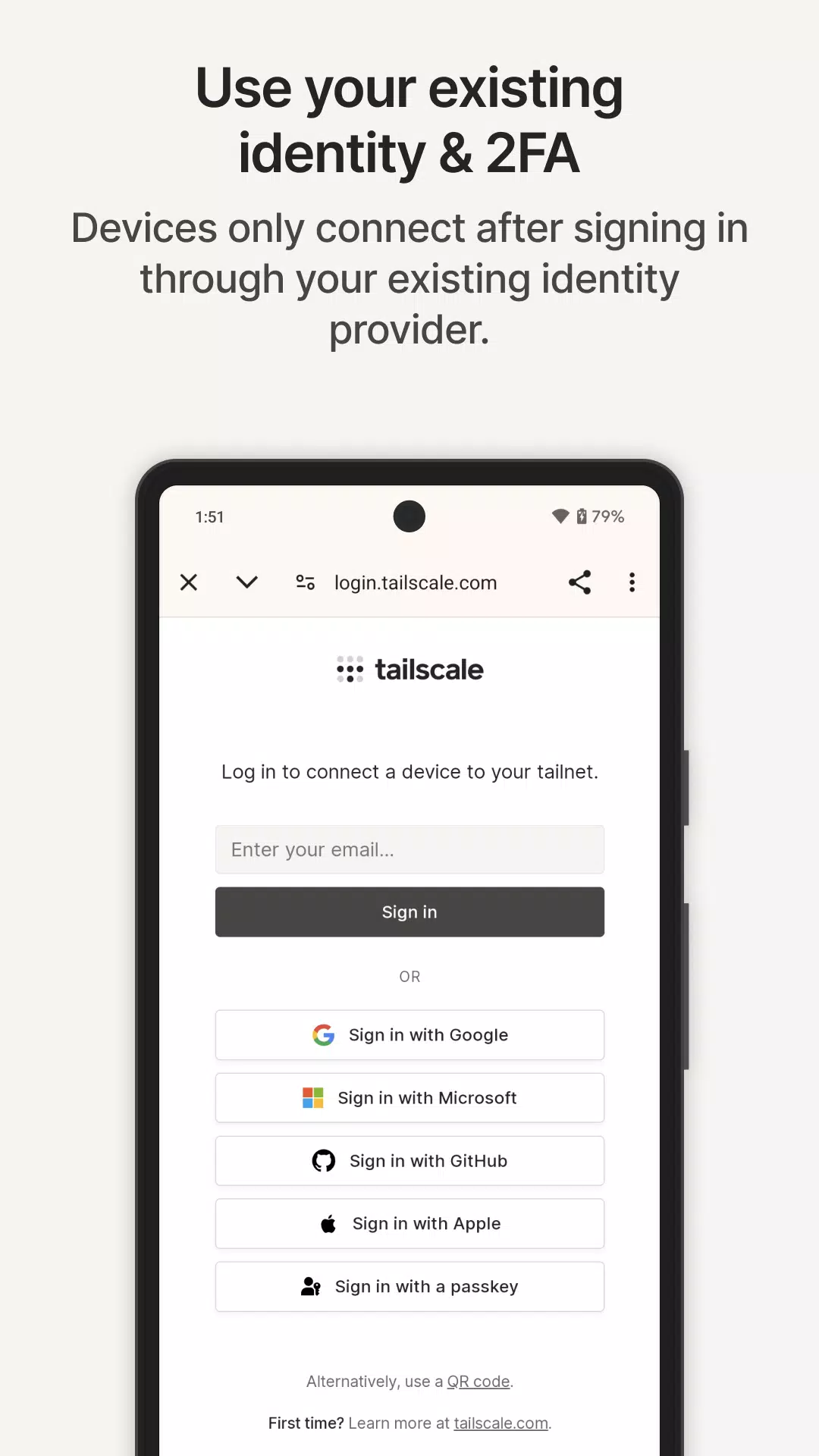
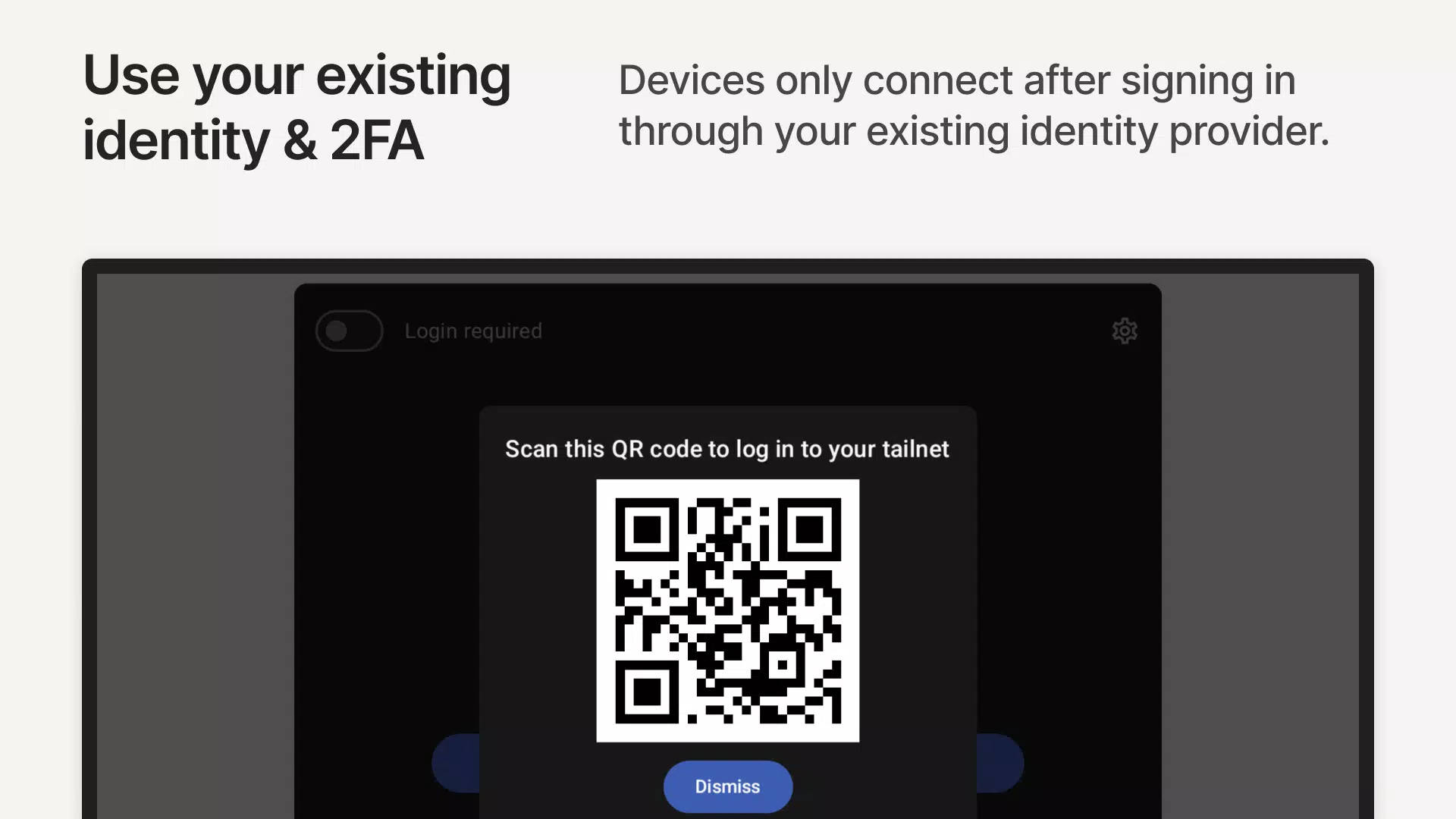
What to Check Before Installing TailscaleTailscale requires you to sign in with an account authorized to join the relevant tailnet. However, signing in does not automatically grant access to every connected device or service. The tailnet owner or administrator must configure the appropriate devices, routes, and access policies.
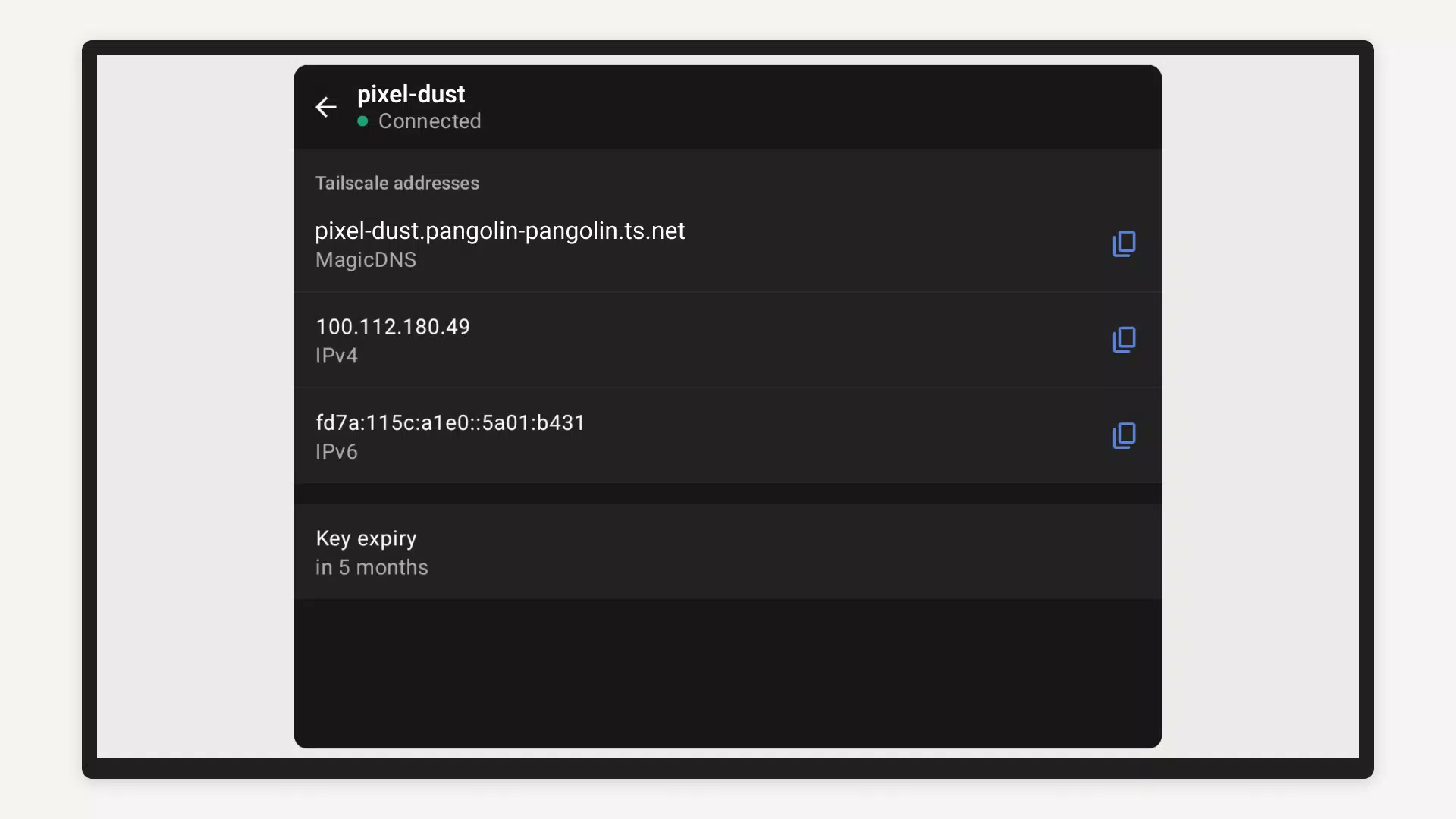
If you are installing or updating Tailscale, check that you are using the correct account for your existing tailnet. It is also helpful to know the device names or Tailscale IP addresses of the resources you want to reach. These details make it easier to identify the correct destination when connecting from your Android phone.
How to Use Tailscale on AndroidFollow these steps to connect your Android phone to a tailnet and access its authorized resources.
- Install and sign in: Open Tailscale on your Android phone and sign in using an account permitted to join the relevant tailnet.
- Connect your device: Follow the on-screen instructions to authorize your phone and allow Android to configure the VPN connection.
- Enable the connection: Turn on Tailscale in the app and confirm that the connection is active.
- Find your resources: Browse the devices available in your tailnet and identify the laptop, server, NAS, or other service you need.
- Access the destination: Open the appropriate app or browser and connect using the resource's device name or Tailscale IP address, provided the service and access policies allow it.
- Manage your connection: Disable the VPN connection when you no longer need it, or leave it enabled if you want continued access to your private network.
Previous versions
Permissions
No permissions were detected automatically. Upload the APK again to analyze it.
User reviews
Sign in to write a review.
No written reviews yet.
