Screenshots



About this app
Apple TV (Android TV) features
Apple Originals on your TV
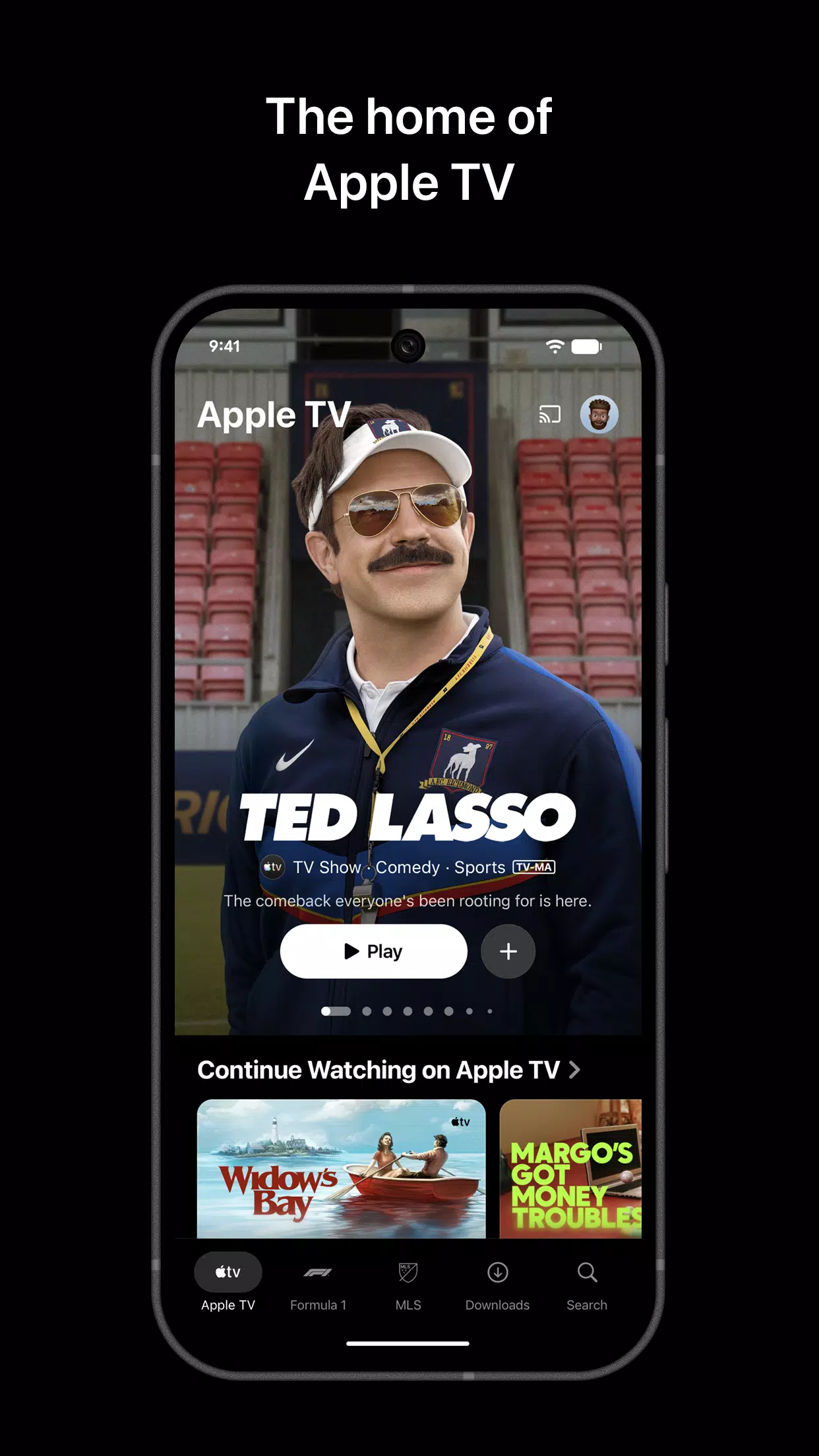
Apple TV (Android TV) focuses on Apple Originals that play without ads. You can find series such as The Morning Show, Ted Lasso, Severance, Slow Horses, Hijack, and Monarch: Legacy of Monsters, plus Apple Original Films. New titles arrive regularly, so there is often something recent to start.
Live sports with dedicated hubs
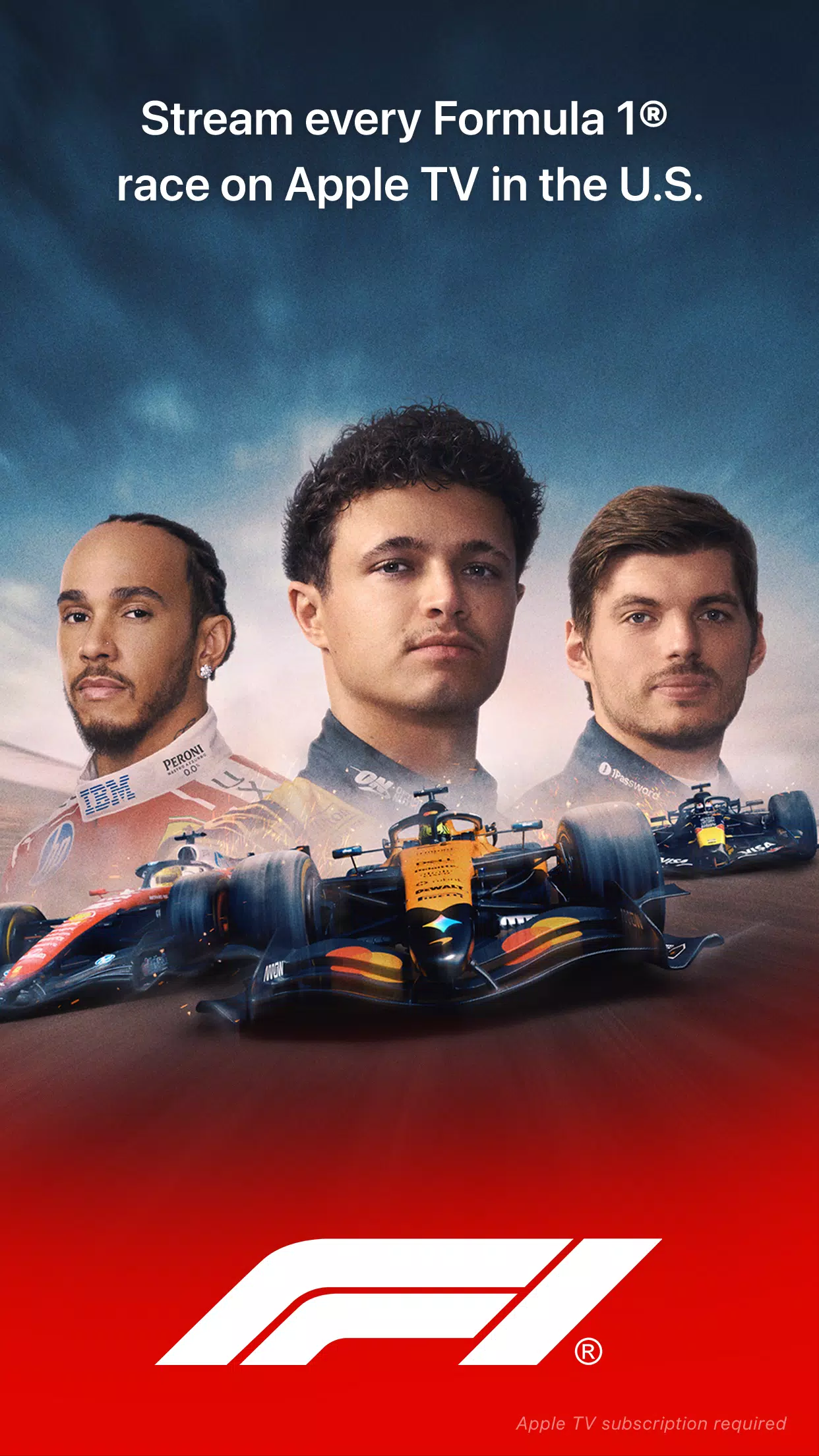
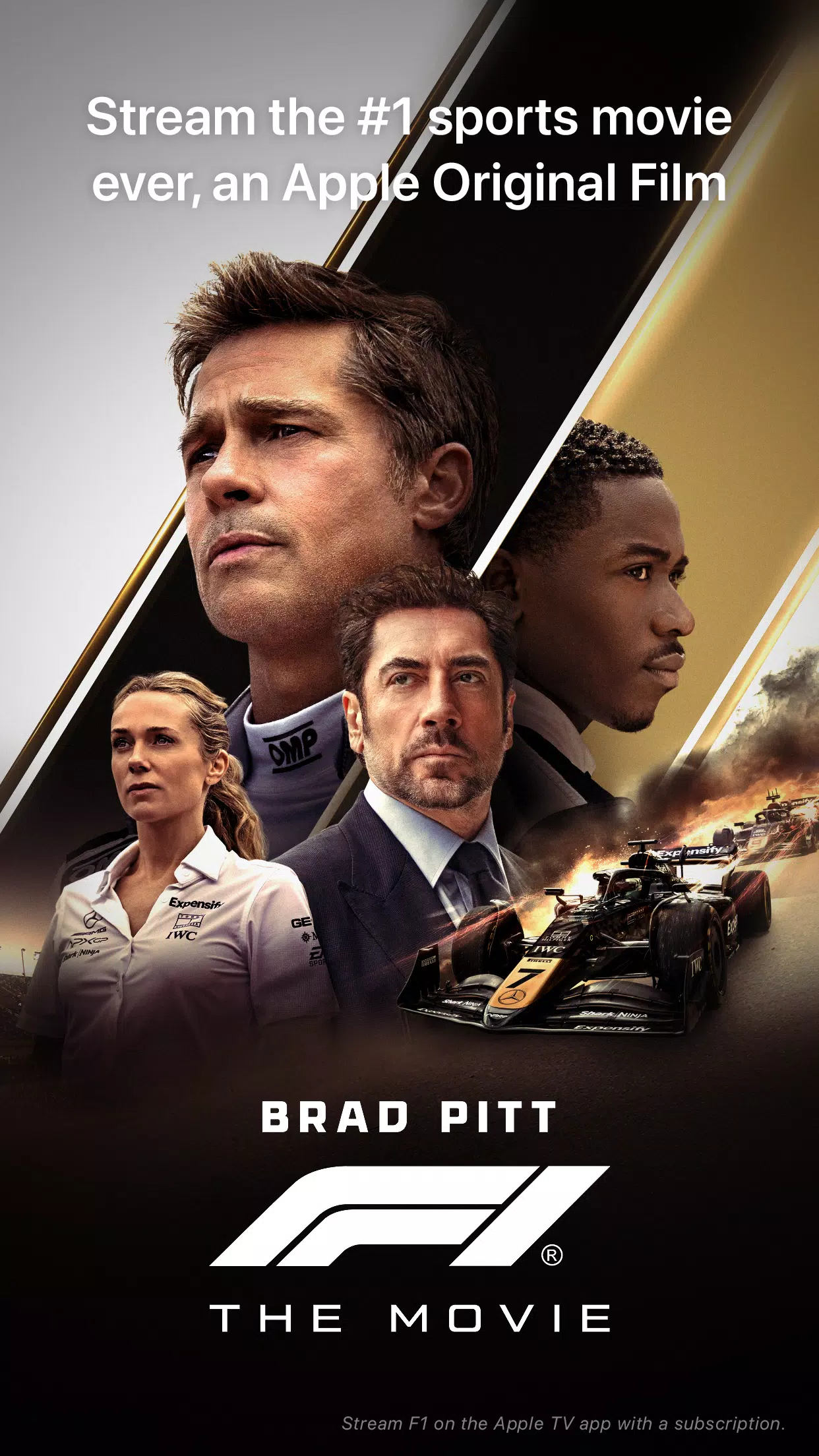
You can watch exclusive events, including MLS Season Pass with every match and no blackouts, and Friday Night Baseball with two MLB games during the season. US based customers also see Formula 1 Grand Prix coverage when available. MLS Season Pass is a separate subscription, and availability varies by region and device.
Personalized picks, Continue Watching, and Watchlist
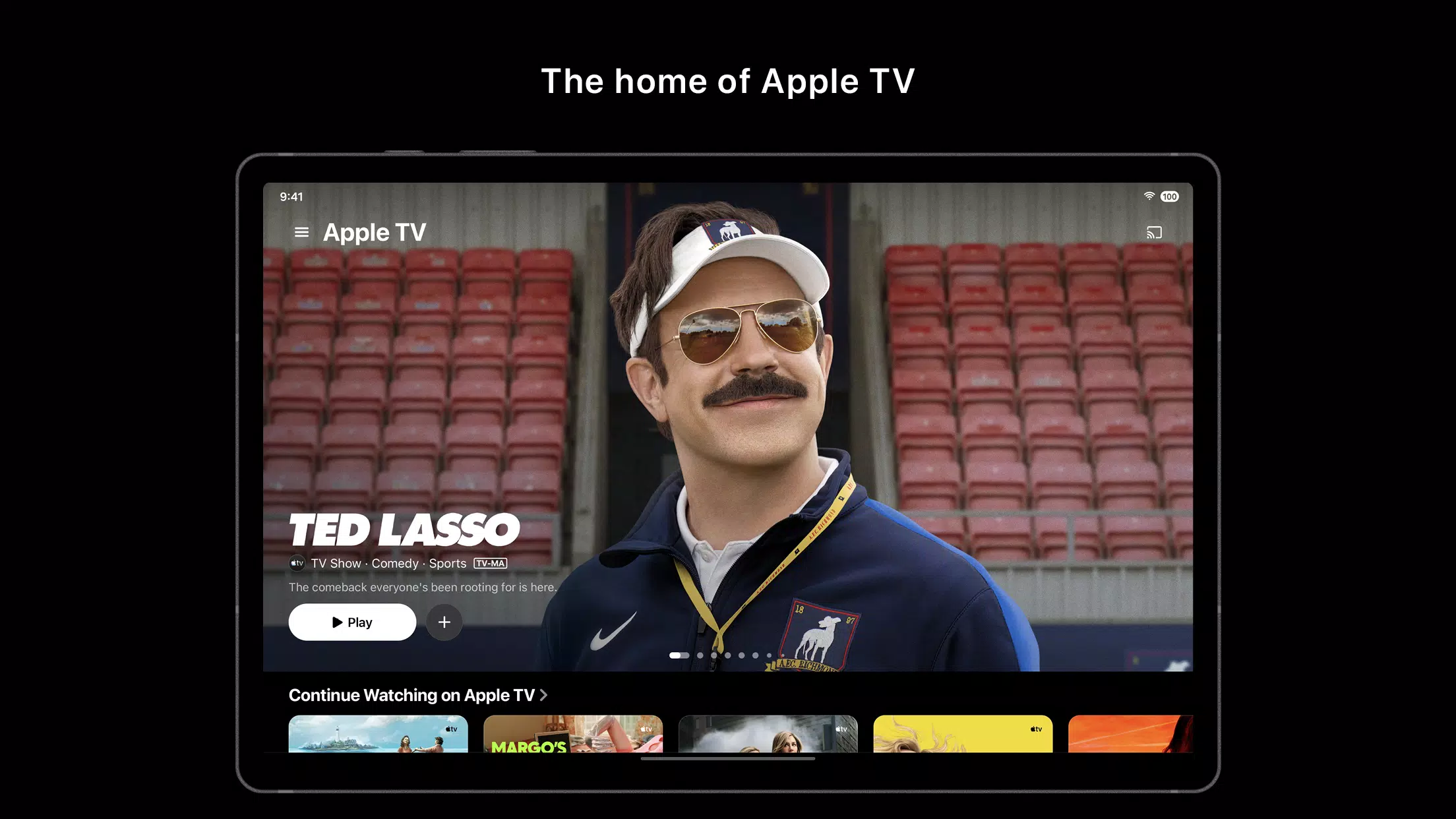
The Home screen surfaces recommendations based on what you already enjoy. You can add upcoming or current titles to Watchlist for later. When you pause a video, Continue Watching helps you pick up where you left off across signed in devices.
Buy or rent movies and access your library
Apple TV (Android TV) lets you buy or rent thousands of movies directly in the app when offered in your region. If you have previously purchased iTunes movies, you can view those eligible titles in your library and play them on your TV. This keeps your collection and new rentals in one place for easy access.
Works across compatible screens
You can use Apple TV (Android TV) on Android TV and Google TV devices, as well as many smart TVs, streaming sticks, and gaming consoles. AirPlay enabled screens can also receive content from supported devices. This helps keep your viewing consistent when you switch rooms or screens.
Important notes for Apple TV (Android TV)
Content and features can vary by country, region, and device. Some sports, shows, or purchase options may not appear in all locations. US based Formula 1 coverage is shown when available, and MLS Season Pass requires its own subscription.
An Apple TV subscription does not include third party services or any rentals or purchases. Those are billed separately when offered. For India, Apple lists new subscribers at ₹99.00 per month after a trial and notes Family Sharing supports up to six people. Pricing, eligibility, and offers can change, so check the terms shown in the app before you subscribe.
How to use Apple TV (Android TV)
The core setup is straightforward, and most controls sit on the Home screen. After installing the Apple TV (Android TV) latest version on a compatible TV, you can browse, add to Watchlist, and start streams in a few steps.
- Open Apple TV (Android TV) on your Android TV device, then sign in with your Apple ID or create a new account.
- Browse the Home screen to see rows for shows, films, and sports. Select a title to view details and start watching.
- If you want to return later, add the title to Watchlist. Next time you open the app, use Continue Watching or your Watchlist to resume quickly.
- For live sports, open the MLS or Friday Night Baseball hubs to see schedules, then choose a match or game to start streaming. If required, complete the subscription page in the app.
- To watch a new release, choose Buy or Rent when available and confirm payment. Your eligible previous iTunes purchases appear in Library for easy playback.
Get started on your TV
Apple TV (Android TV) brings Apple Originals, select live sports, and movie purchases or rentals into one familiar layout. To begin, download Apple TV (Android TV) and sign in to access your library, subscriptions, and sports hubs.
Previous versions
Permissions
No permissions were detected automatically. Upload the APK again to analyze it.
User reviews
Sign in to write a review.
No written reviews yet.