Screenshots


About this app
Main features
File management essentials
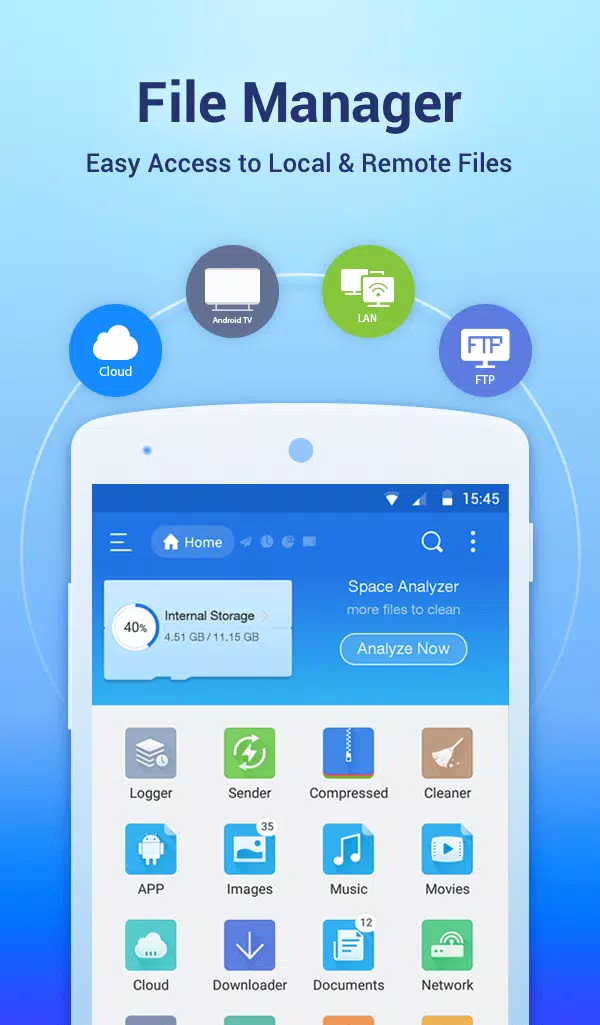
ES File Explorer lets you copy, move, rename, delete, and create files and folders with batch select. You can open images, videos, audio, and documents with built-in viewers and players. Moreover, the toolbar and long press menu make routine actions fast.
Cloud and network storage in one place
You can add services like Dropbox, Google Drive, OneDrive, Amazon S3, and Yandex, then browse them next to local storage. ES File Explorer shows cloud folders as if they were on your device. In addition, you can transfer files across clouds without downloading them first.
Remote access and wireless transfer
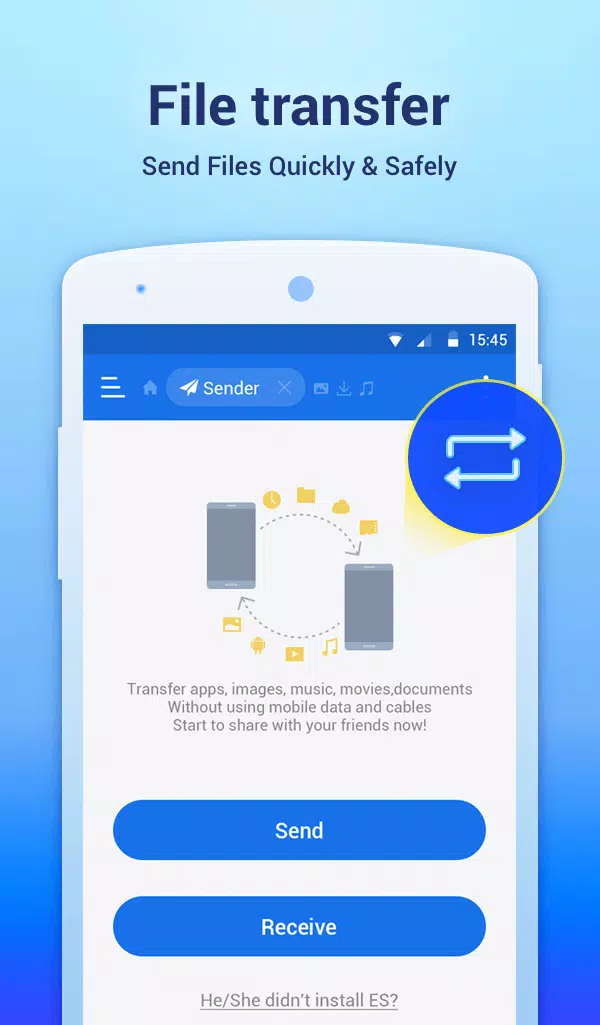
ES File Explorer connects to FTP, FTPS, SFTP, and WebDAV servers and can browse PCs over SMB on your LAN. You can edit mobile files from a computer over the network. Also, the Sender tool moves files between phones over Wi Fi or a hotspot. so you do not need cables.
Archives and file security
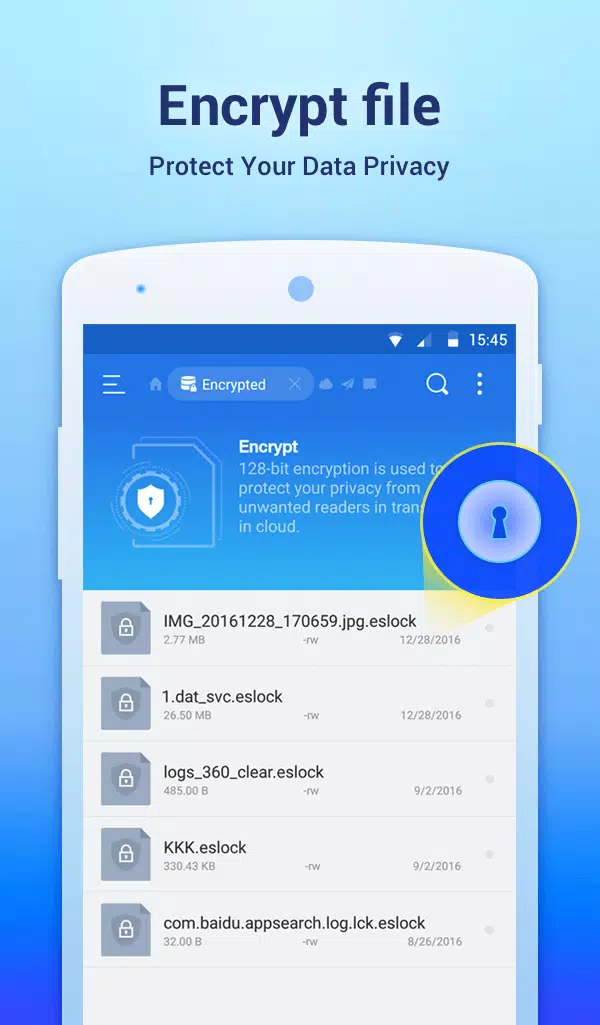
You can create and extract ZIP and RAR archives to save space or share groups of files. ES File Explorer supports AES 256-encrypted ZIP files to protect sensitive content. Therefore, you can package and secure project folders with a password.
Tools for power users
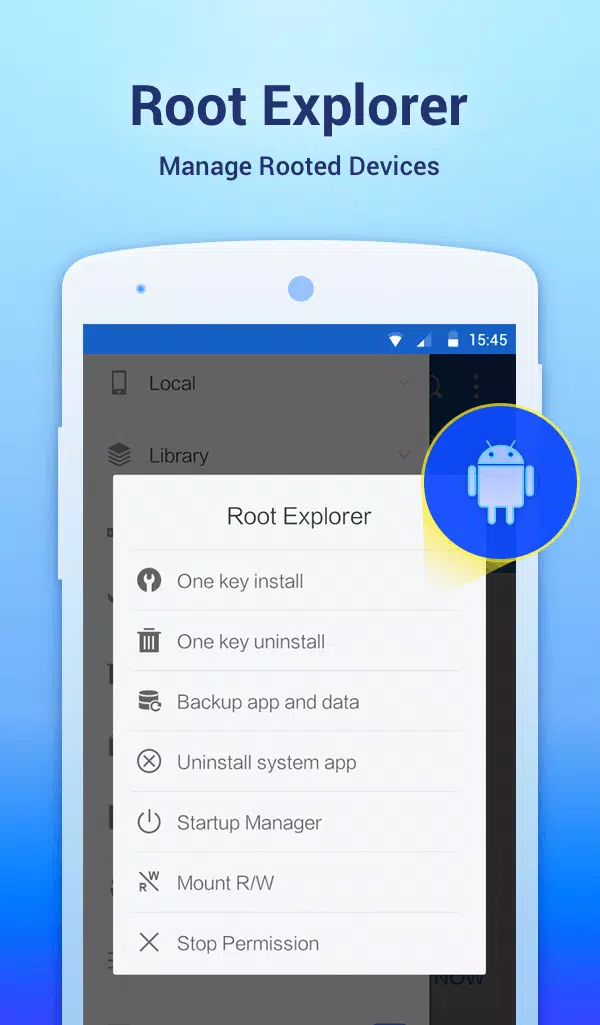
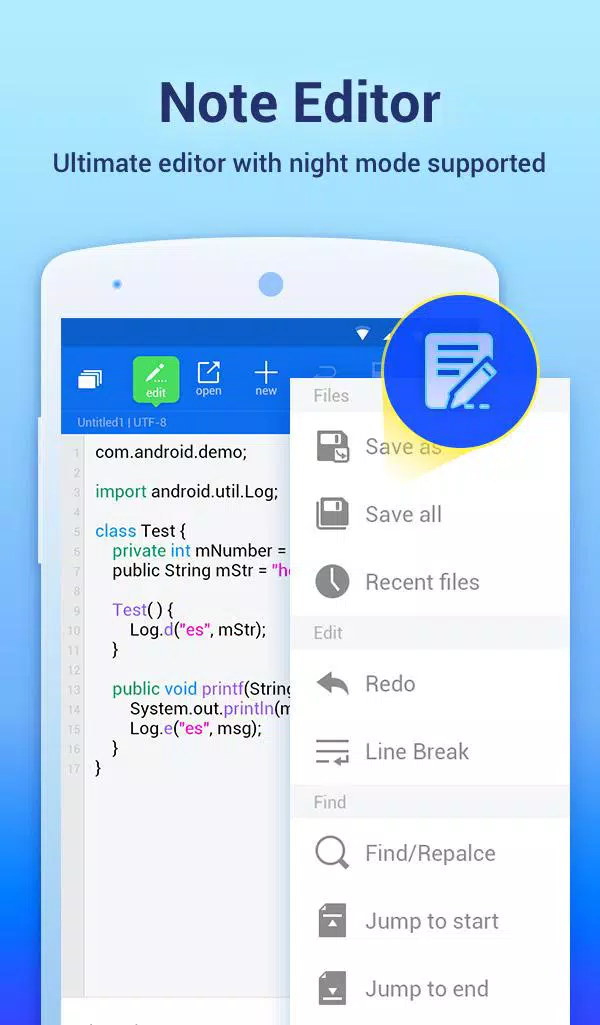
ES File Explorer includes Root Explorer for devices with root access, which unlocks system folders and permission changes. There is a code and note editor with syntax highlighting for quick edits. Moreover, configurable views and shortcuts help you build a custom workflow.
Device utilities and storage cleanup
Use App Manager to back up apps, uninstall them, or create shortcuts. A task killer and cache cleaner help free memory when your device slows down. In addition, SD Card Analyst finds large, duplicate, and redundant files so you can reclaim space.
Safe use tips for network and root features
When you use Root Explorer, back up important files first and change permissions only when you understand the impact. Start with read-only access until you confirm your edits. For LAN, FTP, SFTP, or WebDAV, use strong passwords and connect only to servers you trust.
How to use ES File Explorer
This quick guide shows common tasks from first launch to network access. It focuses on basic navigation and safe steps so you can get productive quickly.
Open ES File Explorer and allow storage permissions so the app can show your folders. Tap Internal storage or SD card to browse, then use the search bar or sort button to locate items.
Select one or more files, then tap Copy or Move to place them in a new folder. Long-press to select multiple items, and tap the three-dot menu for Rename or Delete. After that, tap any media file to open it with the built-in viewer or player.
To add cloud storage, go to the Network or Cloud section, choose a service, and sign in. Your cloud folders will appear in the sidebar, so you can move files between local and cloud locations just like normal folders. Then, use Copy or Move as needed.
To access a PC over LAN, go to Network, tap New, and enter the server address and credentials. You can save the connection and enable auto login for faster access. So, your computer shares appear as browsable folders in the app.
To transfer files without cables, open Sender on both devices while connected to the same Wi Fi or hotspot. Choose files on the sending phone and tap Send, then confirm on the receiving phone. Finally, check the received folder to verify the transfer.
Download and start managing files
ES File Explorer brings local, network, and cloud files into one clear view, with tools for both simple tasks and advanced setups. Download ES File Explorer APK latest version from APKPure to get the ES File Explorer APK latest version and keep your files organized across all your locations.
Previous versions
Permissions
No permissions were detected automatically. Upload the APK again to analyze it.
User reviews
Sign in to write a review.
No written reviews yet.