Screenshots





About this app
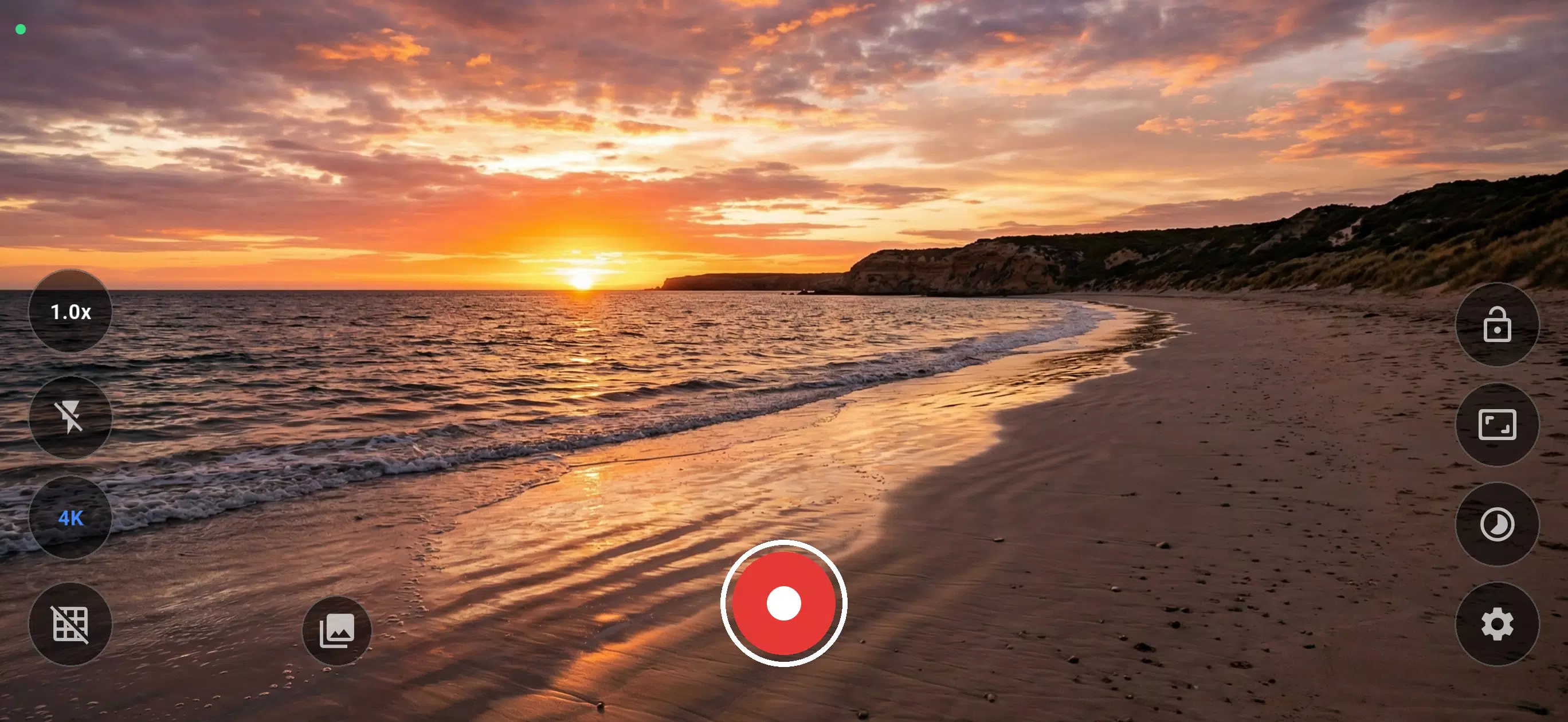
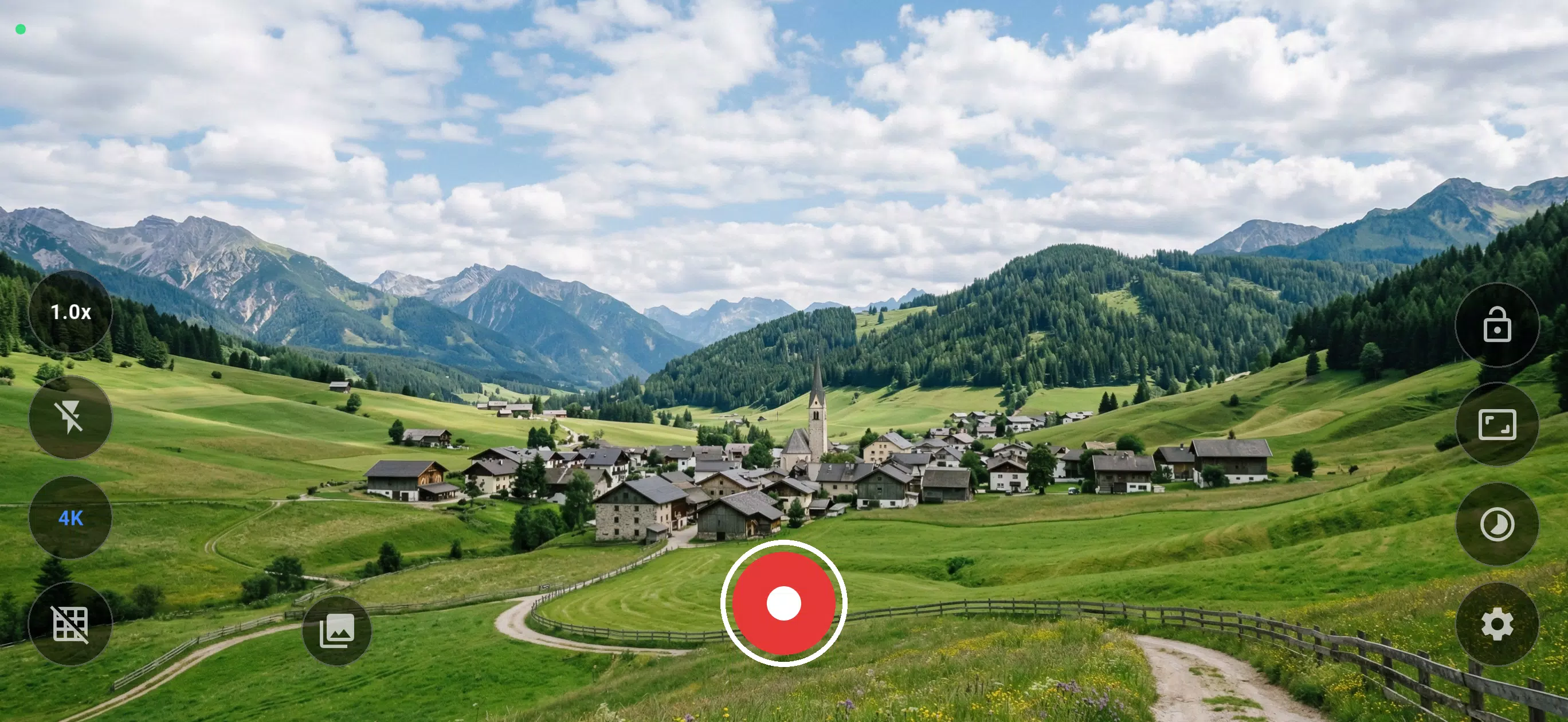
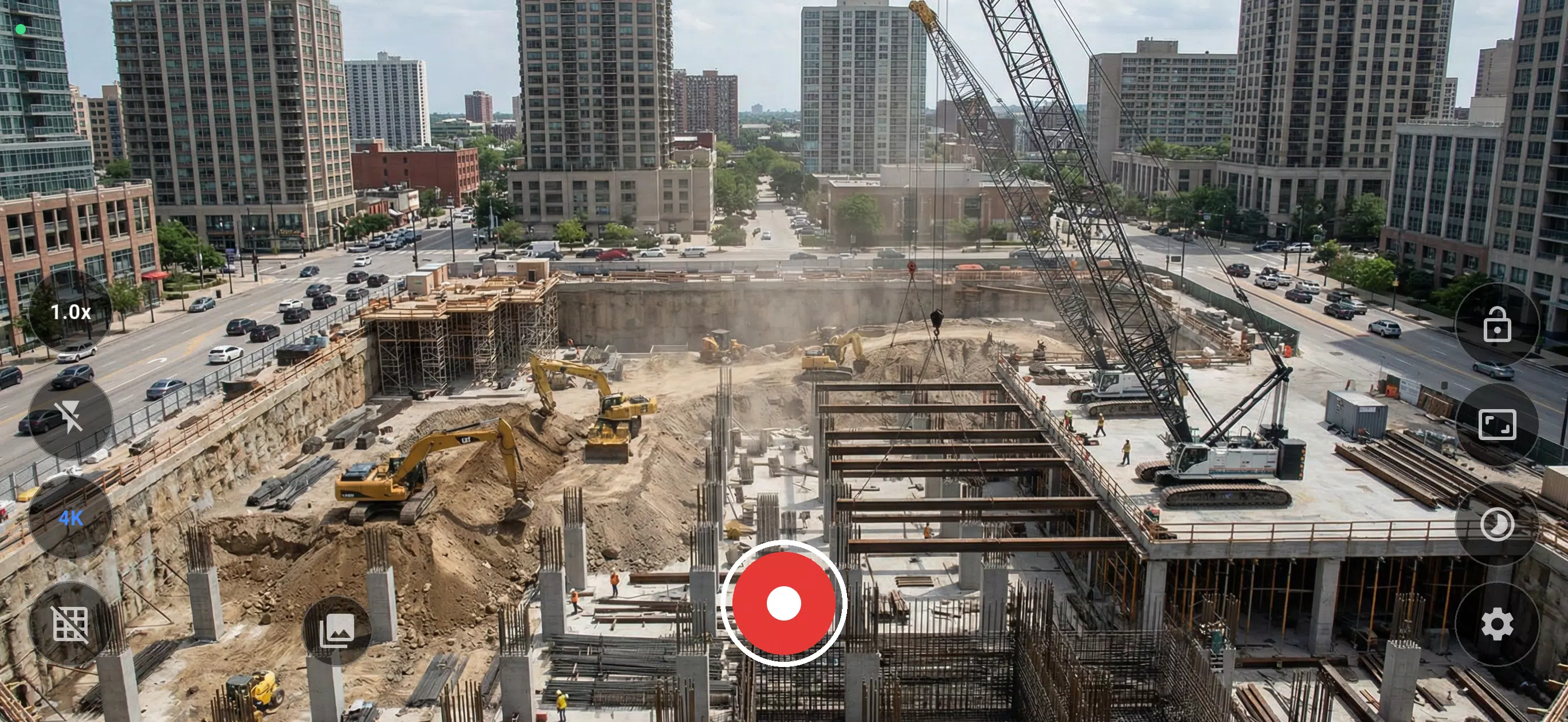
1. Recording with front or back camera.
2. Flash turn on/off.
4. Interval time rate. The feature to select frame per second on your required. Default is 1 frame/second.
5. Focus mode.
6. ISO that the application provide for you but depend on your hardware.
7. Withe balance mode.
8. Recording quality that the application provide 480p, 720p and 1080p for you. How ever, this function depend on you r hardware supporting.
9. Gallery that you can select and playback your video anytime.
How to use.
1. Open recorder.
2. Select feature button at top-left on screen base on your required.
3. Click button recording at bottom-right on screen then wait util you done.
4. When you done, click button stop recording at bottom-right to stop.
5. Open gallery button at top-right on screen to open video list then select your video to playback.
Previous versions
Permissions
No permissions were detected automatically. Upload the APK again to analyze it.
User reviews
Sign in to write a review.
No written reviews yet.