Screenshots
About this app
Small install and smooth performance
Instagram Lite is optimized to install quickly and use minimal storage on your device. It runs smoothly on older or low RAM Android phones during everyday tasks. Start times are short and scrolling remains responsive as you move through the app. This helps keep your phone usable even when space is limited.
Save mobile data on any network
The app reduces data use across browsing and sharing so you can stay active without heavy bandwidth. Images and videos load efficiently, which helps when you scroll your Feed on slower or costly connections. Posting works with lean background activity to avoid extra data usage. This is practical if your plan has monthly limits.
Core sharing with Feed, Reels, and Stories
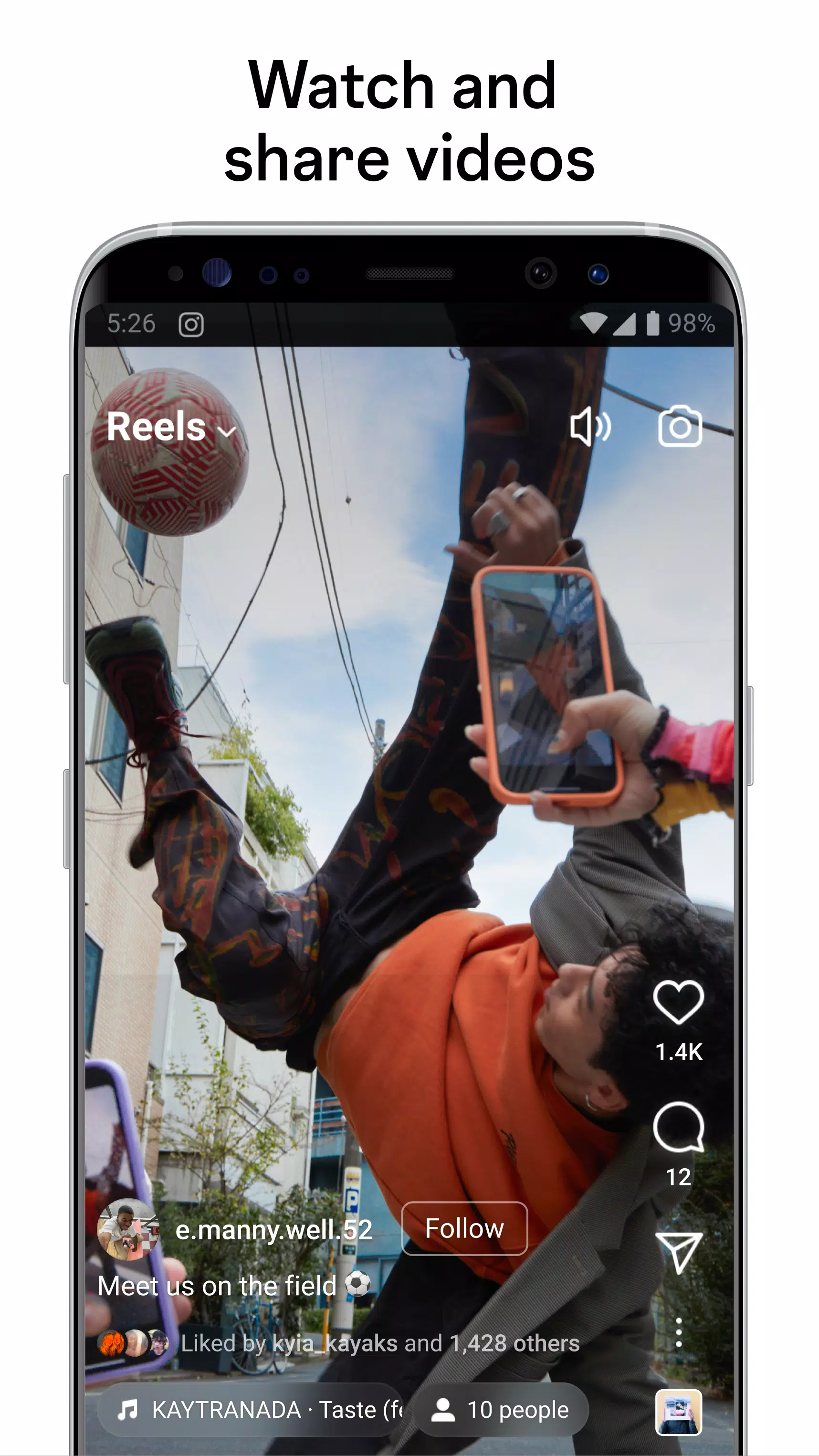
You can view and post to Feed, create and watch Reels up to 90 seconds, and share Stories. Reels creation supports multiple clips, templates, and music for quick edits. The layout stays familiar, so moving between Feed, Reels, and Stories takes little adjustment. Content opens promptly to keep the experience consistent.
Creative tools for Stories
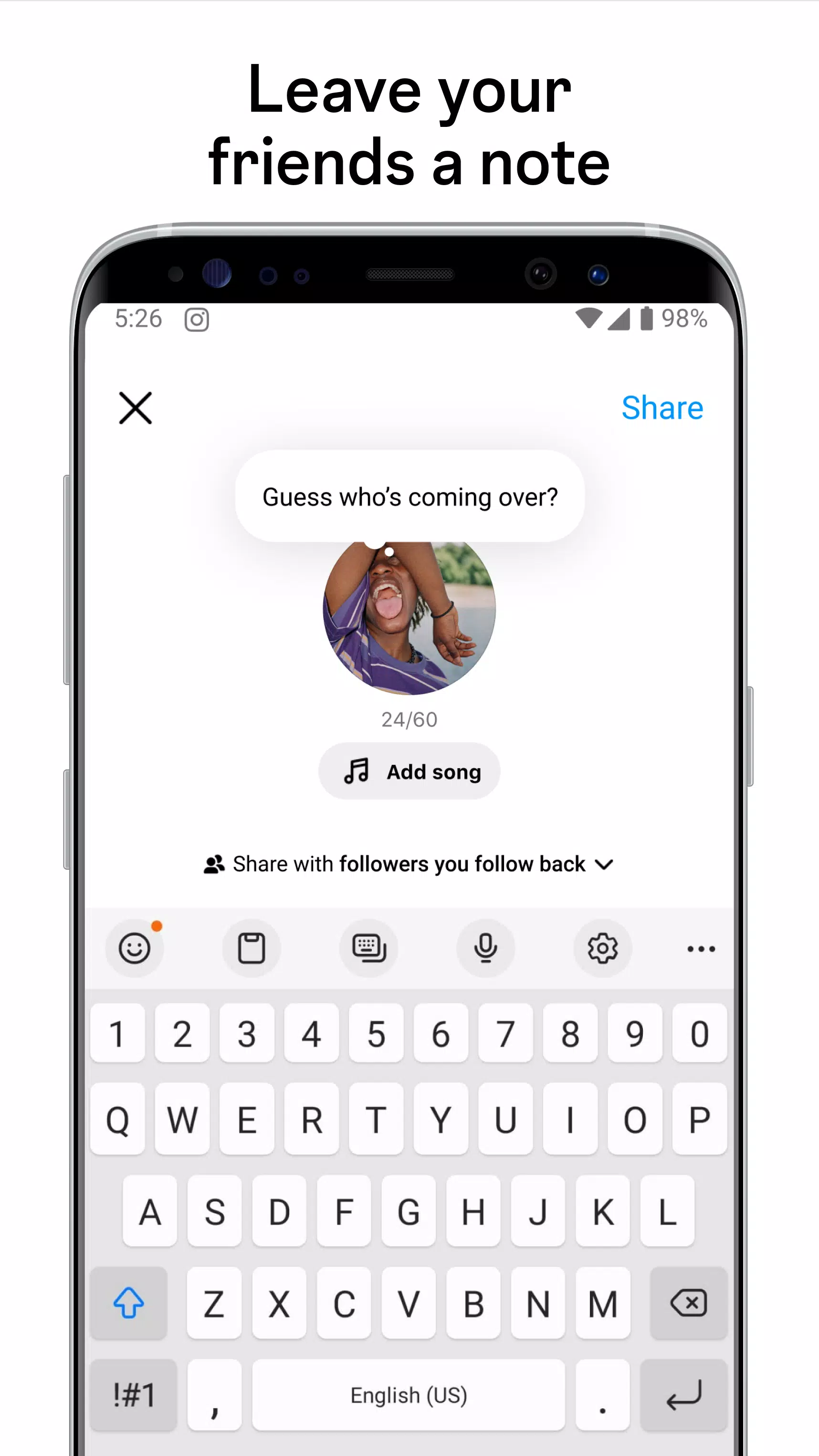
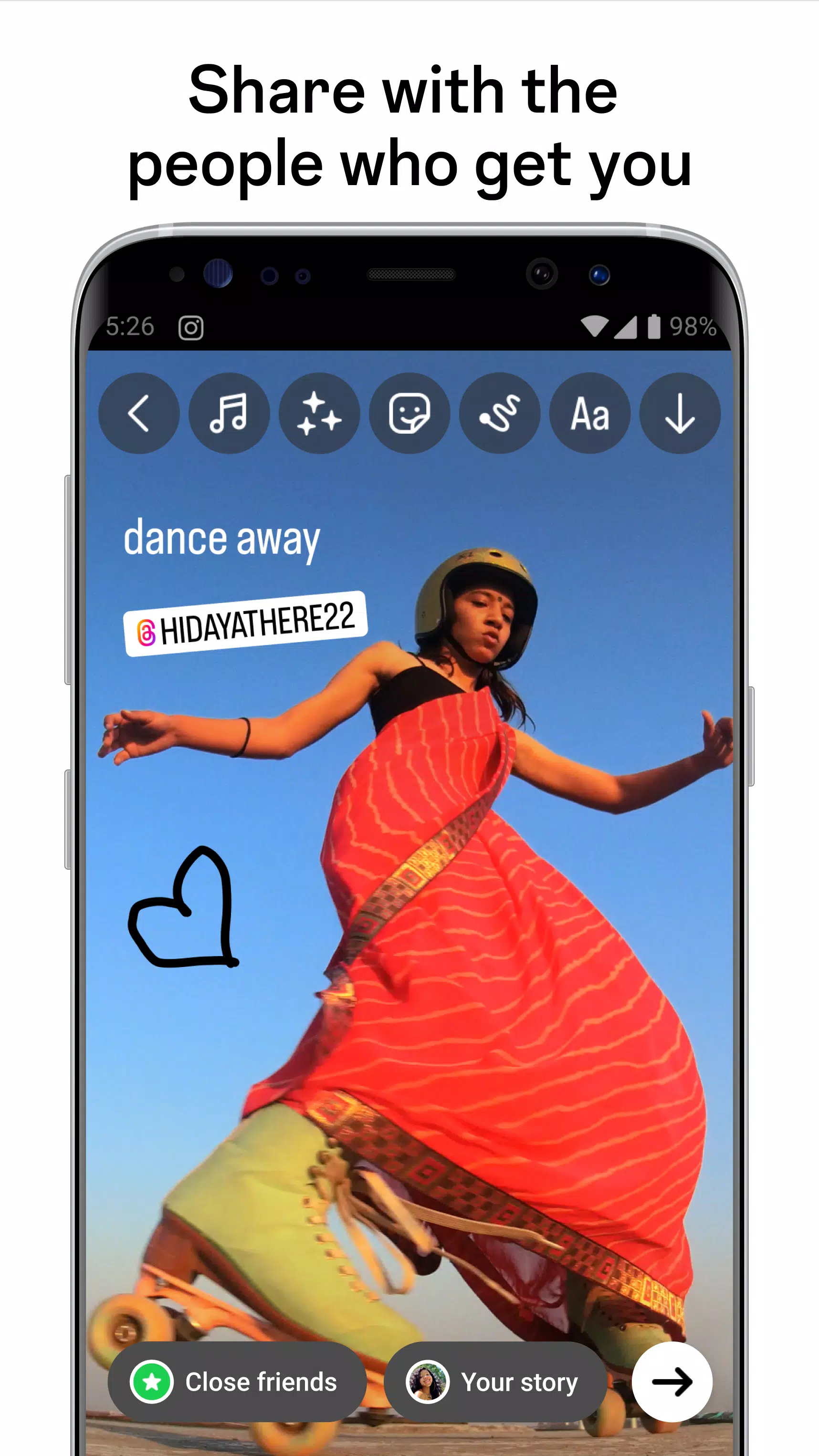
Add text, music, stickers, and GIFs to your Stories to personalize each post. Interactive options include Poll and Questions stickers that let followers respond inside your story. You can combine elements to match what you want to share at that moment. Edits apply as you go, which keeps the process straightforward.
Direct messages, calls, and discovery
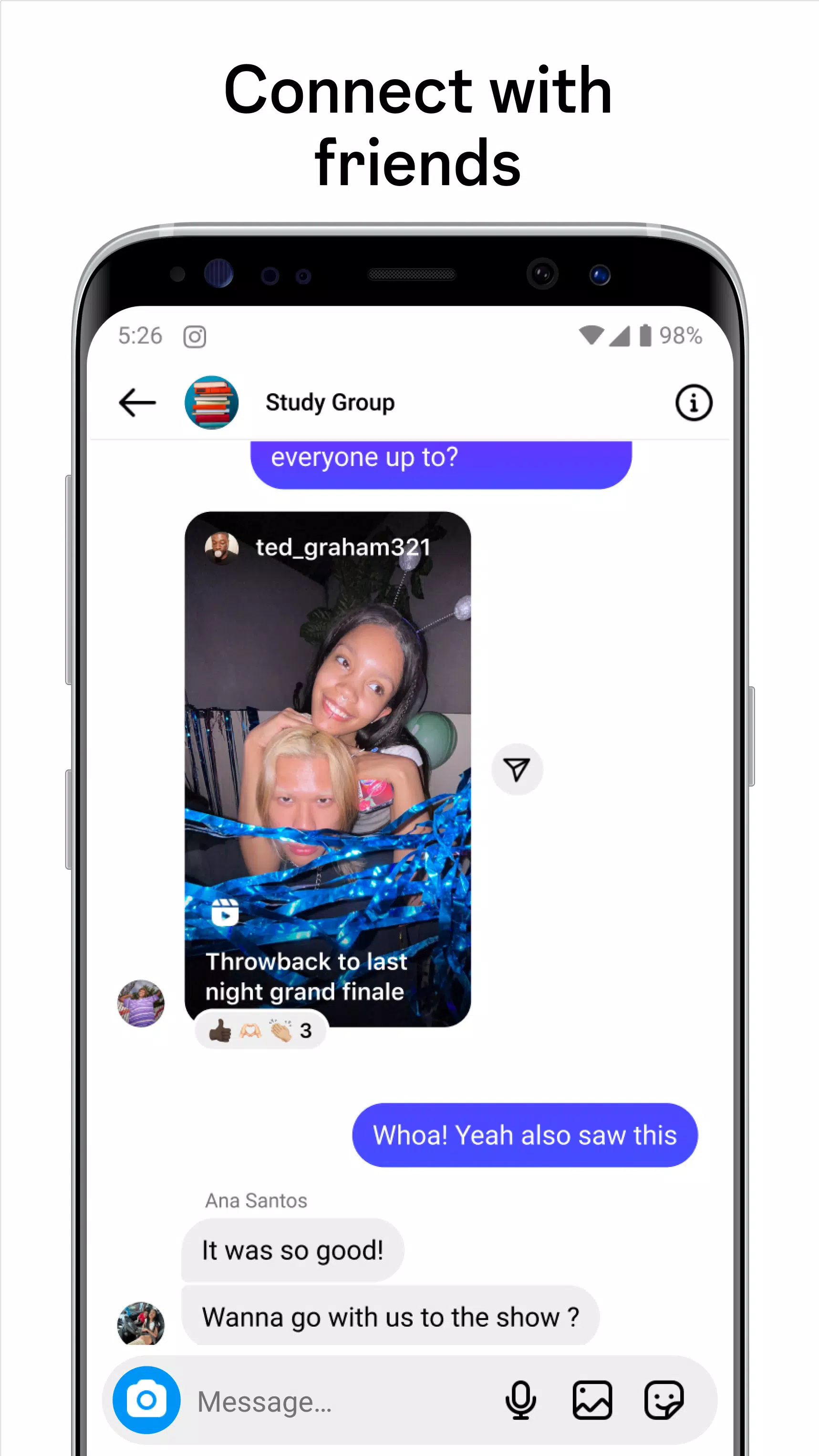
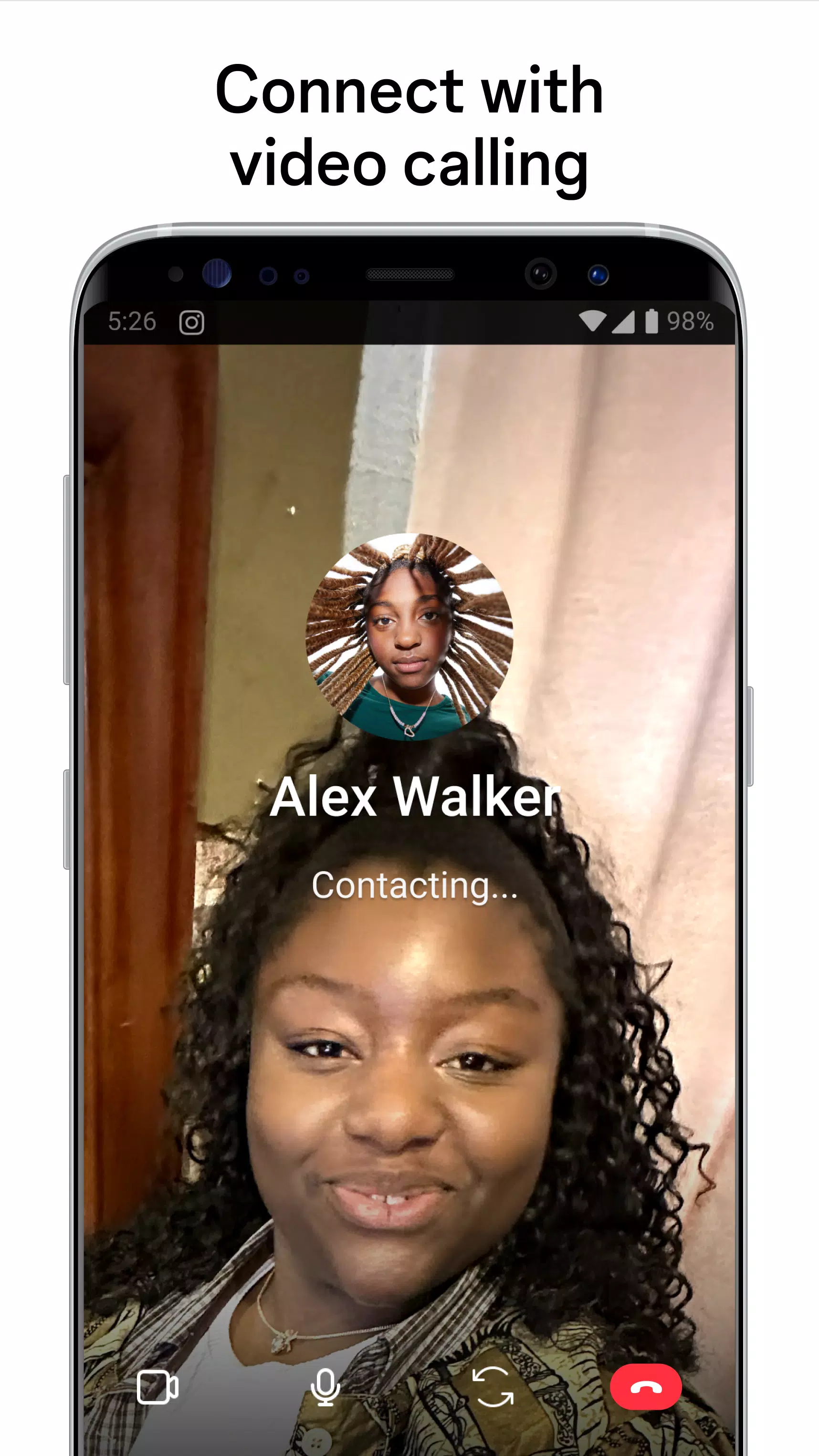
Chat through Direct with notifications for new messages to stay on top of conversations. Instagram Lite also supports easy video and audio calls so you can connect with friends and creators. When you want to find more, use Search and Explore to discover photos, reels, accounts, and topics with keyword search. Results adjust as you refine terms, helping you locate what you need faster.
Before you install Instagram Lite
Instagram Lite focuses on essentials to prioritize speed and data savings. Some advanced features from the full Instagram app may be limited or unavailable. Examples include certain augmented reality effects, live streaming, and specific chat themes. If these tools are central to how you post or chat, consider whether the lighter setup meets your needs.
This version suits users who value reliability on slower networks, minimal storage use, and a streamlined interface. It is a practical choice for older phones or devices with tight space. If your daily activity is browsing the Feed, sharing Stories and short Reels, and messaging with friends, Instagram Lite should cover those tasks without unnecessary extras.
How to use Instagram Lite on Android
After installing the Instagram Lite APK on your Android phone, you can move through posting, messaging, and discovery in a few steps. The layout keeps core tabs easy to reach, so you can learn the flow quickly and focus on sharing.
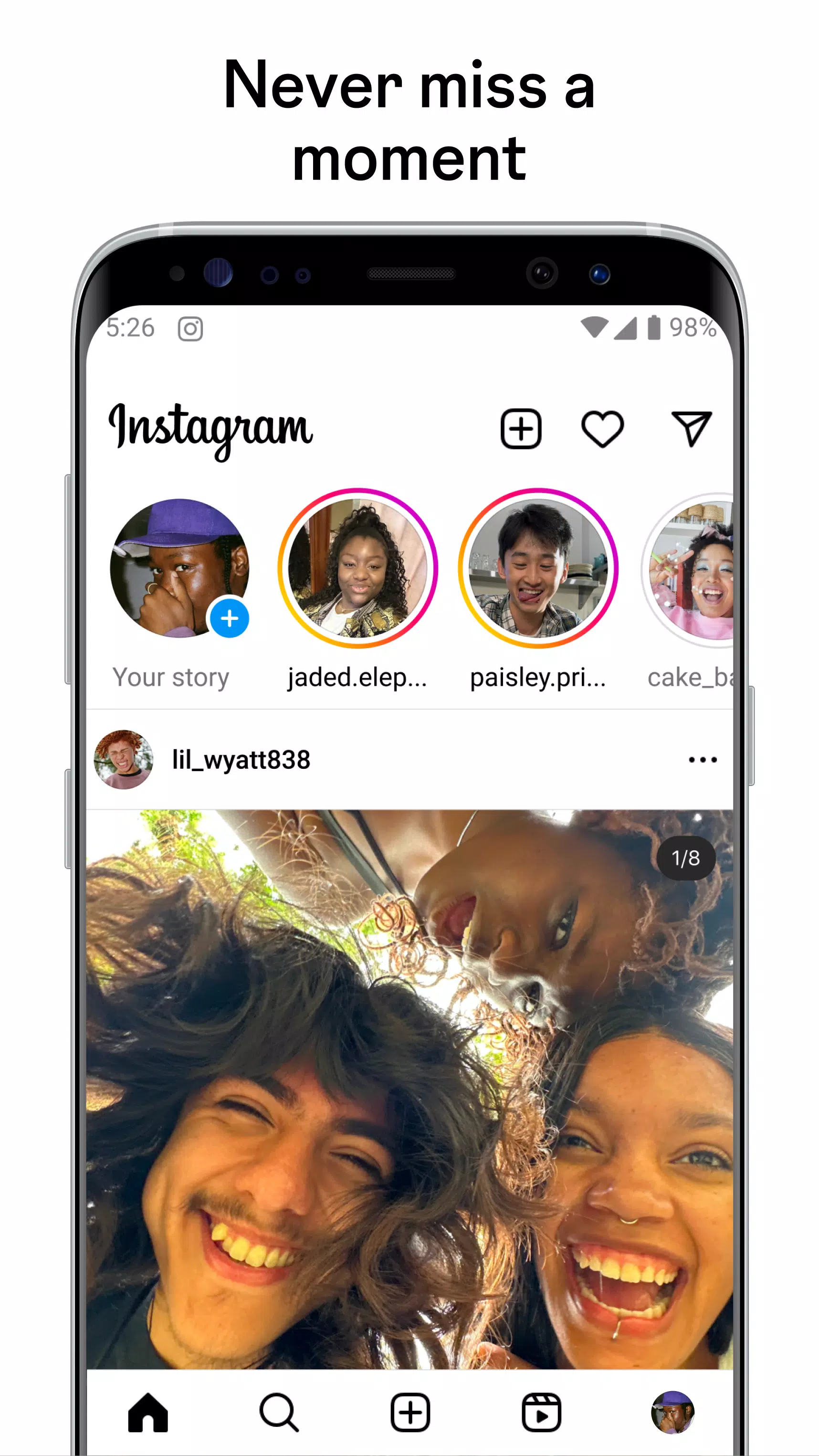
Open Instagram Lite to land on your Feed. Scroll to view recent posts, and tap a post to like or comment as you go.
Tap the plus button to create a Post or a Reel. For Reels, add clips, apply a template, include music, set up to 90 seconds, then share.
Create a Story by swiping right or tapping the Story icon. Capture or choose a photo or video, add text, music, stickers, GIFs, and optional Poll or Questions, then publish.
Open Direct from the message icon to chat. Send messages, and start an audio or video call when you need a quick conversation.
Go to Search and Explore to find photos, reels, accounts, and topics. Enter keywords, open results that match your interest, and follow new accounts to update your Feed.
Start with Instagram Lite
Instagram Lite focuses on essential sharing while keeping data and storage use low. For the most stable experience, install the Instagram Lite latest version available here. Use it to stay connected through Feed, Reels, Stories, messaging, and calls on devices that need a lighter touch.
Previous versions
Permissions
No permissions were detected automatically. Upload the APK again to analyze it.
User reviews
Sign in to write a review.
No written reviews yet.