Screenshots

About this app
Features
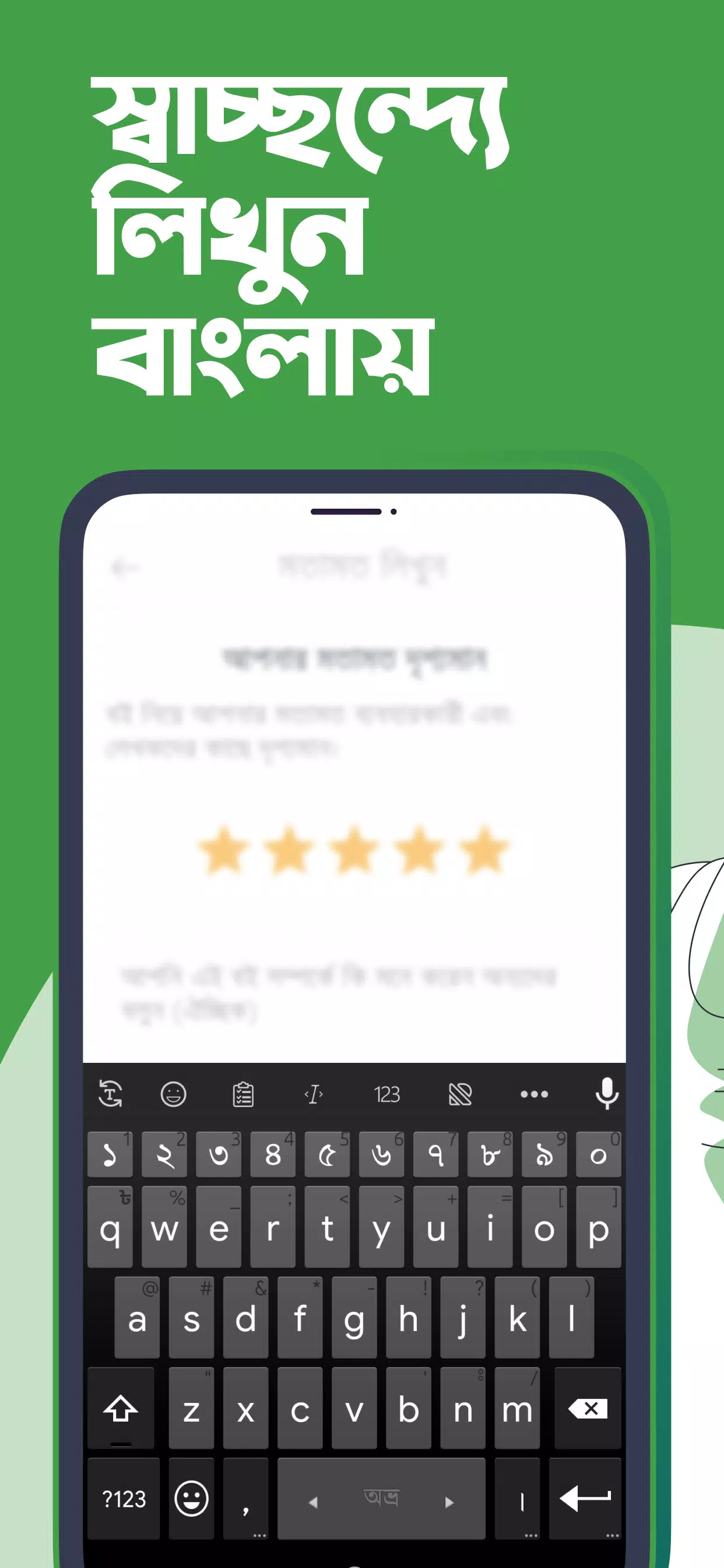
Flexible Bangla layouts
Ridmik Keyboard supports phonetic input similar to Avro and also provides National and Probhat layouts for users who prefer native key positions. Therefore, you can pick a style that matches your typing habits and switch anytime without friction.
Privacy by design
Ridmik Keyboard does not collect or send your typing data. The app learns suggestions on device and stores word frequency locally. In addition, every permission request is explained inside the app so you can make informed choices.
Voice typing support
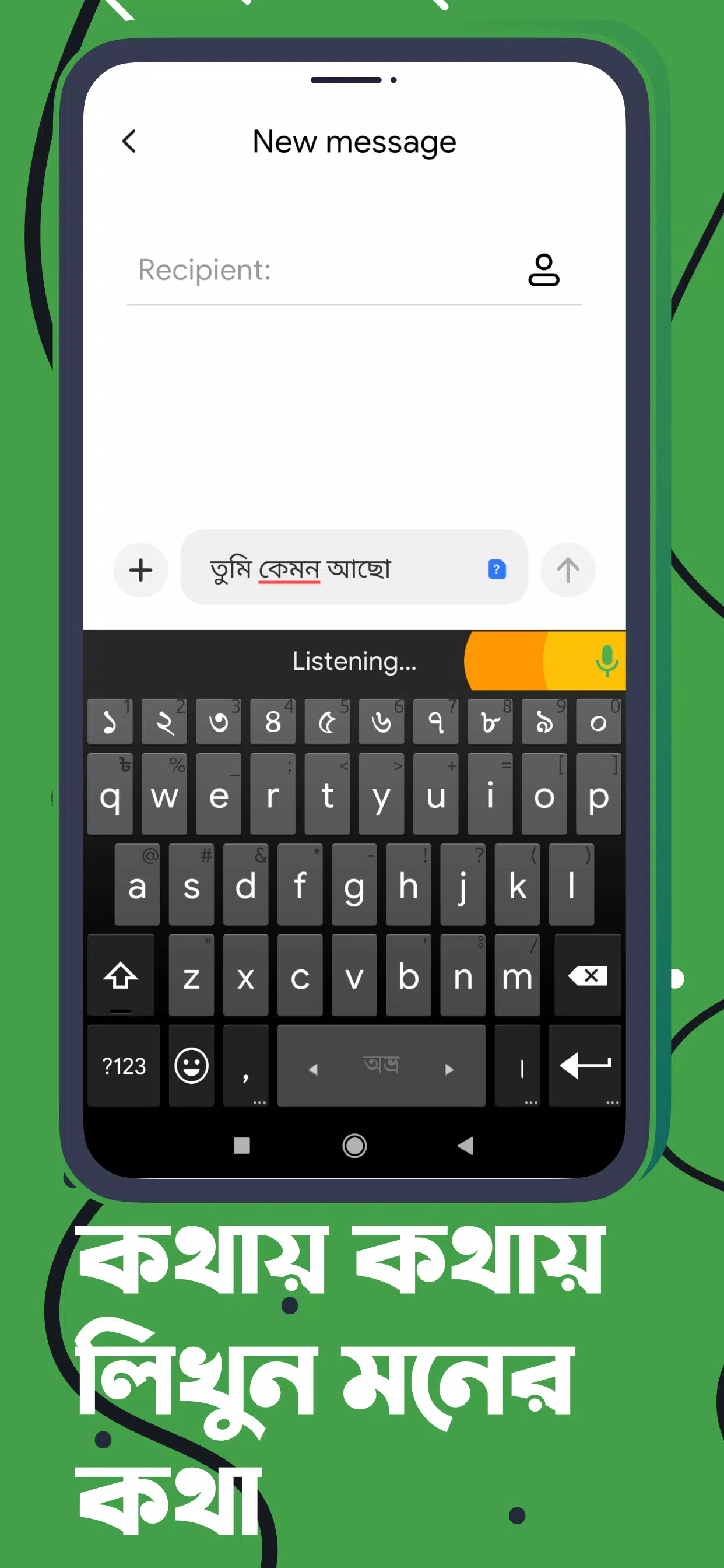
Voice dictation uses Google’s speech service to convert speech to text in supported languages. This helps when you want hands free input or faster note taking. Also, you can switch back to manual typing instantly.
Smart typing tools
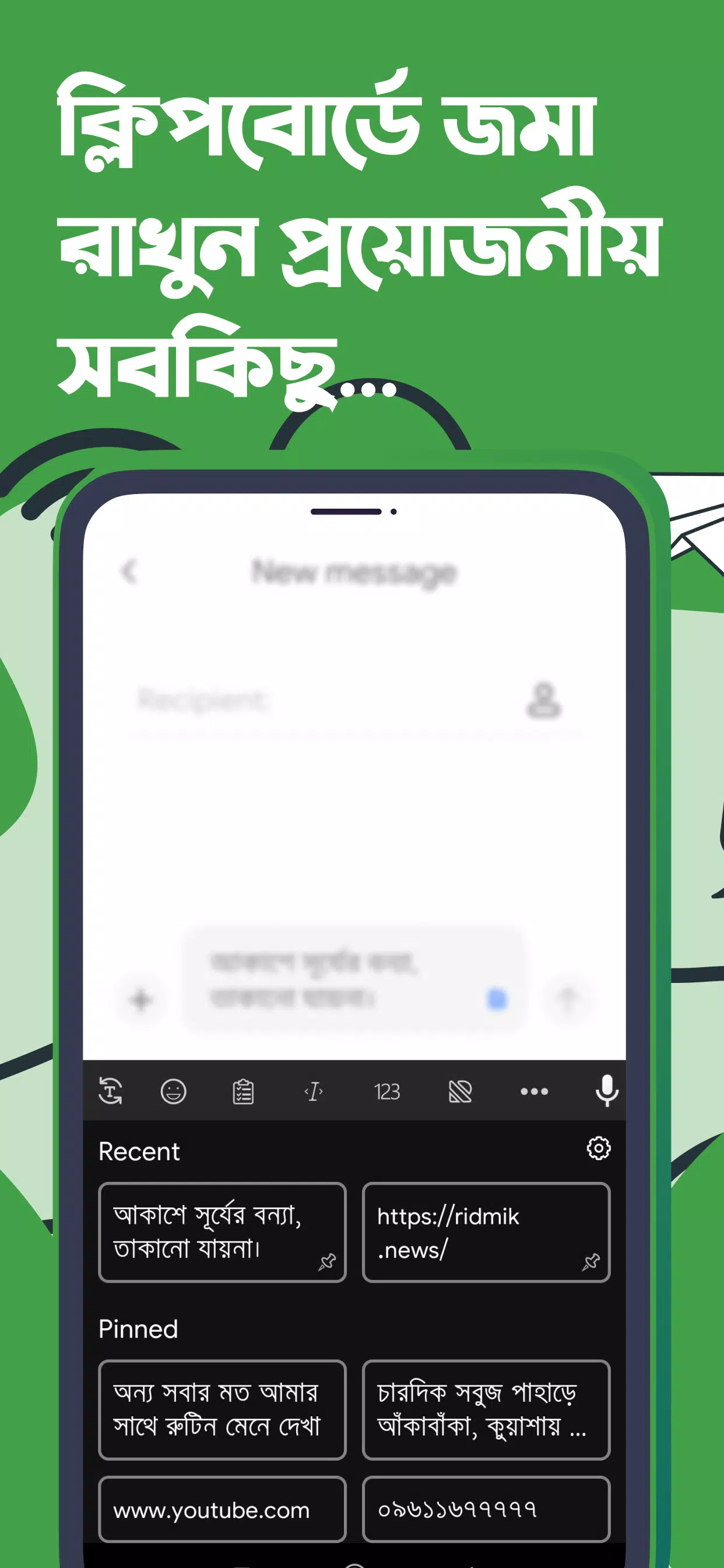
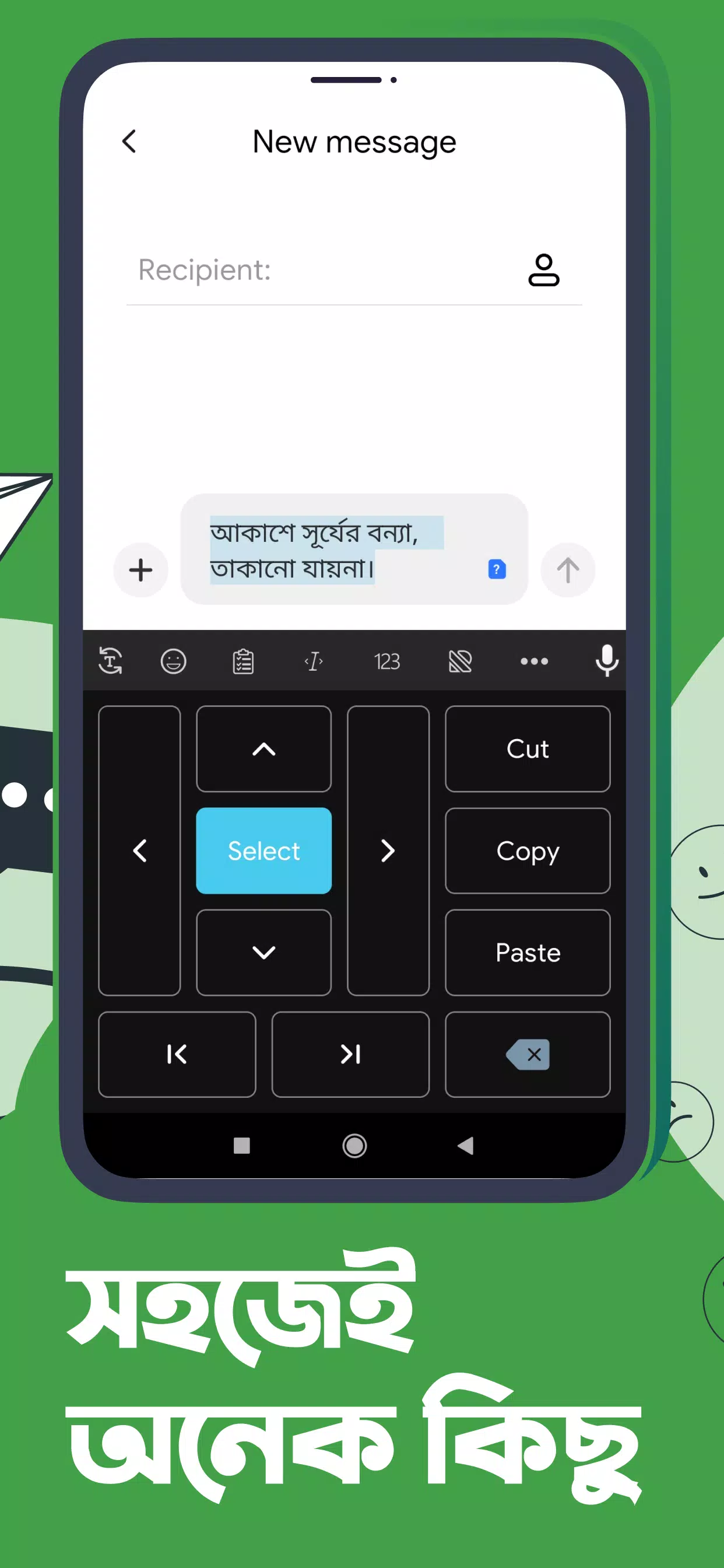
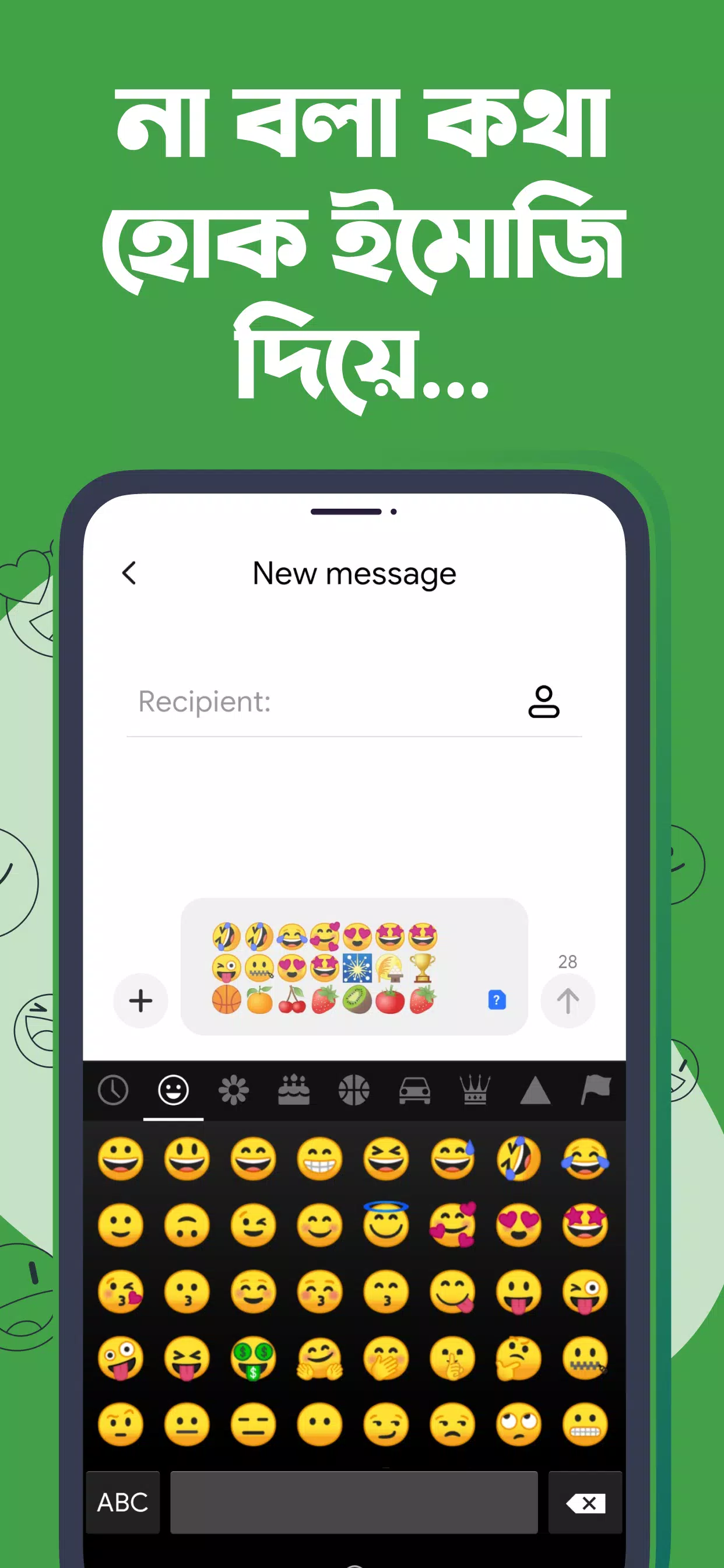
Ridmik Keyboard offers next word suggestions, emoji suggestions, a user dictionary, and a clipboard with recent copies. Moreover, quick text editing tools help you select, move the cursor, and fix mistakes with less effort.
Customization that fits you
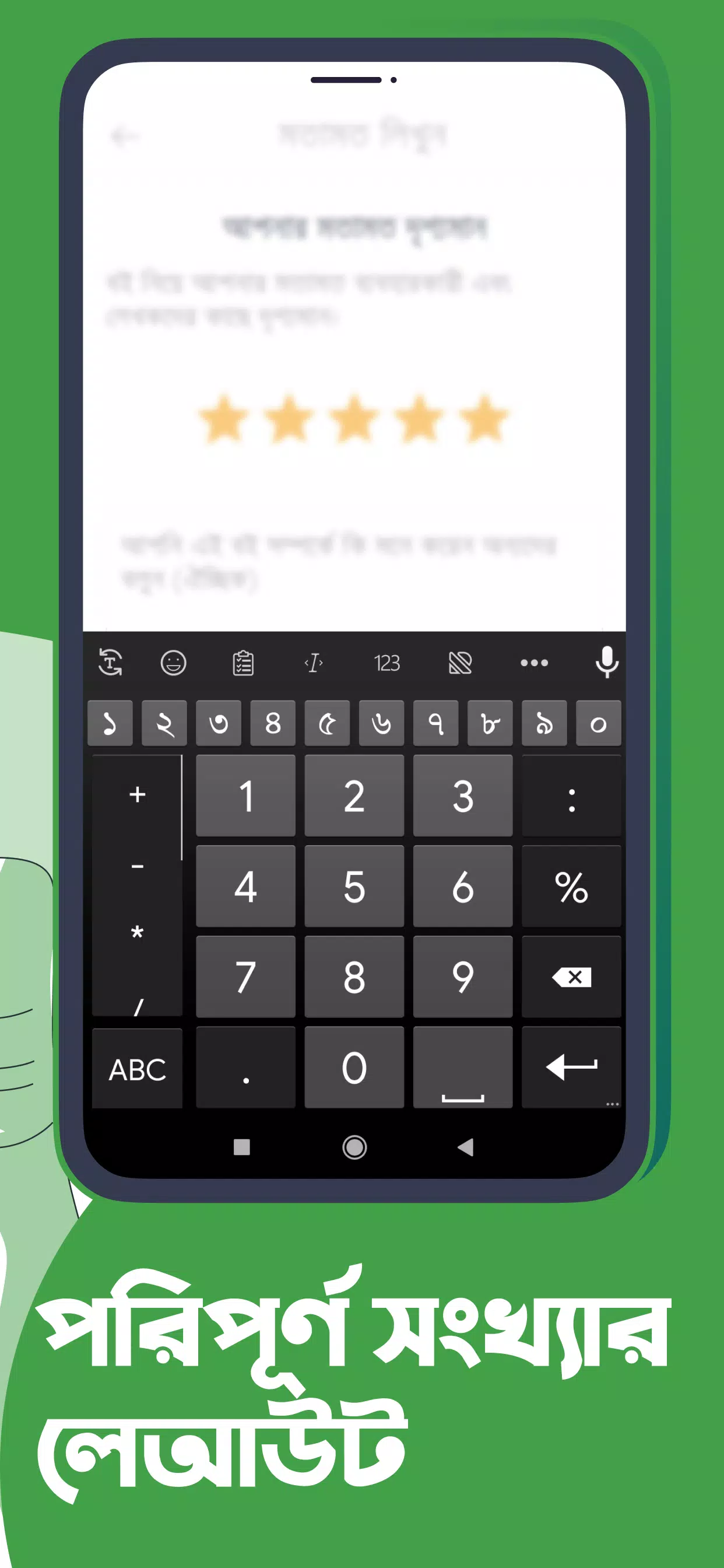
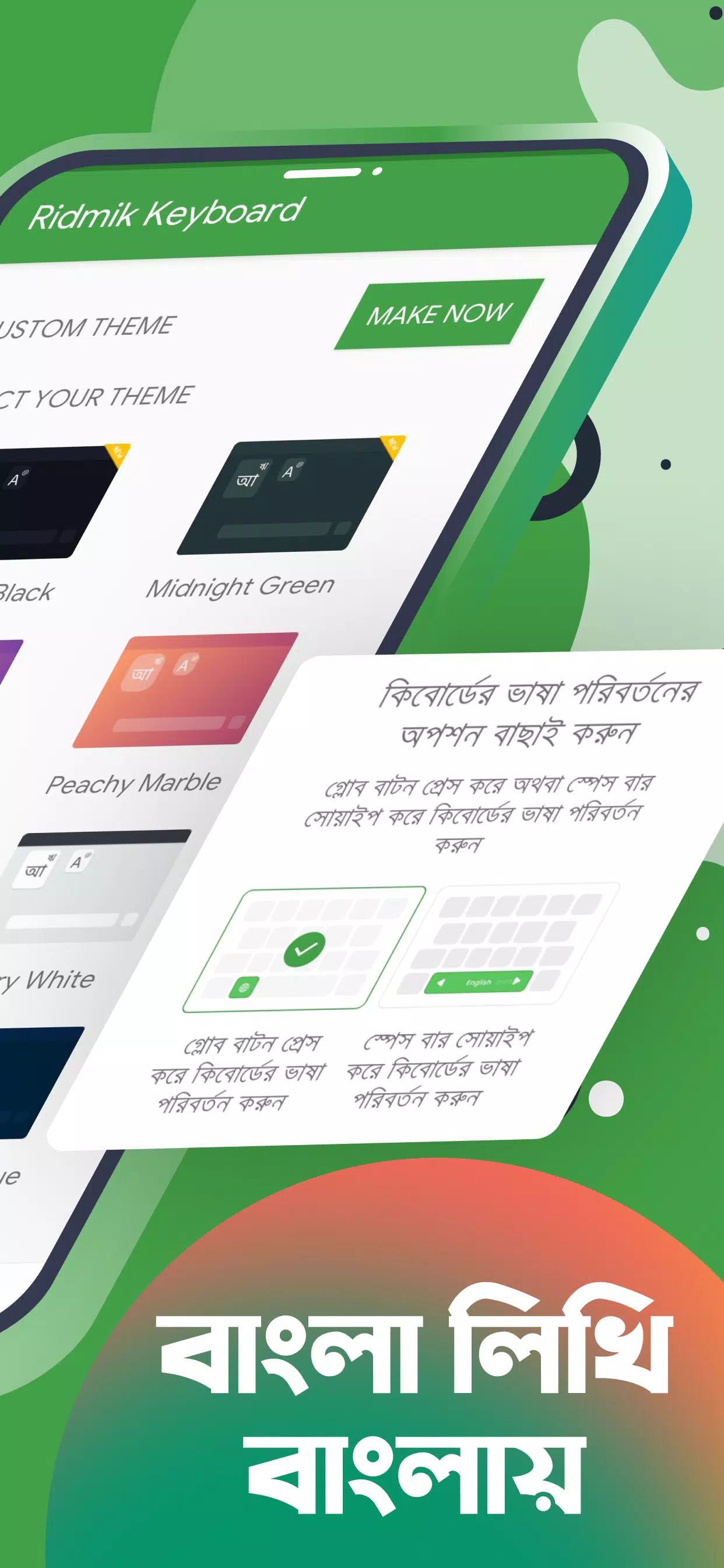
You can choose from a theme store, adjust keyboard height for portrait and landscape, and add a large or small number row. In addition, a dedicated number pad and spacebar drag cursor control make editing more precise.
Multilingual typing
Bangla and English come ready to use. You can also add Arabic and Chakma through language add ons. Therefore, switching languages inside Ridmik Keyboard is simple when you chat or write in multiple scripts.
How to start using Ridmik Keyboard
Set up takes a minute and helps you choose layouts, themes, and tools that match your routine. The steps below guide you through enabling the keyboard and customizing it for everyday typing.
Open your device Settings and go to Language and input, then enable Ridmik Keyboard as an input method.
Switch to Ridmik Keyboard in the input selector, then open Ridmik Keyboard settings from the gear icon.
Choose your preferred layout such as phonetic, National, or Probhat, and add English if needed.
Open Themes to select a design, and adjust keyboard height for portrait and landscape views.
You can type faster, turn on the number row if you use numbers often, and enable the spacebar drag cursor for precise edits.
Download and start typing with Ridmik Keyboard
Ridmik Keyboard brings flexible Bangla layouts, useful typing tools, and a privacy first approach to your daily messaging and writing. Get the latest Ridmik Keyboard APK on APKPure for a secure Ridmik keyboard app download, and keep your keyboard updated with new improvements.
Previous versions
Permissions
No permissions were detected automatically. Upload the APK again to analyze it.
User reviews
Sign in to write a review.
No written reviews yet.