Screenshots
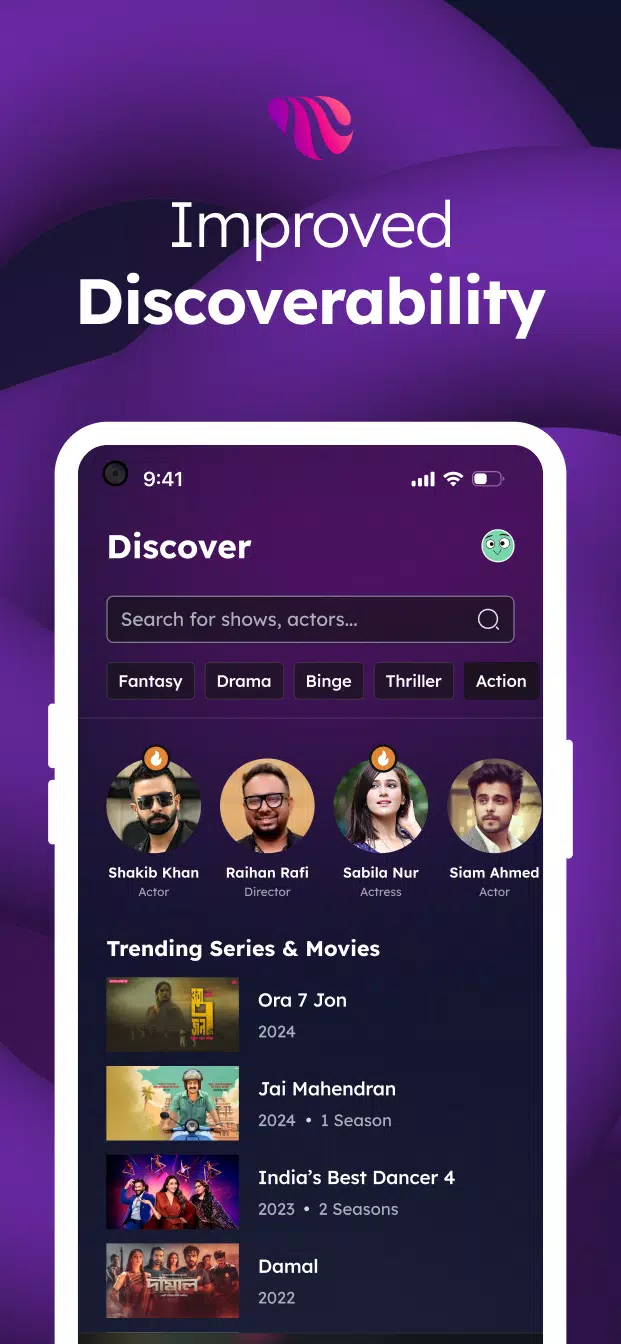
About this app
Toffee features that matter
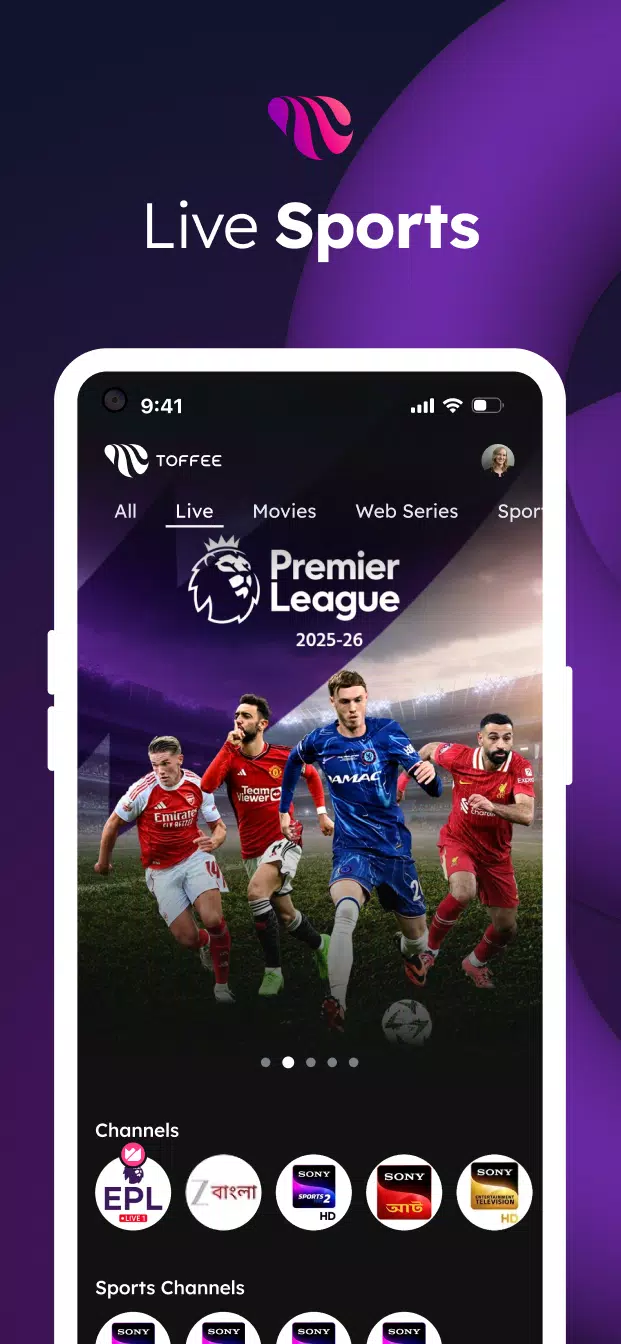
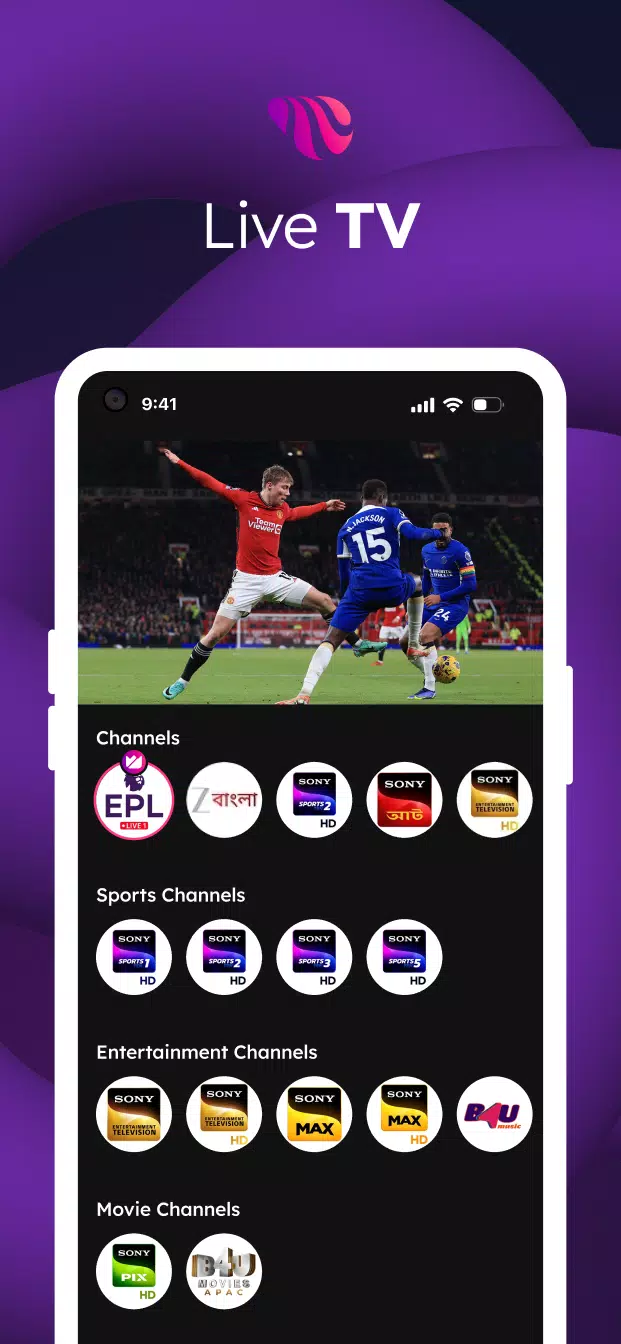
Live sports in real timeToffee streams live sports so you can follow cricket tournaments and high-voltage matches as they happen. You also get access to EPL coverage in one place, which helps you keep up with big fixtures. Streams start quickly and the schedule view makes it easy to plan your viewing.
Wide range of live TV channelsToffee brings Bangladeshi and international live TV together, including news, entertainment, kids, and infotainment channels. You can switch to global and local news with options like BBC News বাংলা, then move to kids or lifestyle channels without changing apps. The live guide helps you see what is on now and what is coming up next.
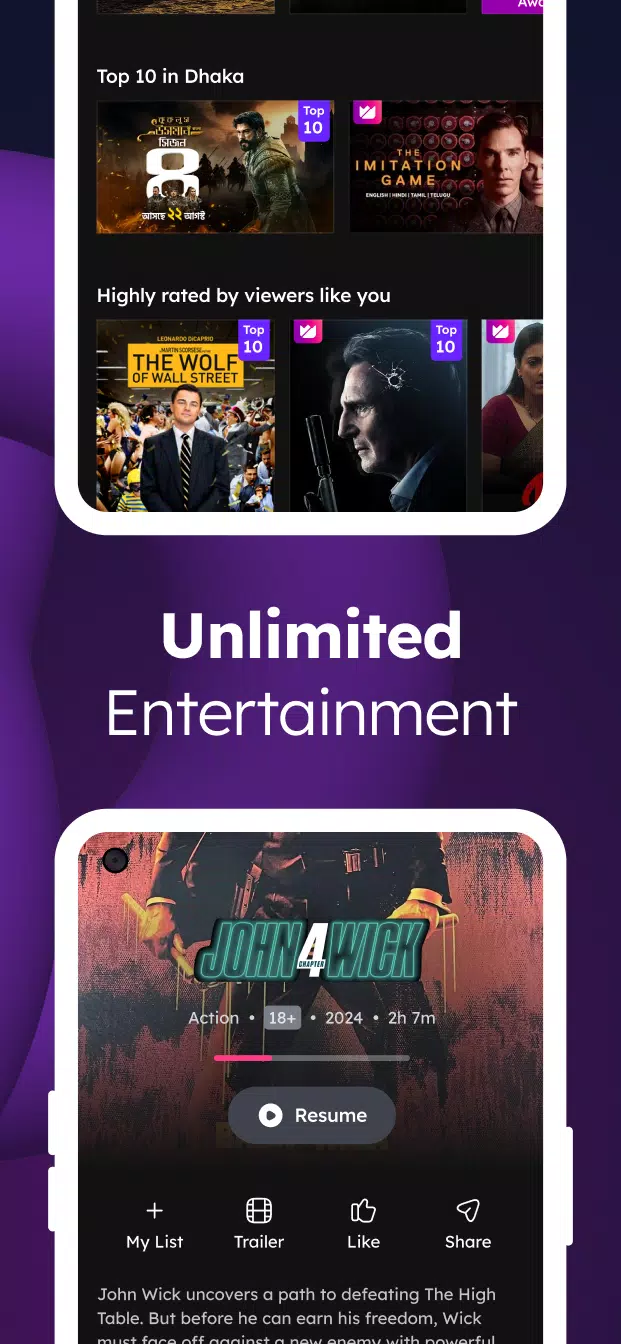
On-demand library across genresToffee offers web series, movies, dramas, and music videos across local and global catalogs. You can explore trending Bangladeshi content or watch popular international series such as Kurulus Osman and Dirilis Ertugrul when available. New titles are grouped by category so you can move from a drama to a music video with minimal steps.
Search filters, subtitles, and audio optionsToffee lets you search by genre, ratings, and release dates to reach the right title faster. Subtitles and multiple audio tracks are available on supported videos, which helps if you prefer a different language or need text on screen. If you want viewing without interruptions, you can switch to Premium to watch ad free.
Watch across mobile, web, and smart TVsToffee supports multi-device viewing, so you can start a show on your phone and continue later on the web or a smart TV. Your watch position carries over when you use the same account, which reduces the need to find your last spot. If you use Android TV, the official Android TV APK is available on the Toffee website for easy installation on your TV.
Important notes about Toffee in Bangladesh
Toffee is an OTT service by Banglalink designed for users in Bangladesh. Streaming works on any internet network within Bangladesh, and access outside the country may be limited due to content rights. If you travel, availability can vary by location and network conditions.
Watching Toffee on Android TV
Toffee supports TV viewing so you can enjoy live sports and channels on a larger screen. The official Android TV version can be installed using the Toffee APK provided on the Toffee website, which aligns with cross-device viewing. For watch history and resume points to sync, use the same account across your phone, web browser, and TV.
For Bangladeshi creators on Toffee
Toffee also hosts user-generated content so creators in Bangladesh can upload videos and monetize views. Before submitting, review the Creator’s Policy and content guidelines available on the official website. Clear policies and monetization terms help you understand eligibility and payout timelines before you start publishing.
How to use Toffee on Android
Getting started is straightforward, especially with the Toffee latest version installed on your device. The home screen highlights live sports, live TV, and on-demand picks so you can jump in quickly. Basic playback controls and search filters are close at hand for faster navigation.
- Open Toffee and allow any necessary app permissions so videos and notifications work as expected.
- From the home screen, browse Live Sports, Live TV, or On Demand, then use filters to narrow by genre, rating, or release date.
- Select a stream and tap play, then choose subtitles and an audio track if the title supports these options.
- When you need to switch devices, sign in with the same account and open Toffee on the web or your smart TV to continue where you left off.
- If you prefer viewing without ads, go to the account or plan section in the app and upgrade to Premium.
Start watching with Toffee
Toffee brings live sports, live TV, and a growing library of series, movies, and music videos together for Bangladesh. To begin, install the Toffee APK, sign in if needed, and pick up your favorite match or show across your devices.
Previous versions
Permissions
No permissions were detected automatically. Upload the APK again to analyze it.
User reviews
Sign in to write a review.
No written reviews yet.